
Introduction
This manual provides essential information for the safe and effective operation of your Dragonhawk Fold Pro Wireless Tattoo Machine Kit. Please read these instructions thoroughly before use to ensure optimal performance and longevity of your device. This kit is designed for professional tattoo artists.

Figure 1: Dragonhawk Fold Pro Wireless Tattoo Machine Kit
Safety Information
While no specific safety information was provided, it is crucial to adhere to general tattoo industry safety and hygiene standards. Always use sterile needles and equipment, wear appropriate personal protective equipment (PPE), and follow all local regulations regarding tattooing practices. This device is intended for adult use (18 years and older) by trained professionals.
Product Features
- Dual Replaceable Batteries: Two 3000mAh batteries provide extended operating time for uninterrupted tattoo sessions. Advanced battery chip design ensures safe, durable, and reliable performance.
- Mcore-C3 Motor: Equipped with the Mcore-C3 motor for excellent performance, smooth operation, and precise control, ensuring stable and accurate movements.
- Professional Precision: Designed for precise lining, shading, layering, and blending. Offers wireless freedom without sacrificing power or accuracy.
- Adjustable Stroke Length: Stroke range from 2.4 mm to 4.2 mm, adjustable via an intuitive knob, accommodating various tattoo styles.
- Advanced Direct Drive System: Ensures stable, precise, and quiet operation with stable voltage and low noise for smooth ink transfer.
- 5 Memory Modes: Easily switch between voltage modes (M1-M5) with a single click for quick access to preferred settings.

Figure 2: Internal view of the powerful Mcore-C3 motor.
Setup Instructions
- Charge Batteries: Ensure both 3000mAh batteries are fully charged before initial use. A full charge typically takes 2-3 hours. The multi-protection circuit prevents overcharge and over-discharge.
- Insert Battery: Insert one of the charged batteries into the machine.
- Attach Grip: Secure the desired grip to the machine.
- Attach Needle Cartridge: Insert a sterile needle cartridge into the machine.
- Adjust Stroke Length: Rotate the intuitive knob to set the desired stroke length between 2.4 mm and 4.2 mm.

Figure 3: Dual 3000mAh batteries for extended use and quick charging.
Operating Instructions
- Power On: Press the power button to turn on the machine. The digital display will show current voltage and battery status.
- Adjust Voltage: Use the '+' and '-' buttons to adjust the voltage to your preferred setting.
- Select Memory Mode: The machine features 5 memory modes (M1-M5). Click once on the screen to cycle through these presets for quick voltage recall.
- Adjust Needle Depth: Rotate the machine's body to adjust the needle depth from 0-4 mm, as shown in Figure 6.
- Apply Ink: Fill the needle cartridge with the desired tattoo ink.
- Begin Tattooing: Gently guide the tattoo pen over the client's skin to create the desired design.

Figure 4: Digital display for voltage, battery, and memory mode selection.

Figure 5: The 5 memory modes (M1-M5) for quick setting recall.

Figure 6: Adjusting the needle depth from 0-4 mm.
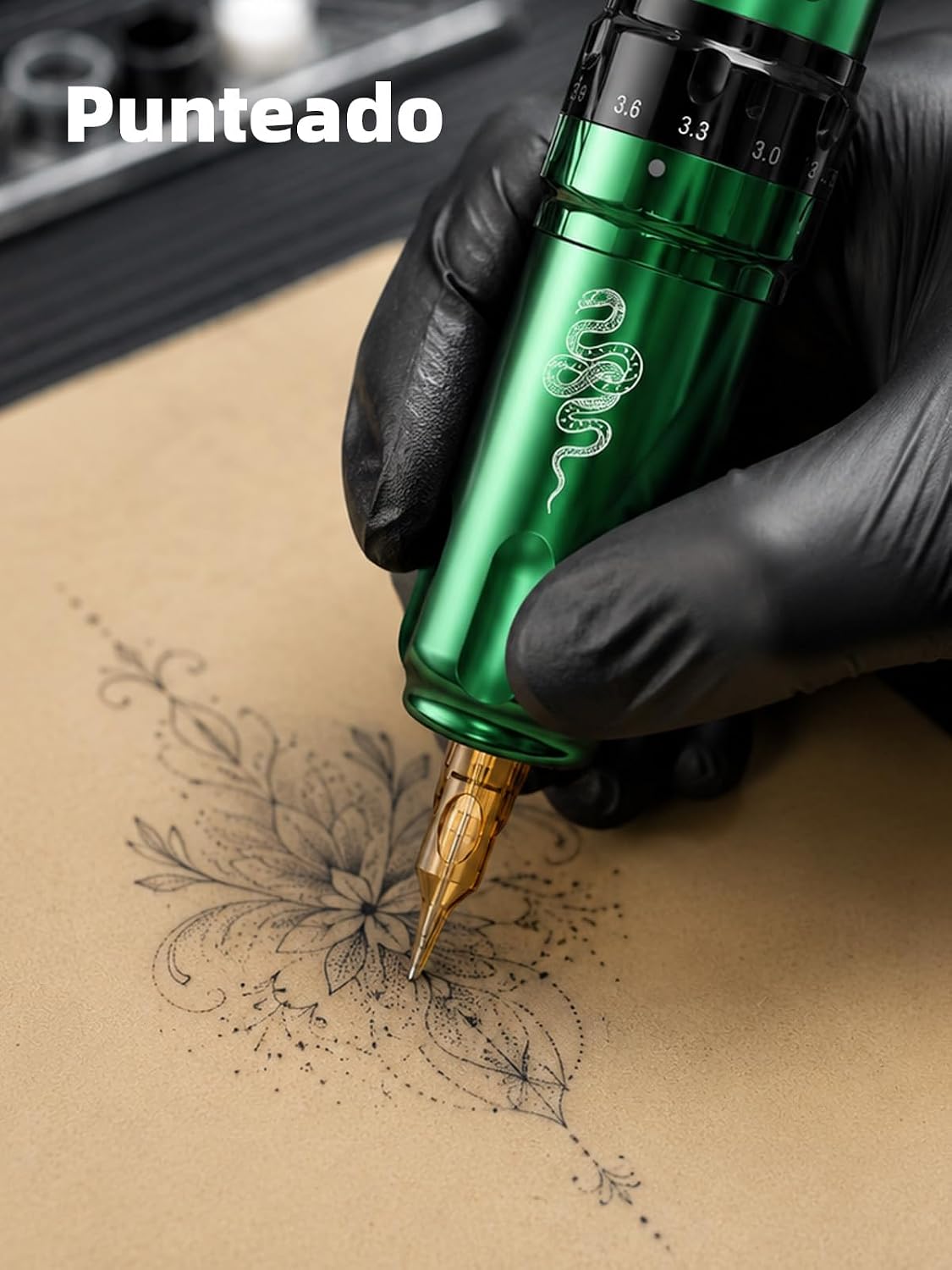
Figure 7: Examples of 7 adjustable stroke lengths for diverse tattoo styles.
Dot Work Mode
The Dragonhawk Fold Pro features a dedicated Dot Work Mode (D0-D9) for specialized dotting techniques. This mode allows for precise control over dot density and appearance.
Video 1: Demonstration of the Dot Work Mode (D0-D9) feature.
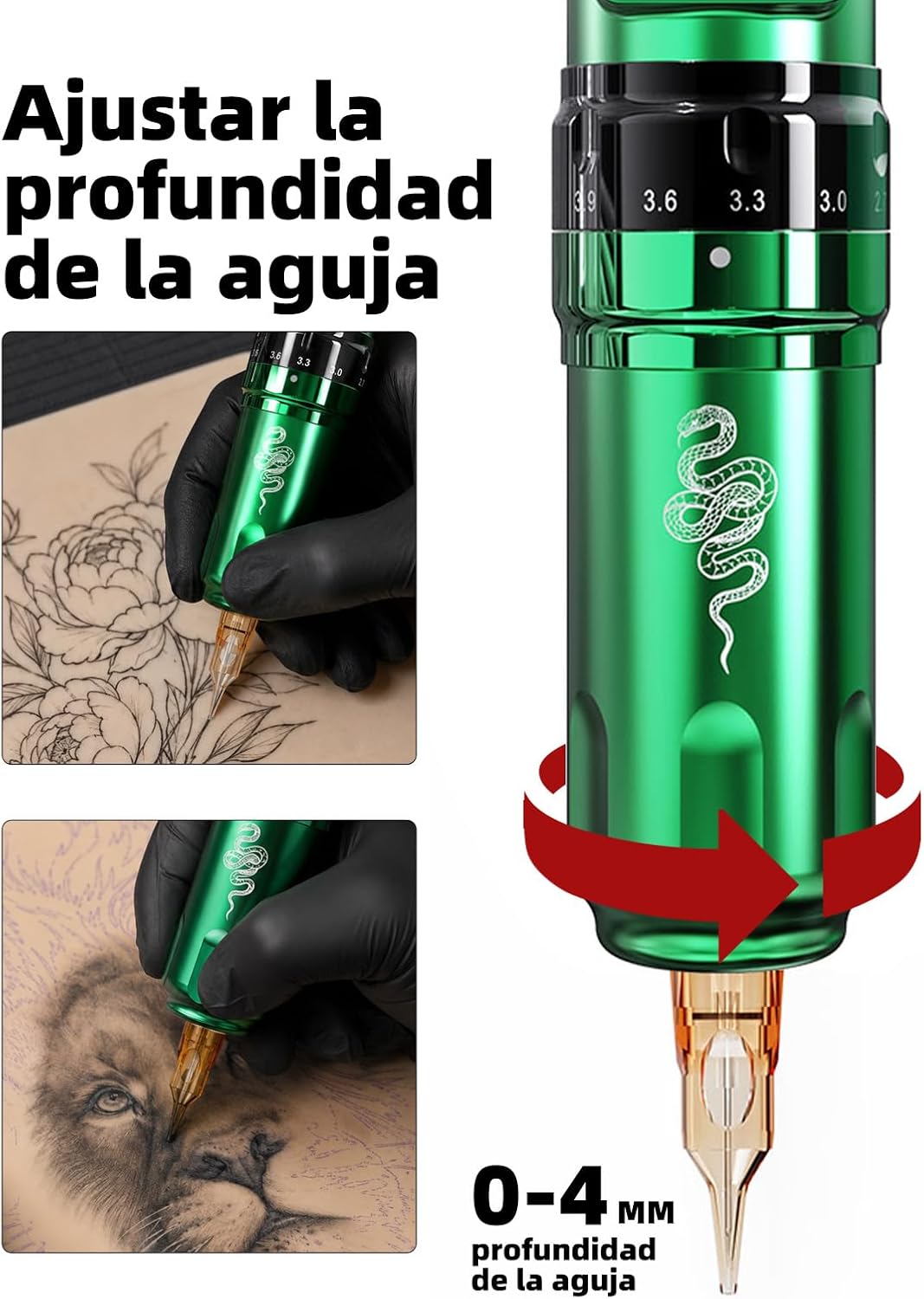
Figure 8: Detailed view of the Dot Work Mode in action, showing different dotting effects.
Maintenance
Proper maintenance ensures the longevity and hygiene of your tattoo machine.
- Cleaning: After each use, thoroughly clean the machine body with a suitable disinfectant wipe. Ensure no ink or bodily fluids remain on the surface.
- Sterilization: Components that come into contact with skin or ink (e.g., needle cartridges, grips) must be sterile and disposed of or sterilized according to professional standards.
- Storage: Store the machine in a clean, dry, and safe place when not in use.
- Battery Care: Do not expose batteries to extreme temperatures. Charge them regularly, even if not in frequent use, to maintain battery health.
Troubleshooting
If you encounter issues with your Dragonhawk Fold Pro, consider the following common solutions:
- Machine Not Turning On: Check if the battery is properly inserted and fully charged. Ensure the power button is pressed firmly.
- Inconsistent Power/Stuttering: Verify the battery charge level. Ensure the needle cartridge is correctly seated and not damaged. Clean any debris from the motor area if accessible.
- Ink Flow Issues: Check if the needle cartridge is clogged or damaged. Ensure the ink is of appropriate consistency.
- Overheating: If the machine feels excessively hot, discontinue use immediately. Allow it to cool down. Prolonged use at high voltages or with excessive resistance can cause overheating.
For persistent issues, please contact Dragonhawk customer support.
Specifications
| Feature | Detail |
|---|---|
| Model | Fold Pro Mcore-C3 (Year of Snake Edition) |
| Motor | Mcore-C3 |
| Battery Capacity | 2 x 3000mAh (Dual Replaceable Batteries) |
| Operating Time | Up to 12 hours continuous (with fully charged batteries) |
| Charging Time | 2-3 hours for full charge |
| Stroke Length | Adjustable from 2.4 mm to 4.2 mm |
| Needle Depth | Adjustable from 0-4 mm |
| Dimensions | 26.3 x 21.8 x 12.4 cm |
| Weight | 1.41 kg |
| Water Resistance | Not water resistant |
| Manufacturer Reference | MYWQP-080 |
| ASIN | B0F18QSJW7 |
Warranty and Support
For warranty information and customer support, please refer to the documentation included with your purchase or visit the official Dragonhawk website. Keep your proof of purchase for any warranty claims.
