
HONOR Honor 400 Lite
HONOR 400 Lite Smartphone User Manual
Model: 5109BRUX
Introduction
Welcome to the user manual for your new HONOR 400 Lite smartphone. This guide provides essential information to help you set up, operate, maintain, and troubleshoot your device. Please read this manual carefully to ensure optimal performance and longevity of your smartphone.
The HONOR 400 Lite is a powerful 5G smartphone featuring a 2.5 GHz Octa-core processor, 8GB RAM, and 256GB internal storage. It runs on Android 15 and is equipped with a 5230 mAh non-removable battery, a 6.7-inch AMOLED display, and a 108 MP main camera.
Getting Started: Initial Setup
Follow these steps to set up your HONOR 400 Lite for the first time.
1. Unboxing and Device Overview
Upon unboxing, ensure all components are present: the HONOR 400 Lite smartphone and a USB Cable. A charger is not included and must be acquired separately.
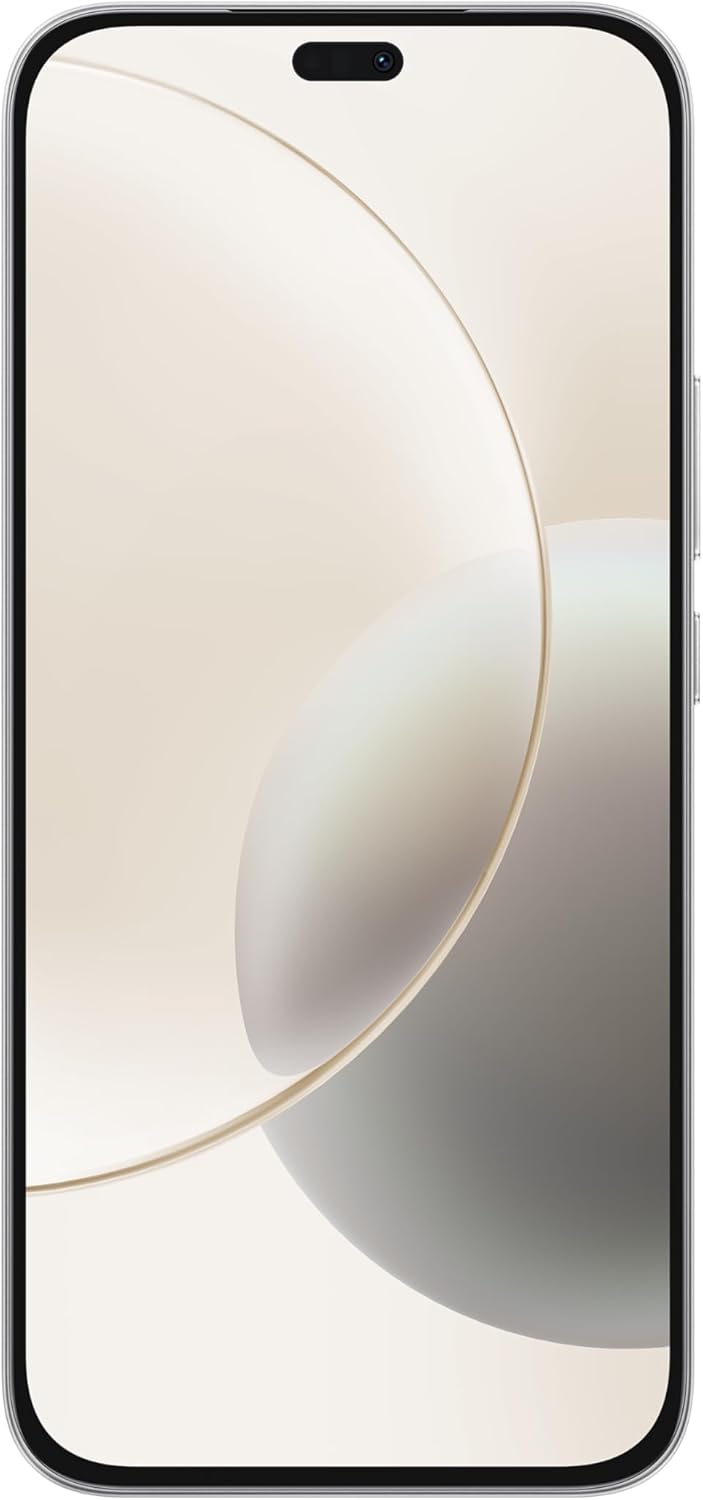
Front view of the HONOR 400 Lite, showcasing its large AMOLED display.
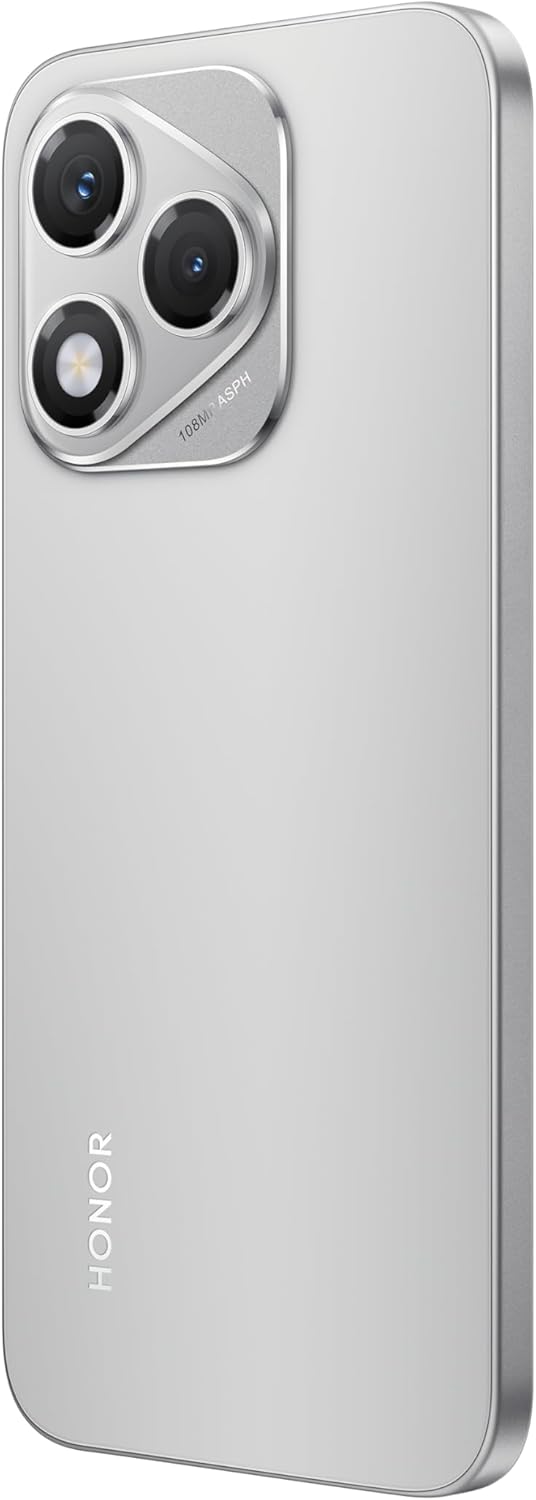
Side view of the HONOR 400 Lite, highlighting its slim profile and button placement.
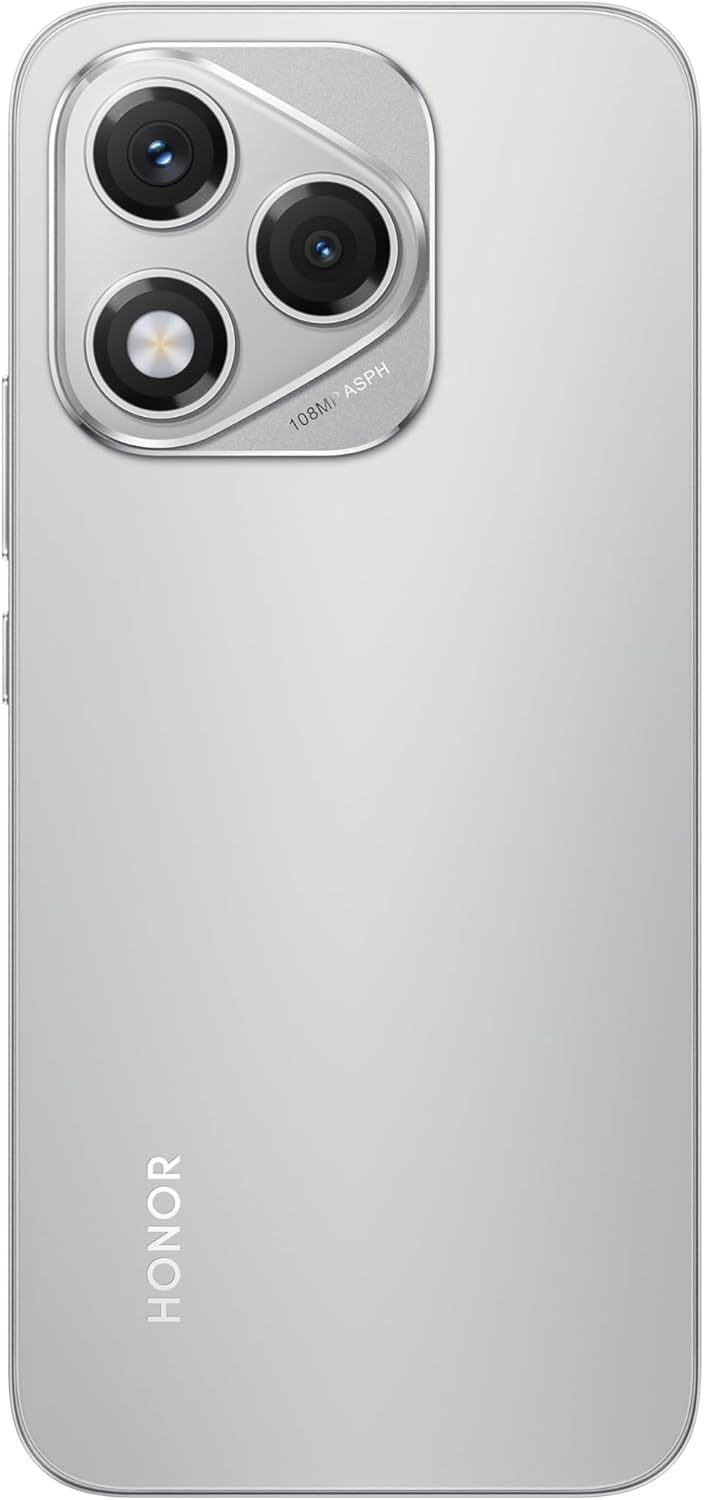
Rear view of the HONOR 400 Lite, showing the camera module and Velvet Grey finish.
2. Inserting SIM Cards
The HONOR 400 Lite supports Dual-SIM functionality. Locate the SIM card tray on the side of the device. Use the provided SIM ejector tool to open the tray. Insert your Nano-SIM cards into the designated slots. Ensure the gold contacts face downwards. This device is compatible with GSM networks only and does not support CDMA networks.
3. Initial Charge
Before first use, it is recommended to fully charge your device. Connect the USB cable to the phone's charging port and the other end to a compatible USB power adapter (not included). The battery indicator on the screen will show charging progress.
Operating Your HONOR 400 Lite
Learn how to use the key features of your smartphone.
1. Power On/Off and Basic Navigation
To power on, press and hold the power button until the HONOR logo appears. To power off, press and hold the power button, then select 'Power off' from the options. Navigate the Android 15 interface using touch gestures: tap to select, swipe to scroll, pinch to zoom.
2. Camera Functions
The HONOR 400 Lite features a 108 MP main camera, a wide & depth camera, and a 16 MP front camera. The AI Camera Button simplifies photo and video capture.

The AI Camera Button allows for quick photo capture by tapping once, video recording by pressing and holding, and zooming by tapping lightly.
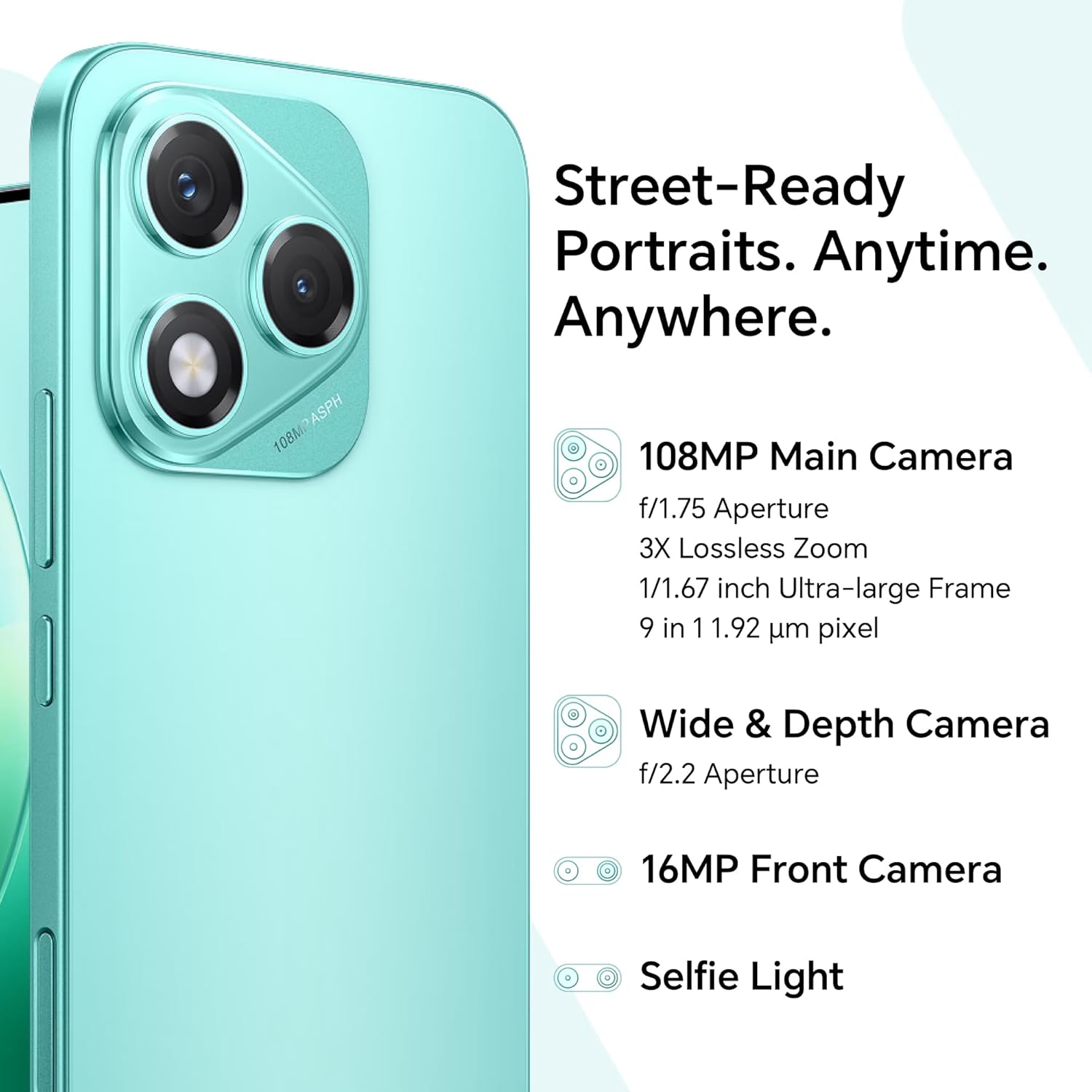
Detailed camera specifications, including the 108MP main camera with f/1.75 aperture and 3X lossless zoom, wide & depth camera, and 16MP front camera with selfie light.
3. Display Features
The 6.7-inch AMOLED display offers a resolution of 1080 x 2412 pixels. It boasts 3500 nits maximum brightness for clear visibility even in direct sunlight, a 120Hz refresh rate for smooth scrolling, and a 93.7% screen-to-body ratio with ultra-narrow symmetrical bezels.
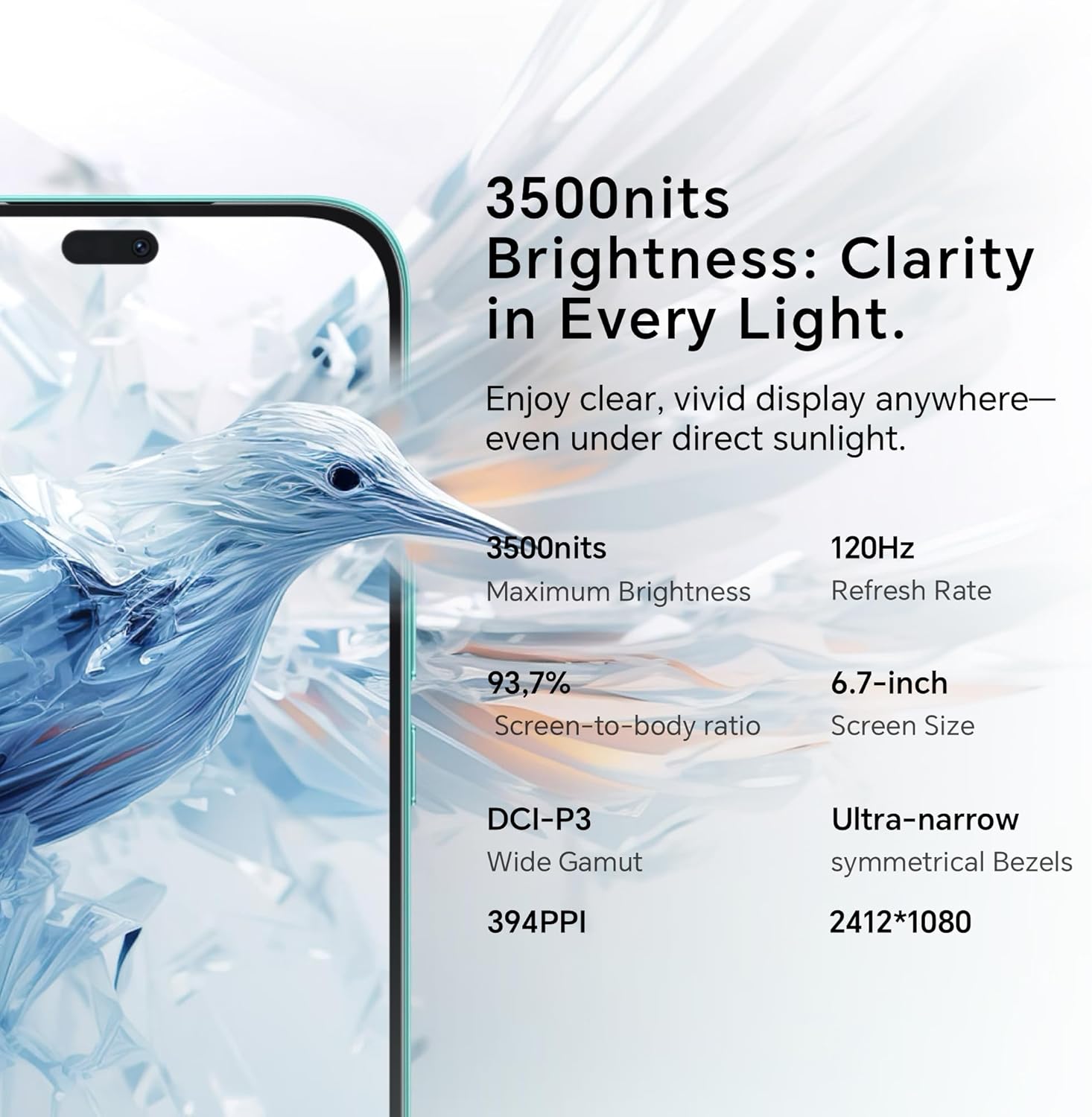
Key display features: 3500 nits brightness, 120Hz refresh rate, 93.7% screen-to-body ratio, 6.7-inch screen size, DCI-P3 wide gamut, 394PPI, and 2412*1080 resolution.
4. Battery Management
The HONOR 400 Lite is equipped with a 5230 mAh battery, designed for extended use. It supports 35W HONOR SuperCharge for fast recharging.
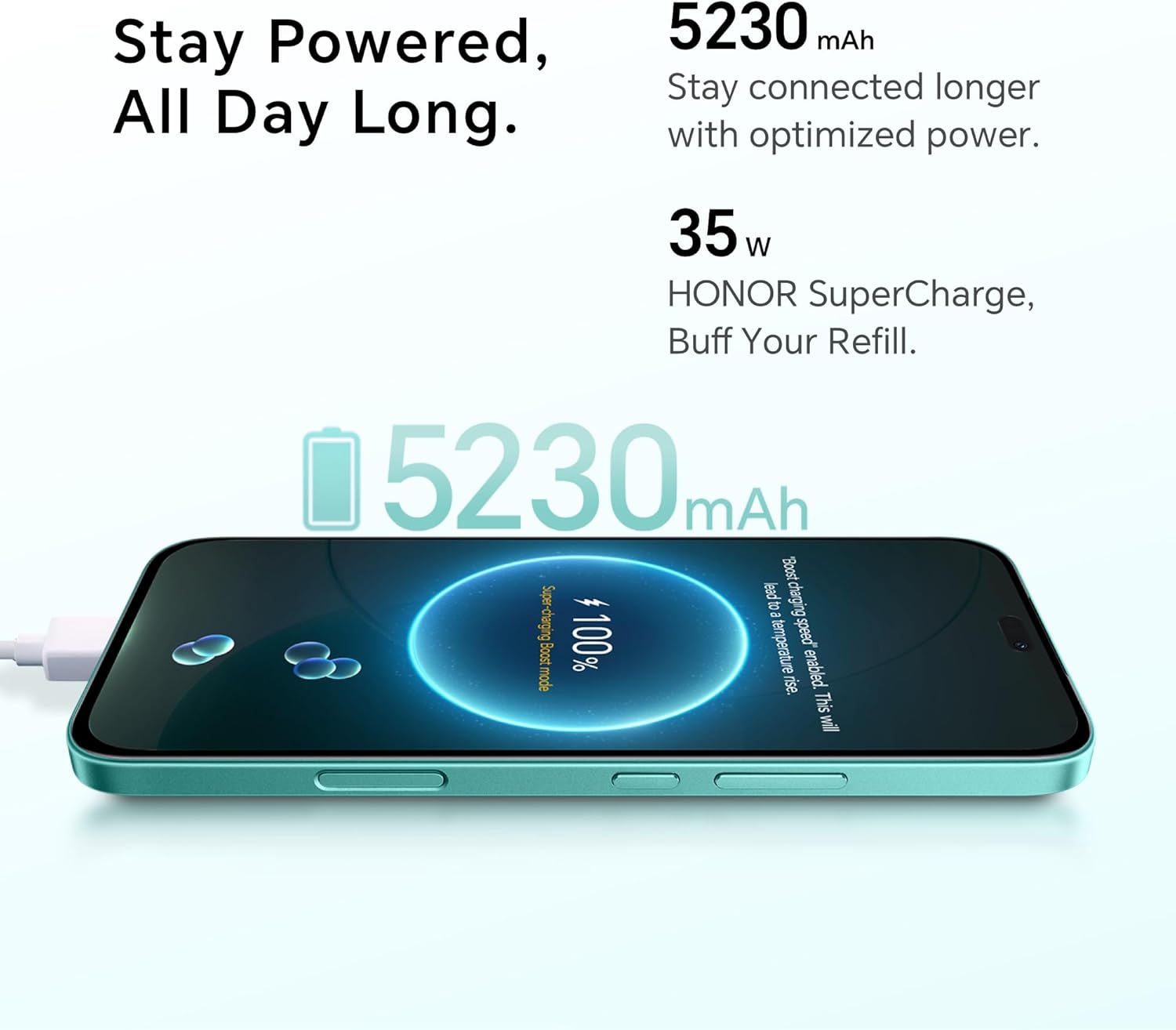
The 5230mAh battery provides long-lasting power, complemented by 35W HONOR SuperCharge for quick refills.
Maintenance and Care
Proper care ensures the longevity and optimal performance of your device.
1. Cleaning Your Device
Use a soft, lint-free cloth to clean the screen and body of the phone. Avoid using harsh chemicals or abrasive materials, which can damage the display or finish.
2. Water and Drop Resistance
The HONOR 400 Lite is certified IP64 for water-resistance and SGS five-star reliability for anti-drop protection. While it offers protection against splashes and drops from up to 1.8m, it is not fully waterproof. Avoid submerging the device in water or exposing it to high-pressure water jets.
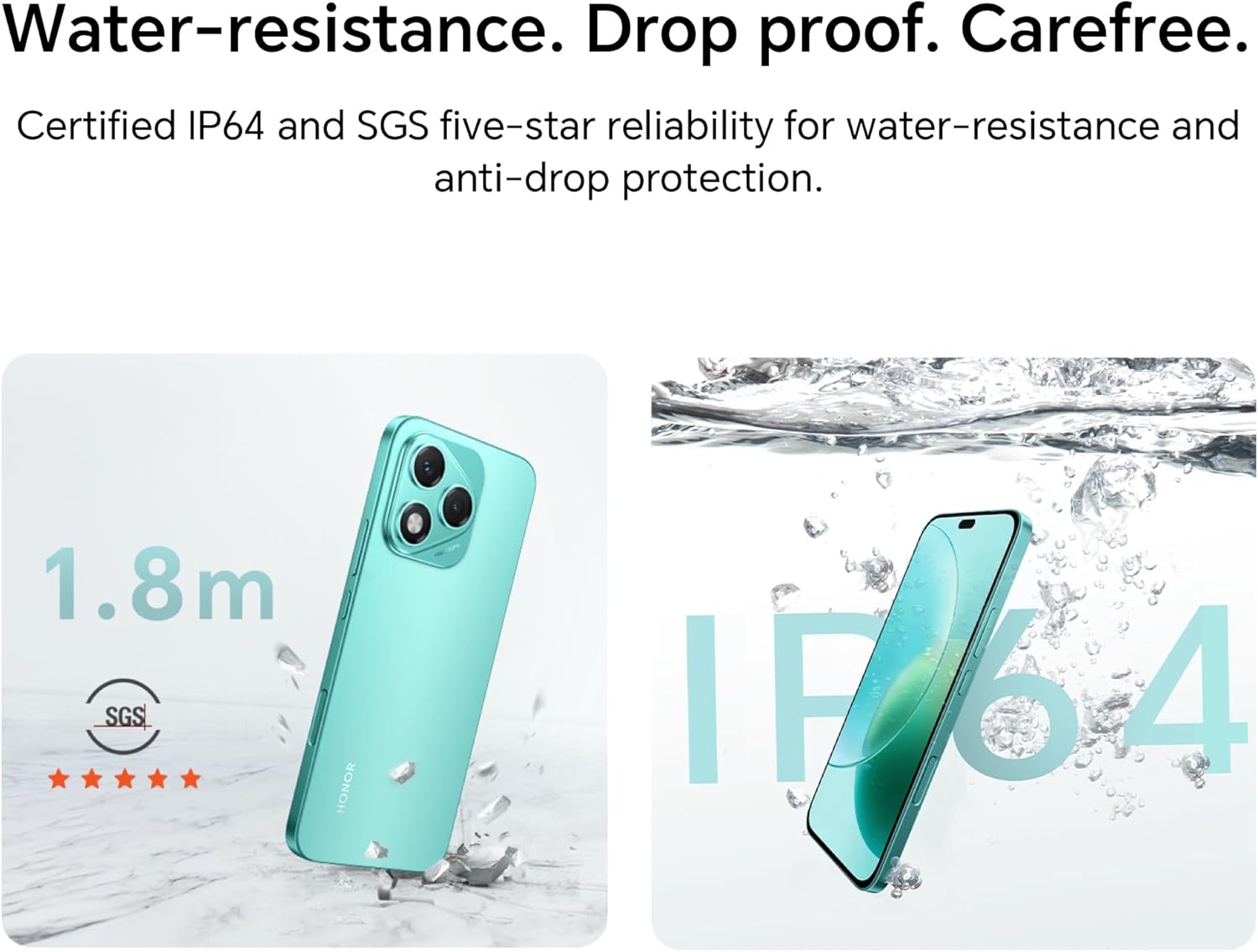
The HONOR 400 Lite is certified for 1.8m drop resistance and IP64 water resistance, providing enhanced durability.
3. Battery Care
To prolong battery life, avoid extreme temperatures. Do not leave the phone in direct sunlight or in very cold environments. Use only compatible charging accessories.
Troubleshooting Common Issues
This section addresses common problems you might encounter and their solutions.
1. Device Not Turning On
- Ensure the battery is charged. Connect the phone to a charger for at least 15 minutes before attempting to power on.
- Press and hold the power button for 10-15 seconds to perform a forced restart.
2. Poor Network Connectivity
- Check if your SIM card is properly inserted.
- Ensure you are within network coverage.
- Restart the device.
- Verify with your network provider that your SIM card is active and compatible with GSM networks. This device is not compatible with CDMA networks (e.g., Verizon, Sprint, US Cellular in the USA).
3. Apps Crashing or Freezing
- Close the problematic app and reopen it.
- Clear the app's cache and data in Settings > Apps.
- Ensure your device's software and the app are updated to the latest versions.
- If the issue persists, consider uninstalling and reinstalling the app.
4. Battery Draining Quickly
- Reduce screen brightness.
- Disable unused features like Wi-Fi, Bluetooth, GPS when not needed.
- Close background apps.
- Check battery usage in Settings to identify power-hungry apps.
Technical Specifications
| Feature | Specification |
|---|---|
| Model Name | Honor 400 Lite |
| Item Model Number | 5109BRUX |
| Operating System | Android 15 |
| Processor | Mediatek Dimensity 7025 Ultra (6 nm), Octa-core (2x2.5 GHz Cortex-A78 & 6x2.0 GHz Cortex-A55) |
| RAM | 8GB |
| Internal Storage | 256GB |
| Display | 6.7 Inches AMOLED, 1080 x 2412 pixels, 120Hz Refresh Rate, 3500 nits (peak) |
| Main Camera | 108 MP, f/1.8, (wide), 1/1.67", PDAF |
| Front Camera | 16 MP, f/2.5, (wide) |
| Battery Capacity | 5230 mAh (non-removable) |
| Charging | 35W HONOR SuperCharge |
| Connectivity | 5G, Dual-SIM (GSM Only), GPS, Wireless |
| Dimensions | 6.34 x 2.94 x 0.29 inches |
| Weight | 6 ounces (171 Grams) |
| Color | Velvet Grey |
| Water/Dust Resistance | IP64 Certified |
| Special Features | Dual SIM, Touchscreen, AI Camera Button |
| In the Box | USB Cable |
Warranty Information
Your HONOR 400 Lite smartphone comes with a standard manufacturer's warranty. The specific terms and duration of the warranty may vary by region and point of purchase. Please refer to the warranty card included with your product or visit the official HONOR website for detailed warranty information applicable to your location.
The warranty typically covers defects in materials and workmanship under normal use. It does not cover damage caused by accidents, misuse, unauthorized repairs, or normal wear and tear.
Customer Support
For further assistance, technical support, or service inquiries, please contact HONOR customer support through the following channels:
- Official Website: Visit the official HONOR website for FAQs, support articles, and contact information.
- Service Hotlines: Check the HONOR website for regional service hotlines.
- Authorized Service Centers: Locate an authorized service center near you for in-person support and repairs.
When contacting support, please have your device's model number (5109BRUX) and serial number ready.
Related documentsHonor 400 Lite


Ask a question about this manual
Ask about setup, troubleshooting, compatibility, parts, safety, or missing instructions. Manuals+ will review the question and use this page’s manual context to help answer it.