
Introduction
The AIRIVO Dinosaur Egg Galaxy Projector is a versatile device designed to create a relaxing and immersive environment. It combines a star projector, night light, white noise machine, and Bluetooth music speaker into one unit. This manual provides detailed instructions for its safe and effective use.
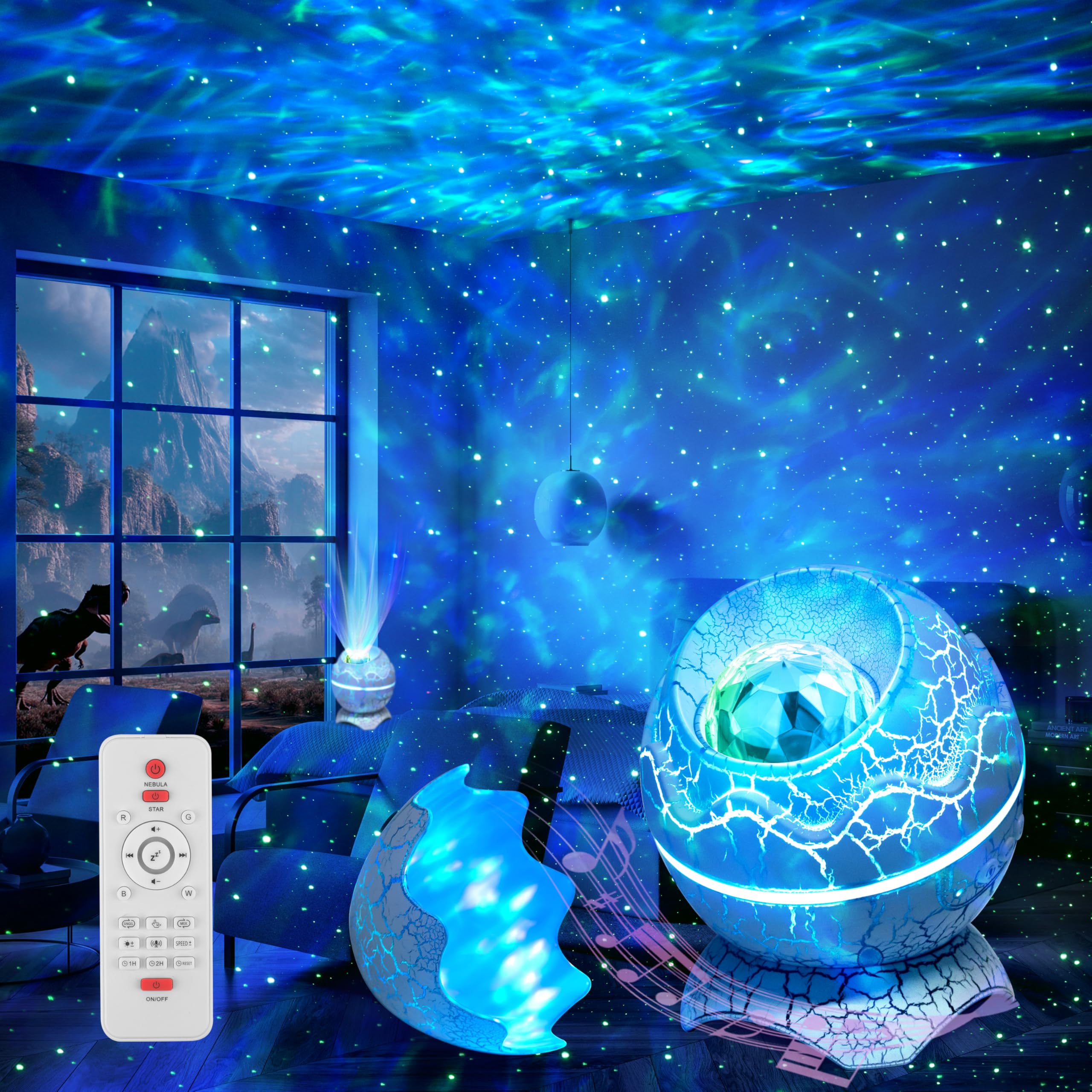
Image: The AIRIVO Dinosaur Egg Galaxy Projector creating a vibrant, colorful projection of stars and ocean waves across a room.
What's in the Box
Please check the package contents to ensure all items are present:
- Star Projector Night Light (Dinosaur Egg)
- Remote Control
- Power Cable (USB-C)
- User Manual
Product Overview
The projector features a unique dinosaur egg design and offers multiple functionalities:
- Star Projection: Projects stars and water ripple light effects with 14 vibrant color options.
- White Noise Machine: Includes 19 relaxing white noise sounds to aid sleep and relaxation.
- Bluetooth Speaker: Connects via Bluetooth 5.1 to play music, with lights syncing to the rhythm.
- Remote Control: Allows adjustment of lighting color, projection mode, brightness, speed, music, volume, and timer settings.
- Auto-Off Timer: Programmable for 1 hour, 2 hours, or automatic shutdown after 4 hours.

Image: The remote control for the projector, illustrating buttons for power, light modes, brightness, music, and timer functions.

Image: The projector providing 19 white noise soothing sounds, creating a peaceful atmosphere for sleep.
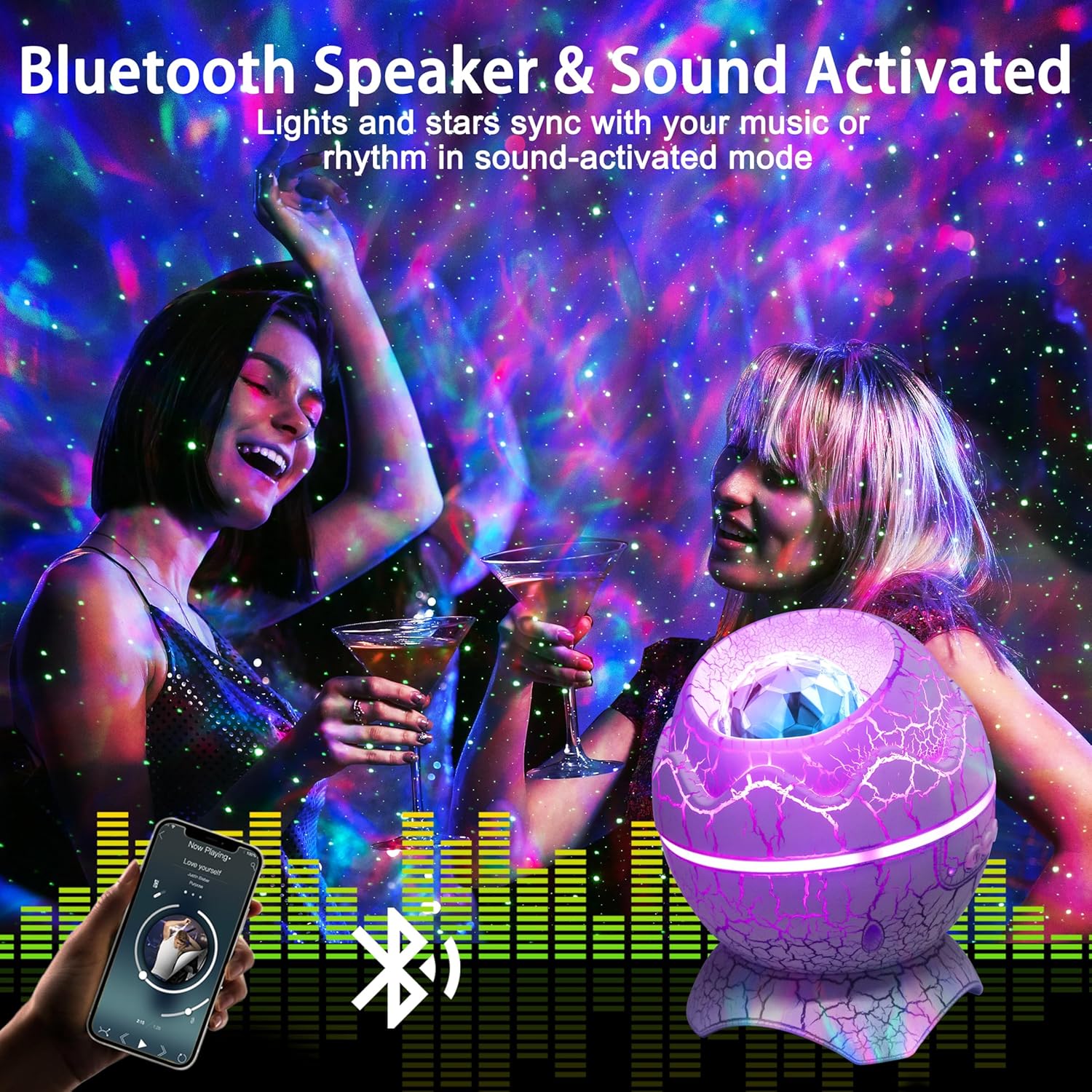
Image: The projector's Bluetooth speaker and sound-activated mode, where lights and stars sync with music.
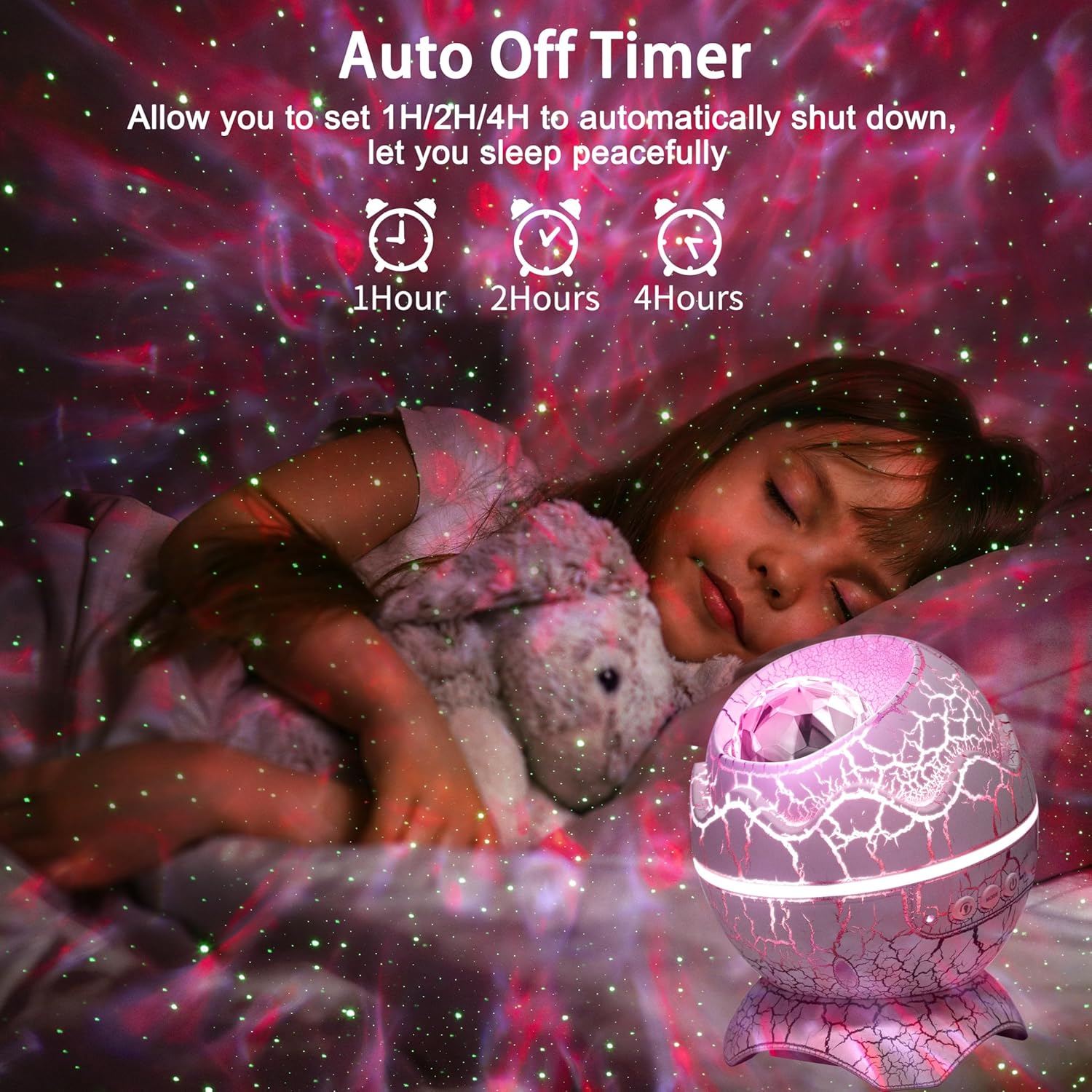
Image: The auto-off timer feature, allowing users to set the projector to shut down automatically after 1, 2, or 4 hours.
Setup
- Unpack: Carefully remove all components from the packaging.
- Power Connection: Connect the provided power cable to the projector and then to a suitable USB power adapter (not included) or USB port.
- Placement: Place the projector on a stable, flat surface. For optimal projection, position it in the center of the room or facing a wall/ceiling.
- Initial Power On: Press the power button on the projector or the remote control to turn it on.
Operating Instructions
Using the Remote Control
The remote control provides full functionality for the projector:
- Power Button: Turns the projector on or off.
- Light Mode Button: Cycles through different light projection modes (stars, ocean wave, combined).
- Color Selection: Choose from 14 vibrant color options for the projections.
- Brightness Adjustment: Adjust the intensity of the projected lights.
- Rotation Speed: Control the speed of the ocean wave and star rotation.
- Music Playback: Play/pause, skip tracks, and adjust volume for Bluetooth-connected music.
- White Noise Selection: Choose from 19 built-in white noise sounds.
- Timer Settings: Set the auto-off timer to 1 hour, 2 hours, or disable it. The projector automatically turns off after 4 hours if no timer is set.
Bluetooth Speaker Function
- Ensure the projector is powered on.
- On your mobile device, enable Bluetooth and search for available devices.
- Select "HJ-XKD08" (or similar name) from the list to pair.
- Once connected, you can play music from your device, and the projector lights will sync with the audio.
White Noise Function
Use the dedicated buttons on the remote control to browse and select from the 19 pre-loaded white noise sounds. Adjust the volume as desired.
Video: An official demonstration of the AIRIVO Dinosaur Egg Star Galaxy Projector's features and light effects.
Maintenance
- Cleaning: Use a soft, dry cloth to wipe the surface of the projector. Do not use abrasive cleaners or solvents.
- Storage: When not in use for extended periods, store the projector in a cool, dry place away from direct sunlight.
- Avoid Water: This device is not waterproof. Keep it away from water and high humidity.
Troubleshooting
| Problem | Possible Cause | Solution |
|---|---|---|
| Projector does not turn on. | No power or loose connection. | Ensure the power cable is securely connected and the power source is active. |
| Remote control not working. | Battery depleted or obstruction. | Replace the remote control battery. Ensure no obstructions between the remote and the projector. Point the remote directly at the projector. |
| Bluetooth connection fails. | Device not in pairing mode or too far. | Ensure Bluetooth is enabled on your device and the projector. Move your device closer to the projector. Try restarting both devices. |
| Lights are dim or not moving. | Brightness setting too low or rotation paused. | Adjust brightness using the remote. Check rotation speed settings. |
Specifications
- Model Number: HJ-XKD08
- Brand: AIRIVO
- Material: Plastic
- Shape: Round (Dinosaur Egg Design)
- Light Source Features: Color-changing, Sound activation, Remote control, Auto-off timer
- Connectivity: Bluetooth 5.1
- Manufacturer: Shenzhen Huijing Technology Co., Ltd
Warranty and Support
This AIRIVO product comes with a 1-year manufacturer's warranty from the date of purchase. This warranty covers defects in materials and workmanship under normal use.
For technical support, warranty claims, or any questions regarding your AIRIVO Dinosaur Egg Galaxy Projector, please contact AIRIVO customer service through the retailer where the product was purchased or visit the official AIRIVO website for contact information.