
Introduction
Thank you for choosing the UGREEN 25W Magflow Fast Wireless Charger Pad. This device is designed to provide efficient and safe wireless charging for your compatible devices. Please read this manual thoroughly before using the product to ensure proper operation and to maximize its lifespan.
Safety Information
This charger pad is equipped with intelligent temperature control and multiple safety protections to prevent common issues. Adhere to the following guidelines for safe use:
- Avoid exposing the device to extreme temperatures, direct sunlight, or humid environments.
- Do not disassemble, repair, or modify the product.
- Keep the charger away from water or other liquids.
- Ensure proper ventilation during use to prevent overheating.
- Use only compatible power adapters (45W+ input charger recommended for optimal speeds) to power the charging pad.
- Avoid placing metallic objects or foreign materials between the charger and your device during charging.
Package Contents
The UGREEN 25W Magflow Fast Wireless Charger Pad package includes:
- UGREEN 25W Magflow Fast Wireless Charger Pad (Model W753)
- Integrated USB-C Cable (1.5m / 4.9ft)
- User Manual and Help Guide

Image: UGREEN 25W Magflow Fast Wireless Charger Pad with its integrated USB-C cable.
Setup
- Connect to Power: Plug the integrated USB-C cable of the UGREEN Magflow Charger Pad into a compatible power adapter (a 45W+ power adapter is recommended for optimal charging speeds, not included).
- Placement: Place the charger pad on a flat, stable surface.

Image: UGREEN Magflow Charger Pad connected to a power adapter on a bedside table, with an iPhone placed on it for charging.
Operating Instructions
- Initiate Charging: Place your compatible device (e.g., iPhone, AirPods) onto the center of the UGREEN Magflow Charger Pad. The built-in magnets will automatically align your device for optimal charging.
- Verify Charging: Your device's screen should indicate that it is charging.
- Remove Device: Once charging is complete, simply lift your device from the pad.
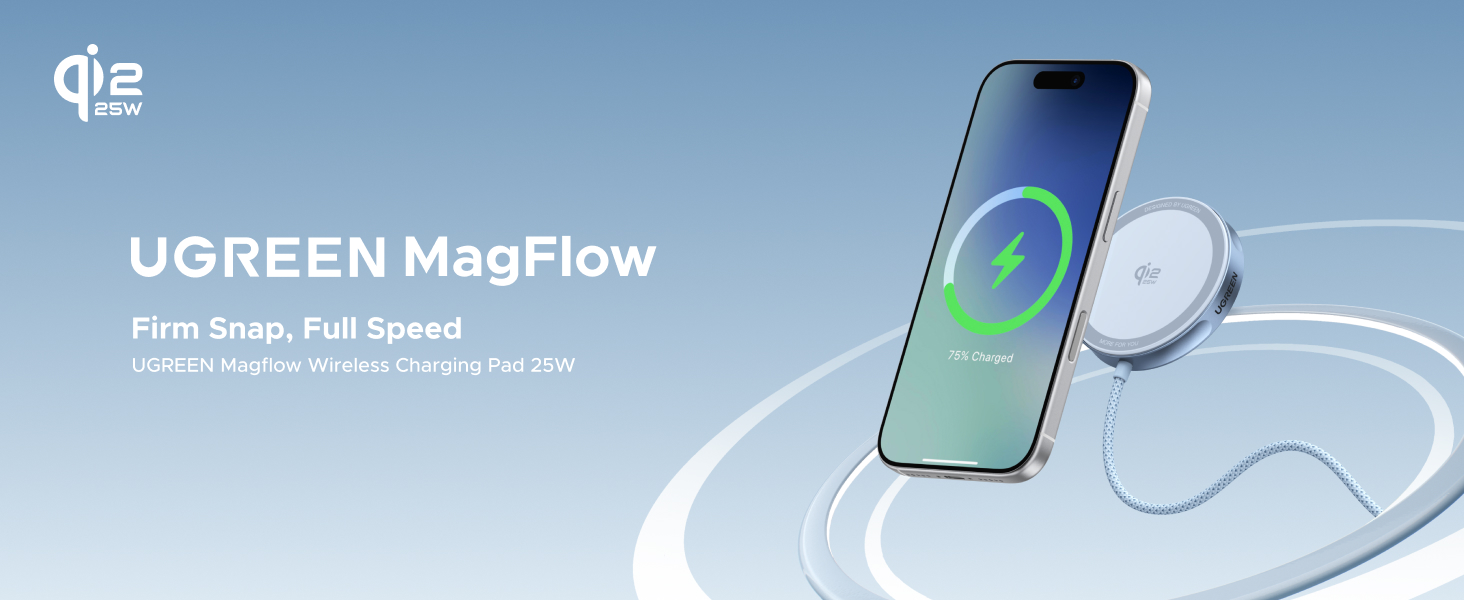
Image: A hand placing an iPhone onto the UGREEN Magflow Charger Pad, illustrating the magnetic alignment and charging status.
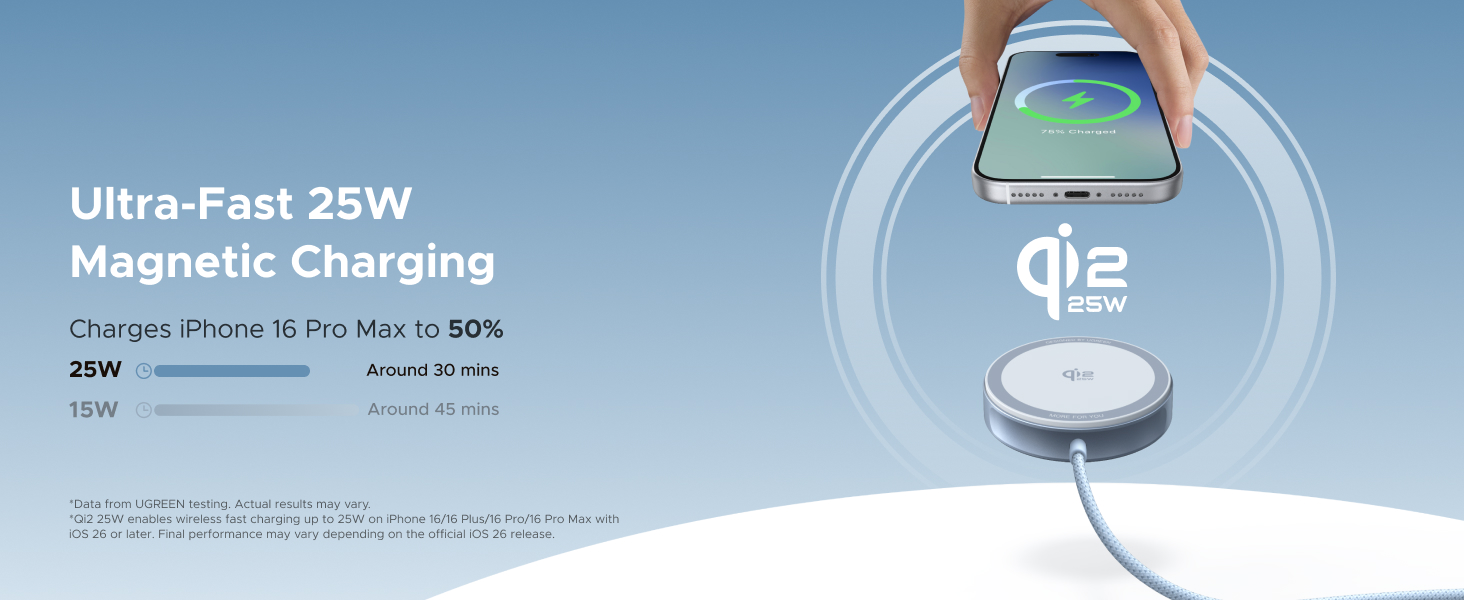
Image: A diagram illustrating the 16 powerful magnets within the UGREEN Magflow Charger Pad, ensuring a secure and precise attachment.
Compatibility
The UGREEN 25W Magflow Fast Wireless Charger Pad offers wide compatibility:
- 25W Fast Charging: iPhone 17 Series, iPhone 16 Series (requires iOS 26 or later).
- 15W Charging: iPhone 15 Series, iPhone 14 Series, iPhone 13 Series, iPhone 12 Series.
- 5W Charging: AirPods 4, AirPods 3, AirPods Pro 2nd Gen, AirPods Pro.
Note: Not compatible with AirPods model A1602 (2017) and A2897 (2022).
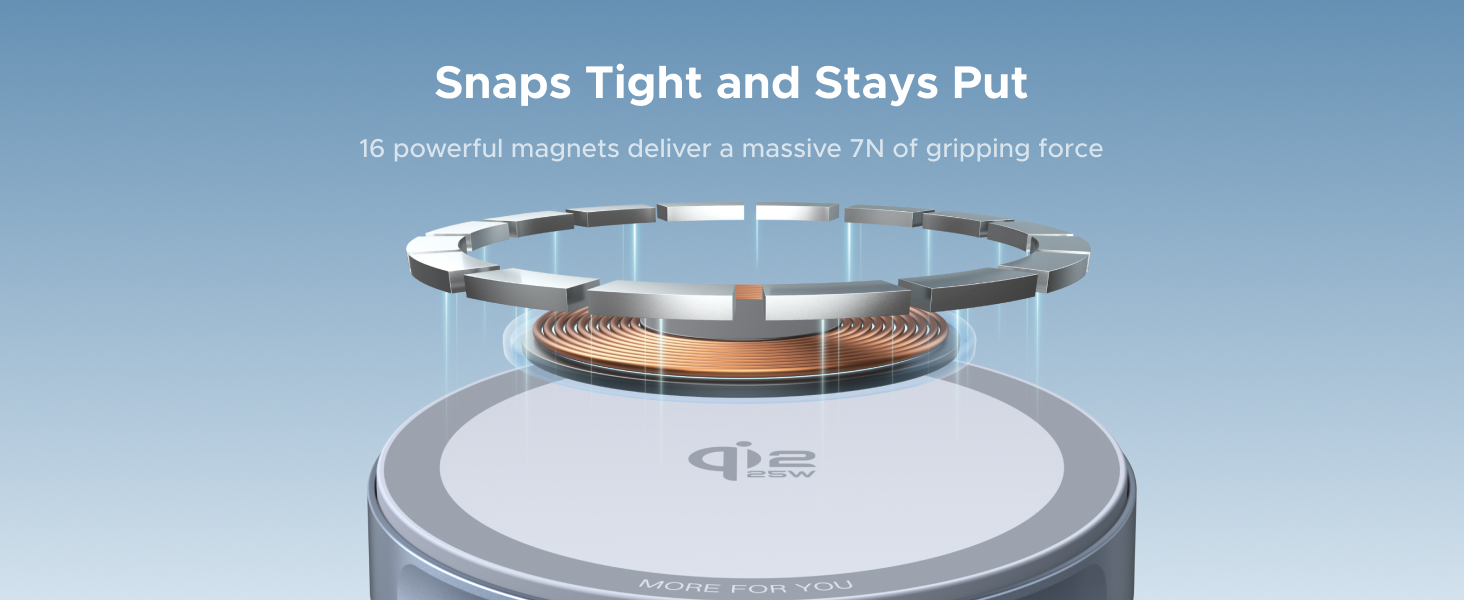
Image: A compatibility chart detailing charging speeds for various iPhone series and AirPods models with the UGREEN Magflow Charger Pad.
Features
- 25W Fast Charging: Qi2 certified pad delivers up to 25W wireless output for compatible iPhone and other Qi-enabled devices.
- Magnetic Precision: Strong built-in magnets ensure automatic and stable alignment for reliable charging.
- Slim & Portable: Ultra-thin design (2.36 x 0.4 x 2.36 inches, 5.6 ounces) for easy portability, fitting into backpacks or pockets.
- Safe Charging: Equipped with intelligent temperature control and multiple safety protections (overcharge, input overvoltage, high temperature, short circuit, overcurrent, overpower, static electricity, foreign object detection) to safeguard your devices.
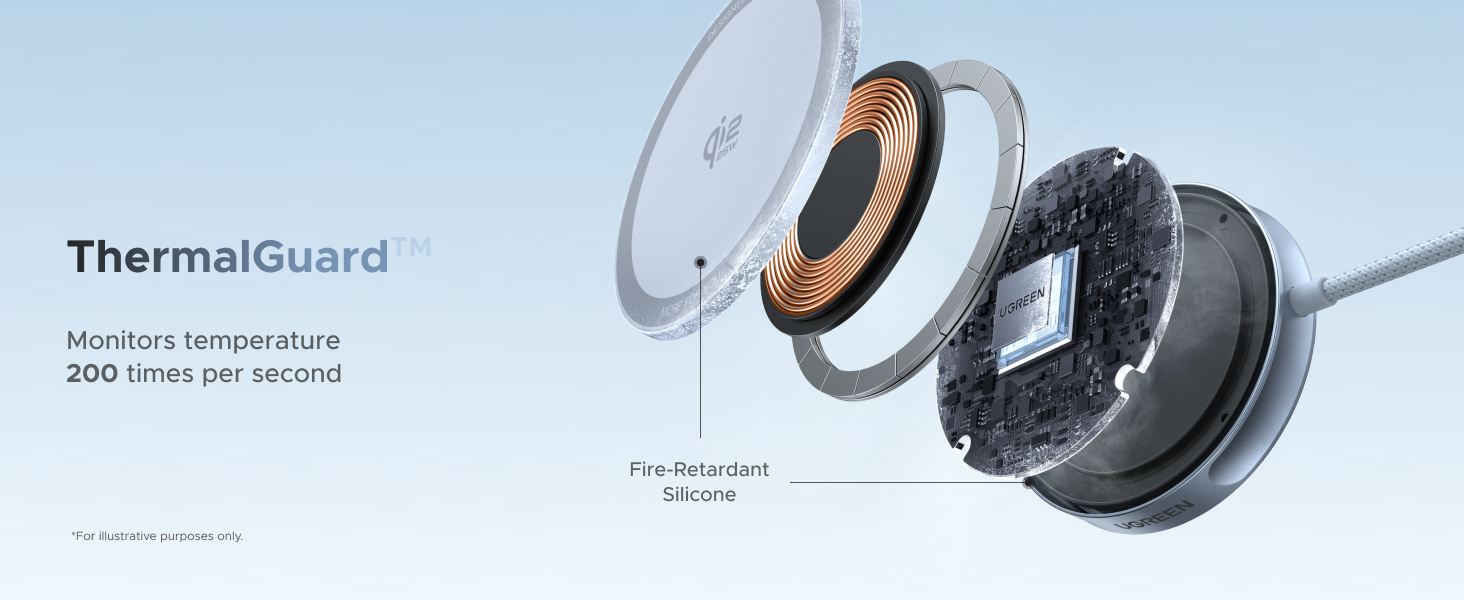
Image: Diagram illustrating the ThermalGuard technology, which monitors temperature 200 times per second for safe charging.
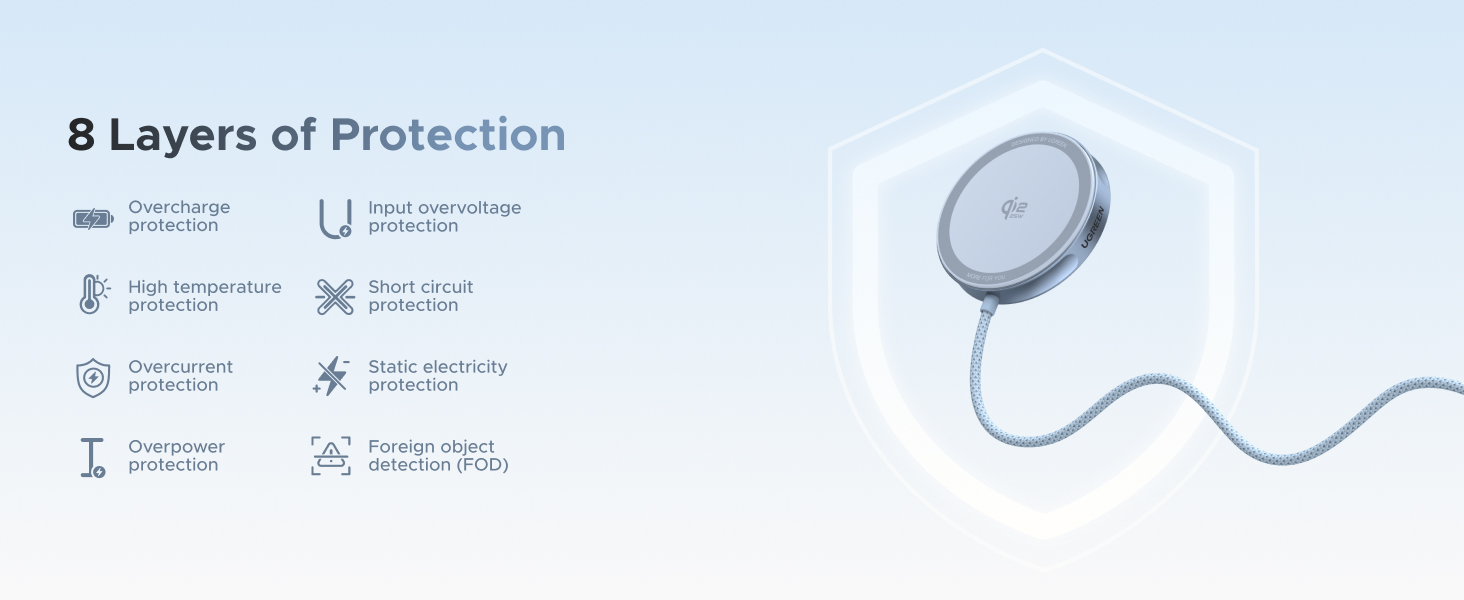
Image: Infographic detailing the 8 layers of protection, including overcharge, overvoltage, high temperature, and foreign object detection.
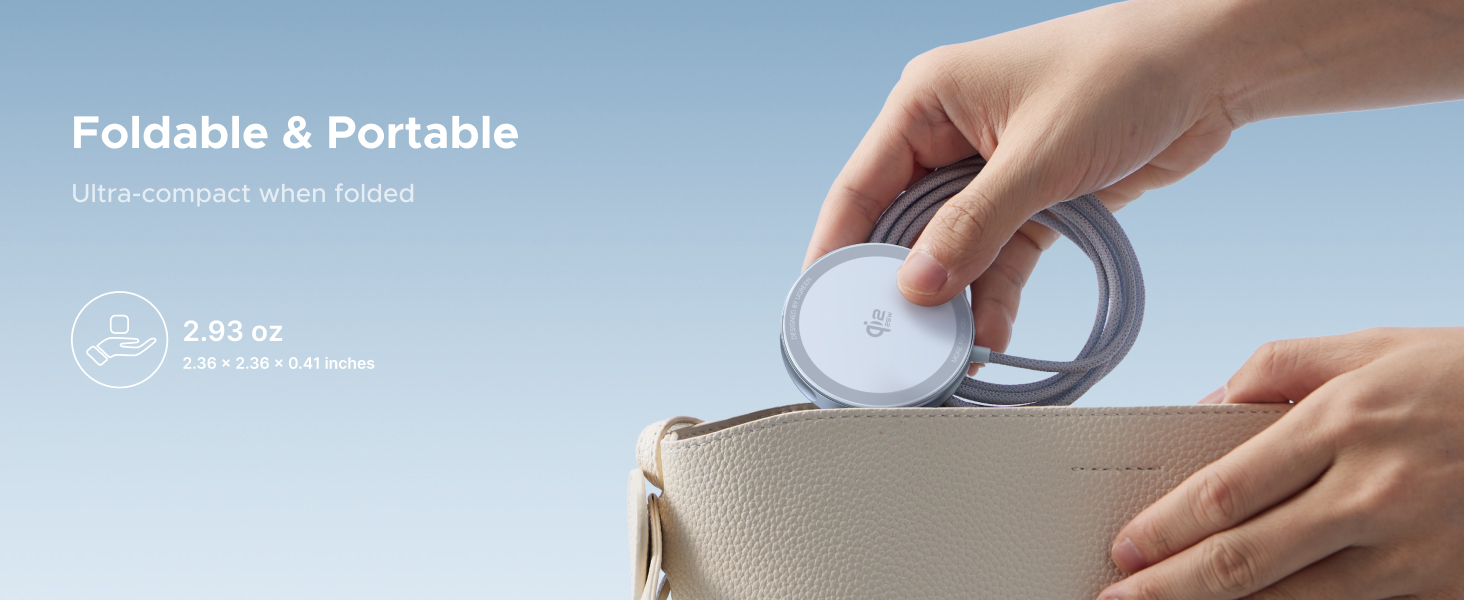
Image: A hand holding the compact UGREEN Magflow Charger Pad, highlighting its pocket-sized convenience and portability.
Specifications
| Brand | UGREEN |
| Model Number | W753 |
| Item Weight | 5.6 ounces (0.16 Kilograms) |
| Product Dimensions | 2.36 x 0.4 x 2.36 inches |
| Connectivity Technology | Wireless |
| Connector Type | USB Type C |
| Compatible Devices | Headphones, Smartphones |
| Compatible Phone Models | iPhone 17/16/15/14/13/12 Series |
| Compatible Earbuds | AirPods 2, AirPods 3rd Gen, AirPods Pro 2nd Gen, AirPods Pro |
| Special Feature | Fast Charging, Magsafe Compatible, Wireless Charging Pad |
| Color | Silver |
| Input Voltage | 12 Volts (AC) |
| Wattage | 25 watts |
| Material | Plastic |
Maintenance
To ensure the longevity and optimal performance of your UGREEN Magflow Charger Pad:
- Clean the surface regularly with a soft, dry cloth.
- Do not use abrasive cleaners or solvents.
- Store the charger in a cool, dry place when not in use.
Troubleshooting
If you encounter issues with your charger pad, try the following:
- Device not charging: Ensure your device is properly aligned on the charging pad. Remove any thick cases or metallic objects that might interfere with wireless charging.
- Slow charging: Verify that your power adapter meets the recommended 45W+ output. Ensure your device supports the higher charging speeds.
- Overheating: Disconnect the charger and allow it to cool down. Ensure proper ventilation and that no foreign objects are on the charging surface.
- Intermittent charging: Unplug the charger from the power source and plug it back in. Try a different power outlet or adapter.
Warranty and Support
UGREEN products come with a standard manufacturer's warranty. For detailed warranty information, technical support, or customer service, please visit the official UGREEN website or contact their customer support team directly. Keep your purchase receipt for warranty claims.
UGREEN Official Website: www.ugreen.com