
1. Introduction and Overview
The SYLVOX 22-inch 12 Volt Smart RV TV is engineered for versatility and durability, making it ideal for various environments including RVs, boats, beach houses, and traditional home settings. This TV features a built-in DVD player, 1080P Full HD resolution, and a wide 178-degree viewing angle for an immersive experience. It operates on both AC and DC power (9-32V), offering flexible power solutions. With Google TV OS, users can enjoy seamless streaming from popular apps, wireless casting, and voice control via Google Assistant. Its marine-grade construction ensures resistance to moisture, corrosion, and salt spray, providing reliable entertainment wherever you go.
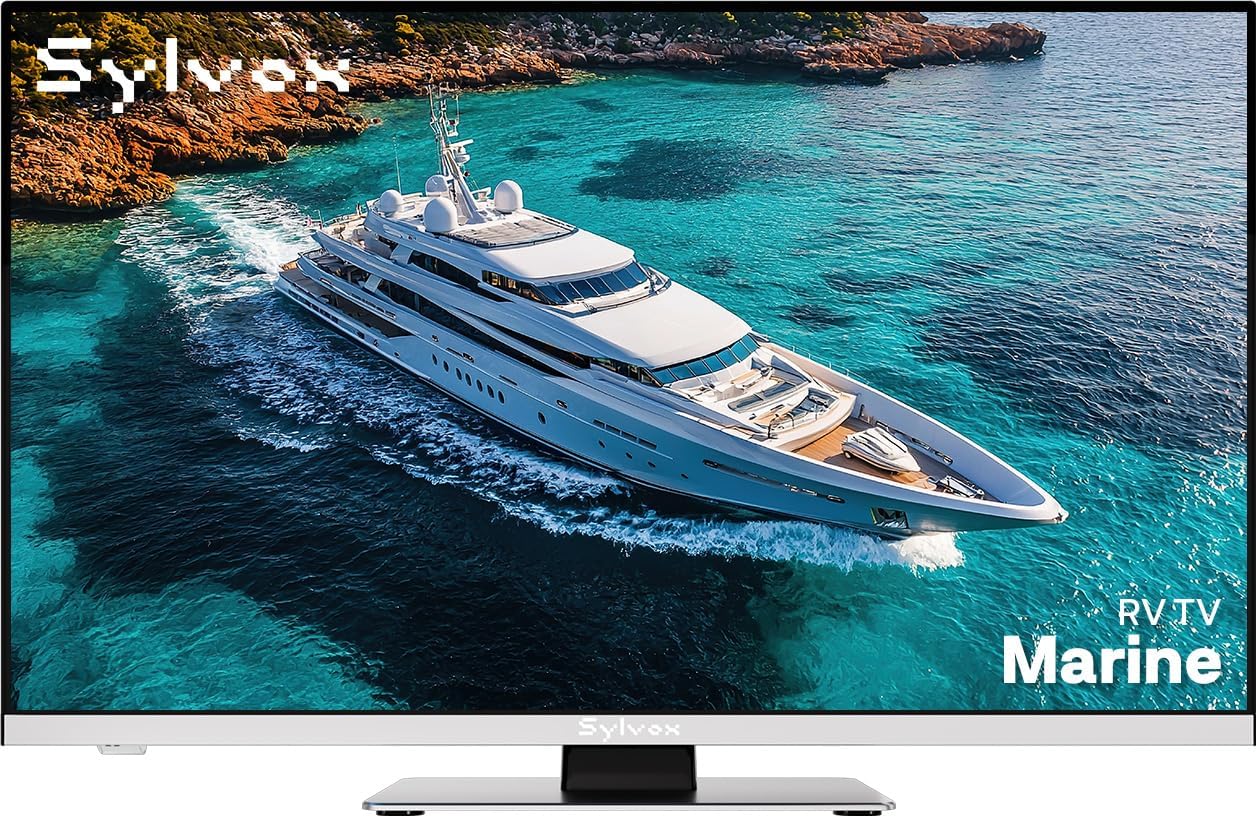
Figure 1.1: SYLVOX 22-inch 12 Volt Smart RV TV.
2. What's in the Box
Upon unboxing your SYLVOX 22-inch 12 Volt Smart RV TV, please verify that all the following components are included:
- Power Cable
- Stand
- Remote Control
- User Manual (this document)
- Warranty Card
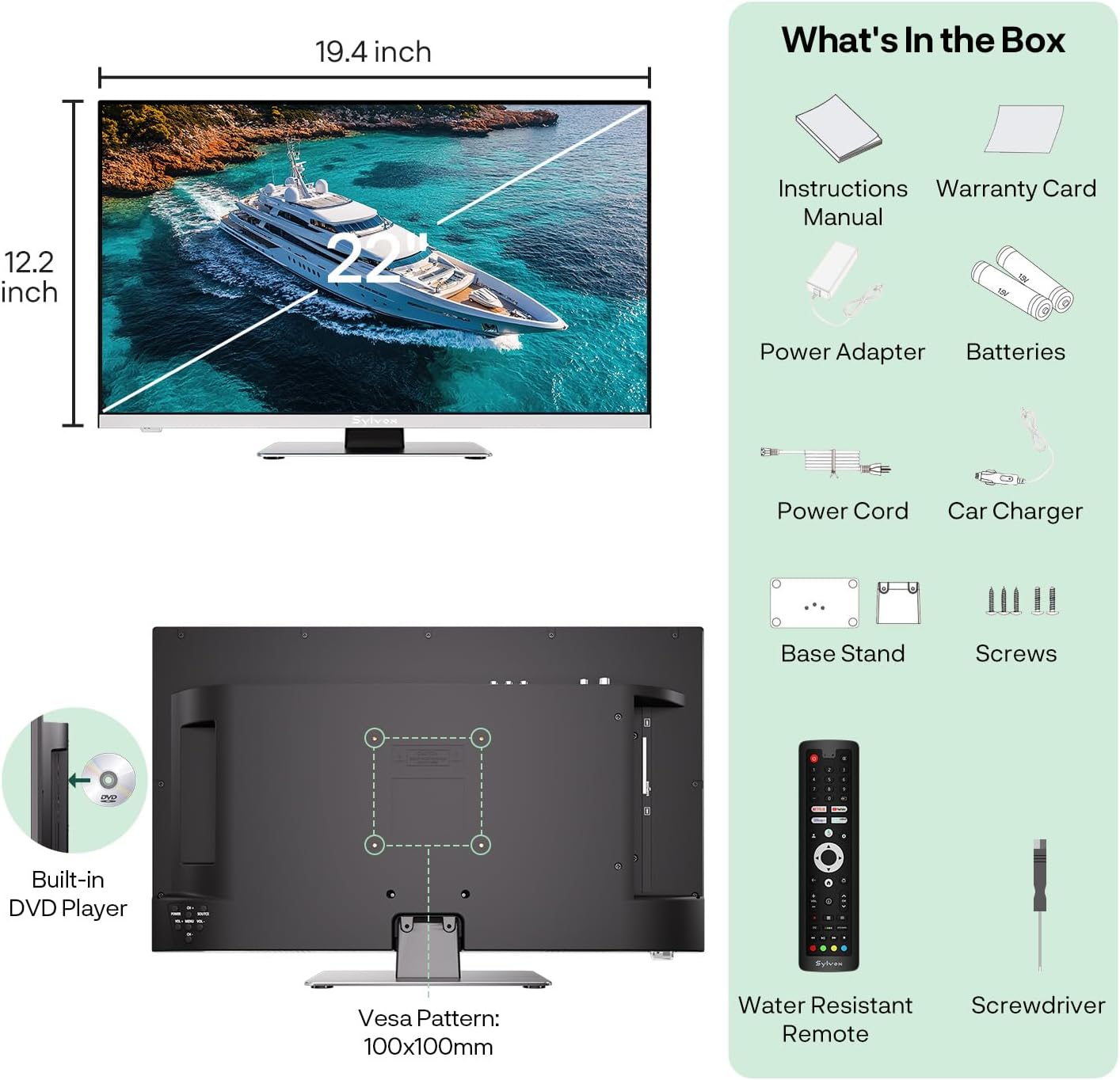
Figure 2.1: Contents of the SYLVOX TV package and product dimensions.
3. Setup
3.1 Installation Options
The SYLVOX TV offers flexible installation. You can use the included stand for tabletop placement or mount it on a wall using a compatible VESA 100x100mm wall mount (sold separately).
3.2 Power Connection
This TV supports both AC and DC power inputs, making it suitable for various power sources. Connect the provided power cable to the TV's DC 12V input port and then to your power source. The TV is compatible with DC 9-32V systems, ideal for RVs and boats, and also supports standard AC 100-240V power for home use.

Figure 3.1: AC/DC Power Compatibility.
3.3 Connecting External Devices
The SYLVOX TV is equipped with multiple ports to connect a variety of external devices, enhancing your entertainment options:
- HDMI Ports (x2): For connecting gaming consoles, Blu-ray players, streaming devices, or laptops.
- USB Ports (x2): For playing media from USB drives or connecting USB accessories.
- RF Input: For connecting an antenna to receive over-the-air broadcasts.
- Earphone Out: For connecting headphones.
- Line (L/R) Out: For connecting to external audio systems.
- Optical Out: For high-quality digital audio output to soundbars or receivers.
- RJ45 (Ethernet): For a wired internet connection.

Figure 3.2: TV Ports and Connectivity Options.
4. Operating Instructions
4.1 Basic TV Operation
To power on the TV, press the power button on the remote control or on the TV unit. Use the channel up/down buttons to navigate channels. The built-in ATSC tuner allows you to receive digital over-the-air broadcasts. Perform a channel scan during initial setup to find available channels in your area.
4.2 Built-in DVD Player
The integrated DVD player allows for convenient playback of your DVD collection without needing an external device. Insert a DVD into the disc slot located on the side of the TV. The TV will automatically switch to DVD mode or prompt you to select it. Use the remote control for playback functions such as Play, Pause, Stop, Fast Forward, and Rewind.

Figure 4.1: Built-in DVD Player functionality.
4.3 Smart TV Features (Google TV OS)
Your SYLVOX TV runs on Google TV OS, providing a smart and intuitive user experience. Connect the TV to your Wi-Fi network or via Ethernet for internet access. Once connected, you can:
- Access Streaming Apps: Download and enjoy thousands of apps like Netflix, YouTube, Prime Video, and more from the Google Play Store.
- Wireless Casting: Use Google Cast to stream content directly from your smartphone, tablet, or computer to the TV.
- Google Assistant: Use the voice remote to search for movies, get recommendations, control smart home devices, and more by simply speaking commands.
- Bluetooth Connectivity: Pair Bluetooth-enabled devices such as headphones, soundbars, or game controllers for enhanced audio or gaming experiences.

Figure 4.2: Smart Streaming with Google TV.
5. Maintenance
To ensure the longevity and optimal performance of your SYLVOX TV, especially in marine or outdoor environments, follow these maintenance guidelines:
- Cleaning: Gently wipe the screen and exterior with a soft, dry, lint-free cloth. For stubborn marks, slightly dampen the cloth with water or a mild, non-abrasive screen cleaner. Avoid harsh chemicals.
- Marine-Grade Durability: The TV is designed with anti-marine corrosion properties, making it resistant to moisture and salt spray. However, avoid direct exposure to heavy rain or prolonged submersion.
- Surge Protection: The TV features 9-32V surge protection to safeguard against voltage fluctuations, common in RV and boat electrical systems.
- Vibration Test: Built to withstand vibrations, the TV has undergone 4G vibration testing, ensuring stability in moving vehicles or vessels.
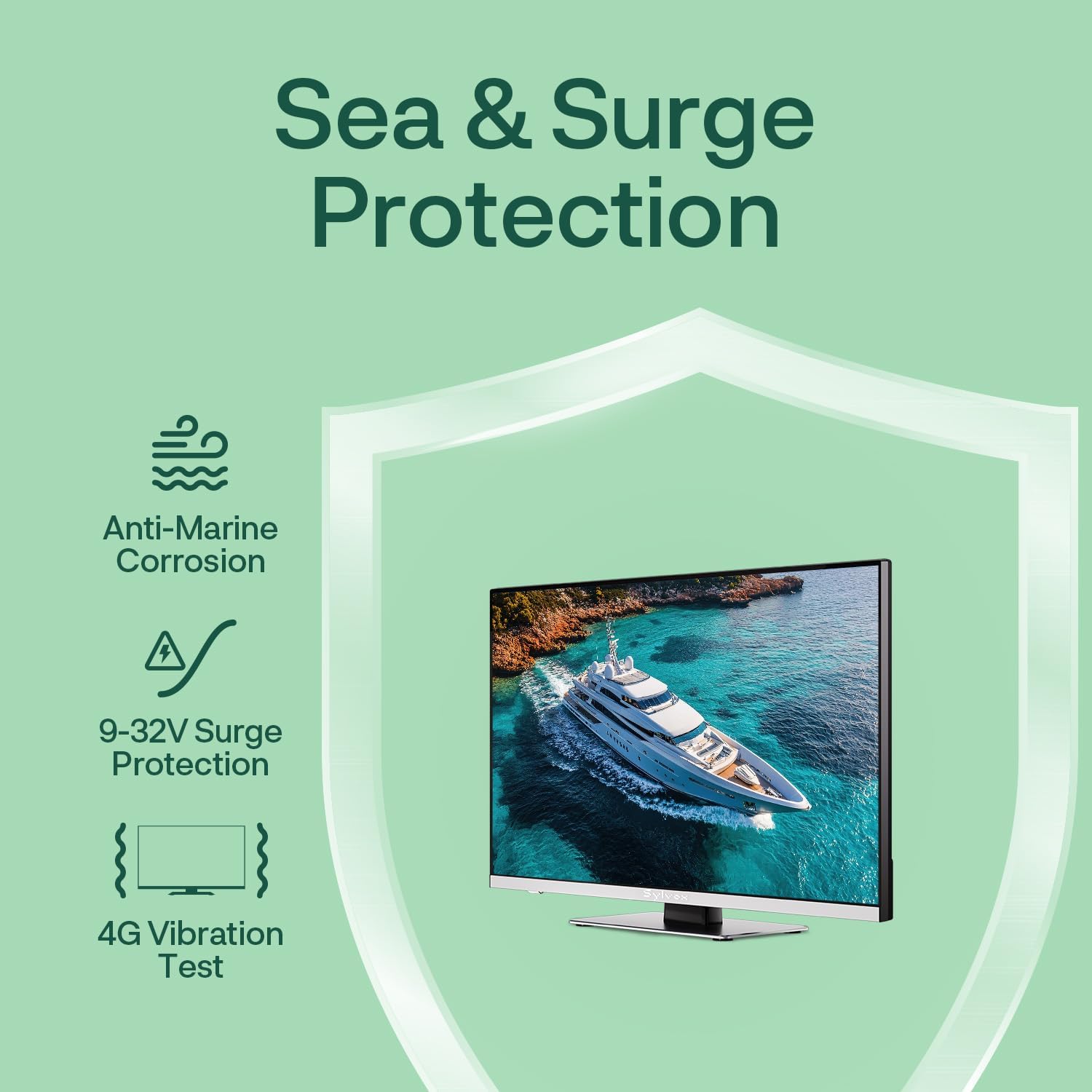
Figure 5.1: Sea & Surge Protection features.
6. Troubleshooting
If you encounter issues with your SYLVOX TV, please refer to the following common troubleshooting steps:
- No Power: Ensure the power cable is securely connected to both the TV and the power source. Check the power outlet or DC connection for power. Try a different power source if available.
- No Picture/Sound: Verify that the correct input source is selected (e.g., HDMI 1, AV, TV). Check all cable connections (HDMI, RF, etc.) for looseness. If using an antenna, perform a channel scan.
- DVD Not Playing: Ensure the DVD is clean and free of scratches. Try a different DVD. Check if the disc is inserted correctly.
- Remote Control Not Working: Check the batteries in the remote control and replace them if necessary. Ensure there are no obstructions between the remote and the TV's IR sensor.
- Smart Features Not Working (Wi-Fi/Apps): Check your internet connection. Restart your router and the TV. Ensure the TV's software is up to date.
If the problem persists after trying these steps, please contact SYLVOX customer support for further assistance.
7. Specifications
| Feature | Specification |
|---|---|
| Brand Name | SYLVOX |
| Screen Size | 22 Inches |
| Display Technology | LED |
| Resolution | 1080p Full HD |
| Refresh Rate | 60 Hz |
| Aspect Ratio | 16:9 |
| Viewing Angle | 178° Ultra-Wide |
| Operating System | Google TV OS |
| Special Feature | Anti-Marine corrosion, Built-in DVD Player |
| Connectivity Technology | Bluetooth, Ethernet, HDMI (x2), USB (x2) |
| Speaker Type | Built-In Box Speaker |
| Power Input | AC 100-240V, DC 9-32V |
| Product Dimensions | 19.4"D x 4.9"W x 12.2"H |
| Item Weight | 8.28 pounds |
| Batteries (Remote) | 2 AAA batteries (included) |
| VESA Pattern | 100x100mm |
8. Warranty and Support
Your SYLVOX 22-inch 12 Volt Smart RV TV comes with a 1-year worry-free warranty, ensuring peace of mind regarding product defects. SYLVOX is committed to customer satisfaction and offers comprehensive support.
- 12-month free defect protection
- Free returns for quality issues
- 30-day hassle-free returns (Original packaging required)
For any inquiries, technical assistance, or warranty claims, please contact SYLVOX customer support through their official website or the contact information provided with your purchase. Please have your model number and purchase date ready when contacting support.
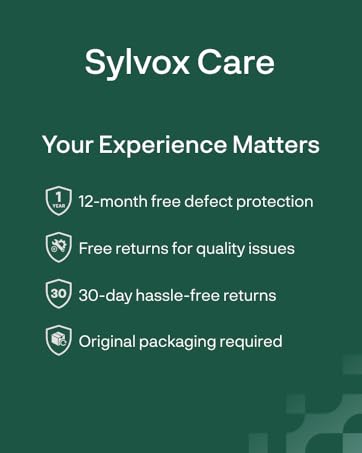
Figure 8.1: SYLVOX Customer Care Information.


