
1. Introduction
This manual provides essential instructions for the safe and effective use of your ARROWMAX SGS Type-C USB Magnetic Cable. Please read this manual thoroughly before using the product and retain it for future reference. This cable is designed for charging and data transfer with compatible USB Type-C devices.
2. Product Overview
The ARROWMAX SGS Type-C USB Magnetic Cable features a magnetic connector for easy attachment and detachment, reducing wear on your device's port. It is constructed with durable nylon braiding for enhanced longevity.
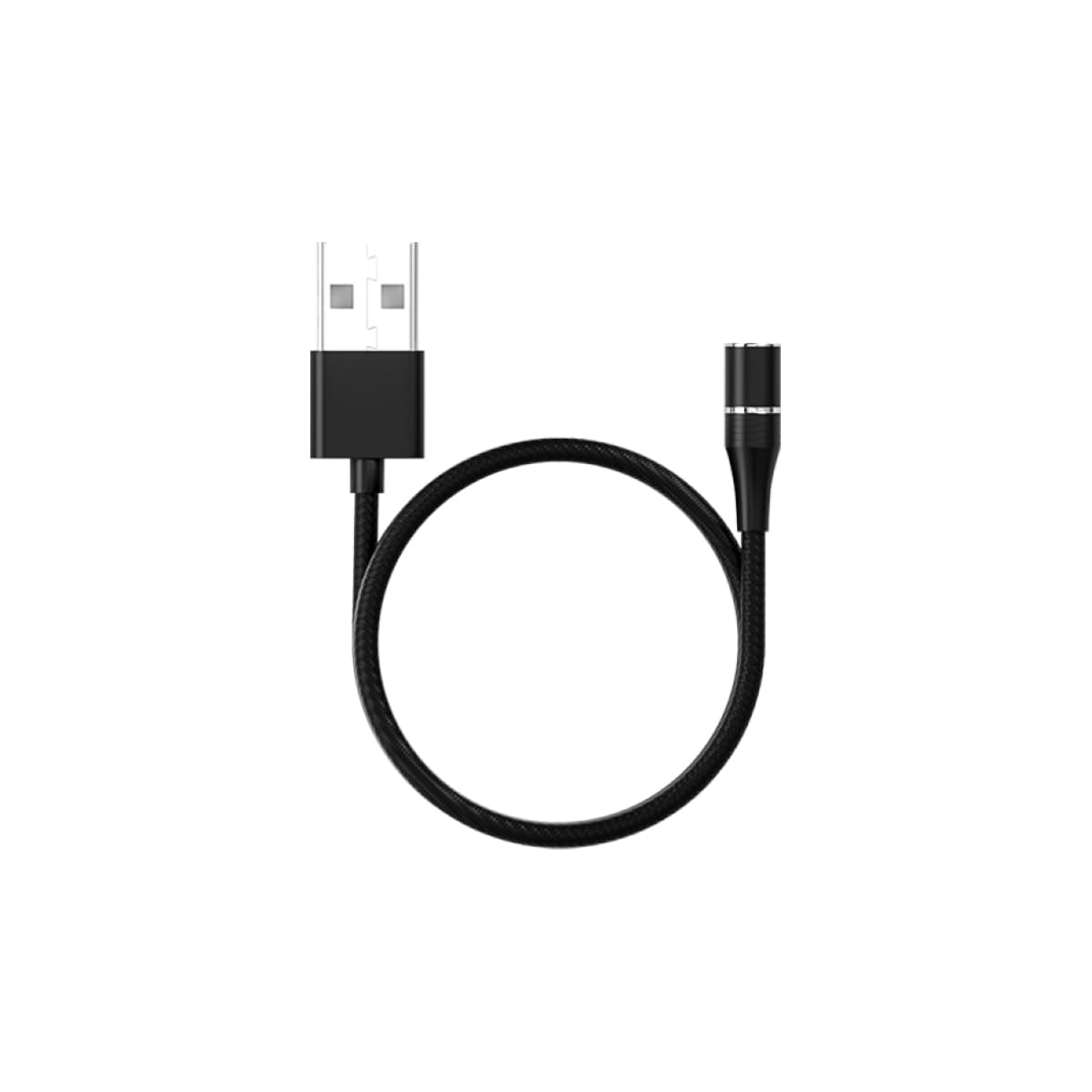
Image 1: ARROWMAX SGS Type-C USB Magnetic Cable. This image shows the cable with its magnetic Type-C tip, illustrating the two main components: the cable body and the detachable magnetic connector.
Key Features:
- Connector Type: USB Type-C (magnetic)
- Cable Material: Nylon braided for durability
- Functionality: Supports both charging and data transfer
- Compatibility: Designed for devices with a USB Type-C port
3. Setup Instructions
- Insert Magnetic Tip: Carefully insert the magnetic Type-C tip into the USB Type-C port of your device (e.g., smartphone, tablet, laptop). Ensure it is fully seated. This tip can remain in your device for convenience.
- Connect Cable: Bring the main cable connector close to the inserted magnetic tip. The magnetic attraction will automatically align and connect the cable to your device.
- Connect to Power/Data Source: Plug the standard USB-A end of the cable into a compatible USB power adapter (for charging) or a computer's USB port (for charging and data transfer).
Note: The magnetic tip is designed to protect your device's port from dust and wear. It is recommended to leave the tip in your device for prolonged use.
4. Operating Instructions
4.1. Charging Your Device
- Ensure the magnetic Type-C tip is securely inserted into your device's charging port.
- Connect the magnetic end of the cable to the tip.
- Plug the USB-A end of the cable into a certified USB wall charger or power bank.
- Verify that your device indicates it is charging.
4.2. Data Transfer
- Ensure the magnetic Type-C tip is securely inserted into your device's USB Type-C port.
- Connect the magnetic end of the cable to the tip.
- Plug the USB-A end of the cable into an available USB port on your computer.
- Your computer should recognize the connected device. Follow your device's and computer's instructions for initiating data transfer.
5. Maintenance
- Cleaning: Use a soft, dry cloth to gently wipe the cable and connectors. Avoid using liquid cleaners or abrasive materials.
- Storage: Store the cable in a cool, dry place away from direct sunlight and extreme temperatures. Avoid tightly coiling or bending the cable sharply to prevent internal damage.
- Magnetic Tip Care: Periodically check the magnetic tip for dust or debris. Clean gently with a dry cotton swab if necessary to ensure a good connection.
- Avoid Strain: Do not pull the cable by the cord itself to disconnect. Always grasp the connector ends.
6. Troubleshooting
| Problem | Possible Cause | Solution |
|---|---|---|
| Device not charging. | Loose connection, faulty power source, dirty magnetic tip. |
|
| Data transfer not working. | Loose connection, incorrect computer settings, incompatible device. |
|
| Magnetic connection is weak. | Debris on magnetic surfaces, worn magnetic tip. |
|
7. Specifications
| Brand | ARROWMAX |
| Model Name | 199226 |
| Connector Type | USB Type C (Magnetic) |
| Cable Type | Nylon Braided |
| Compatible Devices | Smartphones, tablets, and laptops with USB Type-C ports |
| Special Feature | Magnetic Connection |
| Recommended Uses | Charging, Data Transfer |
| Item Weight | 0.634 ounces |
| Package Dimensions | 5.67 x 3.74 x 0.98 inches |
8. Warranty and Support
For warranty information or technical support, please refer to the documentation provided with your purchase or contact ARROWMAX customer service through their official website. Please have your product model number (199226) and purchase details ready when contacting support.
This product is intended for use as described in this manual. Any unauthorized modifications or use outside of the specified parameters may void the warranty.


