
1. Introduction
Thank you for choosing the TER Air MK-AP01 Air Purifier. This device is designed to improve indoor air quality by effectively removing airborne particles, allergens, odors, and pollutants from your home or bedroom. Please read this manual thoroughly before operating the appliance and retain it for future reference.
2. Important Safety Instructions
When using electrical appliances, basic precautions should always be followed to reduce the risk of fire, electric shock, and injury to persons, including the following:
- Read all instructions before operating the air purifier.
- Always place the air purifier on a firm, level surface.
- Keep the power cord away from heated surfaces.
- Do not operate the air purifier if the cord or plug is damaged.
- Do not use the air purifier in wet or damp environments.
- Always unplug the air purifier before moving, cleaning, or replacing the filter.
- Do not block air inlets or outlets.
- This appliance is not intended for use by persons (including children) with reduced physical, sensory or mental capabilities, or lack of experience and knowledge, unless they have been given supervision or instruction concerning use of the appliance by a person responsible for their safety.
3. Package Contents
Please check the box for the following items:
- TER Air MK-AP01 Air Purifier Unit
- H13 True HEPA Filter (pre-installed or separate)
- User Manual
4. Product Overview
Familiarize yourself with the components and features of your TER Air MK-AP01 Air Purifier.

Figure 4.1: The TER Air MK-AP01 Air Purifier unit shown alongside its H13 True HEPA filter, highlighting the compact design and the filter's structure.

Figure 4.2: The air purifier positioned near a golden retriever, illustrating its suitability for homes with pets and its ability to address pet dander.
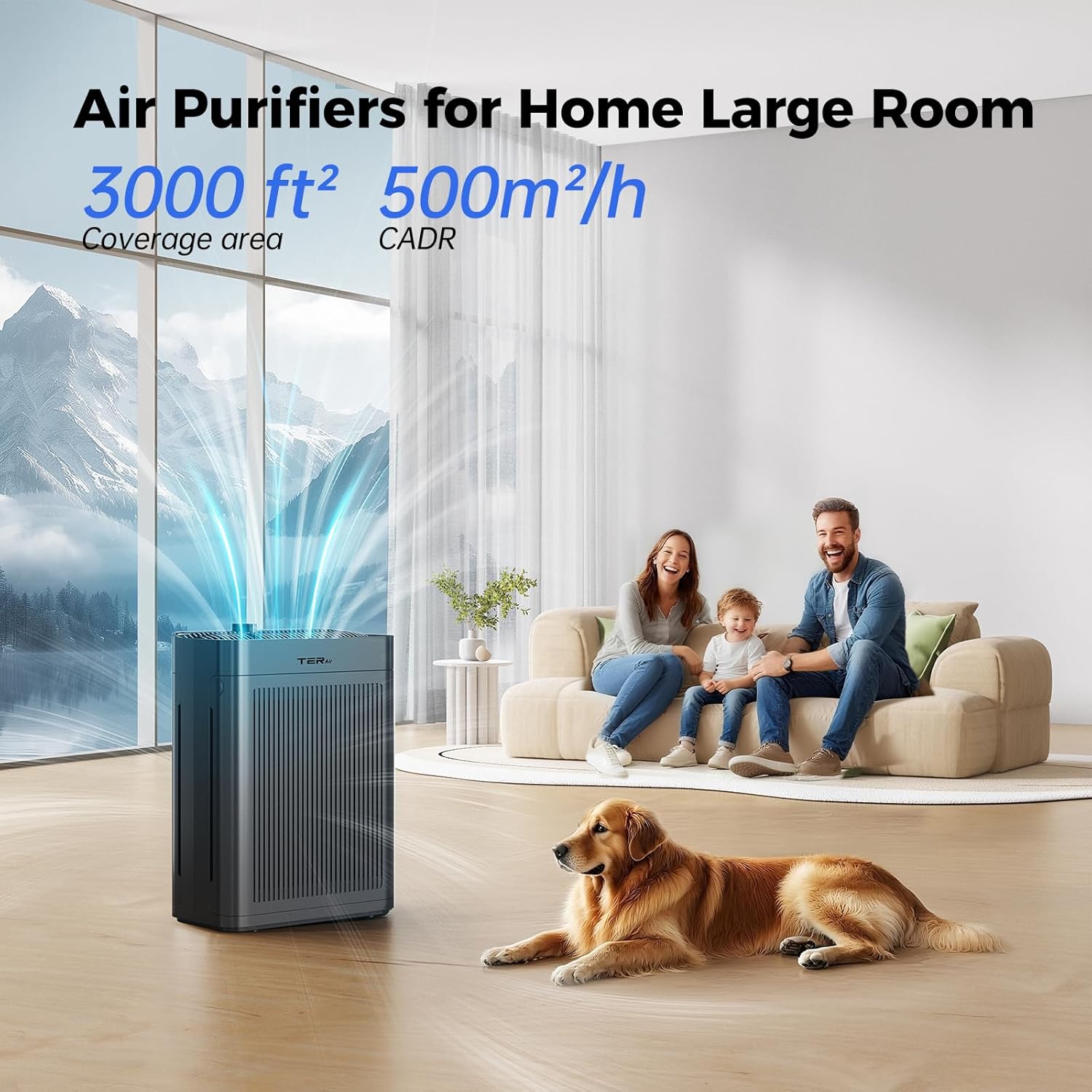
Figure 4.3: An illustration demonstrating the air purifier's effective coverage area of up to 3000 sq ft (500m²/h CADR) in a large living space with a family.
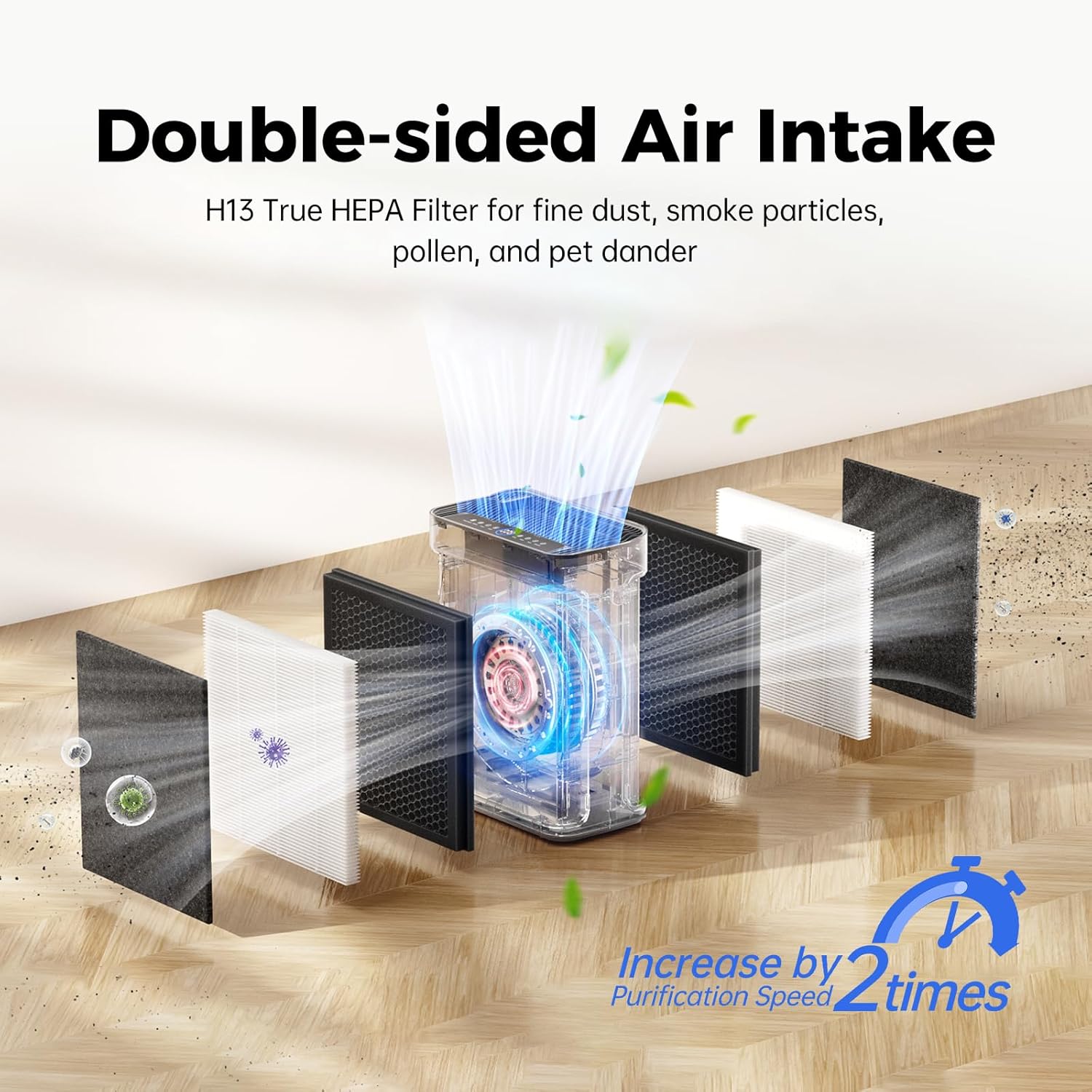
Figure 4.4: A cutaway diagram illustrating the double-sided air intake system and the multi-layered H13 True HEPA filter, designed to capture fine dust, smoke, pollen, and pet dander, increasing purification speed.

Figure 4.5: The washable pre-filter component, shown being rinsed under water, emphasizing its reusability and contribution to extended filter lifespan and cost savings.
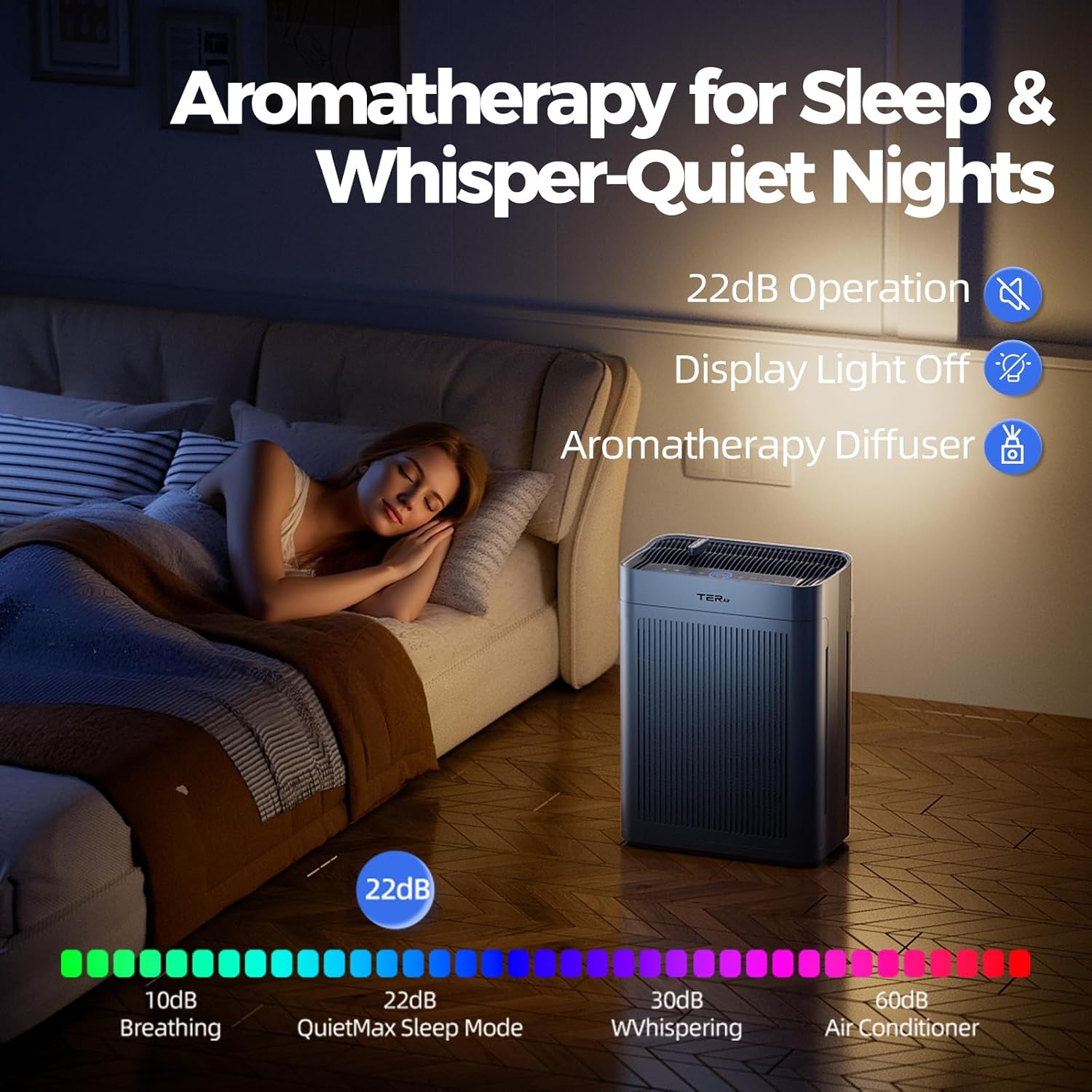
Figure 4.6: The air purifier's display indicating real-time PM2.5 air quality levels and its smart mode functionality, which intelligently adjusts purification speed based on detected air quality (Good, Normal, Bad).

Figure 4.7: The air purifier operating in a bedroom, highlighting its aromatherapy diffuser feature, quiet 22dB operation, and display light off option for undisturbed sleep.
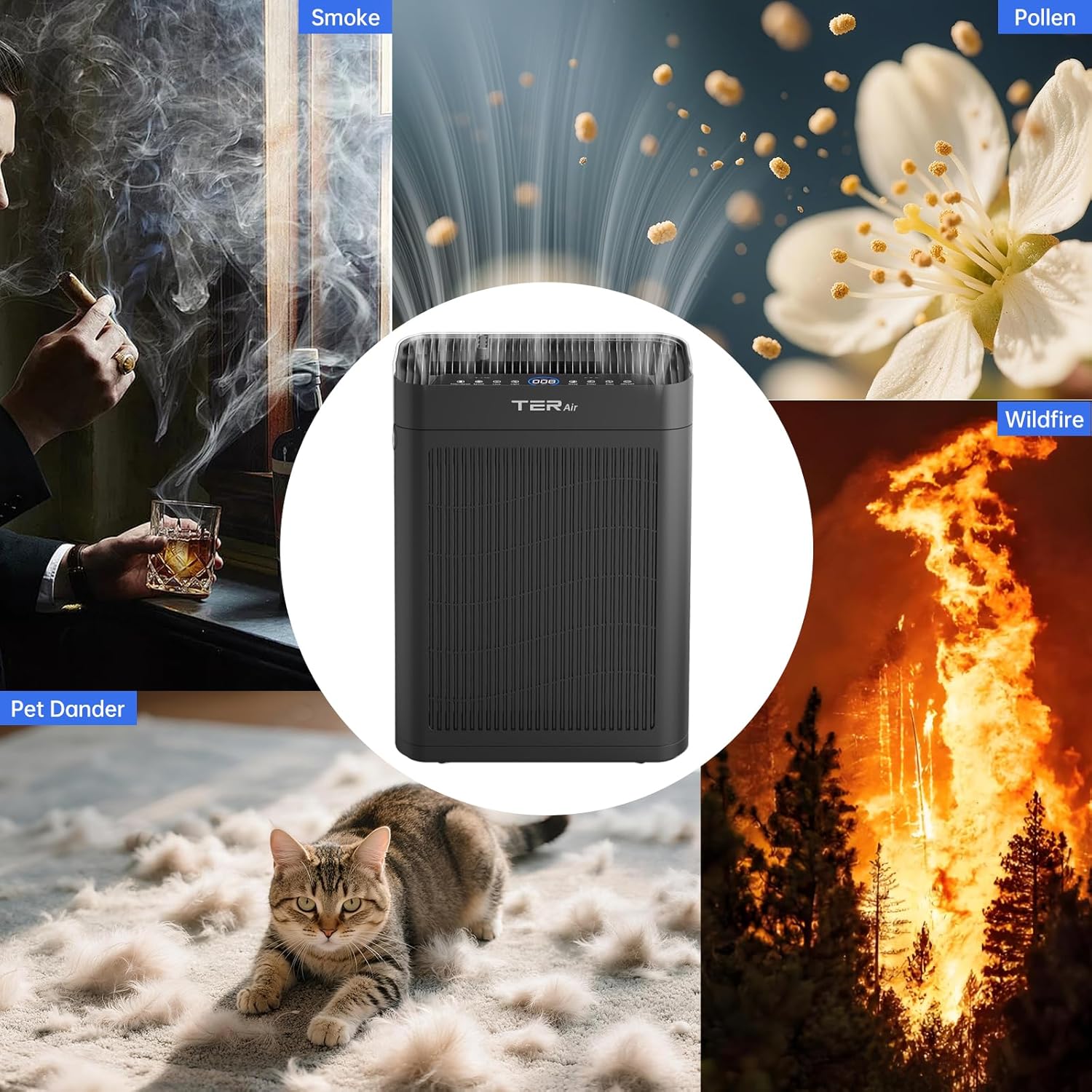
Figure 4.8: A composite image showcasing the air purifier's effectiveness against various airborne pollutants, including smoke, pollen, wildfire particles, and pet dander.
Control Panel Features:
- Power Button: Turns the unit on/off.
- Fan Speed Button: Adjusts fan speed (Low, Medium, High, Auto).
- Timer Button: Sets operation time (e.g., 2H, 4H, 8H).
- Sleep Mode Button: Activates quiet operation and dims display lights.
- Aromatherapy Button: Controls the aromatherapy diffuser.
- Filter Reset Indicator: Lights up when filter replacement is needed.
- Air Quality Display: Shows real-time PM2.5 levels and air quality status.
5. Setup
- Unpack the Air Purifier: Carefully remove the air purifier from its packaging.
- Remove Filter Packaging: Before first use, open the filter compartment (usually at the back or bottom of the unit) and remove the plastic packaging from the H13 True HEPA filter.
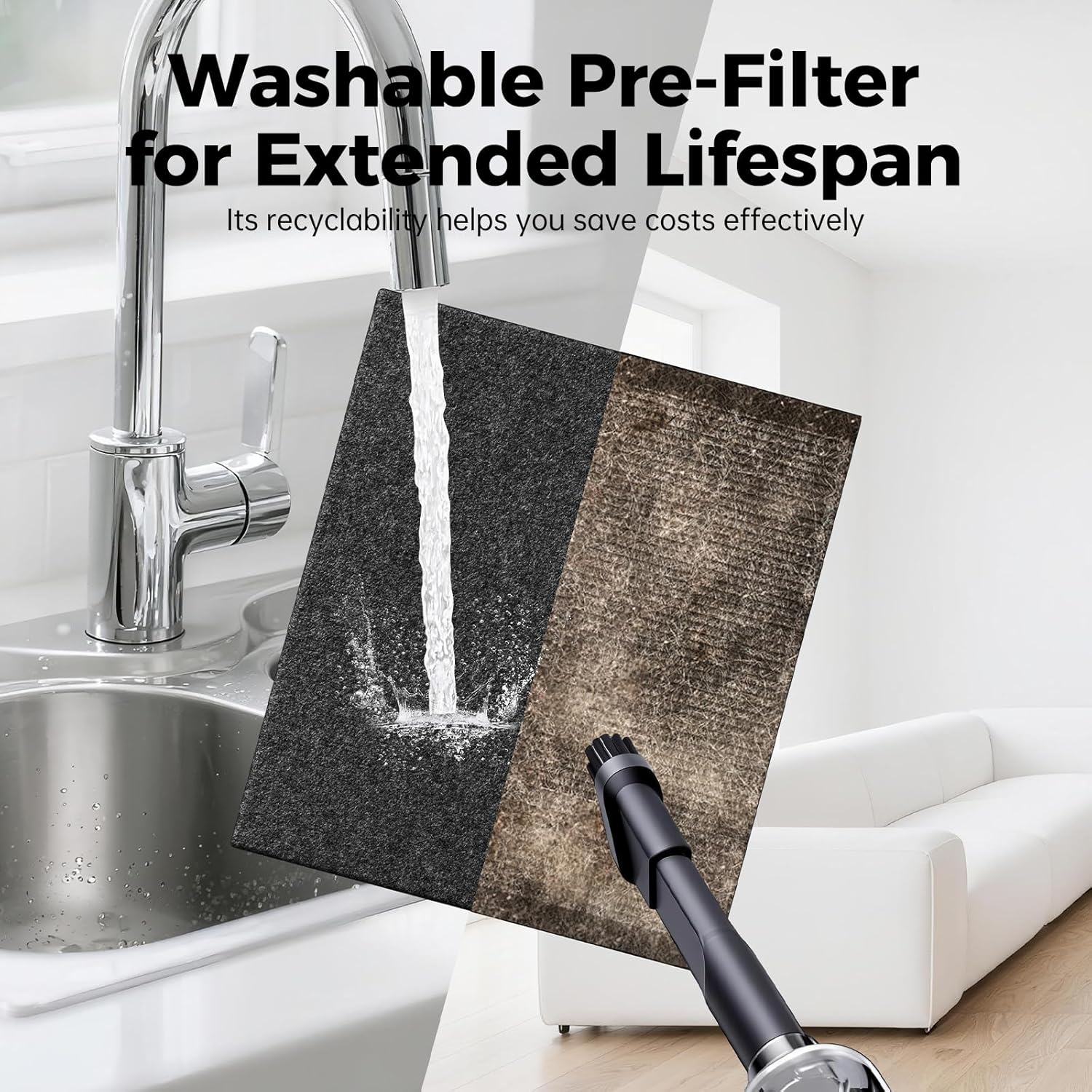
Figure 5.1: A detailed view of the H13 True HEPA filter, showing its pleated structure and pre-filter layer.
- Install the Filter: Place the filter back into the unit, ensuring it is correctly oriented and securely seated. Close the filter compartment cover.
- Position the Air Purifier: Place the air purifier on a flat, stable surface. Ensure there is at least 15-30 cm (6-12 inches) of space around all sides for optimal airflow.
- Connect to Power: Plug the power cord into a standard electrical outlet.
6. Operating Instructions
6.1 Power On/Off
Press the Power Button to turn the air purifier on or off. The unit will start in its default or last-used mode.
6.2 Adjusting Fan Speed
Press the Fan Speed Button repeatedly to cycle through fan speeds: Low, Medium, High, and Auto mode. In Auto mode, the fan speed adjusts automatically based on the detected air quality.
6.3 Timer Function
Press the Timer Button to set the operating time. Each press will cycle through available timer settings (e.g., 2 hours, 4 hours, 8 hours). The unit will automatically turn off after the set time expires.
6.4 Sleep Mode
Press the Sleep Mode Button to activate Sleep Mode. In this mode, the fan operates at its lowest, quietest setting, and the display lights will dim or turn off to ensure a peaceful sleeping environment. Press again to exit Sleep Mode.
6.5 Aromatherapy Function
The MK-AP01 features an aromatherapy diffuser. Add a few drops of essential oil to the designated aromatherapy pad (refer to the unit for location, typically a small tray or compartment). Press the Aromatherapy Button to activate or deactivate this feature.
6.6 Air Quality Indicator
The air quality display provides real-time PM2.5 readings and indicates air quality status (e.g., Green for Good, Yellow for Normal, Red for Bad). The unit will adjust its operation in Auto mode based on these readings.
7. Maintenance
Regular maintenance ensures optimal performance and extends the lifespan of your air purifier.
7.1 Filter Replacement
The H13 True HEPA filter has a limited lifespan and needs to be replaced periodically (typically every 6-8 months, depending on usage and air quality). The Filter Reset Indicator light will illuminate when replacement is due.
- Unplug the air purifier from the power outlet.
- Open the filter compartment cover.
- Remove the old filter and dispose of it properly.
- Insert a new TER Air MK-AP01 replacement filter, ensuring correct orientation.
- Close the filter compartment cover.
- Plug in the air purifier. Press and hold the Filter Reset Button (or Power Button for 5 seconds, refer to specific model instructions) until the indicator light turns off, resetting the filter timer.
7.2 Cleaning the Pre-Filter
The washable pre-filter can be cleaned to extend its life and maintain efficiency. It is recommended to clean it every 2-4 weeks.
Figure 7.1: The washable pre-filter being cleaned, demonstrating the ease of maintenance for extended lifespan.
- Unplug the air purifier.
- Remove the filter assembly.
- Carefully detach the pre-filter layer.
- Rinse the pre-filter under running water until clean. For stubborn dirt, a soft brush can be used.
- Allow the pre-filter to air dry completely before reattaching it to the main filter and reinstalling it in the unit.
7.3 Cleaning the Exterior
Wipe the exterior of the air purifier with a soft, dry cloth. Do not use abrasive cleaners or solvents.
8. Troubleshooting
| Problem | Possible Cause | Solution |
|---|---|---|
| Air Purifier does not turn on. | Not plugged in; power outlet issue; filter compartment not closed properly. | Ensure power cord is securely plugged in. Check power outlet. Ensure filter compartment is fully closed. |
| Weak airflow. | Blocked air inlets/outlets; dirty filter. | Check for obstructions around the unit. Clean or replace the filter. |
| Unusual noise. | Filter not installed correctly; foreign object inside. | Ensure filter is securely in place. Unplug and check for any foreign objects. |
| Filter Reset Indicator remains on after filter change. | Filter timer not reset. | Press and hold the Filter Reset Button (or Power Button for 5 seconds) until the light turns off. |
| Poor air purification. | Dirty filter; unit too small for room size. | Replace the filter. Ensure the unit's coverage area matches your room size. |
9. Specifications
- Model: MK-AP01
- Brand: TER Air
- Filter Type: H13 True HEPA Filter with Washable Pre-Filter
- Coverage Area: Up to 3000 sq ft (500m²/h CADR)
- Noise Level: As low as 22dB (Sleep Mode)
- Features: Air Quality Sensor, Smart Mode, Timer, Sleep Mode, Aromatherapy Diffuser
- ASIN: B0DZV5ZMQZ
- First Available: March 8, 2025
10. Warranty and Support
TER Air products are manufactured to the highest quality standards. For warranty information, technical support, or customer service inquiries, please refer to the contact information provided on the product packaging or visit the official TER Air website. Please have your model number (MK-AP01) and purchase details ready when contacting support.
Legal Disclaimer: Statements regarding dietary supplements have not been evaluated by the FDA and are not not intended to diagnose, treat, cure, or prevent any disease or health condition. This product is an air purifier and not a dietary supplement.
