
DEWENWILS HOSL04C2
Contents
DEWENWILS Smart Low Voltage Landscape Transformer User Manual
Model: HOSL04C2
1. Introduction
This manual provides detailed instructions for the installation, operation, and maintenance of your DEWENWILS Smart Low Voltage Landscape Transformer, Model HOSL04C2. This device is designed to convert 120V AC household voltage to a safe 12V AC for powering low-voltage LED and halogen landscape lighting systems. It features smart control capabilities, including Wi-Fi connectivity for remote control, voice control via Alexa and Google Home, and various timer and scheduling functions.
2. Safety Information
Please read all safety instructions carefully before installation and operation. Failure to follow these instructions may result in electric shock, fire, or other hazards.
General Safety Precautions
- Electrical Hazard: Always disconnect power at the circuit breaker before installing or servicing the transformer.
- Outdoor Use Only: This transformer is designed for outdoor use. Ensure it is mounted in a location protected from direct water spray.
- Proper Grounding: Ensure the transformer is properly grounded according to local electrical codes.
- Load Capacity: Do not exceed the maximum wattage rating of the transformer (200W). Overloading can cause damage and fire hazards.
- Wire Compatibility: Use only low-voltage landscape lighting wire suitable for outdoor burial or exposure.
- ETL Listed: This product is ETL listed, indicating compliance with North American safety standards.
3. Package Contents
Verify that all items are present in the package:
- DEWENWILS Smart Low Voltage Landscape Transformer (Model HOSL04C2)
- User Manual
4. Product Overview
The DEWENWILS Smart Low Voltage Landscape Transformer is a robust unit designed for reliable outdoor lighting control. It features a durable metal casing, an integrated control panel, and a Wi-Fi antenna for smart functionality.

Image: Front view of the DEWENWILS Smart Low Voltage Landscape Transformer with its power cord and antenna.
Key Features:
- Voice Control: Compatible with Amazon Alexa and Google Home Assistant.
- Remote Control: Manage your lighting via the DEWENWILS app on your smartphone.
- Multiple Timer Modes: Schedule, Circulate, Random, Countdown, and Manual ON/OFF.
- Weatherproof Design: High-performance metal material protects against rain, snow, dust, and abrasion.
- Safety Features: Overload protection and short circuit protection.
- Easy Installation: Built-in hanging hole and 3.3ft power cable for direct wall mounting.

Image: Diagram showing the dimensions (6" x 4" x 8.6") of the 200W Smart Transformer, highlighting its 3.3ft 18AWG heavy-duty cord and 5 mode settings: Schedule, Circulate, Random, Countdown, and Manual ON/OFF.
5. Setup and Installation
5.1 Mounting the Transformer
- Choose a suitable outdoor location near a 120V AC GFCI outlet. The location should be protected from direct water spray and easily accessible.
- Use the built-in hanging hole on the back of the transformer to mount it securely to a wall or post. Ensure it is mounted vertically with the terminals facing downwards.
- Ensure the Wi-Fi antenna is positioned vertically for optimal signal reception.
5.2 Wiring Landscape Lights
- Disconnect Power: Ensure the transformer is unplugged from the 120V AC outlet before making any connections.
- Prepare Wires: Strip approximately 1/2 inch of insulation from the ends of your low-voltage landscape lighting cables.
- Connect to Terminals: Open the terminal cover on the transformer. Insert the stripped ends of your landscape lighting cables into the appropriate low-voltage terminals (12V AC). Ensure a secure connection. The transformer may offer multiple 12V AC output terminals; these typically operate together.
- Secure Connections: Tighten the terminal screws to hold the wires firmly in place. Ensure no bare wires are exposed.
- Close Cover: Replace the terminal cover to protect the connections from moisture and debris.
5.3 Wi-Fi Connection and App Setup
To enable smart control features, connect your transformer to your home Wi-Fi network using the DEWENWILS app.
- Download App: Download the "DEWENWILS" app from the App Store (iOS) or Google Play Store (Android).
- Register/Login: Open the app and register for a new account or log in if you already have one.
- Add Device: Plug the transformer into a 120V AC outlet. The Wi-Fi indicator light on the transformer should blink rapidly. If not, press and hold the Wi-Fi reset button for 5 seconds until it blinks.
- Connect to Wi-Fi: In the DEWENWILS app, tap "Add Device" or the "+" icon. Follow the on-screen instructions to connect the transformer to your 2.4GHz Wi-Fi network. Note: This device only supports 2.4GHz Wi-Fi.
- Name Device: Once connected, you can name your transformer for easy identification.

Image: Illustration showing the DEWENWILS app interface on a smartphone, alongside Google Home and Amazon Echo devices, demonstrating voice control and app-based control for landscape lighting. Indicates compatibility with Alexa, Google Home, and the DEWENWILS app, and notes 2.4GHz Wi-Fi only.
6. Operation
6.1 Manual Control
The transformer has a physical ON/OFF button on its control panel for direct manual operation.
6.2 App Control
Once connected to the DEWENWILS app, you can control your landscape lights from anywhere.
- Remote ON/OFF: Toggle your lights on or off directly from the app interface.
- Scheduling: Set specific times for your lights to turn on and off. You can create up to 30 groups of schedules.
- Timer Modes:
- Schedule: Program daily or weekly ON/OFF times.
- Circulate: Repeat ON/OFF cycles.
- Random: Lights turn on and off at random intervals, useful for vacation security.
- Countdown: Set a countdown timer for lights to turn off after a specified duration.
- Manual: Override programmed settings for immediate control.
- Astronomical Digital Photocell: Utilize the app to set dusk-to-dawn or other time-based settings based on local sunrise/sunset times.

Image: Screenshot of the DEWENWILS app showing the timer and schedule settings, illustrating how landscape lighting can be switched on and off at specified time points, with an option to set up to 30 groups.

Image: Illustration of the DEWENWILS app's astronomic timing feature, showing sunset and sunrise settings for automatic light control based on location.
6.3 Voice Control
Integrate your DEWENWILS transformer with Amazon Alexa or Google Home Assistant for convenient voice commands.
- Link Account: In your Alexa or Google Home app, enable the "DEWENWILS" skill or link your DEWENWILS account.
- Discover Devices: Allow the voice assistant to discover your new device.
- Voice Commands: Use commands such as "Alexa, turn on the landscape lights" or "Hey Google, turn off the patio lights."

Image: A group of people enjoying an outdoor dinner, with landscape lights on, and a voice assistant device on the table. A speech bubble indicates a command: "Alexa, Turn on the landscape lights" and a response: "Okay."
7. Maintenance
The DEWENWILS Smart Low Voltage Landscape Transformer is designed for durability and minimal maintenance.
- Regular Inspection: Periodically check the transformer and wiring for any signs of damage, corrosion, or loose connections.
- Cleaning: Wipe the exterior of the transformer with a damp cloth to remove dirt and debris. Do not use harsh chemicals or abrasive cleaners. Ensure the unit is unplugged before cleaning.
- Weather Protection: While weatherproof, ensure the unit is not submerged in water and that its mounting location provides adequate drainage.
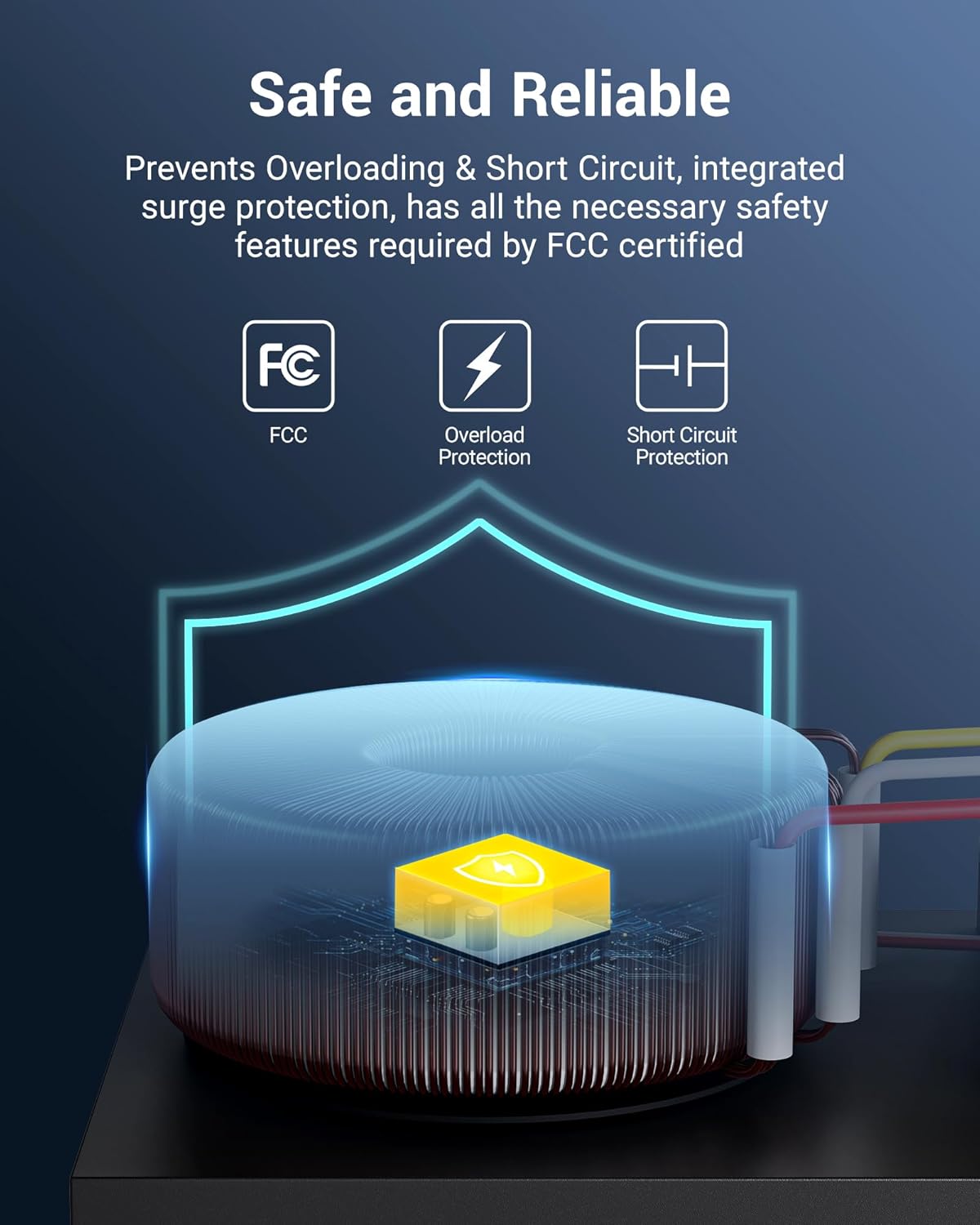
Image: The DEWENWILS transformer mounted on an outdoor wall during rain, illustrating its weatherproof and durable metal shield construction with waterproof coating and SPCC steel material for rust resistance.
8. Troubleshooting
If you encounter issues with your DEWENWILS Smart Low Voltage Landscape Transformer, refer to the following common problems and solutions:
| Problem | Possible Cause | Solution |
|---|---|---|
| Lights not turning on. | No power to transformer, loose wiring, overloaded circuit, faulty lights. | Check power outlet and circuit breaker. Ensure all low-voltage wires are securely connected. Verify total wattage of lights does not exceed 200W. Test individual lights. |
| Wi-Fi connection fails. | Incorrect Wi-Fi password, 5GHz Wi-Fi network, weak signal, transformer not in pairing mode. | Ensure you are connecting to a 2.4GHz Wi-Fi network. Double-check Wi-Fi password. Move transformer closer to router or improve signal. Reset Wi-Fi on transformer (press and hold reset button). |
| App control unresponsive. | No internet connection, app glitch, transformer offline. | Check your smartphone's internet connection. Restart the DEWENWILS app. Verify the transformer's Wi-Fi indicator is solid. Unplug and replug the transformer. |
| Voice control not working. | Account not linked, device not discovered, incorrect commands. | Ensure DEWENWILS skill is enabled and account is linked in Alexa/Google Home app. Redo device discovery. Use precise commands. |
| Lights flicker or dim. | Voltage drop due to long wire runs, loose connections, incompatible lights. | Ensure appropriate wire gauge for total wattage and run length. Check all connections. Use compatible 12V AC low-voltage lights. |
9. Specifications
Technical details for the DEWENWILS Smart Low Voltage Landscape Transformer:
| Feature | Detail |
|---|---|
| Model Number | HOSL04C2 |
| Input Voltage | 120V AC, 60Hz |
| Output Voltage | 12V AC |
| Max Wattage | 200W |
| Current Rating | 16.6 Amps |
| Product Dimensions | 6 x 4 x 8.6 inches |
| Item Weight | 7.72 Pounds |
| Power Source | Corded Electric |
| Mounting Type | Wall Mount |
| Wi-Fi Frequency | 2.4GHz only |
| Certifications | ETL Listed, FCC |

Image: Diagram illustrating multi-output voltage options (12V and 14V AC) for different lighting needs and cable lengths, showing how 12V is suitable for halogen lights or shorter runs (50M) and 14V for LED fixtures or longer runs (100M).

Image: Collage of various landscape lighting applications, including deck lighting, step lighting, pathway lighting, and garden illumination, demonstrating the versatility of the transformer.
10. Warranty and Support
DEWENWILS products are designed for reliability and customer satisfaction.
- Warranty: This product typically comes with a 1-year limited warranty. Please refer to the product packaging or DEWENWILS official website for specific warranty terms and conditions.
- Customer Support: For technical assistance, troubleshooting, or warranty claims, please contact DEWENWILS customer service. Support is generally available with a fast response time within 24 hours.
- Contact Information: Visit the official DEWENWILS website or refer to your product packaging for the most current contact details.

Image: A group of people toasting outdoors with landscape lighting, accompanied by icons indicating ETL Intertek certification, 24-hour after-sales service, and 1-year insurance, reinforcing DEWENWILS as a trusted brand.
Ask a question about this manual
Ask about setup, troubleshooting, compatibility, parts, safety, or missing instructions. Manuals+ will review the question and use this page’s manual context to help answer it.