Product Overview
The EnHomee LED TV Stand, Model 120L2DTV1, is designed to accommodate TVs up to 55 inches, offering a versatile entertainment solution for various rooms. It features integrated RGB LED lighting, two fabric drawers for concealed storage, and open shelves for media devices and decor. Constructed with a sturdy metal frame and wood panels, it includes anti-tip protection and adjustable feet for stability.
- Immersive RGB Ambience: Features 17+7 lighting modes with adjustable colors and brightness.
- Organized Storage: Includes open shelves for consoles and media gear, plus two fabric drawers for small items.
- Solid & Safe Construction: Built with a metal frame and wood panels, equipped with anti-tip protection and adjustable feet.
- Versatile Design: Can be used as a TV stand, media console, low-profile shelf, or general storage in various settings.
- Easy Setup: Designed for straightforward assembly with all necessary tools included.
Drawer Functionality
The two fabric drawers provide convenient and discreet storage for various items, helping to keep your space tidy.
Video: EnHomee LED TV Stand Dresser. This video demonstrates the functionality and storage capacity of the fabric drawers.
Safety Information
For your safety and to prevent potential hazards, please adhere to the following guidelines:
- Always secure the TV stand to the wall using the anti-tipping accessories provided. This prevents tip-overs, especially important in households with children or pets.
- Use the adjustable feet to level the stand on uneven surfaces, ensuring maximum stability.
- Do not place objects on the open shelves that exceed their weight capacity or could cause the stand to become unstable and tip over.
- Ensure all screws and fasteners are tightened securely during assembly and periodically check for any loosening.
- Keep small parts and hardware out of reach of children during assembly.
Package Contents
Before beginning assembly, verify that all components listed below are present and undamaged. If any parts are missing or damaged, please contact customer support.
| Component | Quantity |
|---|---|
| Top Panel | 1 |
| Middle Shelf Panels | 2 |
| Side Frame Legs (with adjustable feet) | 4 |
| Center Frame Supports | 2 |
| Fabric Drawers | 2 |
| LED Light Strip | 1 |
| Drawer Handles | 2 |
| Anti-tip Kit | 1 |
| Assembly Hardware (screws, dowels, Allen wrench, screwdriver) | 1 set |
Assembly Instructions
Follow these steps carefully to assemble your EnHomee LED TV Stand. It is recommended to assemble on a soft, clean surface to prevent scratches.
Step 1: Attach Adjustable Feet to Side Frames
Insert the adjustable feet (N) into the bottom of all four side frame legs (5 and 6). Ensure they are securely threaded.

Image: Close-up of an adjustable foot being screwed into the base of a metal frame leg.
Step 2: Assemble Side Shelf Units
Attach one middle shelf panel (3) to two side frame legs (one 5 and one 6) using screws (A). Repeat this process for the other middle shelf panel and the remaining two side frame legs. Ensure the screw holes align correctly.

Image: A wooden shelf panel is being secured between two metal frame pieces using screws.
Step 3: Connect Center Frame Supports
Connect the two assembled side shelf units using the center frame supports (4) and screws (B). These supports will form the central structure for the drawers.

Image: A close-up of a screw being inserted to connect a horizontal support bar to a vertical frame piece.
Step 4: Attach Top Panel
Place the top panel (1) onto the assembled frame. Align the pre-drilled holes with the frame and secure it using screws (C). Ensure all connections are tight.

Image: The top panel of the TV stand is being placed onto the metal frame, showing the overall structure.
Step 5: Assemble Fabric Drawers
Unfold the fabric drawers. Insert the bottom panel (7) into each drawer to give it shape. Attach the drawer handles (G) to the front of each fabric drawer using screws (E).
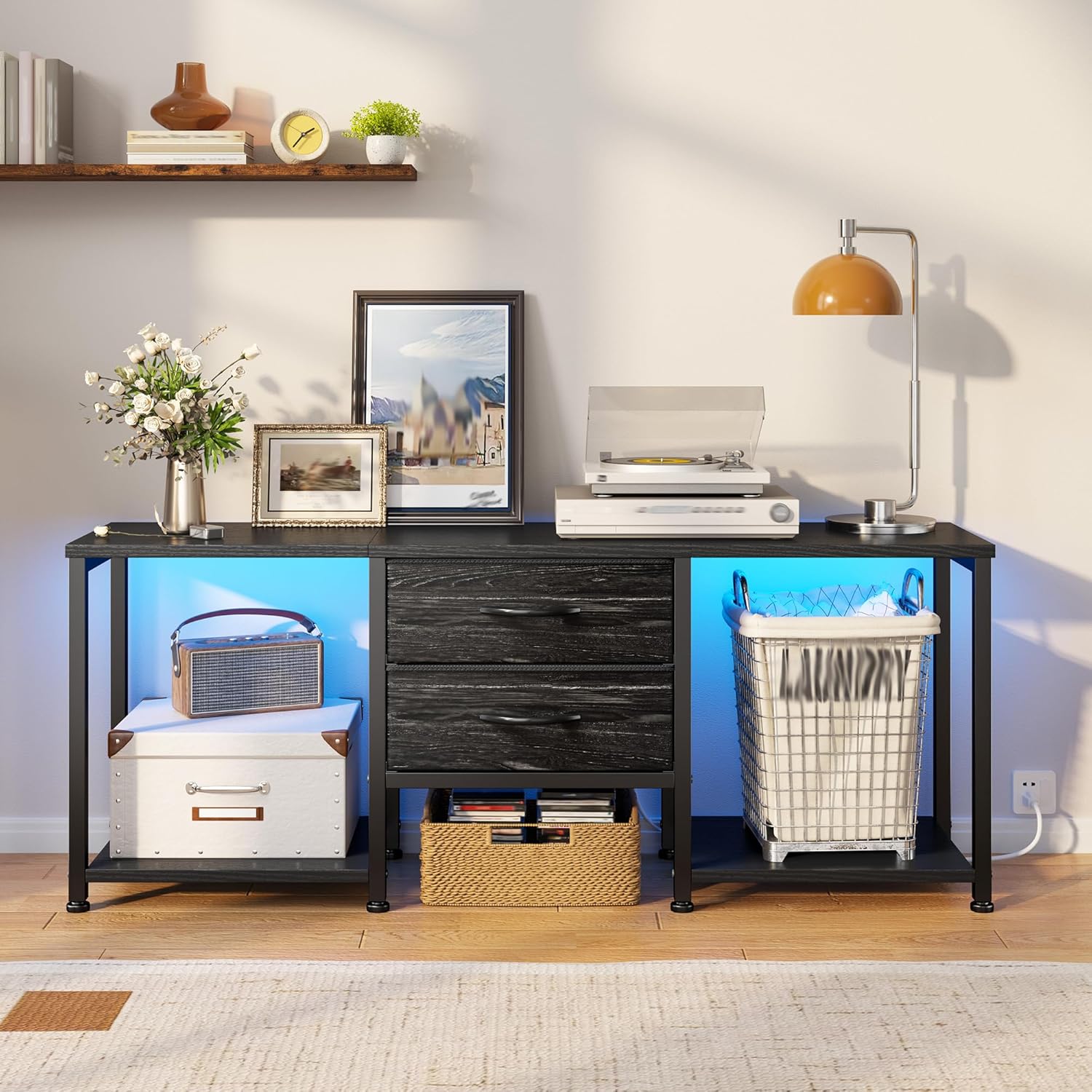
Image: A hand is attaching a black handle to the wooden front of a fabric drawer.
Step 6: Insert Drawers and Install LED Strip
Slide the assembled fabric drawers into the central compartments of the TV stand. Finally, attach the LED light strip to the underside of the top panel or along the inner edges of the open shelves as desired. Connect the LED strip to a power source.
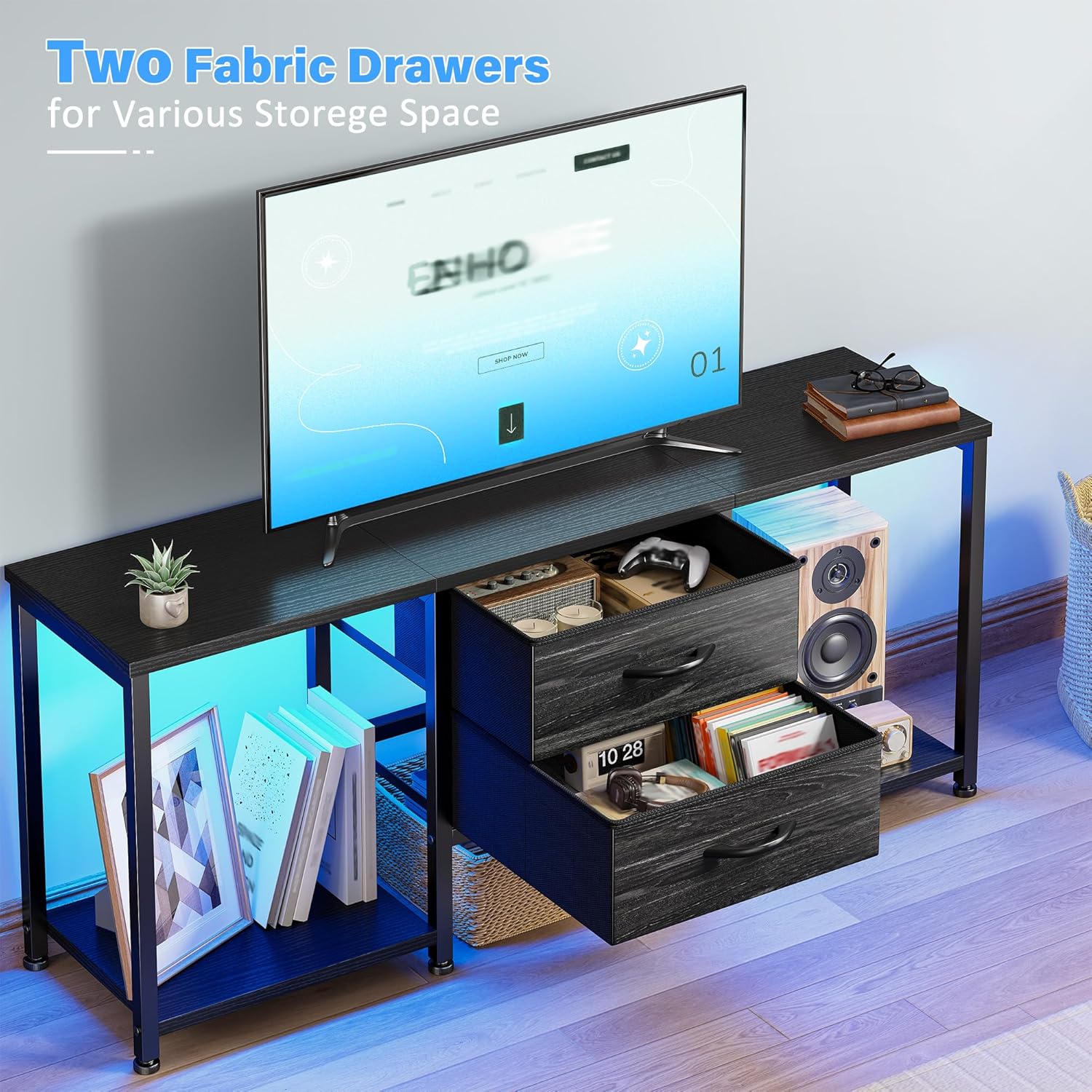
Image: The completed TV stand with two fabric drawers in the center and LED lights glowing in the open side compartments.
Assembly Video Guide
For a visual guide, please refer to the official assembly video below. This video demonstrates the step-by-step process of putting together your EnHomee TV Stand.
Video: Official EnHomee 55 Inch TV Stand Installation Video. This video provides a complete visual walkthrough of the assembly process for the TV stand.
Operating Instructions (LED Lights)
The integrated RGB LED light strip offers various lighting options to enhance your entertainment experience.
- Power On/Off: Use the provided remote control or inline switch to turn the LED lights on or off.
- Color Selection: Cycle through 17+ dynamic color states and 7 static color modes using the remote control.
- Brightness Adjustment: Adjust the intensity of the lights to your preference using the brightness controls on the remote.
- Mode Selection: Choose from various dynamic modes such as flashing, fading, or smooth transitions.
LED Light Display Video
Observe the various lighting modes and colors available with your TV stand's LED strip in the video below.
Video: EnHomee LED TV Stand Display Video. This video showcases the different color and dynamic lighting options of the integrated LED strip.
Maintenance
To ensure the longevity and appearance of your TV stand, follow these maintenance tips:
- Cleaning: Wipe surfaces with a soft, damp cloth. Avoid harsh chemicals or abrasive cleaners that may damage the finish.
- Dusting: Regularly dust the stand to prevent buildup, especially on the LED strip and open shelves.
- Spills: Immediately wipe up any spills to prevent staining or damage to the wood panels.
- Hardware Check: Periodically check all screws and connections to ensure they remain tight. Tighten if necessary.
- Drawer Care: The fabric drawers can be spot cleaned with a mild detergent and water. Allow to air dry completely.
Troubleshooting
If you encounter any issues with your EnHomee LED TV Stand, refer to the following common solutions:
| Problem | Possible Solution |
|---|---|
| Stand is wobbly or unstable. | Ensure all screws are tightened. Adjust the leveling feet on the bottom of the frame to compensate for uneven floors. Verify the anti-tip kit is properly installed and secured to the wall. |
| LED lights are not working. | Check if the power adapter is securely plugged into a working outlet. Ensure the LED strip is correctly connected to the power adapter and controller. Verify the remote control battery is functional. |
| Drawers do not slide smoothly. | Ensure the fabric drawers are fully unfolded and the bottom panel is correctly inserted. Check for any obstructions in the drawer compartments. |
| Missing parts or damaged components. | Refer to the "Package Contents" section. If parts are missing or damaged upon arrival, contact EnHomee customer support immediately for assistance. |
Specifications
| Feature | Detail |
|---|---|
| Brand | EnHomee |
| Model Name | 120L2DTV1 |
| Color | Black |
| Product Dimensions (D x W x H) | 11.8"D x 47.2"W x 19.7"H |
| Material | Fabric Drawers, Metal Frame, Wood Top |
| Recommended TV Size | Up to 55 inches |
| Number of Shelves | 2 (open) |
| Number of Drawers | 2 (fabric) |
| Special Features | Adjustable Feet, LED Light Strip, Anti-tip Protection |
| Assembly Required | Yes |
| Mounting Type | Floor Mount |
Product Dimensions Visual
Refer to the image below for a visual representation of the TV stand's dimensions.

Image: A detailed diagram illustrating the overall dimensions of the TV stand and the individual fabric drawers.
Warranty and Support
EnHomee products are designed for quality and durability. For any questions, concerns, or assistance with your product, please contact our U.S.-based support team. They are available to help with assembly, missing parts, or any operational issues you may encounter.
Please refer to your purchase documentation or the EnHomee official website for specific warranty details and contact information.


