
Introduction
This manual provides comprehensive instructions for the ZAGG & mophie Phone Essentials Kit for iPhone 15. This kit is designed to protect and power your iPhone 15, including a tempered glass screen protector, a crystal-clear MagSafe-compatible case, and a powerful 30W GaN charger. Please read this manual thoroughly before using the product to ensure proper installation and operation.
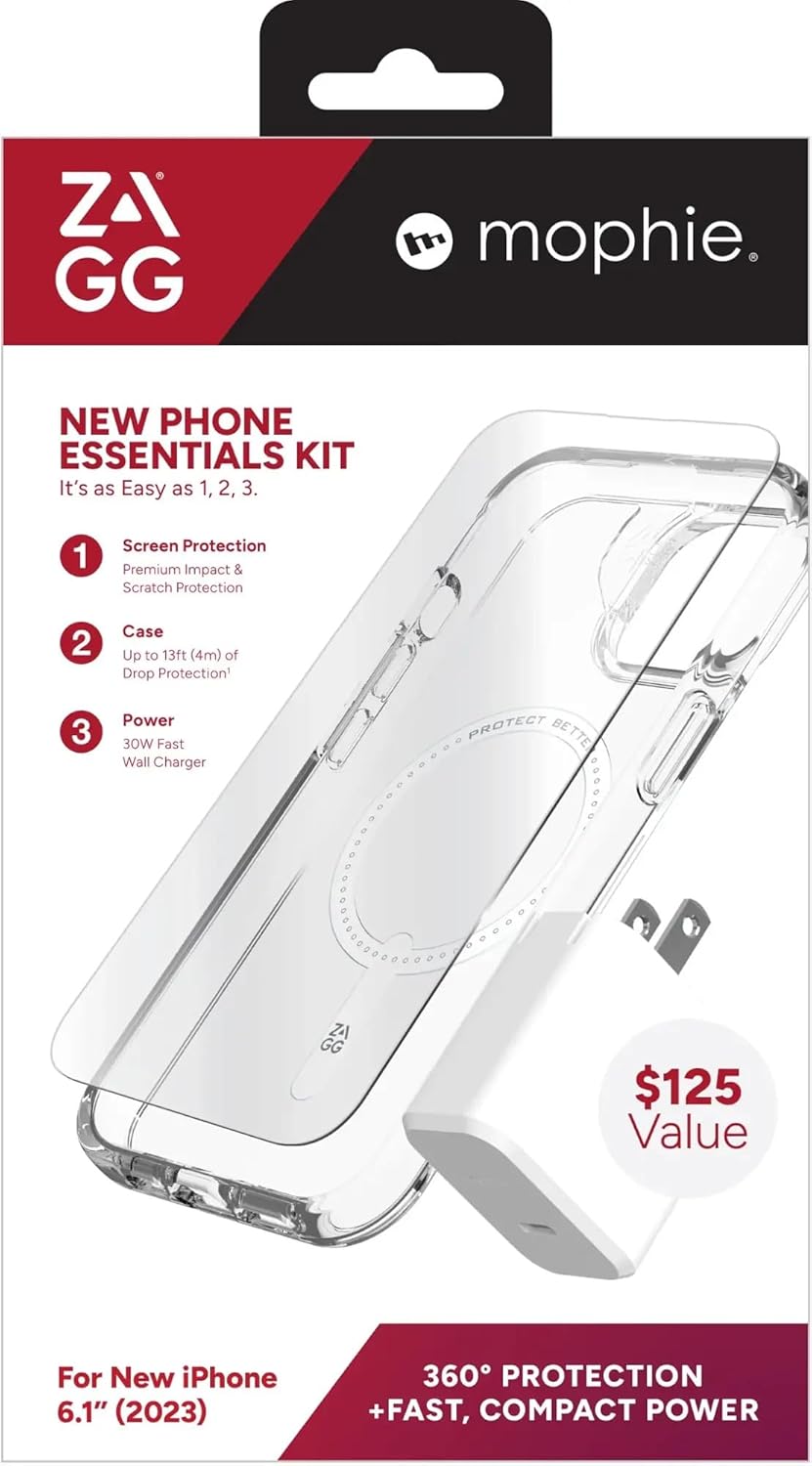
Figure 1: ZAGG & mophie Phone Essentials Kit for iPhone 15, displaying all included components.
What's in the Box
The ZAGG & mophie Phone Essentials Kit for iPhone 15 includes the following components:
- ZAGG Glass+ Defense Screen Protector: A tempered glass screen protector designed for superior scratch and impact resistance. Includes an EZ Apply™ tray for precise installation.
- Crystal Palace Snap MagSafe-Compatible Case: An ultra-slim, transparent case reinforced with graphene, offering up to 13ft/4m of drop protection. Features MagSafe compatibility.
- mophie Speedport 30W GaN Charger: A compact 30W GaN charger for fast USB-C PD charging.
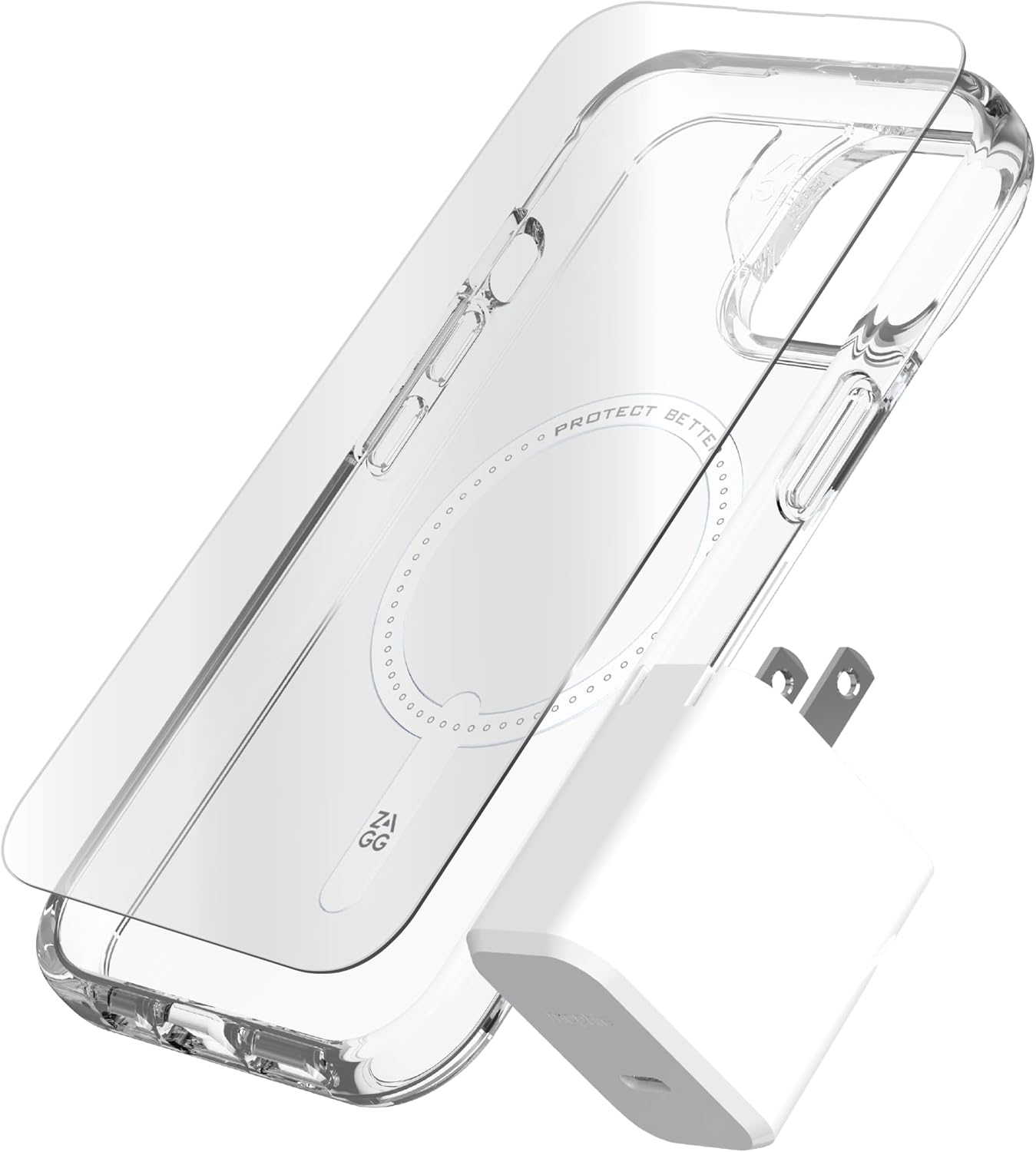
Figure 2: Close-up view of the ZAGG Glass+ Defense screen protector, Crystal Palace Snap case, and mophie Speedport 30W GaN charger.
Setup and Installation
1. ZAGG Glass+ Defense Screen Protector Installation
For optimal results, install the screen protector in a clean, dust-free environment.
- Clean Your Device Screen: Use the included cleaning wipe and microfiber cloth to thoroughly clean your iPhone 15 screen. Ensure there are no dust particles, smudges, or fingerprints.
- Align the EZ Apply™ Tray: Place the EZ Apply™ tray over your iPhone 15. The tray is designed to perfectly align the screen protector with your device's screen.
- Apply the Screen Protector: Peel off the protective film from the adhesive side of the Glass+ Defense screen protector. Carefully place the screen protector onto the screen, guiding it with the EZ Apply™ tray. Press down firmly from the center outwards to adhere.
- Remove Bubbles: Use the included squeegee or a credit card wrapped in the microfiber cloth to gently push any air bubbles towards the edges of the screen. Small bubbles should dissipate within 24-48 hours.

Figure 3: ZAGG Glass+ Defense Screen Protector.
2. Crystal Palace Snap Case Installation
Install the case after the screen protector has been applied.
- Insert Phone: Gently insert your iPhone 15 into the Crystal Palace Snap case, starting with one side and then pressing the other side into place.
- Ensure Snug Fit: Verify that all edges of your iPhone are securely seated within the case and that all buttons and ports are accessible.
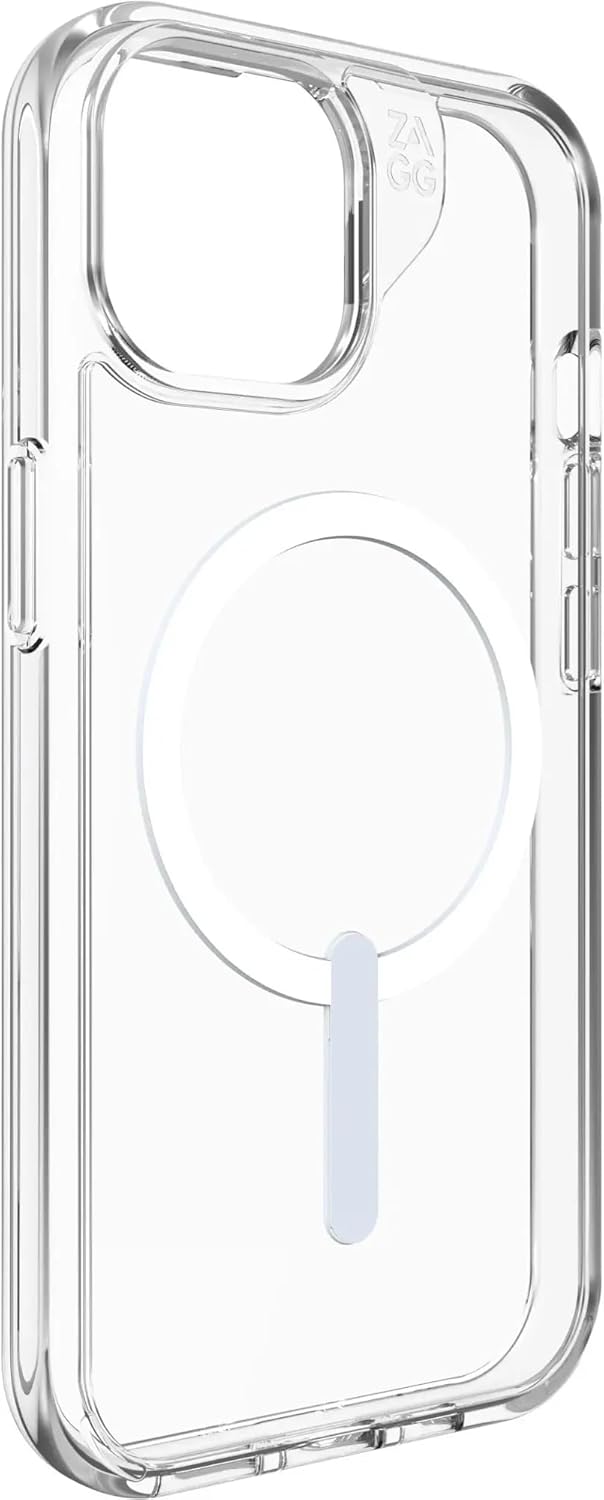
Figure 4: Crystal Palace Snap Case with MagSafe compatibility.
3. mophie Speedport 30W GaN Charger Usage
The mophie Speedport 30W GaN charger provides fast and efficient charging for your iPhone 15 and other compatible USB-C devices.
- Unfold Prongs: Extend the foldable prongs from the charger body.
- Plug into Outlet: Insert the charger into a standard wall outlet.
- Connect USB-C Cable: Connect a USB-C to USB-C cable (not included) from the charger's USB-C port to your iPhone 15 or other compatible device.
- Begin Charging: Your device will begin charging automatically. The GaN technology ensures efficient power delivery.

Figure 5: mophie Speedport 30W GaN Charger.
Operating Instructions
Screen Protection
The ZAGG Glass+ Defense screen protector provides a durable layer of protection against scratches, impacts, and smudges. Its smooth surface maintains the original touch sensitivity and clarity of your iPhone 15 display.
Case Protection and MagSafe Compatibility
The Crystal Palace Snap case offers robust drop protection for your iPhone 15, safeguarding it from accidental drops and bumps. The integrated MagSafe ring allows for seamless attachment of MagSafe accessories and efficient wireless charging without removing the case.
Fast Charging
Utilize the mophie Speedport 30W GaN charger with a compatible USB-C to USB-C cable to achieve fast charging speeds for your iPhone 15. This charger is optimized for Power Delivery (PD) to quickly power up your device.
Maintenance and Care
Screen Protector Care
- Clean the screen protector regularly with a soft, lint-free cloth.
- For smudges, use a screen cleaner specifically designed for electronics or a slightly damp cloth. Avoid harsh chemicals.
Case Care
- Wipe the case with a damp cloth to remove dirt and grime.
- Avoid prolonged exposure to direct sunlight or extreme temperatures to prevent material degradation or yellowing.
Charger Care
- Keep the charger dry and away from liquids.
- Store in a cool, dry place when not in use.
- Do not attempt to disassemble or repair the charger.
Troubleshooting
| Problem | Possible Cause | Solution |
|---|---|---|
| Bubbles under screen protector | Dust particles or improper application. | Gently lift the nearest edge of the protector and reapply, pushing out bubbles with a squeegee. Ensure screen is dust-free before reapplication. Small bubbles may disappear over time. |
| Case does not fit properly | Incorrect phone model or improper installation. | Ensure you have the correct case for iPhone 15. Re-seat the phone in the case, ensuring all corners snap into place. |
| Charger not charging device | Loose connection, faulty cable, or power outlet issue. | Check that the charger is firmly plugged into the wall outlet. Ensure the USB-C cable is securely connected to both the charger and your device. Try a different USB-C cable or a different power outlet. |
| Slow charging | Cable not supporting fast charging, device drawing less power, or background apps. | Ensure you are using a high-quality USB-C to USB-C cable that supports Power Delivery (PD). Close unnecessary background applications on your phone. |
Specifications
| Product Name | ZAGG & mophie Phone Essentials Kit for iPhone 15 |
| Model Number | 100613059 |
| Compatible Phone Models | iPhone 15 |
| Screen Protector Type | ZAGG Glass+ Defense (Tempered Glass) |
| Case Type | Crystal Palace Snap (Clear, MagSafe-compatible, Graphene-reinforced) |
| Case Drop Protection | Up to 13ft / 4m |
| Charger Type | mophie Speedport 30W GaN Charger (USB-C PD) |
| Material | Thermoplastic Polyurethane (Case), Glass (Screen Protector), Gallium Nitride (Charger) |
| Color | Clear (Case), White (Charger) |
| Item Package Dimensions | 9.65 x 5.24 x 2.56 inches |
| Package Weight | 0.66 Pounds |
| Manufacturer | ZAGG |
Warranty and Support
Warranty Information
This product is covered by a 2 Year Manufacturer Warranty. For specific terms and conditions, please refer to the warranty documentation included with your purchase or visit the official ZAGG website.
Customer Support
If you encounter any issues or have questions regarding your ZAGG & mophie Phone Essentials Kit, please contact ZAGG customer support through their official website. Have your product model number (100613059) and proof of purchase ready when contacting support.
No official product videos from the seller were found in the provided data for this product.