
TCL 32V4C
TCL 32V4C Series HD Ready Smart QLED Google TV User Manual
Model: 32V4C
Introduction
This manual provides detailed instructions for the setup, operation, and maintenance of your TCL 32V4C Series HD Ready Smart QLED Google TV. Please read this manual thoroughly before using the television to ensure proper and safe operation.
The TCL 32V4C Series TV features an HD Ready QLED display, integrated Google TV, and Dolby Audio for an enhanced viewing and audio experience. It includes a 64-bit Quad Core Processor, 1GB RAM, and 8GB ROM for smooth performance.
Important Safety Information
Always follow basic safety precautions when using this television to reduce the risk of fire, electric shock, and injury.
- Do not expose the television to rain or moisture.
- Ensure proper ventilation around the television.
- Do not block ventilation openings with items such as newspapers, table-cloths, curtains, etc.
- Do not place the television on an unstable cart, stand, tripod, bracket, or table.
- Unplug the television during lightning storms or when unused for long periods.
- Refer all servicing to qualified service personnel.
What's in the Box
Upon opening the package, verify that all items listed below are present and undamaged:
- 1N LED TV
- 1N Audio Cable
- 1N Stand
- 1N Power cord
- 1N Remote Control
- 2N AAA Batteries (for remote control)

Figure 1: Contents of the TV package, including the TV unit, remote, and stand.
Setup
1. Mounting Options
The TCL 32V4C TV offers both table-top and wall-mount installation options.
- Table Top Stand: The included stand allows for placement on a flat surface.
- Fixed Wall Mount: A fixed wall mount is not included in the box and must be purchased separately. Installation should be performed by a qualified service provider.

Figure 2: Television dimensions and weight for mounting reference.
2. Connecting Devices
The television provides various ports for connecting external devices:
- 2 HDMI Ports (one with ARC support)
- 1 USB port (USB 2.0)
- 1 LAN port (Ethernet)
- 1 Antenna Input
- 1 Satellite Input
- 1 Digital Audio Out (Optical)
- 1 AV IN Adapter
- 1 Headphone jack

Figure 3: Rear and side panel connections.
Connect your devices (e.g., set-top box, gaming console, sound system) to the appropriate ports using compatible cables.
3. Power Connection
After all connections are made, plug the power cord into a suitable electrical outlet (240 Volts AC).
Operating Your TV
1. Remote Control
The included smart remote control features dedicated hotkeys for quick access to popular streaming services and Google Assistant. Insert the two AAA batteries into the remote control, ensuring correct polarity.

Figure 4: Smart Remote Control with Google Assistant and quick access buttons.
2. Google TV Interface
Your TCL 32V4C TV runs on Google TV, providing a personalized home screen with content recommendations from your subscriptions. Navigate using the remote control to access apps, movies, shows, and settings.

Figure 5: Google TV home screen with content recommendations.
The TV supports popular streaming applications such as Prime Video, Netflix, Hotstar, Zee5, and more. You can also use the built-in web browser.
3. Display Features
The 32V4C Series features an HD Ready QLED panel with a resolution of 1366x768 and a 60Hz refresh rate. Key display technologies include:
- HDR 10: Provides enhanced contrast and color accuracy for a more dynamic picture.
- 100% Color Volume Plus: Delivers brilliant, true-to-life colors across varying brightness levels.
- Micro Dimming: Analyzes the TV content in hundreds of separate zones to adjust brightness and darkness independently.
- 178 Degree Wide Viewing Angle: Ensures consistent picture quality from various positions.
- Metallic Bezel-Less Design: Offers a sleek and immersive viewing experience.

Figure 6: Key display and smart features.

Figure 7: 100% Color Volume Plus for brilliant colors.

Figure 8: HDR 10 for detailed visuals.
4. Audio Features
The television is equipped with 16 Watts output speakers and supports Dolby Audio, delivering immersive sound quality for all your content.

Figure 9: Immersive Dolby Audio experience.
5. Smart Features and Connectivity
- Google Assistant: Use voice commands via the remote to search for content, control smart home devices, and get information.
- Wi-Fi 4: Connects to your home network for internet access and streaming.
- Screen Mirroring / Google Cast: Cast content from your smartphone or tablet directly to the TV.
- Kid's Profile: Create a safe viewing environment for children with curated content.
- Bluetooth: Connect wireless headphones, soundbars, or other Bluetooth-enabled devices.

Figure 10: Google Assistant for voice control.

Figure 11: Google Cast, Kid's Profile, and Google Meet capabilities.
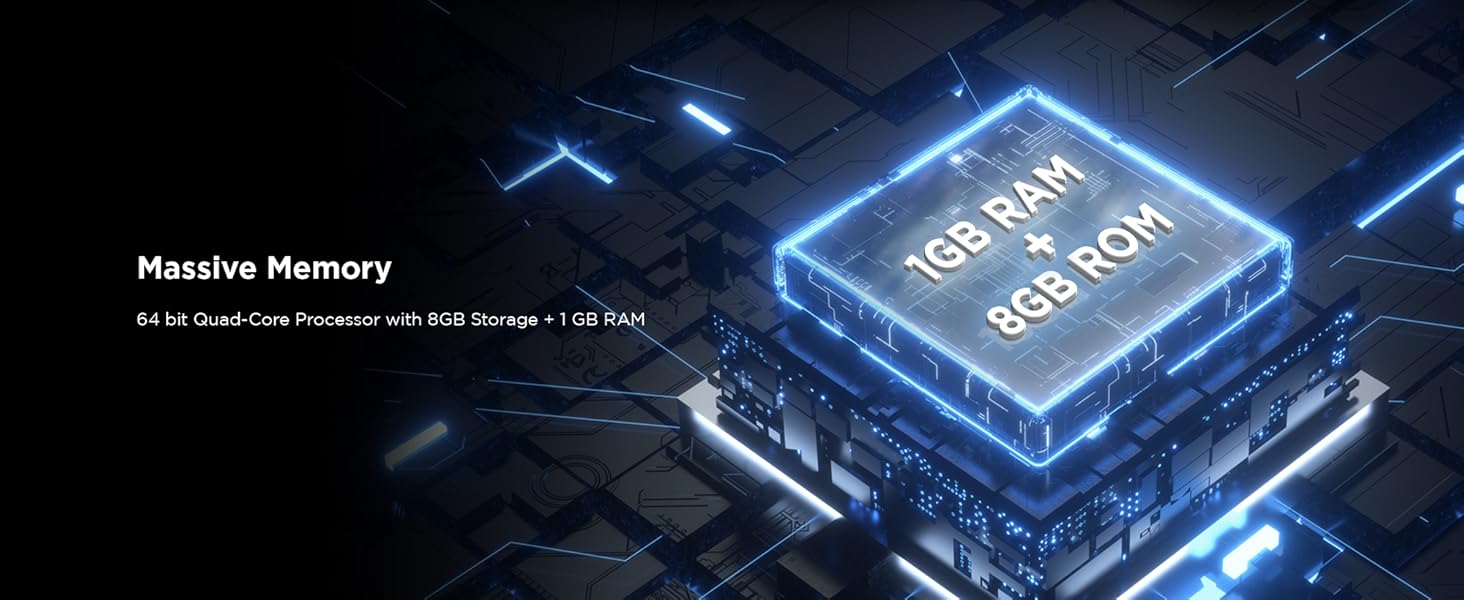
Figure 12: Efficient connectivity options.
6. Viewing Modes
The TV offers multiple viewing modes optimized for different content types:
- Movie Mode: Enhances picture settings for cinematic viewing.
- Game Mode: Reduces input lag for a more responsive gaming experience.
- Sports Mode: Optimizes motion and color for live sports broadcasts.

Figure 13: Movie Mode optimization.
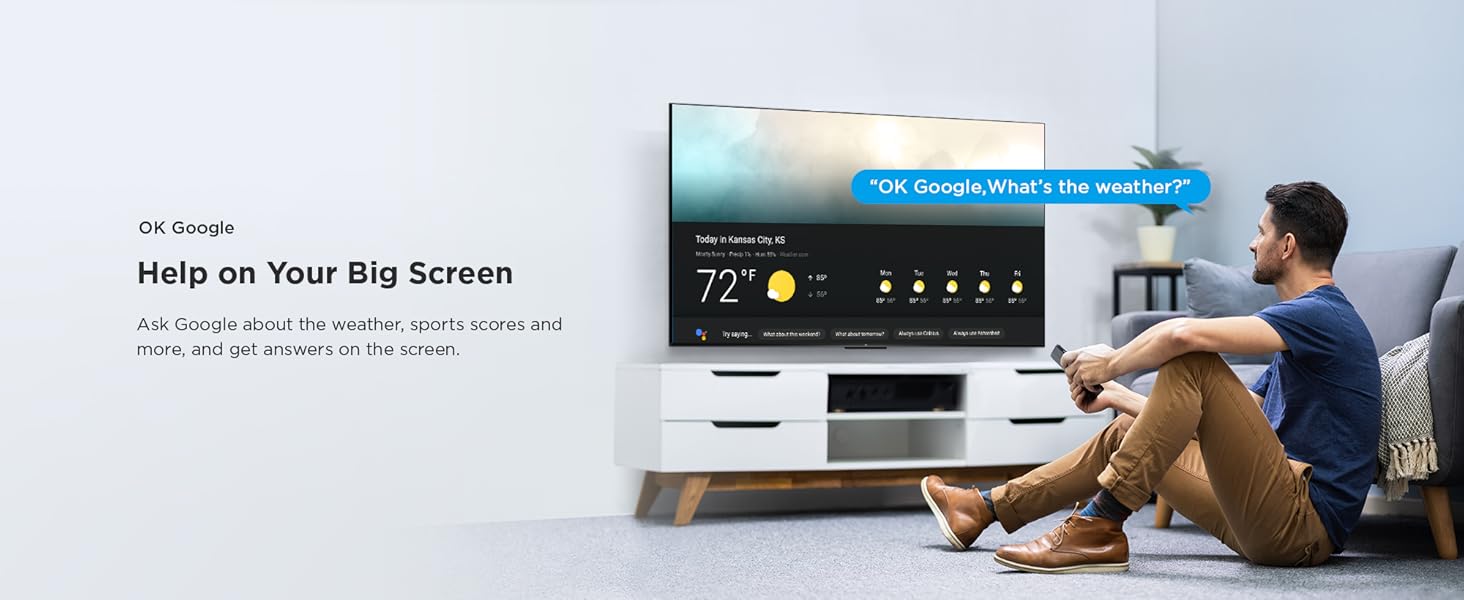
Figure 14: Game Mode for enhanced gaming.
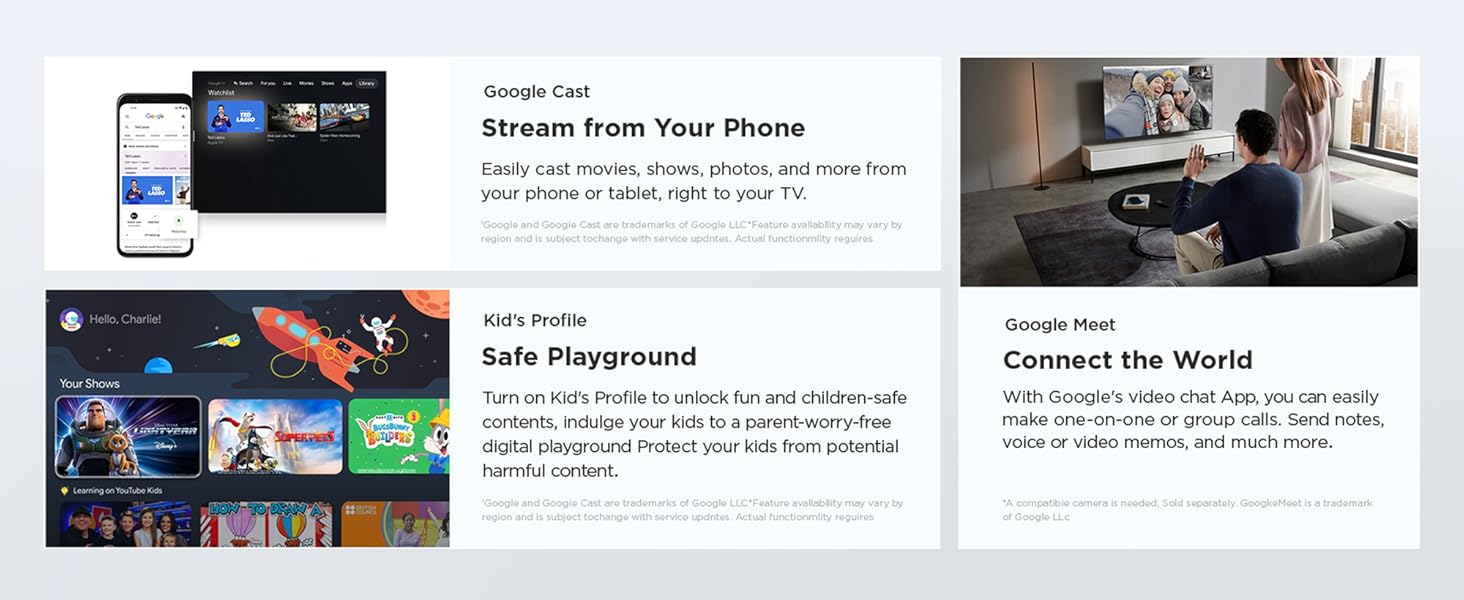
Figure 15: Sports Mode for dynamic sports viewing.
Specifications
| Feature | Detail |
|---|---|
| Brand | TCL |
| Model | 32V4C |
| Screen Size | 32 Inches (80 cms) |
| Display Technology | QLED |
| Resolution | HD (1366x768) |
| Refresh Rate | 60 Hz |
| Operating System | Google TV |
| Processor | 64-bit Quad Core Processor |
| RAM | 1 GB |
| Storage (ROM) | 8 GB |
| Connectivity | Wi-Fi 4, Bluetooth, 2 HDMI Ports, 1 USB Port, 1 LAN, 1 Antenna Input, 1 Satellite Input, 1 Digital Audio Out, 1 AV IN Adapter, 1 Headphone |
| Audio Output | 16 Watts, Dolby Audio |
| Special Features | HDR 10, 100% Color Volume Plus, Micro Dimming, Metallic Bezel-Less Design, Google Assistant, Screen Mirroring, Multiple Eye Care |
| Power Source | AC 240 Volts |
| Item Weight | 3.19 kg |
| Product Dimensions (LxWxH) | 18 x 71.5 x 46.5 cm |
Warranty and Support
Warranty Information: A 1-year warranty is provided by the manufacturer for the TV from the date of purchase. The remote control has a 6-month warranty. Warranty claims can be processed using the Amazon e-invoice.
Customer Support: For any technical assistance or service requests, please refer to the contact information provided on the official TCL India website or your purchase documentation.
Product Videos
TCL V4C Series Overview
This video provides a brief overview of the TCL V4C Series HD Ready Smart QLED Google TV, highlighting its key features such as HD display, QLED panel, Google TV integration, and connectivity options. It also mentions the included accessories and warranty information.
TCL QLED TV Features Showcase
This video demonstrates the advanced features of the TCL QLED TV, including the vibrant colors from Quantum Crystal technology, ultra-high color gamut, metallic bezel-less design, HD Ready resolution, HDR 10, Dolby Audio, Google TV interface, various viewing modes (Movie, Game, Sport), and smart connectivity options like Google Assistant and Bluetooth.
Related documents32V4C


Ask a question about this manual
Ask about setup, troubleshooting, compatibility, parts, safety, or missing instructions. Manuals+ will review the question and use this page’s manual context to help answer it.