1. Introduction
Thank you for choosing the FF Europe LED Illuminated Bathroom Mirror. This modern and energy-efficient mirror is designed to enhance your bathroom experience with its advanced features, including a touch sensor, adjustable lighting, digital clock, anti-fog function, dimming, and memory capabilities. This manual provides essential information for safe installation, operation, and maintenance of your new mirror.
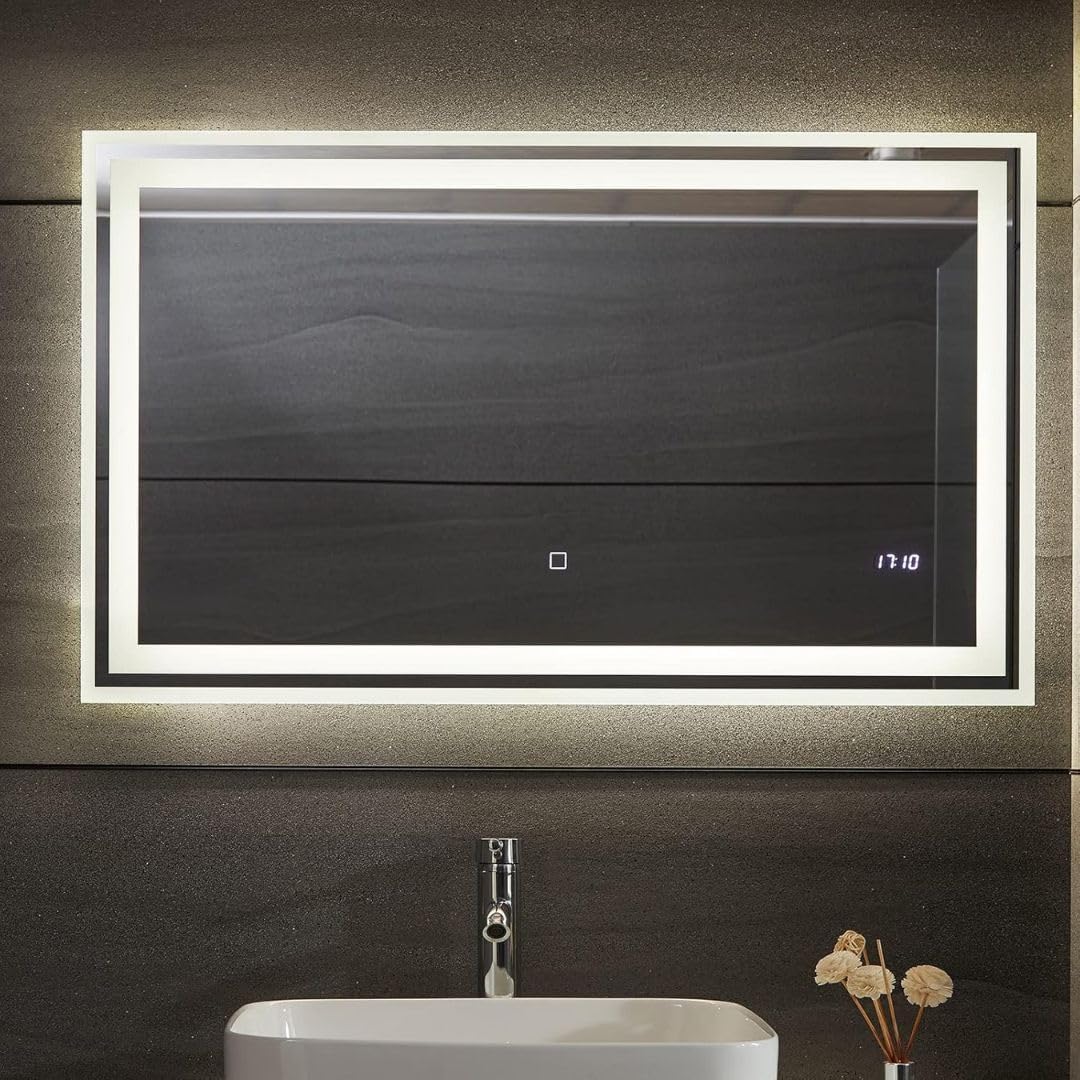
Figure 1: Front view of the LED Illuminated Bathroom Mirror. This mirror features a clean, rectangular design with integrated LED lighting around the perimeter and a digital clock display.
2. Safety Instructions
Please read all safety instructions carefully before installation and use. Failure to follow these instructions may result in electric shock, fire, or personal injury.
- Electrical Safety: Installation must be performed by a qualified electrician in accordance with local wiring regulations. Ensure the power supply is disconnected before installation or maintenance.
- Water Resistance: The mirror has an IP44 protection class, meaning it is protected against solid objects over 1mm and splashing water from any direction. It is suitable for bathroom use but should not be submerged in water.
- Handling: Handle the mirror with care. The glass surface is fragile.
- Cleaning: Use only soft, damp cloths for cleaning. Avoid abrasive cleaners or solvents that may damage the mirror surface or electrical components.
- Ventilation: Ensure adequate ventilation around the mirror, especially if installed in a confined space.
3. Package Contents
Verify that all components are present before beginning installation:
- 1 x LED Bathroom Mirror (Model LEDSP07, 120 x 60 cm)
- 1 x User Manual (EN/FR/DE/IT)
- Mounting hardware (screws, wall plugs) - may be included or sold separately depending on region.
4. Setup and Installation
The LED Bathroom Mirror is designed for wall mounting. For detailed installation steps, please refer to the separate installation guide provided in the package. Below are key considerations:
- Wall Clearance: The mirror is designed to be installed approximately 25 mm from the wall.
- Power Connection: The mirror comes with a VDE plug and a cable length of approximately 1.4 meters. Ensure a suitable power outlet is available or consult a qualified electrician for direct wiring.
- Mounting Surface: Ensure the wall can support the mirror's weight (approx. 8.8 kg).

Figure 2: Installation details including glass thickness (4mm), distance from wall (25mm), number of LED diodes (120), and the VDE plug.
5. Operating Instructions
Your LED Bathroom Mirror features intuitive touch controls for various functions:

Figure 3: Key features of the mirror, including anti-fog, digital clock, touch sensor, and dimming.
- Touch Sensor Switch:
The mirror is equipped with a discreet touch sensor. A short tap on the sensor icon (usually a square or circle on the mirror surface) will turn the LED lights ON or OFF.
- Adjustable Lighting (Color Temperature):
The mirror offers three color temperature settings: Warm White (3000K), Neutral White (4500K), and Cool White (7000K). To cycle through these settings, tap the touch sensor repeatedly while the lights are ON.
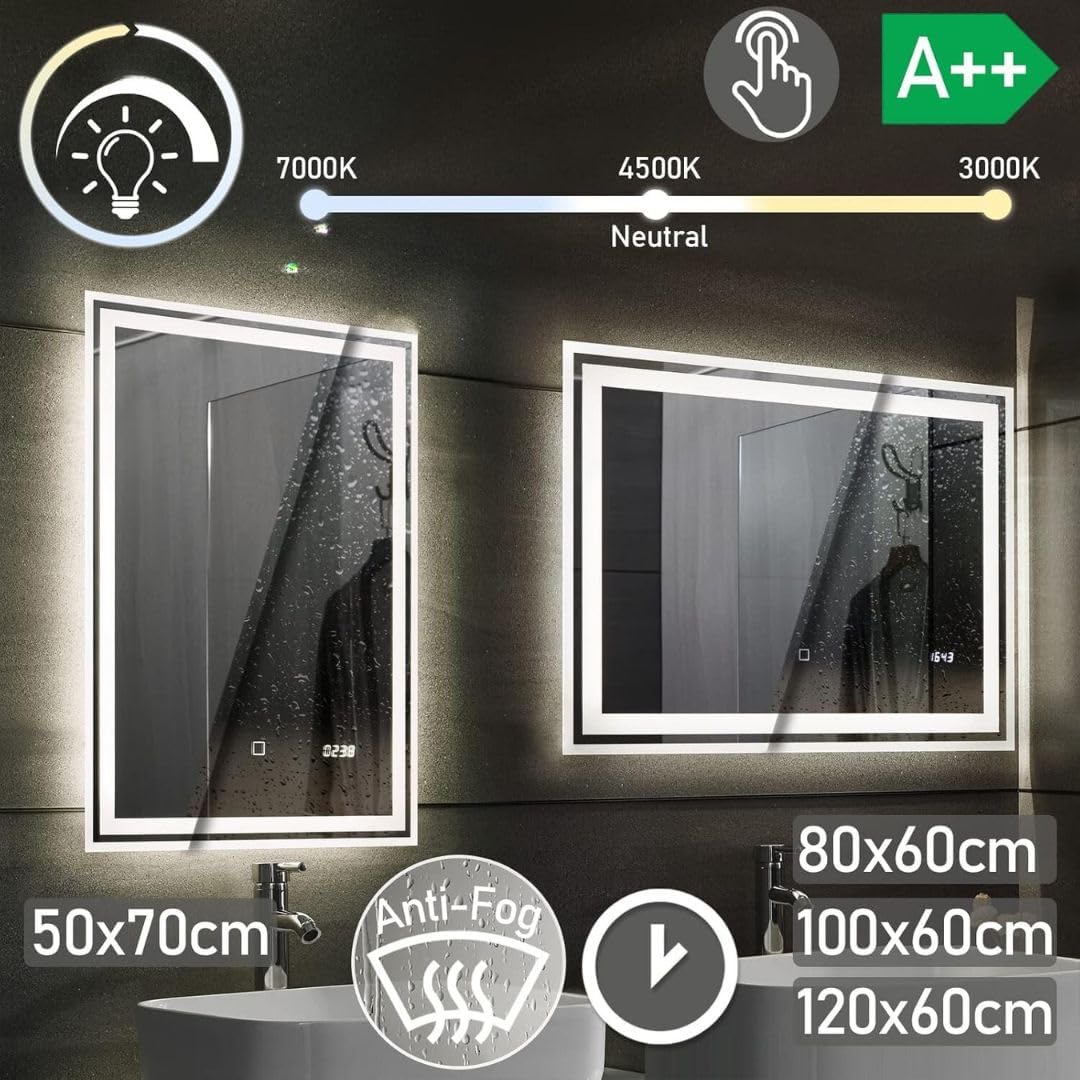
Figure 4: Adjustable light temperatures from cool to warm.

Figure 5: Visual representation of setting the mood with different light temperatures.
- Dimming Function:
To adjust the brightness of the LED lights, press and hold the touch sensor while the lights are ON. The brightness will gradually increase or decrease. Release your finger when the desired brightness is reached.
- Memory Function:
The mirror is equipped with a smart memory function that remembers your last used brightness and color temperature settings. When you turn the mirror back on, it will resume these settings.
- Digital Clock & Date Settings:
The mirror features an integrated digital clock and date display. Specific instructions for setting the time and date are typically found in the detailed installation manual. Generally, a long press or a combination of taps on the touch sensor or a dedicated clock icon will activate the setting mode.
- Anti-fog Function:
Activate the anti-fog function by tapping the dedicated anti-fog icon (often a steam symbol) on the mirror surface. This function heats a portion of the mirror to prevent condensation, ensuring a clear reflection. The anti-fog function may have a separate power button or be integrated with the main touch sensor.
6. Maintenance
Proper care will ensure the longevity and performance of your mirror:
- Cleaning the Mirror Surface: Use a soft, lint-free cloth and a non-abrasive glass cleaner. Spray the cleaner onto the cloth, not directly onto the mirror, to avoid liquid seeping into electrical components.
- Copper-Free Mirror: This mirror is made from copper and lead-free glass, making it more resistant to corrosion, humidity, and moisture, contributing to exceptional longevity.
- General Care: Avoid harsh chemicals, abrasive materials, or sharp objects that could scratch or damage the mirror surface or frame.
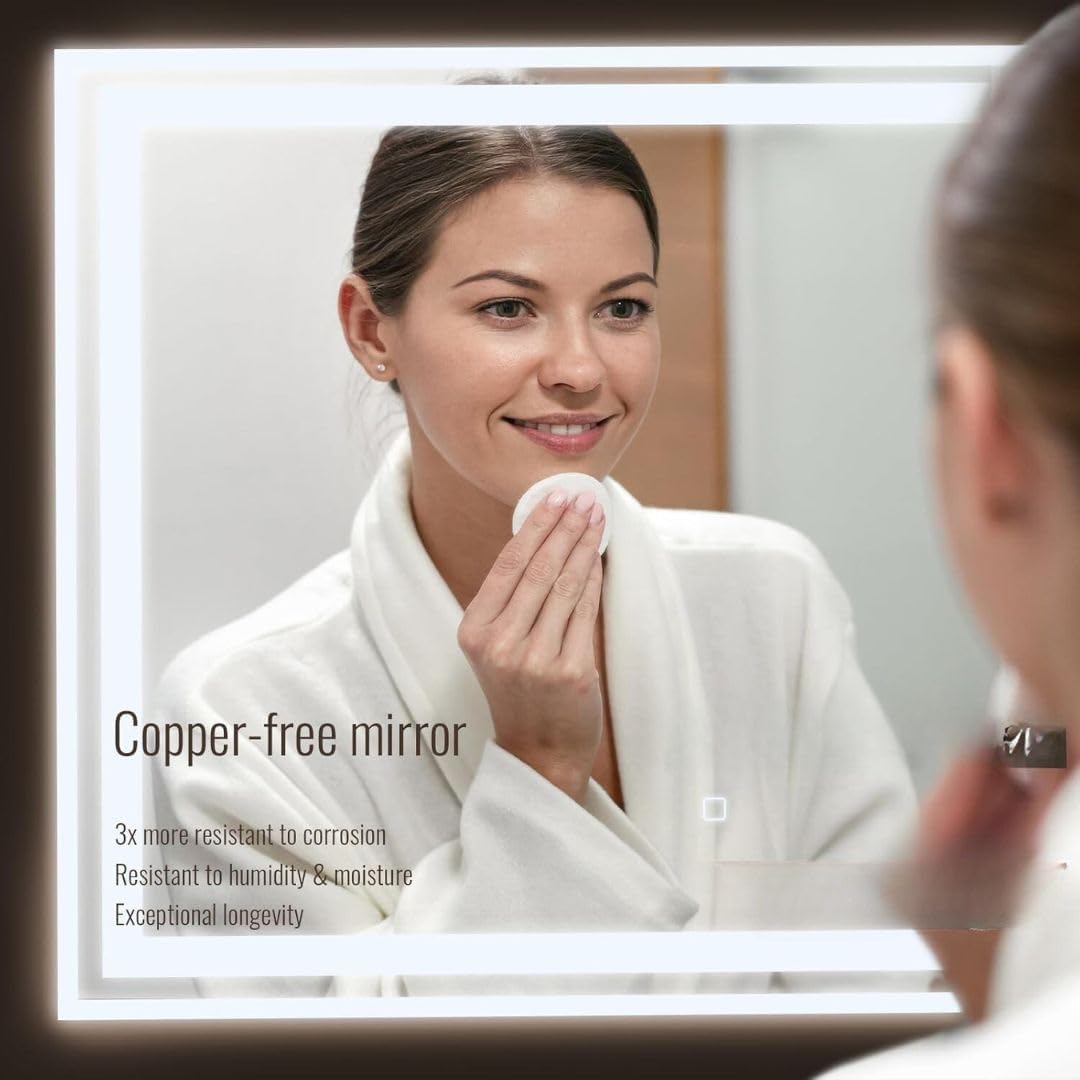
Figure 6: Benefits of the copper-free mirror construction.
7. Troubleshooting
If you encounter any issues with your mirror, please refer to the following common problems and solutions:
| Problem | Possible Cause | Solution |
|---|---|---|
| Lights do not turn on. | No power supply; loose connection; faulty touch sensor. | Check power outlet and connections. Ensure the main power switch is ON. If problem persists, contact a qualified electrician. |
| Anti-fog function not working. | Anti-fog function not activated; electrical issue. | Ensure the anti-fog function is activated via its dedicated touch icon. Allow a few minutes for it to take effect. |
| Touch sensor unresponsive. | Dirty sensor; temporary electrical glitch. | Clean the sensor area. Try turning off the main power to the mirror for 30 seconds and then turning it back on (reset). |
| Digital clock is incorrect. | Time not set or power interruption. | Refer to the detailed installation manual for instructions on how to set the digital clock and date. |
For issues not listed here or if troubleshooting steps do not resolve the problem, please contact customer support or a qualified electrician.
8. Specifications
| Feature | Detail |
|---|---|
| Model Number | LEDSP07 |
| Dimensions (L/W) | Approx. 120 x 60 cm |
| Glass Surface Thickness | 4 mm |
| Distance from Wall | 25 mm |
| Weight | Approx. 8.8 kg |
| Max. Power | 33 W (3780 lumens) |
| Number of LED Diodes | 120 |
| LED Lifespan | Approx. 50,000 hours |
| Protection Class | IP44 |
| Cable Length | Approx. 1.4 m |
| Material | Copper and lead-free glass panel |
| Energy Efficiency Class | A++ |
| LED Color Temperatures | Warm White (3000 K), Neutral White (4500 K), Cool White (7000 K) |
| Special Features | Touch Sensor, LED Clock, Date Settings, Memory Function, Dimming Function, Anti-condens (Anti-fog) Function |
9. Warranty and Support
This product comes with a manufacturer's warranty. Please refer to the warranty card included in your package or visit the FF Europe official website for detailed warranty terms and conditions.
For technical support, spare parts, or any inquiries regarding your LED Bathroom Mirror, please contact FF Europe customer service through the contact information provided on your purchase receipt or the official brand website.


