
UCEC UCEC00585
Contents
UCEC Label Maker Case Instruction Manual
This manual provides essential information for the proper use and care of your UCEC Label Maker Case.
Product Overview
The UCEC Label Maker Case is designed to provide secure and organized storage for various mini portable label makers and their accessories. Crafted from durable EVA material, it offers protection against impacts and spills, making it ideal for both home use and travel.

This image displays the UCEC Label Maker Case in its open state, revealing a pink label maker and several rolls of white labels neatly stored within its compartments. The case features a vibrant pink interior and a mesh zippered pocket in the lid for additional storage.
Key Features:
- Upgraded Spacious Organizer: Measuring 7.1 x 5.1 x 3.2 inches, this case provides ample internal space for your label maker and accessories.
- All-in-One Compatibility: Designed to fit a wide range of models including Niimbot B1/B21, Phomemo M110/M220/T02/M02, SUPVAN T50M Pro, and Memoking T02.
- Well-Organized Interior Structure: Features a mesh zipper pocket on one side and elastic straps on the other, along with an adjustable partition for customized organization.
- Travel-Ready & Lightweight: The rugged exterior and integrated handle ensure secure and convenient transport of your label maker.
- Durable Construction: Made from hard EVA material for perfect protection against scratches, impacts, and water.
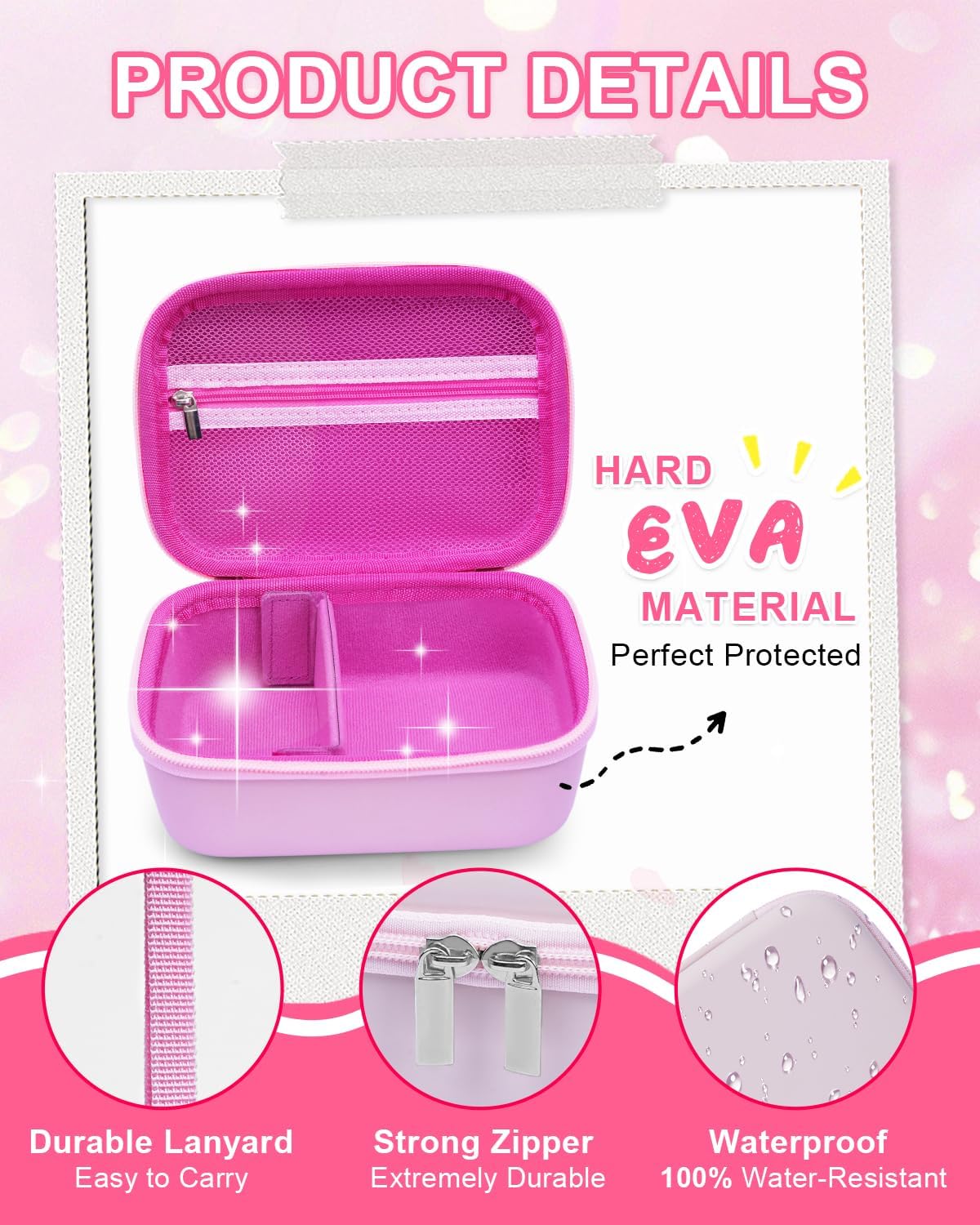
This image details the construction and protective qualities of the UCEC Label Maker Case. It highlights the hard EVA material for perfect protection, a durable lanyard for easy carrying, strong zippers for durability, and a 100% water-resistant exterior, shown with water droplets on the surface.
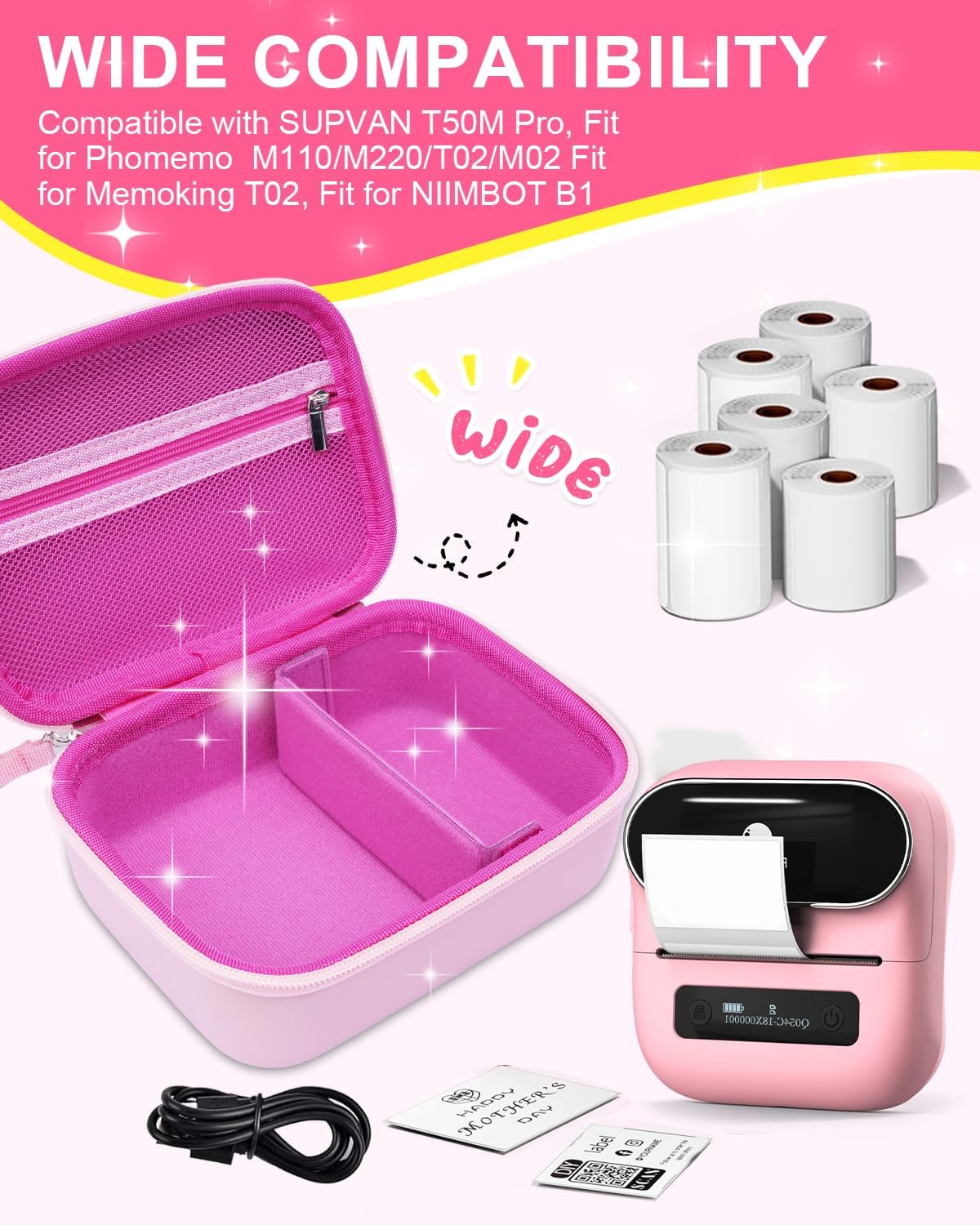
This image visually demonstrates the wide compatibility of the UCEC Label Maker Case, displaying it alongside several models of label makers it is designed to fit, such as SUPVAN T50M Pro, Phomemo M110, M220, T02, M02, and NIIMBOT B1. This illustrates its versatility for various popular label maker brands.
Setup and Organization
The UCEC Label Maker Case is designed for intuitive organization. Follow these steps to set up your case:
- Open the Case: Unzip the case completely to reveal the main compartment and the mesh pocket in the lid.
- Adjust the Partition: The main compartment features an adjustable partition. You can reposition this partition using its hook-and-loop fasteners to create custom-sized sections for your label maker and label rolls. This allows for optimal fit and prevents items from shifting during transport.
- Place Your Label Maker: Carefully place your compatible label maker (e.g., Phomemo M110, Niimbot B1) into one of the main compartments.
- Organize Accessories: Use the remaining main compartment space for label rolls. The mesh zipper pocket in the lid is ideal for storing smaller accessories such as charging cables, spare batteries, or small tools.
- Secure Contents: Ensure all items are snugly fitted within their compartments before zipping the case closed.
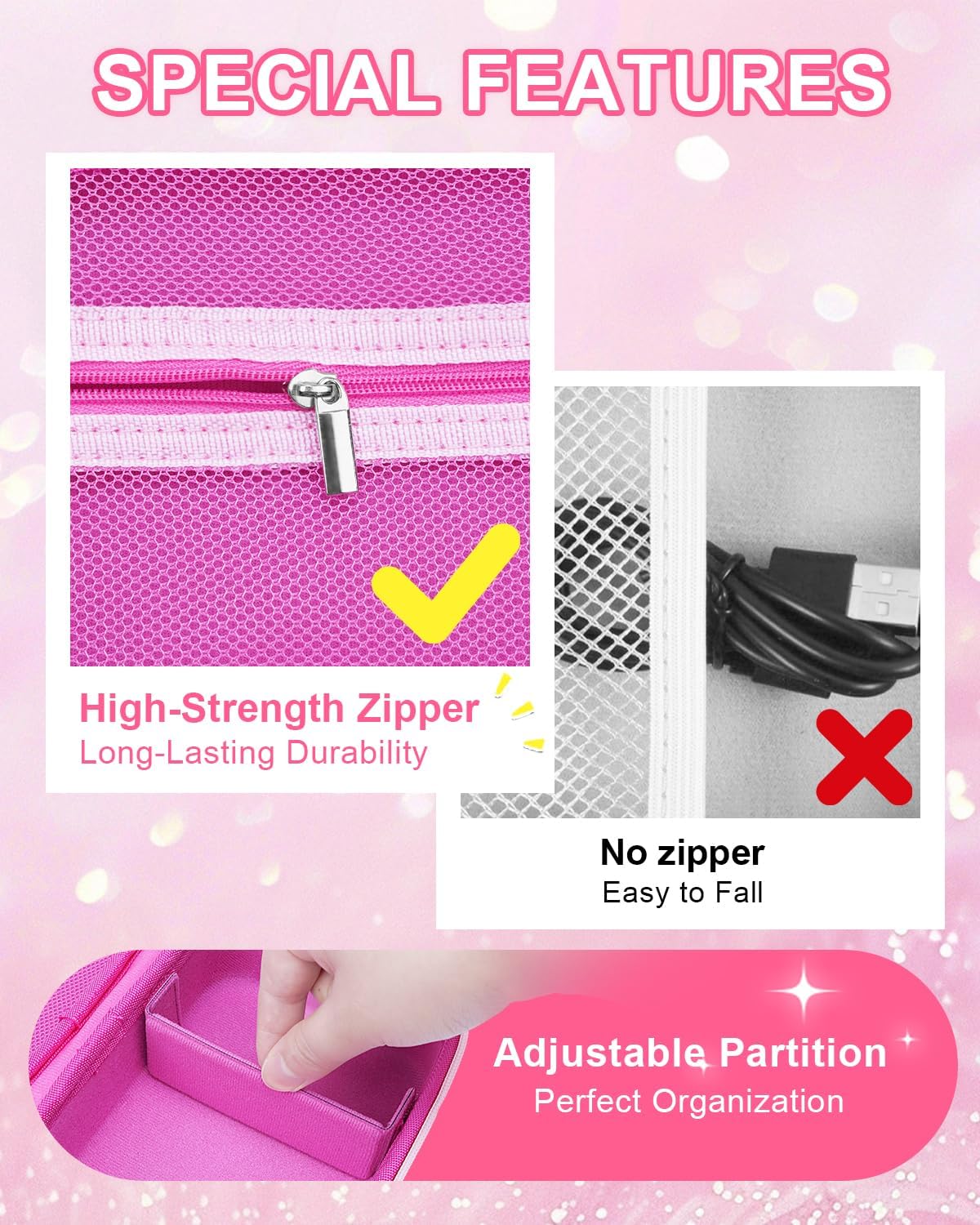
This image illustrates the interior organization capabilities of the case, specifically highlighting the adjustable partition that allows users to customize storage space. It also provides a close-up view of the high-strength zipper, emphasizing its long-lasting durability and smooth operation.
Usage and Portability
The UCEC Label Maker Case is designed for maximum portability and convenience, whether you are at home, in the office, or on the go.
- Daily Use: Keep your label maker and supplies neatly organized on your desk or in a drawer, protecting them from dust and damage.
- Travel: The compact size and durable exterior make it perfect for carrying in a backpack, handbag, or luggage. The integrated wrist strap provides an additional secure carrying option.
- Outdoor Activities: Its water-resistant properties offer an extra layer of protection against light splashes or unexpected weather conditions.
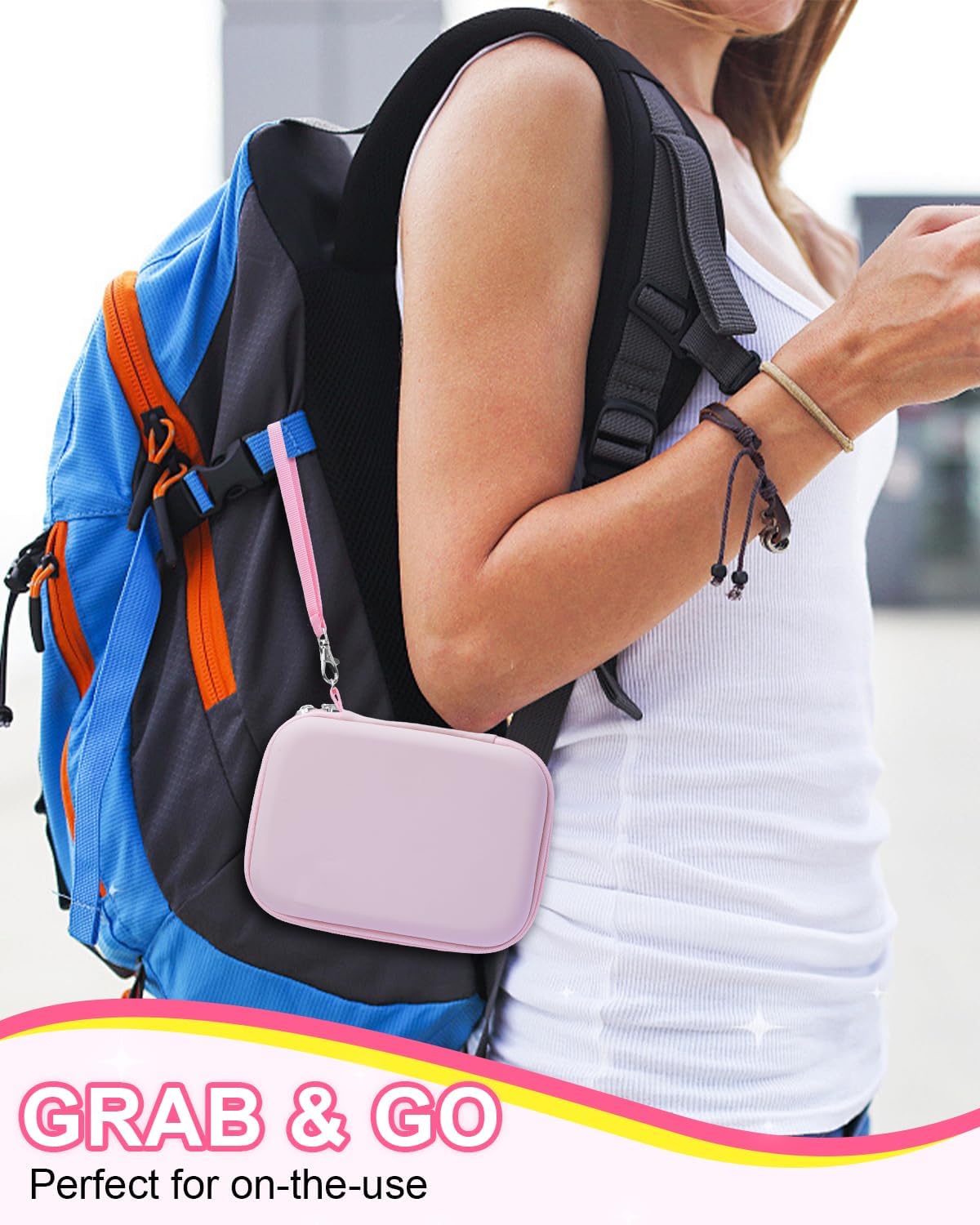
This image shows the UCEC Label Maker Case being carried by a person, attached to a backpack strap, emphasizing its convenient "Grab & Go" design for easy transport and on-the-go use.

This image depicts a person walking outdoors while holding the UCEC Label Maker Case by its wrist strap, showcasing its sleek, premium appearance and ease of portability for various settings.
Official Product Video:

This video provides a visual demonstration of the UCEC Label Maker Case, showcasing its features, compatibility with various label makers, and overall design. It highlights the durable construction, spacious interior, and portability aspects of the product.
Maintenance
To ensure the longevity and appearance of your UCEC Label Maker Case, follow these simple maintenance guidelines:
- Cleaning the Exterior: The hard EVA material is easy to clean. Wipe the exterior with a soft, damp cloth and mild soap if necessary. Avoid abrasive cleaners or harsh chemicals that could damage the surface.
- Cleaning the Interior: For the fabric interior, use a soft brush or a lint roller to remove dust and debris. For spills, gently spot clean with a damp cloth.
- Zipper Care: Periodically check the zippers for any obstructions. If they become stiff, a small amount of zipper lubricant or wax can be applied to ensure smooth operation.
- Storage: When not in use, store the case in a cool, dry place away from direct sunlight to prevent material degradation.
Troubleshooting
While the UCEC Label Maker Case is designed for durability and compatibility, here are some common issues and their solutions:
| Problem | Possible Cause | Solution |
|---|---|---|
| Label maker does not fit. | Incompatible model or incorrect placement. | Verify your label maker model against the listed compatible models (Niimbot B1/B21, Phomemo M110/M220/T02/M02, SUPVAN T50M Pro, Memoking T02). Adjust the internal partition to accommodate your device. |
| Zipper is stiff or stuck. | Dust, debris, or lack of lubrication. | Clean the zipper teeth with a small brush. Apply a small amount of zipper lubricant, wax, or even a pencil lead to the teeth and gently work the zipper back and forth. |
| Case appears dirty or stained. | Surface grime or minor stains. | Wipe the exterior with a soft, damp cloth. For stubborn stains, use a small amount of mild soap and rinse thoroughly with a clean damp cloth. Allow to air dry completely. |
Product Specifications
| Specification | Detail |
|---|---|
| Brand | UCEC |
| Model Number | UCEC00585 |
| Product Dimensions | 7.87 x 3.14 x 5.51 inches (External) |
| Internal Dimensions | Approximately 7.1 x 5.1 x 3.2 inches (Upgraded spacious organizer) |
| Item Weight | 7 ounces |
| Material | Hard EVA (Ethylene-vinyl acetate) |
| Color | Pink (for this specific variant) |
| Included Components | 1x Label Maker Case |
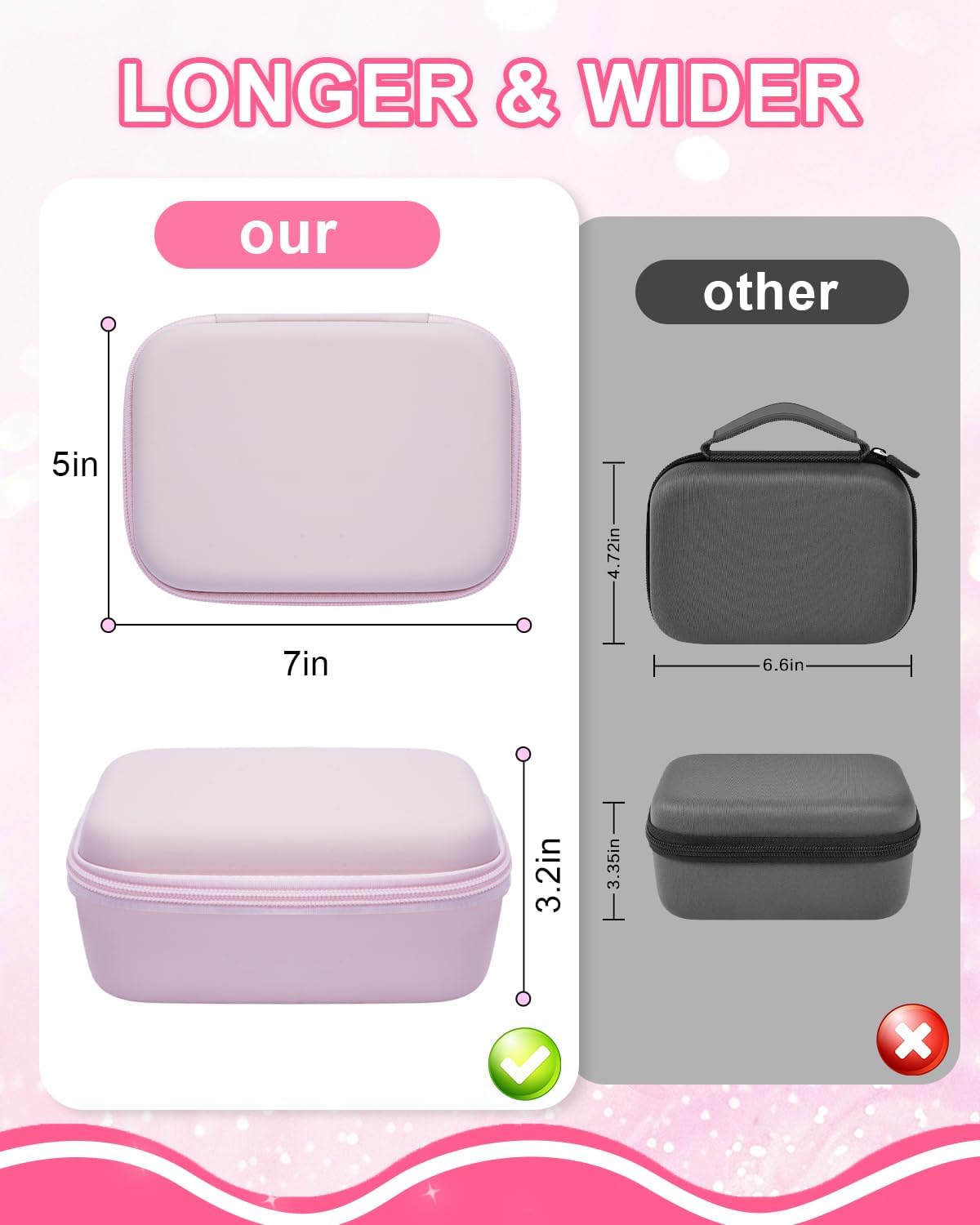
This image visually compares the dimensions of the UCEC Label Maker Case (7.1''x5.1''x3.2'') with a typical smaller case, highlighting its upgraded longer and wider internal space designed to hold more label tapes and accessories.
Warranty and Support
For specific warranty information regarding your UCEC Label Maker Case, please refer to the documentation provided with your purchase or visit the official UCEC brand store. Warranty terms typically cover manufacturing defects.
For technical support or inquiries, please contact UCEC customer service. When contacting support, please provide your product model number (UCEC00585) and a detailed description of your issue.
You can find more information and contact details on the UCEC Brand Store on Amazon.
Documents and downloads
Ask a question about this manual
Ask about setup, troubleshooting, compatibility, parts, safety, or missing instructions. Manuals+ will review the question and use this page’s manual context to help answer it.