
Introduction
The JBL Tune 520C USB-C wired on-ear headphones deliver high-resolution audio and powerful JBL Pure Bass Sound. Designed for comfort and portability, these headphones feature a convenient 3-button remote with a microphone and EQ presets, making them ideal for everyday use across various USB-C compatible devices.
Product Overview

Figure 1: JBL Tune 520C USB-C Wired On-Ear Headphones.
The JBL Tune 520C headphones are designed for a comfortable on-ear fit with soft ear cushions and a padded headband. The lightweight and foldable design ensures easy storage and transport. They connect via a durable, tangle-free USB-C cable, which also integrates a 3-button remote and microphone for seamless control and communication.

Figure 2: Close-up of the JBL Tune 520C headphones showing the cable and remote.
Setup
Connecting Your Headphones
- Locate the USB-C connector on the headphone cable.
- Plug the USB-C connector into the compatible port on your device (PC, mobile phone, gaming device, tablet, or laptop).
- Ensure the connection is secure. Your device should automatically recognize the headphones.
Video 1: Official JBL Tune 520C Product Video demonstrating features and connectivity.
Operating Instructions
Using the 3-Button Remote
The in-line 3-button remote allows for easy control of your audio and calls:

Figure 3: Detail of the 3-button remote control.
- Volume Up (+): Press the top button to increase volume.
- Volume Down (-): Press the bottom button to decrease volume.
- Play/Pause/Call Control (Middle Button):
- Press once to play or pause music.
- Press once to answer or end a call.
- Press twice to skip to the next track.
- Press three times to go to the previous track.
EQ Presets
Customize your listening experience by switching between different EQ presets:

Figure 4: EQ Presets for sound customization.
- To cycle through EQ presets (Default, Vocal, Bass), press and hold the Volume Up (+) button for 2 seconds.
- Default: Provides a balanced, well-rounded sound.
- Bass: Enhances low frequencies for a more impactful sound.
- Vocal: Boosts mid-range frequencies for clearer vocal reproduction.
Comfort and Design
The JBL Tune 520C headphones are engineered for extended listening sessions and easy transport.
Ergonomics and Portability
- Padded On-Ear Design: Soft ear cushions and a padded headband ensure comfort for all-day wear.
- Foldable Design: The headphones can be folded flat for compact storage, making them convenient for travel.
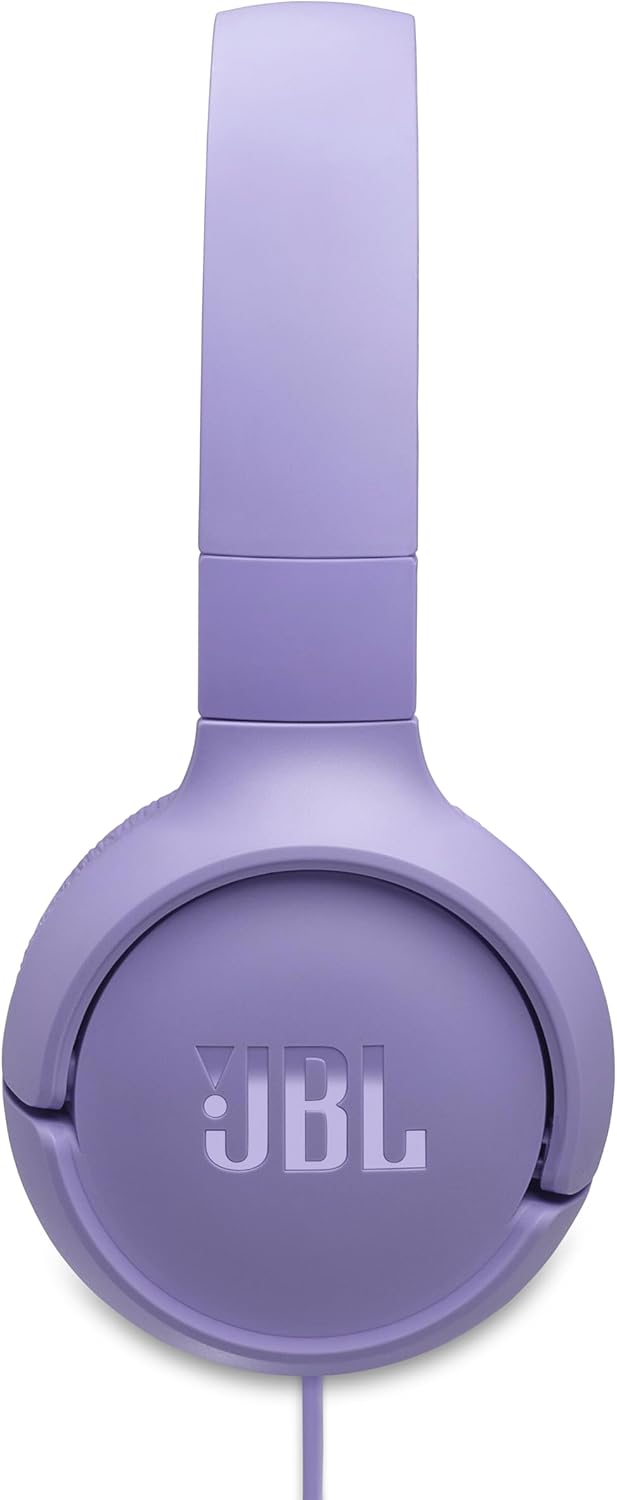
Figure 5: JBL Tune 520C headphones in their folded state.
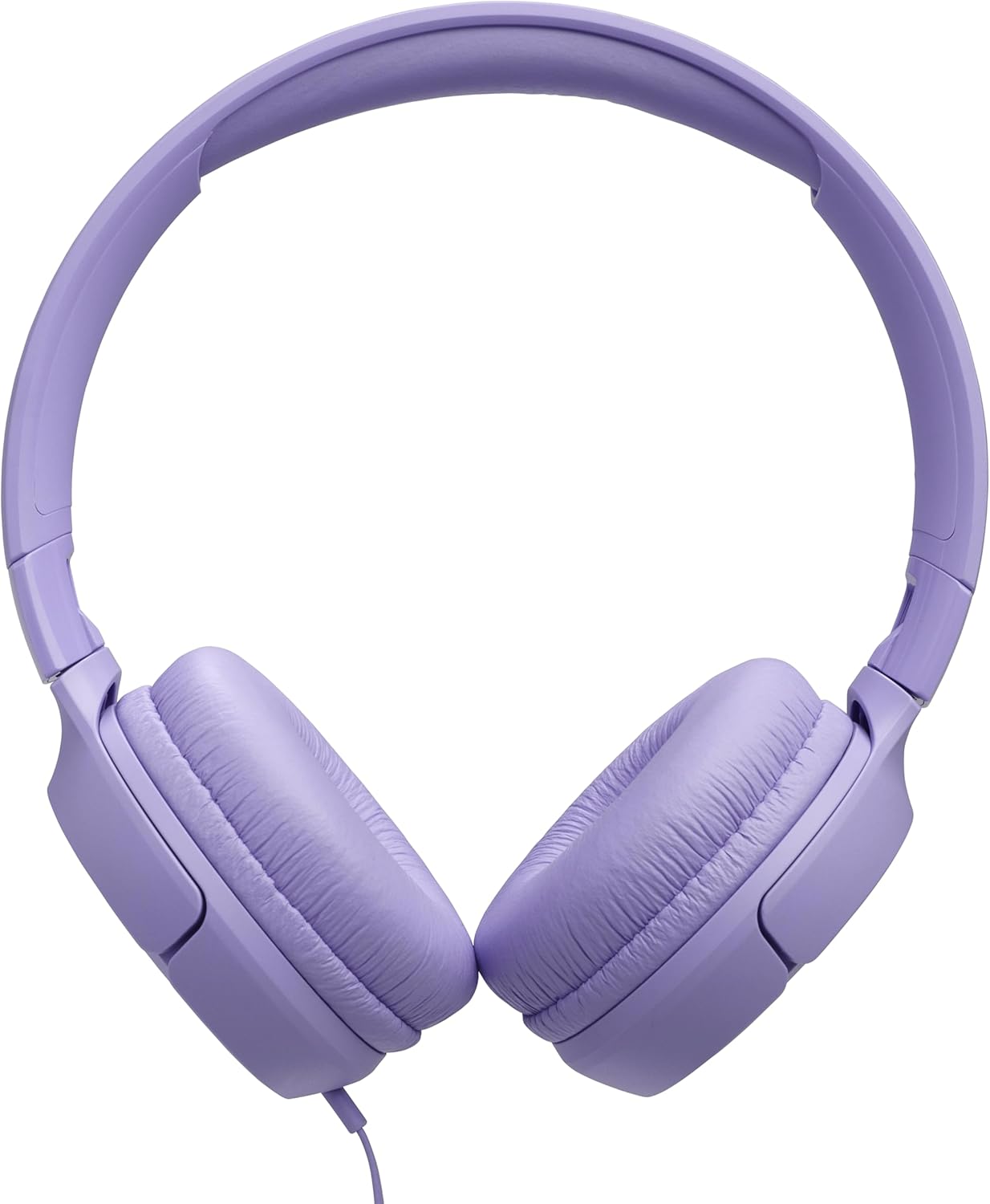
Figure 6: User wearing the JBL Tune 520C headphones.
Tangle-Free Cable
The flat USB-C cable is designed to resist tangling, enhancing durability and user convenience.

Figure 7: The tangle-free flat USB-C cable.
Maintenance
Cleaning and Storage
- To clean the headphones, gently wipe them with a soft, dry cloth.
- Avoid using abrasive cleaners, solvents, or harsh chemicals.
- Do not immerse the headphones in water.
- When not in use, fold the headphones and store them in a cool, dry place to prevent damage.
Troubleshooting
Common Issues
| Issue | Solution |
|---|---|
| No sound from headphones. | Ensure the USB-C connector is fully inserted into your device. Check your device's volume settings and the headphone remote's volume. Confirm the correct audio output device is selected on your computer or mobile device. |
| Poor sound quality or distortion. | Verify the audio source is of good quality. Adjust the EQ presets on the remote. Ensure the earcups are properly positioned on your ears. Try connecting to a different device to rule out source issues. |
| Remote control not responding. | Check the USB-C connection. Ensure your device is compatible with in-line remote controls. Some older devices may not fully support all remote functions. |
| Headphones feel uncomfortable. | Adjust the headband for a proper fit. The earcups are designed to sit on the ear, not fully enclose it. |
Specifications
Technical Details
- Model Name: Tune 520C
- Connectivity Technology: Wired
- Headphones Jack: USB-C
- Audio Driver Size: 32 Millimeters
- Audio Driver Type: Dynamic Driver
- Frequency Response: 20 KHz
- Impedance: 32 Ohms
- Control Method: Remote (3-button)
- Special Features: Hi-Res Audio, JBL Pure Bass Sound
- Ear Placement: On Ear
- Form Factor: On Ear
- Item Weight: 5.3 ounces (0.15 Kilograms)
- Product Dimensions: 7.11 x 6.1 x 2.88 inches
- Compatible Devices: USB-C enabled devices (PCs, mobile phones, gaming devices, tablets, laptops)
- Water Resistance Level: Not Water Resistant
What's in the Box
Package Contents
- 1 x JBL Tune 520C USB-C headphones
- 1 x Warranty/Warning document
Warranty and Support
Warranty Information
The JBL Tune 520C USB-C headphones come with a manufacturer's warranty. Please refer to the included Warranty/Warning document in your package for complete details regarding coverage, terms, and conditions.
Customer Support
For additional support, product registration, or to explore other JBL products, please visit the official JBL Store:
If purchased from Amazon, a 30-day refund/replacement return policy applies.


