Introduction
Thank you for choosing the Urbanista Valencia Wireless Headphones. This manual provides comprehensive instructions to help you set up, operate, and maintain your headphones, ensuring optimal performance and longevity. Please read this manual carefully before using your device.
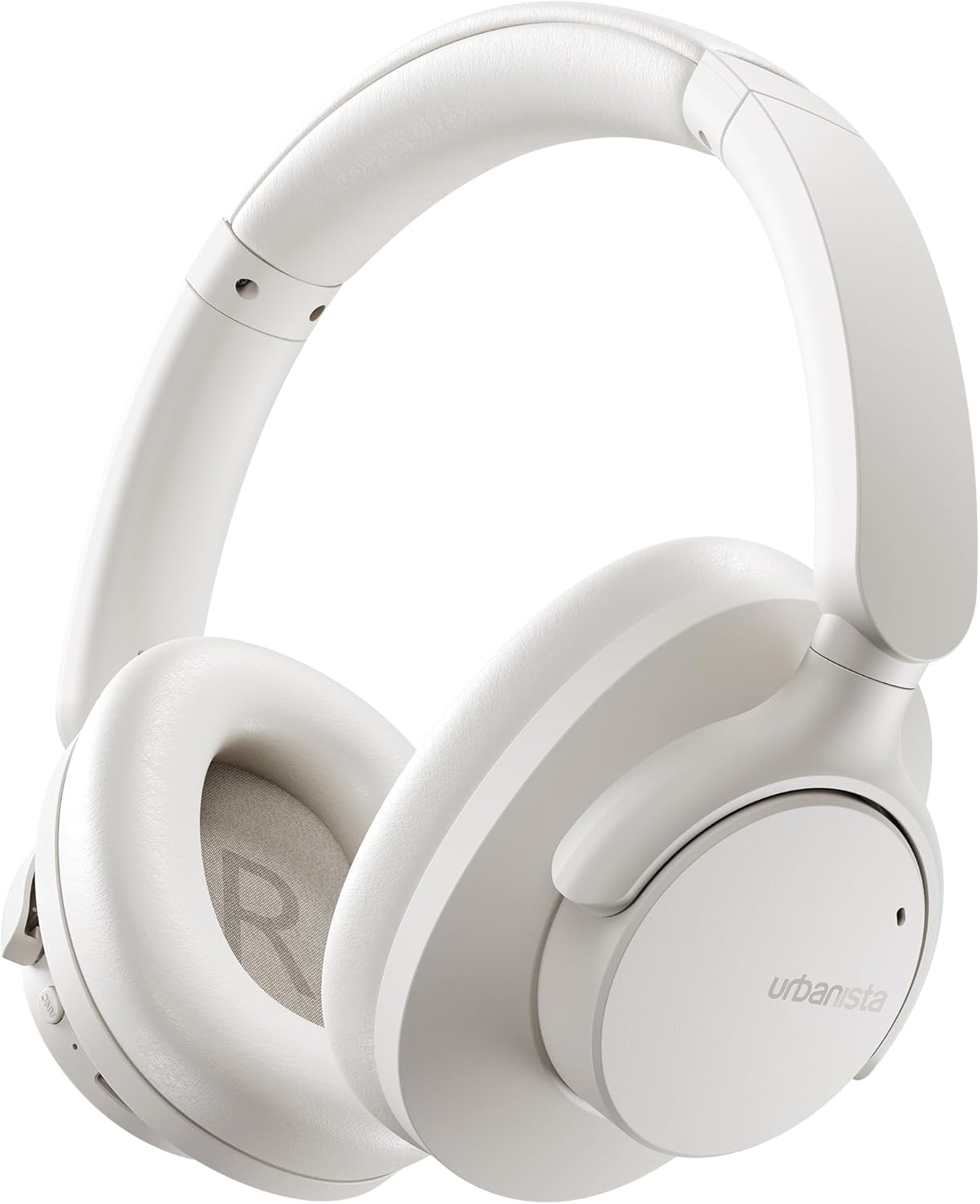
Image: The Urbanista Valencia Wireless Headphones in white, showcasing their sleek over-ear design.
What's in the Box
Ensure all items are present upon unboxing:
- Urbanista Valencia Wireless Headphones
- Charging Case
- USB-C Charging Cable (not explicitly listed but implied for USB-C charging)
- User Manual (this document)
Product Overview
Familiarize yourself with the key features and components of your Urbanista Valencia headphones.

Image: A person wearing the Urbanista Valencia headphones, highlighting the Active Noise Cancellation feature. This feature is designed to reduce up to 95% of low-frequency urban noise, such as traffic, engines, and crowds.
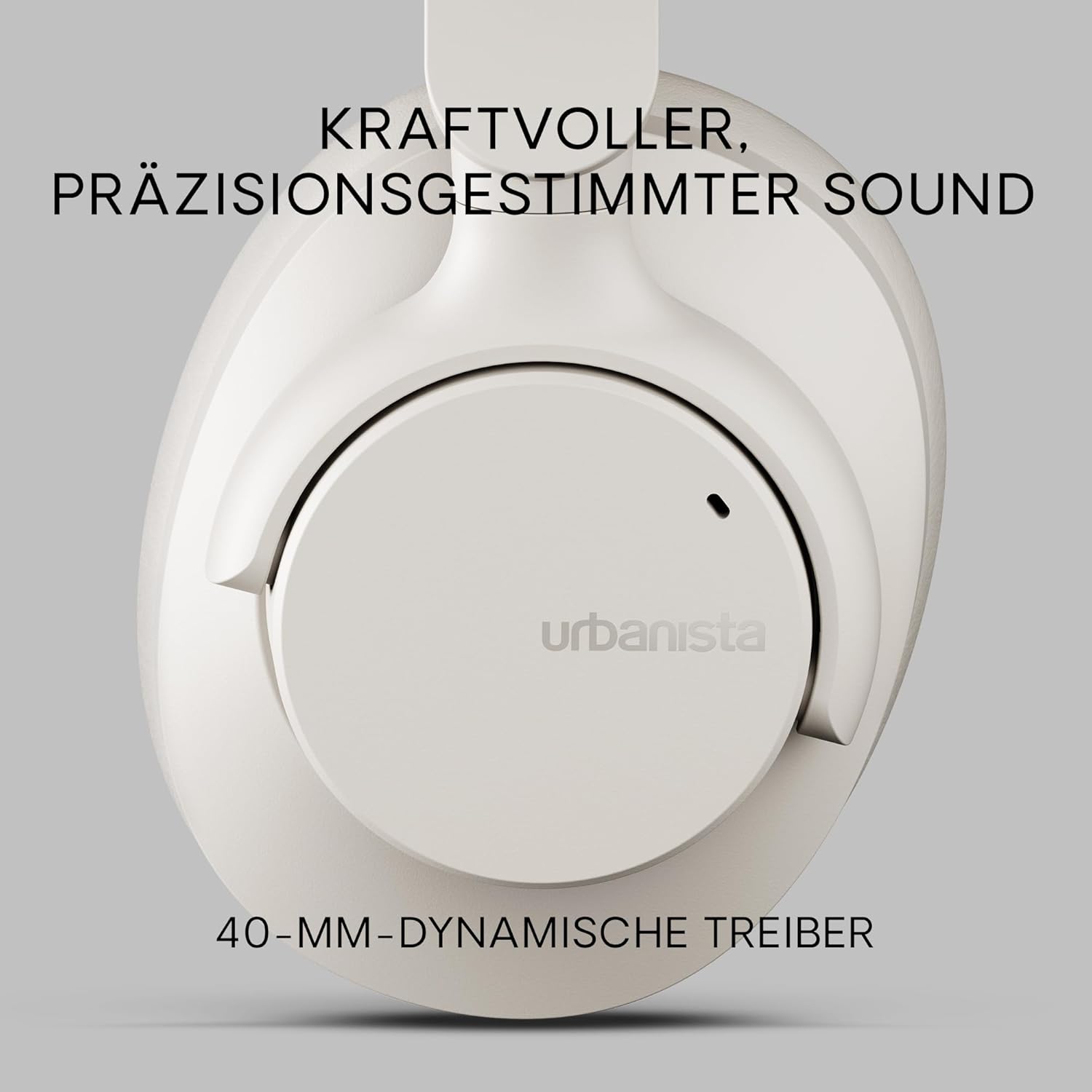
Image: A close-up view of an Urbanista Valencia earcup, emphasizing the powerful, precision-tuned sound delivered by its 40mm dynamic drivers.

Image: A user wearing the headphones, with icons illustrating key features: noise-cancelling microphones, Bluetooth multipoint connectivity, and crystal-clear call quality.
Setup
1. Charging the Headphones
Before first use, fully charge your Urbanista Valencia headphones.
- Connect the USB-C charging cable to the charging port on the headphones.
- Connect the other end of the cable to a USB power source (e.g., wall adapter, computer USB port).
- The LED indicator on the headphones will show charging status. It will typically turn off or change color when fully charged.
- A full charge provides approximately 50 hours of playtime.

Image: The Urbanista Valencia headphones, illustrating their impressive 50 hours of playtime and convenient USB-Type-C charging capability.
2. Bluetooth Pairing
Pair your headphones with your Bluetooth-enabled device.
- Ensure the headphones are charged and powered off.
- Press and hold the power button on the headphones until the LED indicator flashes, indicating pairing mode.
- On your device (smartphone, tablet, computer), go to Bluetooth settings and enable Bluetooth.
- Select "Urbanista Valencia" from the list of available devices.
- Once connected, the LED indicator will stop flashing or show a solid light.
- The headphones support Bluetooth Multipoint, allowing connection to two devices simultaneously.
Operating
Controls
The Urbanista Valencia headphones feature intuitive controls for managing audio and calls.
- Power Button: Press and hold to power on/off. Short press for play/pause.
- Volume Up/Next Track: Short press for volume up. Long press for next track.
- Volume Down/Previous Track: Short press for volume down. Long press for previous track.
- ANC Button: Toggle Active Noise Cancellation on/off.
- Voice Assistant Button: Activate your device's voice assistant (e.g., Google Assistant).
Active Noise Cancellation (ANC)
The ANC feature reduces ambient noise, providing a more immersive listening experience. Press the dedicated ANC button to activate or deactivate this function.
Voice Assistant
Your Urbanista Valencia headphones are compatible with voice assistants like Google Assistant. Press the Voice Assistant button to activate and issue commands to your connected device.
Maintenance
Proper care ensures the longevity and performance of your headphones.
- Cleaning: Use a soft, dry cloth to clean the headphones. Do not use harsh chemicals or abrasive materials.
- Storage: When not in use, store the headphones in their charging case or a protective pouch to prevent damage. The foldable design allows for compact storage.
- Water Resistance: The headphones are water resistant. Avoid submerging them in water or exposing them to heavy rain. Dry thoroughly if they get wet.
- Battery Care: For optimal battery life, avoid fully discharging the headphones frequently. Charge them regularly.

Image: The Urbanista Valencia headphones folded, emphasizing their 240-gram lightweight construction and foldable design, which contribute to all-day comfort and portability.
Troubleshooting
If you encounter issues, refer to the following common solutions:
| Problem | Solution |
|---|---|
| Headphones do not power on | Ensure the headphones are fully charged. Press and hold the power button for a few seconds. |
| Cannot pair with device | Ensure headphones are in pairing mode (flashing LED). Turn off and on Bluetooth on your device. Move closer to the device. |
| No sound | Check volume levels on both headphones and connected device. Ensure headphones are correctly paired. Try re-pairing. |
| ANC not working effectively | Ensure ANC is activated. Check that the earcups form a good seal around your ears. |
Specifications
Detailed technical specifications for the Urbanista Valencia Wireless Headphones:
- Model Name: Valencia
- Item Model Number: 1040242
- Brand: Urbanista
- Color: White
- Form Factor: Over Ear
- Connectivity Technology: Wireless (Bluetooth)
- Wireless Communication Technology: Bluetooth
- Included Components: Charging Case
- Material: Plastic
- Specific Uses For Product: Entertainment, Fitness, Travel
- Compatible Devices: Bluetooth Devices
- Cable Feature: Without Cable
- Item Weight: 246 Grams (8.7 ounces)
- Water Resistance Level: Water Resistant
- Number of Items: 1
- Controller Type: Google Assistant
- Special Features: Lightweight, Microphone Included, Voice Assistant Compatible, Water Resistant, Wireless
- Product Dimensions: 7.28 x 7.28 x 3.15 inches
- Batteries: 3 Lithium Ion batteries required (included)
Safety Information
Please observe the following safety guidelines:
- Do not expose the headphones to extreme temperatures or direct sunlight for extended periods.
- Avoid listening at high volume levels for prolonged durations to prevent hearing damage.
- Do not attempt to disassemble or modify the headphones. This will void the warranty and may cause damage.
- Keep out of reach of children and pets.
Warranty and Support
For warranty information or technical support, please visit the official Urbanista website or contact their customer service. Keep your proof of purchase for any warranty claims.

Image: Two individuals wearing Urbanista headphones (black and white models), with a 'Certified Plastic Neutral Product' badge visible, highlighting the brand's commitment to sustainability.