1. Introduction
This manual provides comprehensive instructions for the safe and efficient operation of your BAOFENG V1D UHF Two Way Radios. Please read this manual thoroughly before using the device to ensure proper functionality and to prevent damage.

Image 1.1: Overview of the BAOFENG V1D Walkie Talkie set, including four units, earpieces, and charging docks.
2. Product Overview
2.1. Package Contents
The BAOFENG V1D package includes the following items:
- 4 x BAOFENG V1D Walkie Talkies
- 4 x 1500mAh Batteries
- 4 x Desktop Chargers
- 4 x Headsets
- 4 x Belt Clips
- 4 x Wrist Straps
2.2. Key Features
- User-Friendly Design: Compact and lightweight with dedicated knobs for channel and volume control. Pre-programmed with 16 channels for immediate use.
- Efficient Channel Syncing: Features Frequency Copy for replicating channel settings and Wireless Radio Clone for bulk programming of all 16 channels, including frequency and privacy tones.
- Secure Communication: Supports CTCSS/DCS codes and encrypted channels to prevent unauthorized access and maintain privacy.
- Clear Audio: Automatic background noise reduction and adjustable Squelch for optimized signal reception. VOX hands-free operation is also supported.
- Dual Charging Methods: Equipped with a 1500mAh battery, supporting fast USB-C charging and desktop charger convenience.
3. Setup
3.1. Battery Installation and Charging
- Ensure the walkie talkie is powered off.
- Align the 1500mAh battery with the battery compartment on the back of the radio.
- Slide the battery into place until it clicks securely.
- To charge, place the radio in the desktop charger or connect a USB-C cable (not included) directly to the radio's USB-C port. The charging indicator will show charging status.
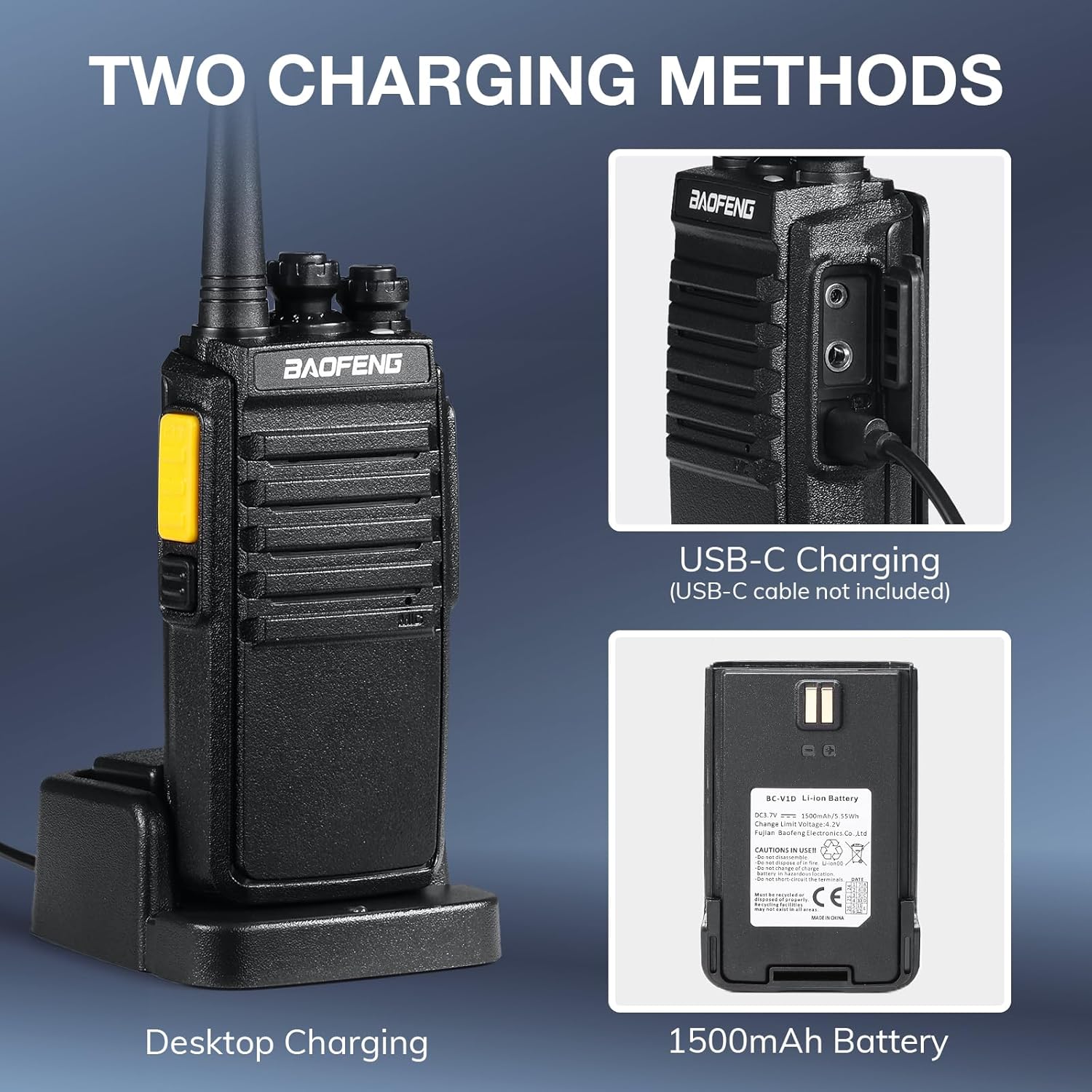
Image 3.1: Illustration of the two charging methods: desktop charging and direct USB-C charging, highlighting the 1500mAh battery.
3.2. Attaching Accessories
- Belt Clip: Attach the belt clip to the designated slot on the back of the radio.
- Earpiece: Plug the earpiece into the audio jack on the side of the radio.
- Wrist Strap: Secure the wrist strap through the loop on the radio for added security.
4. Operating Instructions
4.1. Power On/Off and Volume Adjustment
- To power on, rotate the top-left knob clockwise. To power off, rotate it counter-clockwise until it clicks.
- Adjust the volume by rotating the same knob after the radio is powered on.
4.2. Channel Selection
- Rotate the top-right knob to select one of the 16 pre-programmed channels. Ensure all radios in your group are on the same channel for communication.
4.3. Transmitting and Receiving
- To transmit, press and hold the Push-to-Talk (PTT) button on the side of the radio. Speak clearly into the microphone.
- Release the PTT button to receive messages.
4.4. VOX Hands-Free Operation
- The V1D supports Voice Operated Transmission (VOX), allowing hands-free communication. Refer to the full programming guide (available on the official BAOFENG website) for VOX activation and sensitivity settings.

Image 4.1: A user demonstrating the VOX hands-free talking feature, with the walkie talkie clipped to their shoulder strap.
4.5. Channel Syncing and Cloning
- Frequency Copy: This feature allows you to quickly copy channel frequency data from another radio to your V1D. Consult the detailed programming instructions for specific steps.
- Wireless Radio Clone: For bulk programming, this function enables copying all 16 channels, including frequency and privacy tones, from one V1D radio to others wirelessly. This streamlines setup for multiple units.

Image 4.2: Visual representation of the One-Key Frequency Copy feature, showing two radios syncing channels.

Image 4.3: Illustration of Wireless Radio Clone functionality, where one radio's settings are copied to multiple units.
4.6. Privacy and Encryption
- The V1D supports CTCSS (Continuous Tone-Coded Squelch System) and DCS (Digital-Coded Squelch) codes, which filter out unwanted conversations on the same frequency.
- Encrypted channels are available to ensure secure and private communication. Programming software is required to configure these settings.

Image 4.4: Depiction of the encrypted communication feature, symbolizing secure conversations between radios.

Image 4.5: Representation of CTCSS/DCS functionality, showing how privacy codes work.
5. Maintenance
5.1. Cleaning
- Wipe the radio's surface with a soft, damp cloth. Do not use harsh chemicals or abrasive cleaners.
- Ensure the charging contacts and USB-C port are free from dust and debris.
5.2. Battery Care
- Avoid fully discharging the battery frequently to prolong its lifespan.
- Store batteries in a cool, dry place when not in use.
5.3. Storage
- Store the walkie talkies in a dry environment, away from direct sunlight and extreme temperatures.
- Remove batteries if storing for extended periods.
6. Troubleshooting
6.1. No Power
- Check if the battery is properly installed and charged.
- Ensure the power/volume knob is rotated clockwise past the 'off' position.
6.2. Cannot Transmit or Receive
- Verify that all radios are set to the same channel.
- Check if the battery level is sufficient.
- Ensure you are within range of the other radio. Obstacles like buildings and dense foliage can reduce range.
- If using CTCSS/DCS codes, ensure they match on all radios.
6.3. Poor Audio Quality / Noise
- Adjust the Squelch level. A higher squelch level reduces background noise but may cut off weaker signals.
- Move to an area with fewer obstructions or less interference.
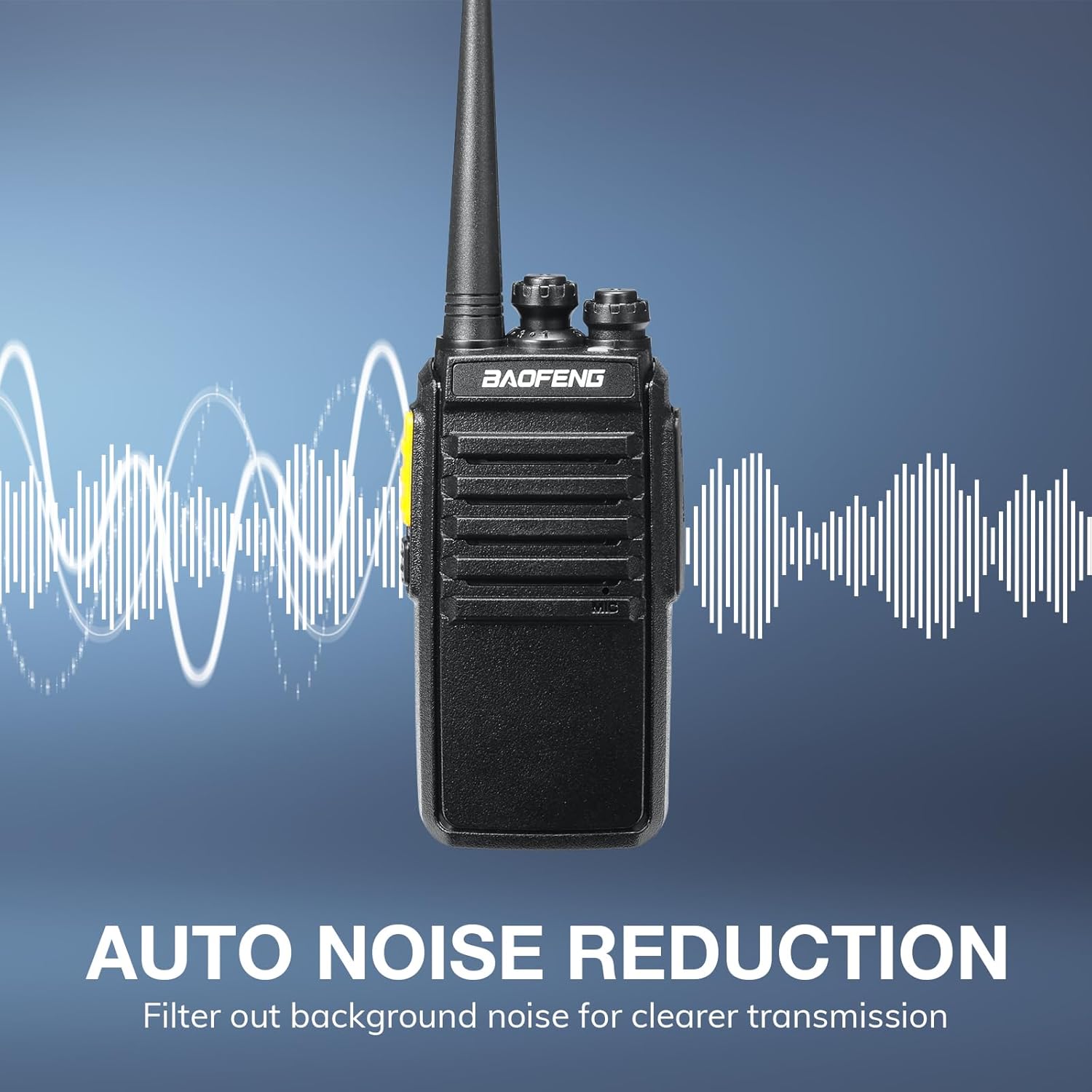
Image 6.1: Visual explanation of the automatic noise reduction feature, showing how background noise is filtered for clearer transmission.
6.4. Programming Software Connection Issues
- Ensure you are using the correct programming cable and software for the V1D model, available from the official BAOFENG website.
- Some V1D units may require the cable to be activated by successfully programming a second V1D radio first. If the first unit fails to connect, try connecting another V1D with the same cable.
7. Specifications
| Feature | Specification |
|---|---|
| Model Number | V1D |
| Brand | BAOFENG |
| Color | Black |
| Number of Channels | 16 |
| Frequency Range | UHF |
| Battery Capacity | 1500mAh (Li-ion) |
| Charging Methods | USB-C, Desktop Charger |
| Special Features | Channel Sync, Lightweight, Squelch, USB-C Rechargeable, Voice Operated Transmission (VOX) |
| Item Weight | Approximately 3.09 pounds (for 4-pack) |
| Water Resistance Level | Not Water Resistant |
| FCC ID | 2AJGM-V1D |
8. Warranty and Support
8.1. Warranty Information
The BAOFENG V1D Walkie Talkies come with an 18-month warranty.
8.2. Lifetime Support
BAOFENG provides lifetime support for the V1D model. For technical assistance, troubleshooting, or inquiries, please refer to the official BAOFENG website.
8.3. Programming Software
Programming software for the V1D, including tools for advanced features like VOX settings and encrypted channels, can be downloaded from the Support section of the official BAOFENG website (baofengradio.com).


