
JONR ED12 Lite
JONR ED12 Lite Wet Dry Vacuum Cleaner User Manual
Model: ED12 Lite | Brand: JONR
Introduction
The JONR ED12 Lite Wet Dry Vacuum Cleaner is a versatile 3-in-1 appliance designed to simplify your floor cleaning routine. It vacuums, washes, and mops hard floors simultaneously, eliminating the need for multiple cleaning steps. Its lightweight design, powerful suction, and intelligent features ensure efficient and thorough cleaning, leaving your floors spotless and dry.
Setup and Assembly
Before first use, ensure all components are present and assemble the unit according to the following steps:
- Unpack all items from the box. The package includes the main body, power charger, and other accessories.
- Attach the handle to the main body until it clicks securely into place.
- Ensure the clean water tank and dirty water tank are correctly installed.
- Place the vacuum cleaner on its charging base to fully charge the battery before initial operation.
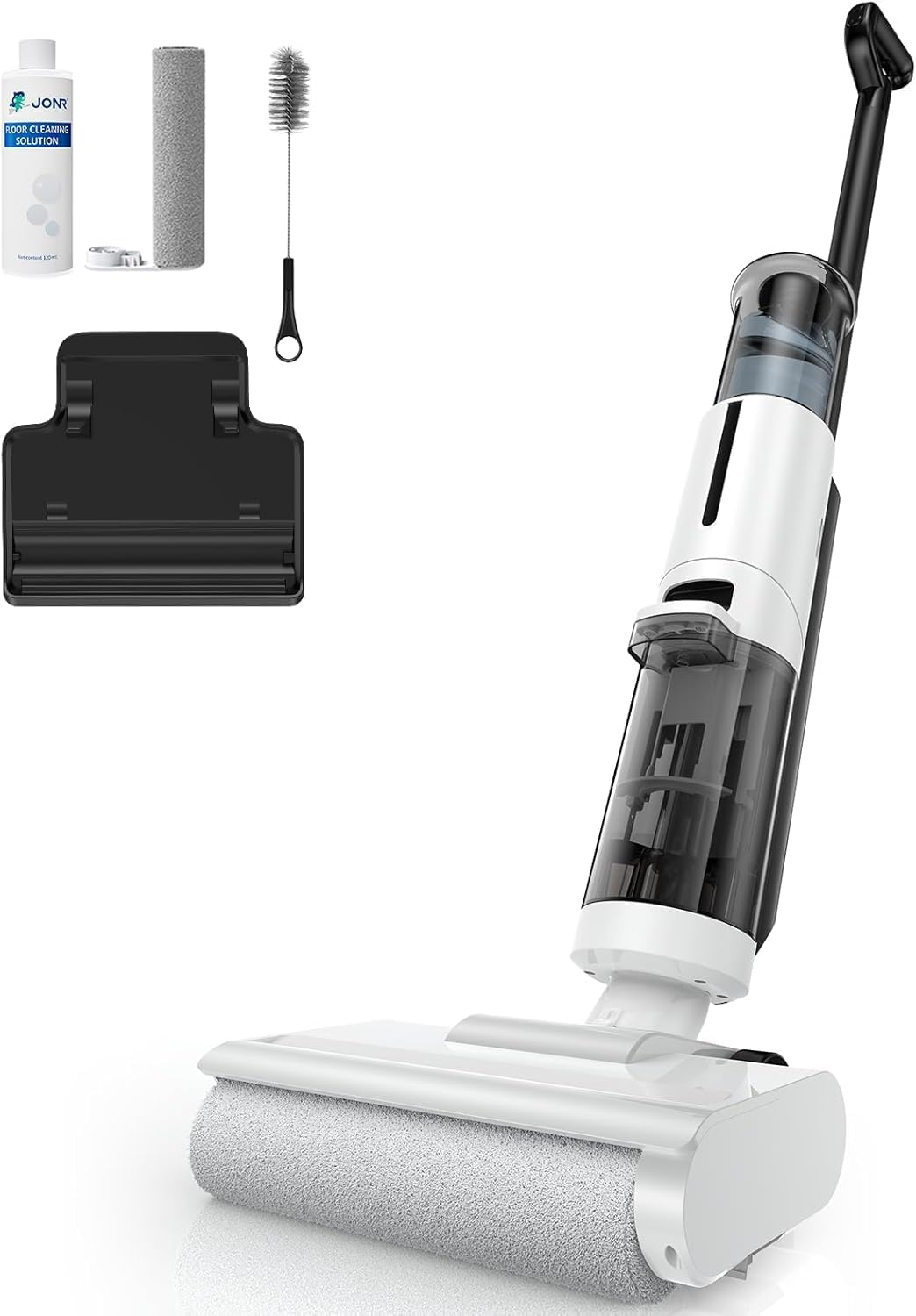
Figure 1: Included Components of the JONR ED12 Lite.
Operating Instructions
Filling the Clean Water Tank
Fill the clean water tank with clean water. For enhanced cleaning, you may add a small amount of JONR floor cleaning solution (ensure it is compatible with wet dry vacuums). The dual tank design keeps clean and dirty water separate, ensuring you always clean with fresh water.
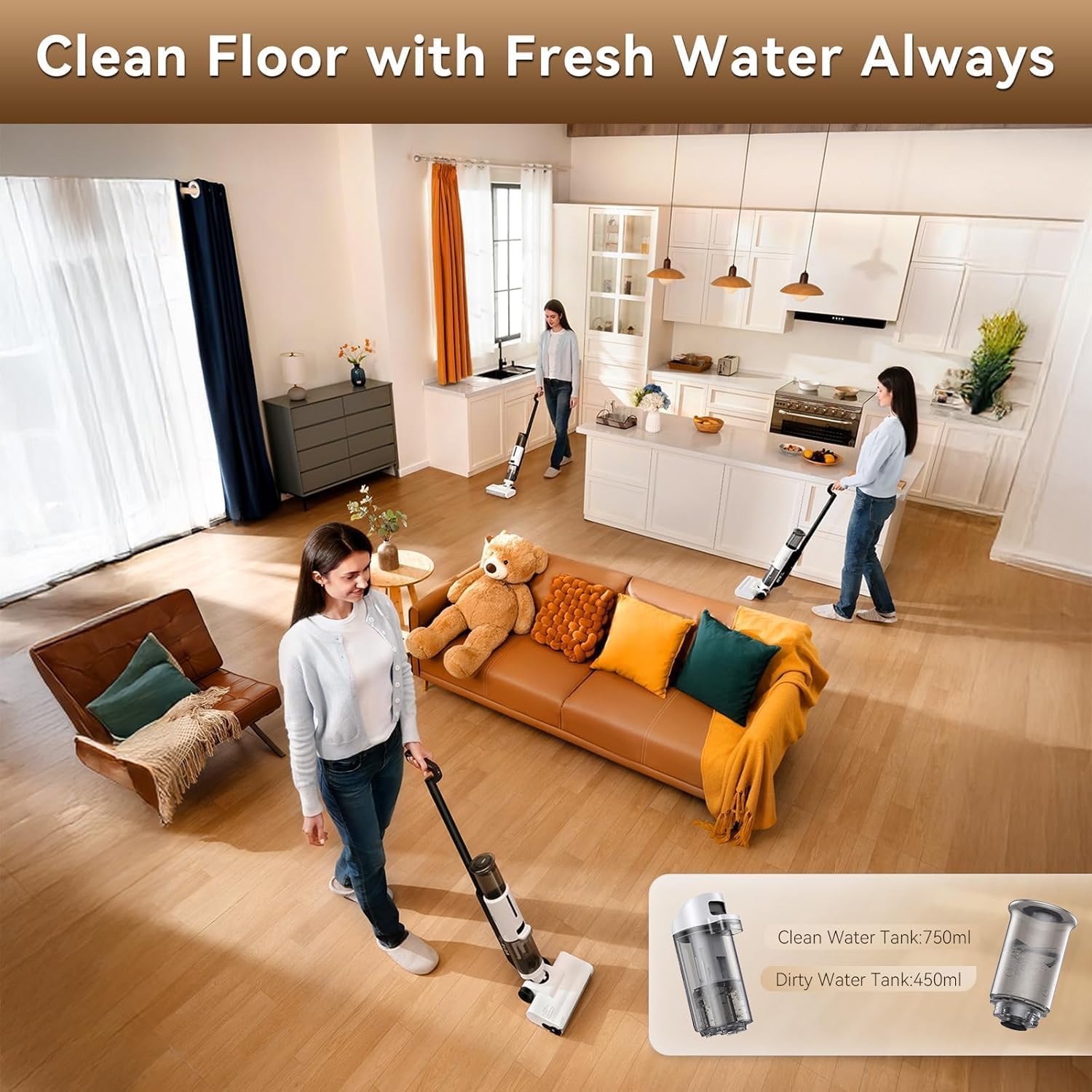
Figure 2: Dual Tank System for Fresh Water Cleaning.
Powering On and Mode Selection
Press the power button to turn on the vacuum cleaner. The ED12 Lite offers two cleaning modes:
- Auto Mode: Suitable for general cleaning and liquid spills.
- Max Mode: Provides stronger suction for tougher messes and solid-liquid mixtures.
Switch between modes with a single touch to adapt to various hard floor cleaning needs.

Figure 3: Auto and Max Cleaning Modes.
Cleaning Performance
The JONR ED12 Lite is designed for efficient cleaning of hard floors, combining vacuuming, washing, and mopping in one pass. Its powerful 8000Pa suction ensures effective debris removal.
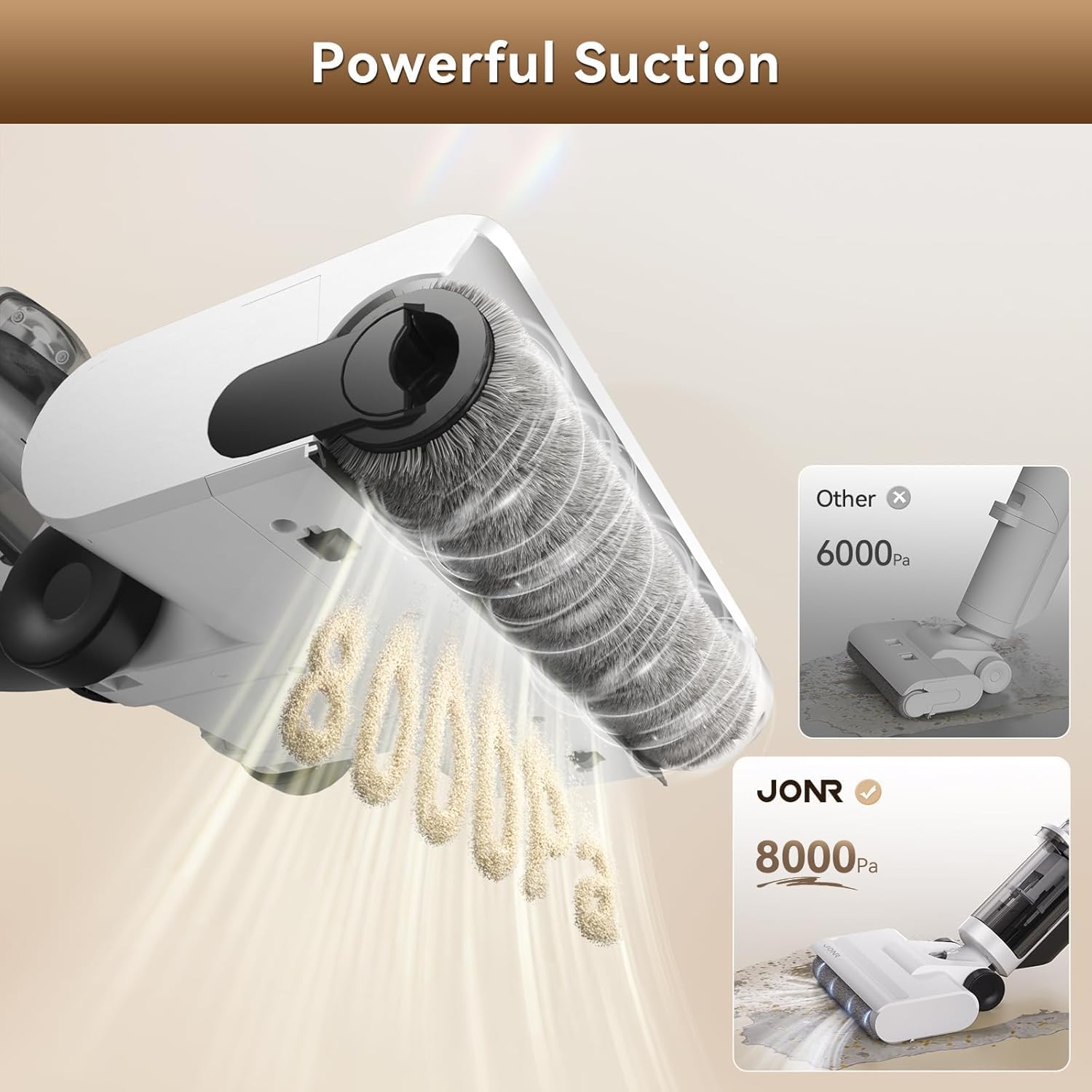
Figure 4: Powerful Suction Capability.
The enhanced ultra-narrow edge cleaning brush allows for thorough cleaning close to baseboards and deep into corners, reaching within 0.1 inches of edges.

Figure 5: Edge Cleaning Design.
The anti-tangle design, featuring a dual comb-tooth scraper, automatically combs and shaves hair from the roller, preventing tangles and ensuring consistent cleaning performance.

Figure 6: Anti-Tangle Design Mechanism.
Its lightweight (7.7 lbs) and flexible brush head, combined with a forward traction system, make it easy to maneuver and clean hard-to-reach areas.
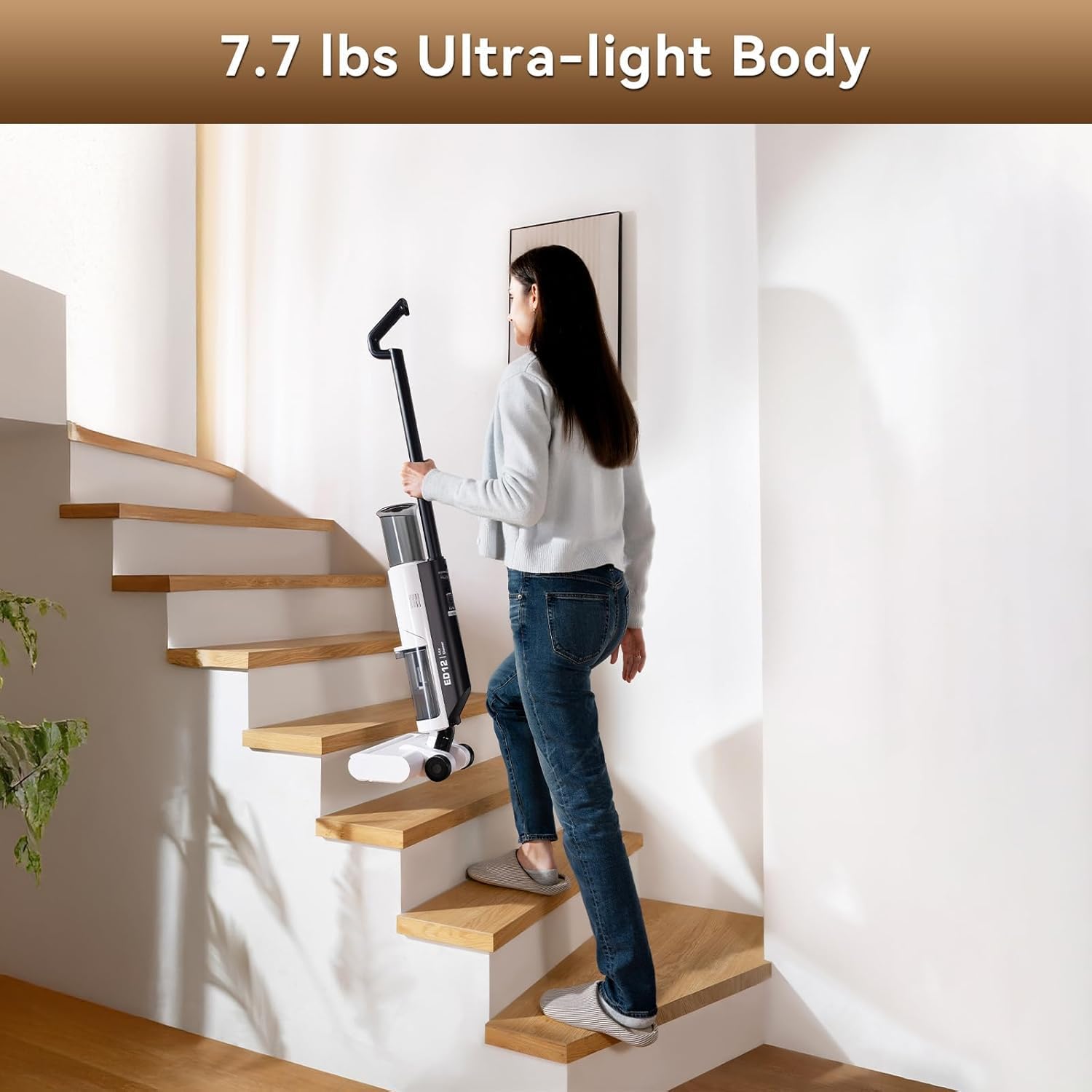
Figure 7: Lightweight and Easy Maneuverability.
Official Product Video: JONR ED12 Lite Wet Dry Vacuum Cleaner
Video 1: Official product video showcasing the JONR ED12 Lite's features, including its 3-in-1 cleaning, edge cleaning, dual tank system, and self-cleaning function. This video demonstrates the vacuum's effectiveness on various messes and its ease of use.
Maintenance and Cleaning
Self-Cleaning System
After each use, place the vacuum cleaner back on its charging base. Activate the one-touch self-cleaning system to automatically clean the brush roller and internal pathways. This hands-free feature ensures the device remains hygienic and ready for its next use.
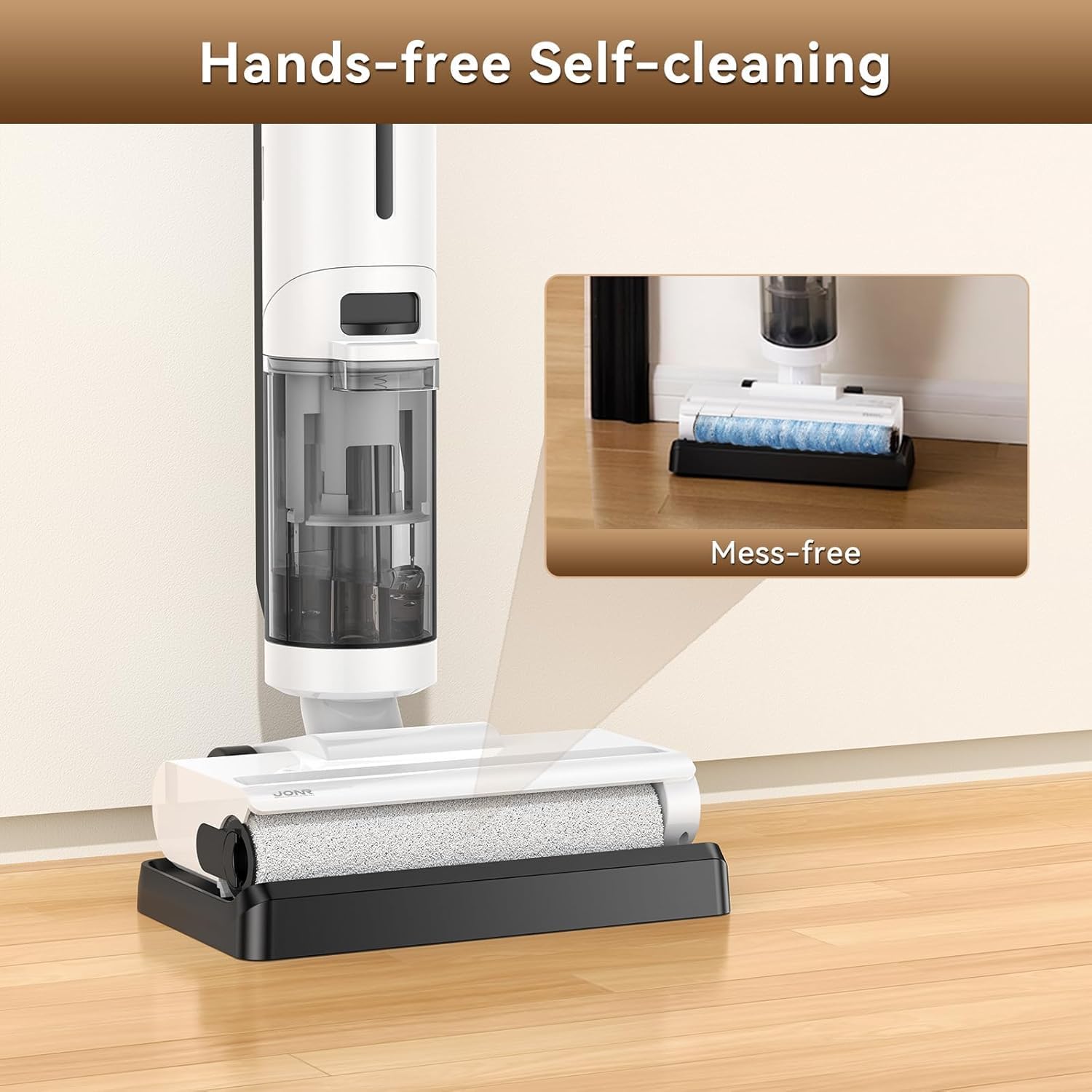
Figure 8: Hands-free Self-cleaning in action.
Emptying and Cleaning Tanks
Regularly empty and rinse the dirty water tank to prevent odors and maintain optimal performance. The clean water tank should also be rinsed periodically.
- Remove the dirty water tank from the main unit.
- Dispose of the dirty water and debris.
- Rinse the tank thoroughly with clean water.
- Reinstall the tank securely.
Brush Roller and Filter Maintenance
While the self-cleaning function is effective, occasional manual cleaning of the brush roller and foam filter is recommended to ensure longevity and peak performance. Remove any remaining hair or debris from the brush roller and rinse the foam filter under running water. Allow all parts to air dry completely before reassembling.
Troubleshooting
| Problem | Possible Cause | Solution |
|---|---|---|
| Vacuum not turning on. | Low battery; not properly charged. | Ensure the unit is fully charged on its base. |
| Poor suction or cleaning performance. | Dirty water tank full; clogged brush roller/filter; clean water tank empty. | Empty and clean dirty water tank. Clean brush roller and foam filter. Refill clean water tank. |
| Water marks left on floor. | Excess water dispensed; dirty roller brush. | Ensure proper water control. Run self-cleaning cycle or manually clean roller brush. |
| Unusual noise during operation. | Obstruction in brush roller or air path. | Check for and remove any obstructions from the brush roller and air inlets. |
Product Specifications
| Feature | Detail |
|---|---|
| Brand | JONR |
| Model Name | ED12 Lite |
| Special Feature | Cordless, Wet/Dry, Self-Washing, Edge Cleaning |
| Filter Type | Foam |
| Capacity (Clean Water Tank) | 0.8 Liters (750ml) |
| Runtime | 25-35 minutes |
| Recommended Uses | Hard Floor |
| Form Factor | Upright |
| Color | White |
| Product Dimensions | 21"L x 11"W x 11"H |
| Item Weight | 7.7 lbs (approx. 3.5 kg) |
| Power Levels | 2 (Auto, Max) |
| Battery Type | Lithium Ion (included) |
Warranty and Support
JONR products are manufactured with high-quality standards. For any warranty claims, technical support, or inquiries regarding your JONR ED12 Lite Wet Dry Vacuum Cleaner, please contact JONR customer service directly. Refer to the contact information provided in your product packaging or visit the official JONR website for assistance.
Additional protection plans may be available for purchase to extend coverage beyond the standard manufacturer's warranty. Please check with your retailer for details.
Related documentsED12 Lite


Ask a question about this manual
Ask about setup, troubleshooting, compatibility, parts, safety, or missing instructions. Manuals+ will review the question and use this page’s manual context to help answer it.