
Introduction
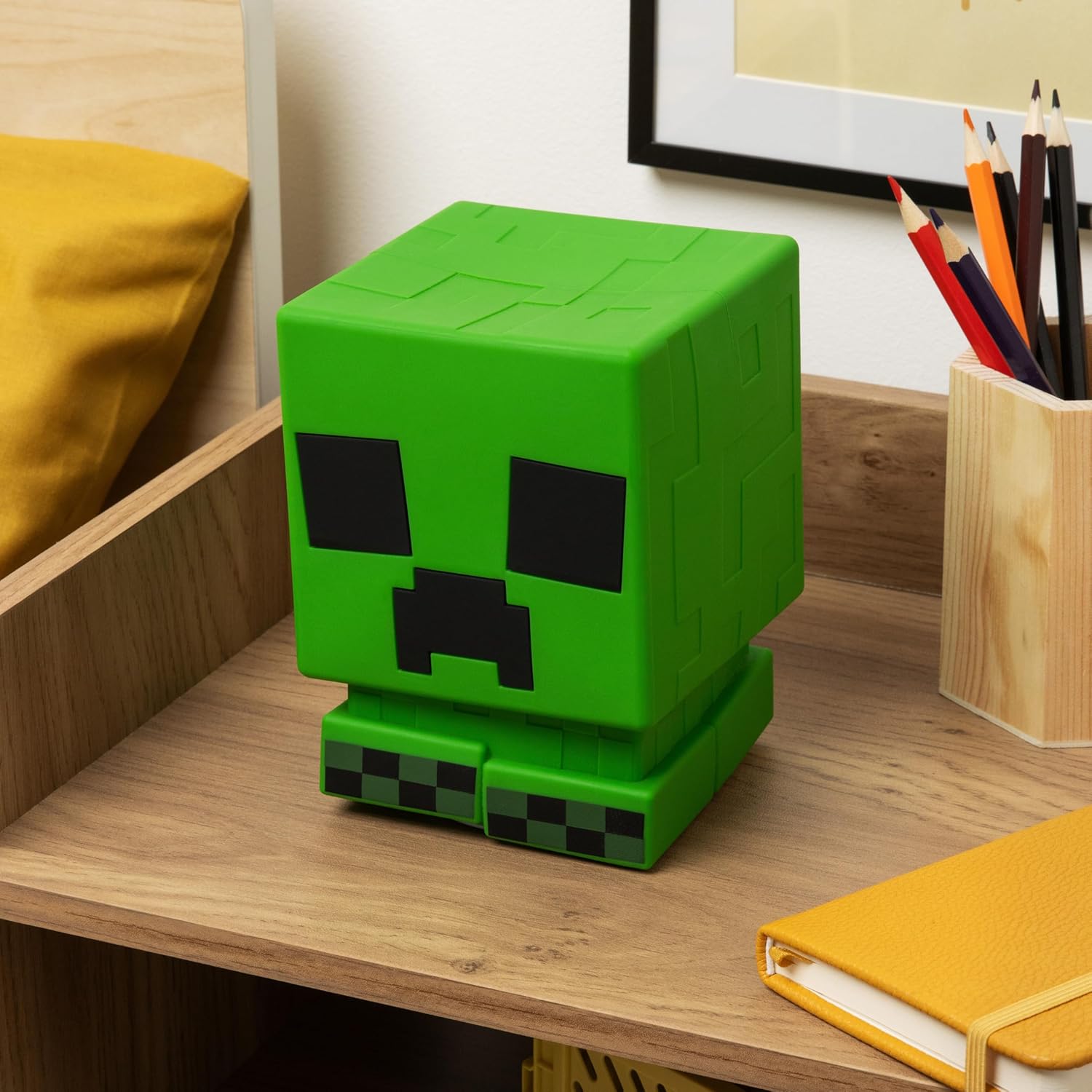
Thank you for purchasing the Paladone Minecraft Creeper SquishyGlo Silicone Light. This product is designed to provide a soft, adjustable light source with a unique, squishy texture, inspired by the iconic Minecraft Creeper character. This manual will guide you through the setup, operation, and maintenance of your new light.
Important Safety Information
- Keep this product away from water and excessive moisture.
- Do not attempt to disassemble or modify the light. This may cause damage and void the warranty.
- Use only the provided charging cable or a compatible USB charger.
- This product is not a toy. Adult supervision is recommended for young children.
- Avoid prolonged exposure to direct sunlight or extreme temperatures.
Package Contents
Ensure all items are present before proceeding with setup:
- 1 x Minecraft Creeper SquishyGlo Silicone Light
- 1 x USB Charging Cable
- 1 x Instruction Manual (this document)

Setup
1. Initial Charging
Before first use, fully charge the Creeper light. Connect the provided USB charging cable to the charging port located at the base of the light and plug the other end into a compatible USB power source (e.g., computer, USB wall adapter). The light will indicate charging status (e.g., a red light may appear and turn off when fully charged).

2. Base Assembly (if applicable)
The light consists of a soft silicone Creeper shell and a light base. Ensure the light base is securely seated within the silicone shell. If the base becomes loose, gently re-insert it into the silicone housing.
Operating Instructions
1. Power On/Off
Locate the power switch at the bottom of the light base. Slide the switch to the 'ON' position to activate the light. To turn off, slide the switch to 'OFF'.
2. Adjusting Brightness
Once powered on, gently tap the silicone body of the Creeper light to cycle through different brightness levels. The light typically offers multiple brightness settings (e.g., 50%, 75%, 100%) and a pulsing mode.

3. Auto-Off Timer
The light features an auto-off timer function. On the base, you can select a timer setting (e.g., 1 hour or 3 hours). When activated, the light will automatically turn off after the selected duration, conserving battery life.
Maintenance
Cleaning
To clean the silicone body, gently wipe it with a soft, damp cloth. Do not use harsh chemicals or abrasive cleaners. Ensure the charging port and base are dry before charging or operating.
Battery Care
To prolong battery life, avoid completely draining the battery frequently. Recharge the light when the brightness noticeably diminishes. If storing for an extended period, charge the light fully before storage and recharge every few months.
Troubleshooting
- Light does not turn on:
Ensure the power switch on the base is in the 'ON' position. Check if the battery is charged; connect to a power source using the USB cable. - Light does not hold a charge:
Verify the charging cable is securely connected to both the light and the power source. If the issue persists after several charging cycles, the battery may require service. - Light base becomes loose from silicone shell:
Due to the squishy nature of the silicone, the internal light base can sometimes shift. Gently remove the silicone shell, reposition the light base, and carefully re-seat the shell around it. - Brightness adjustment is unresponsive:
Ensure the light is fully charged. If the issue continues, try turning the light off and on again.
Specifications
| Feature | Detail |
|---|---|
| Model Number | 14710 |
| Dimensions (D x W x H) | 5.31" x 4.92" x 6.1" (13.5cm x 12.5cm x 15.5cm) |
| Item Weight | 200 Grams |
| Material Type | Silicone |
| Light Source Type | LED |
| Power Source | Battery Powered (Rechargeable) |
| Additional Features | Cordless, Rechargeable, Touch Sensor, Auto-Off Timer |

Warranty and Support
Paladone products are manufactured to high standards. For any questions, technical support, or warranty inquiries, please contact Paladone customer service through their official website or the retailer from whom the product was purchased. Please retain your proof of purchase for warranty claims.
For more information, visit: Paladone Official Store