
1. Introduction
This manual provides essential instructions for the proper installation, operation, and maintenance of your TOLEBLID 6.1 Cubic Feet Fireproof Waterproof Home Safe, Model UDNEW. Please read this manual thoroughly before using the safe to ensure correct usage and to maximize the security and longevity of your product. Keep this manual for future reference.
2. Safety Information
- Anchoring: For optimal security and stability, it is highly recommended to anchor the safe to a wall or floor using the pre-drilled mounting holes. This prevents unauthorized removal and reduces the risk of the safe tipping over, especially when the door is open.
- Key Management: Never store emergency keys inside the safe. Keep them in a secure, separate location known only to trusted individuals.
- Battery Replacement: Replace batteries promptly when the low battery indicator appears to ensure continuous operation of the digital keypad.
- Placement: Position the safe in a discreet, dry location away from direct sunlight or extreme temperatures.
- Children: Keep children away from the safe and do not allow them to play with the keys or digital keypad.
3. Product Overview
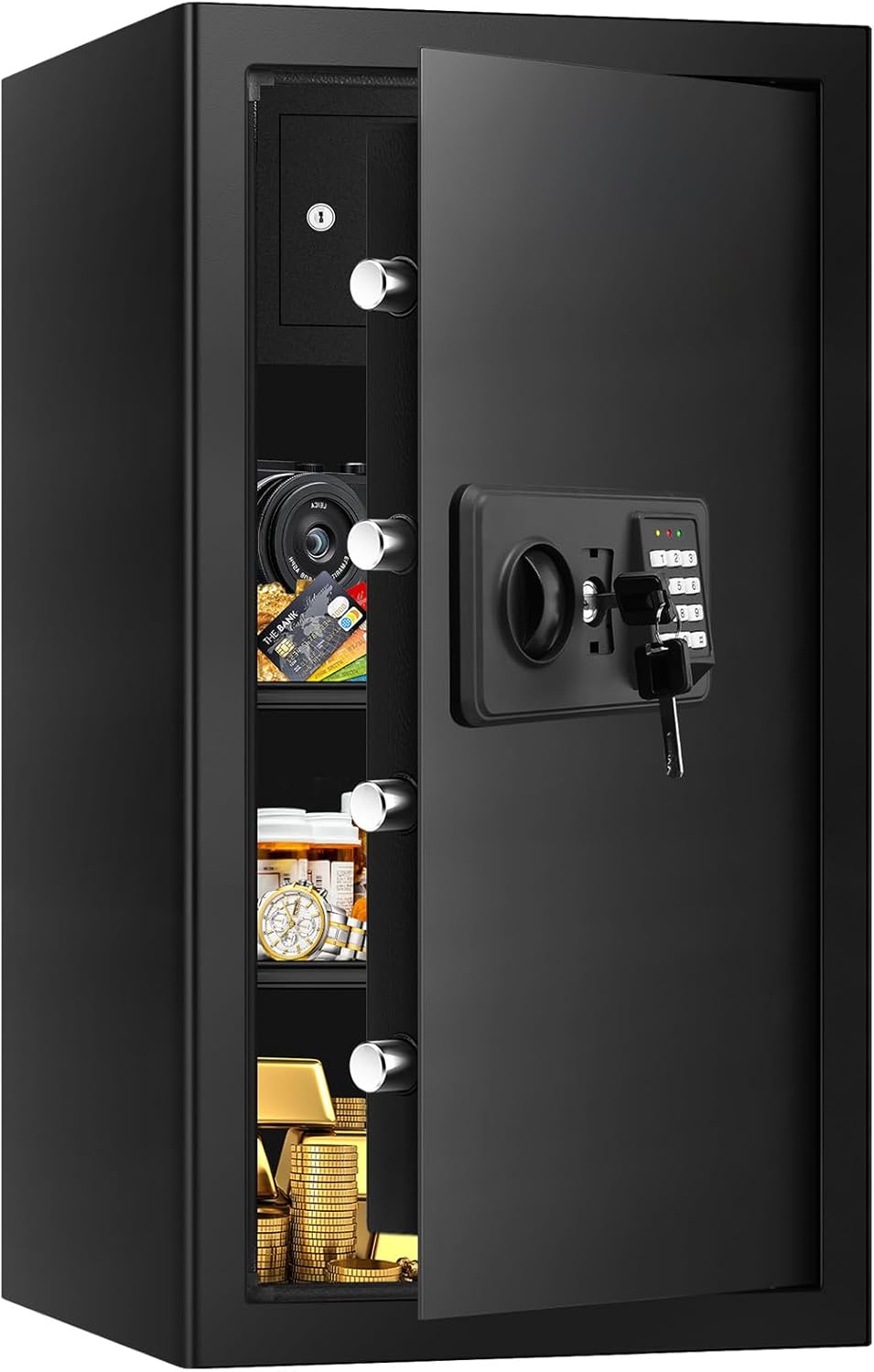
The TOLEBLID 6.1 Cubic Feet Home Safe is designed to protect your valuables from theft, fire, and water damage. It features a robust construction with advanced security mechanisms and user-friendly access options.
3.1 Key Features
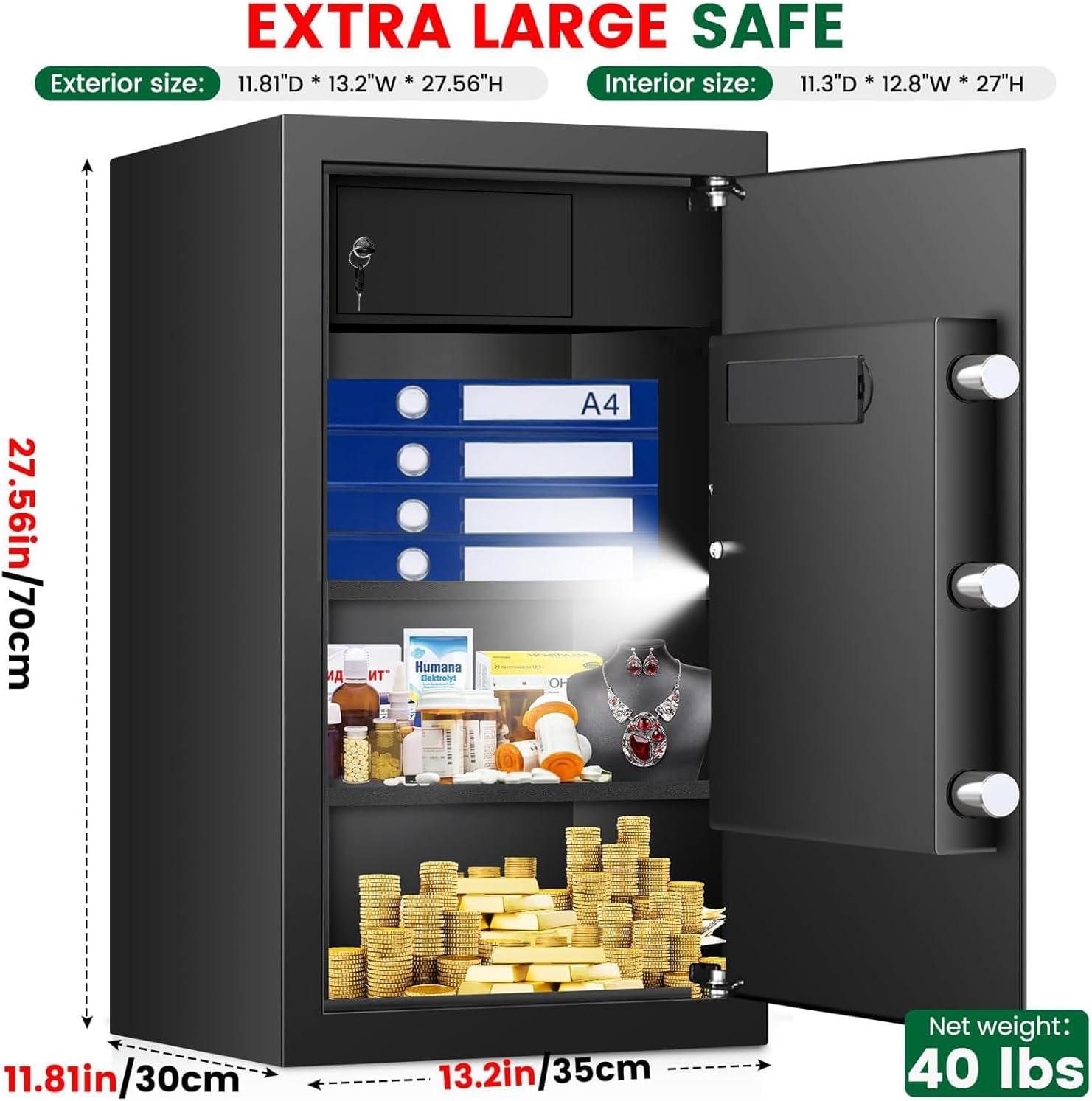
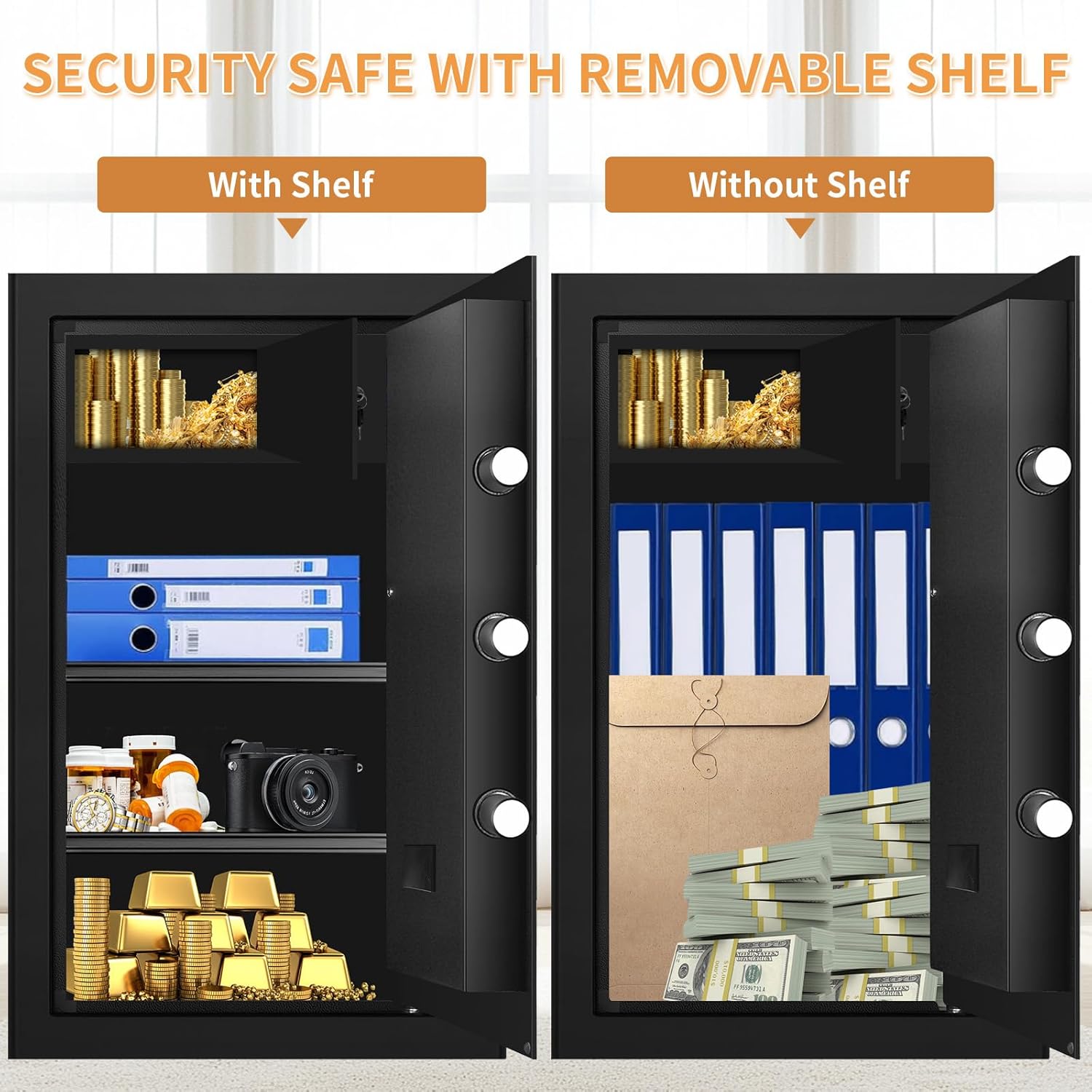
- Large Capacity: 6.1 cubic feet interior space, including a built-in lock box, for documents, jewelry, and other valuables.
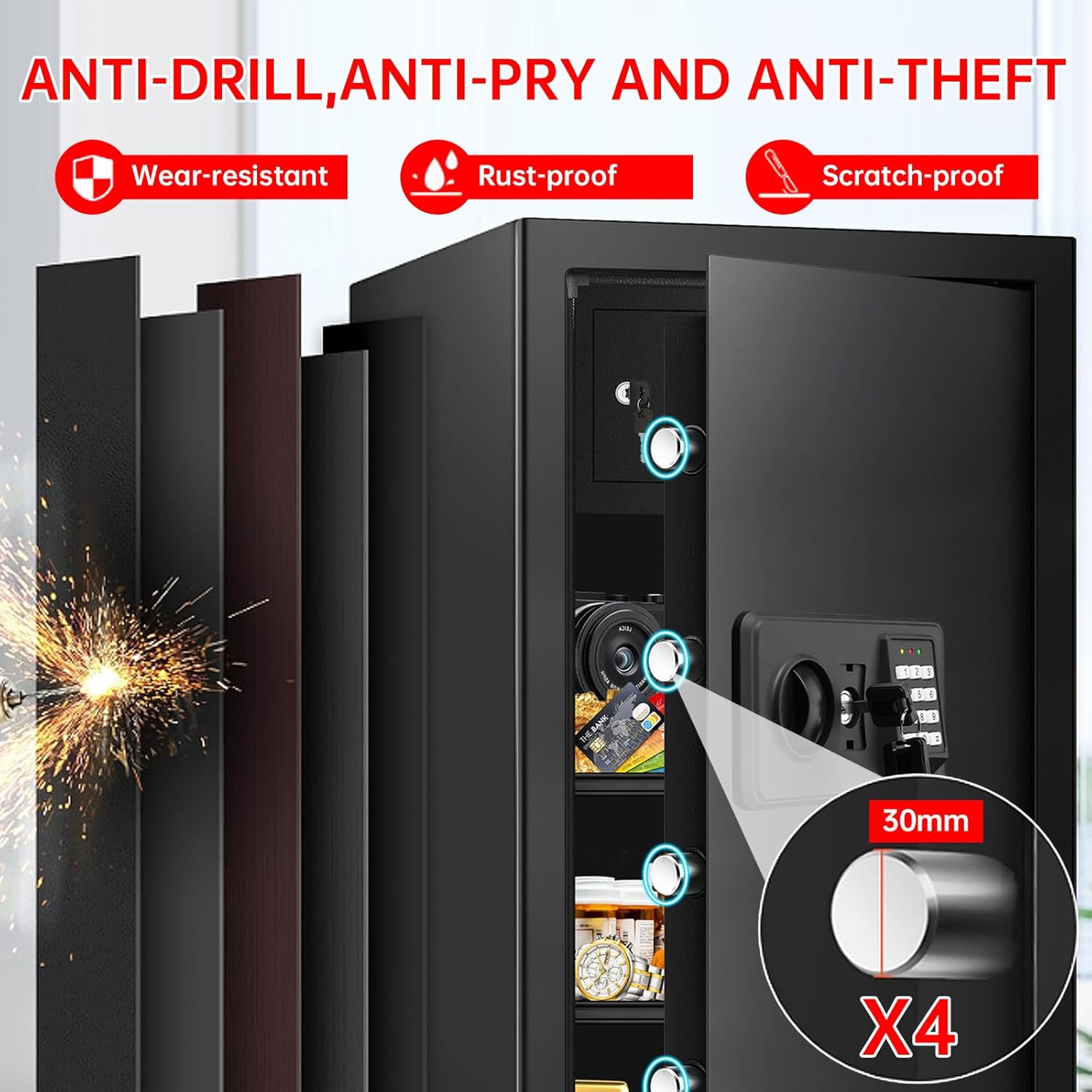
- Advanced Security: Digital keypad with programmable code, backup key system, and heavy-duty locking bolts.
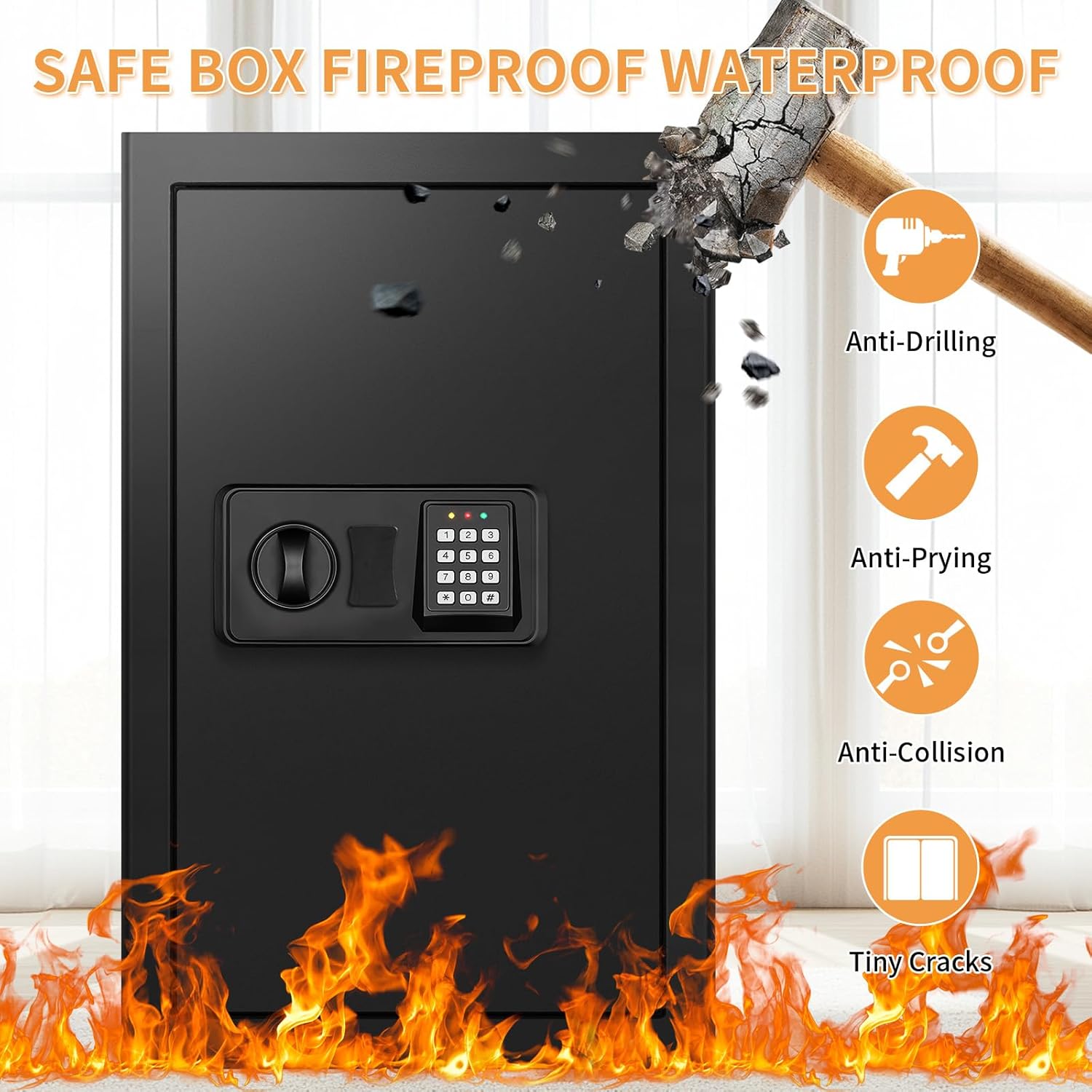
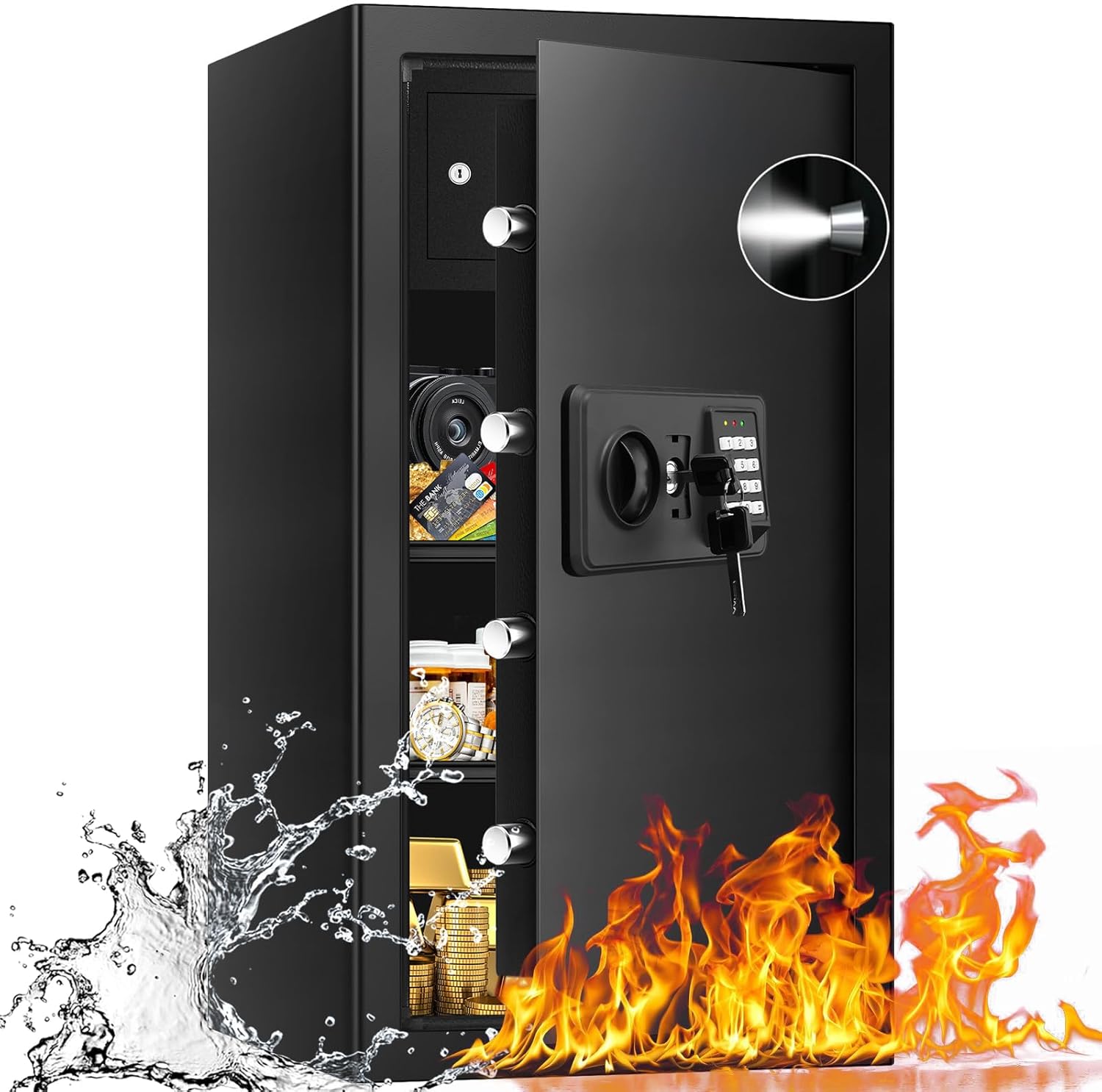
- Dual Protection: Fireproof and waterproof construction.
- Convenience: Built-in LED lighting for interior visibility.
- Durable Design: Solid steel construction with pre-drilled mounting holes and a carpeted interior.
3.2 Components
- Digital Keypad
- Emergency Key Lock
- Operating Knob
- Locking Bolts (3 solid anti-pry bolts)
- Removable Shelf
- Internal Lock Box with Key
- LED Interior Light

4. Setup
4.1 Unpacking
- Carefully remove the safe from its packaging.
- Inspect the safe for any signs of damage. If damaged, contact customer support immediately.
- Locate the emergency keys and the instruction manual. Keep the keys in a secure location separate from the safe.
4.2 Battery Installation
The digital keypad requires batteries for operation. Although batteries are not included, ensure you have the correct type and quantity (typically AA batteries).
- Open the battery compartment located on the back of the digital keypad.
- Insert the required batteries, ensuring correct polarity (+/-).
- Close the battery compartment securely.
4.3 Mounting the Safe
Mounting the safe is crucial for security. The safe is equipped with pre-drilled holes for this purpose.
- Choose a suitable location for the safe, preferably a discreet and secure spot.
- Mark the drilling points on the wall or floor through the pre-drilled holes inside the safe.
- Drill pilot holes using an appropriate drill bit for your wall or floor material.
- Secure the safe using the provided mounting hardware (or suitable hardware for your specific installation). Ensure all bolts are tightened firmly.
5. Operating Instructions
5.1 Initial Opening (Emergency Key)
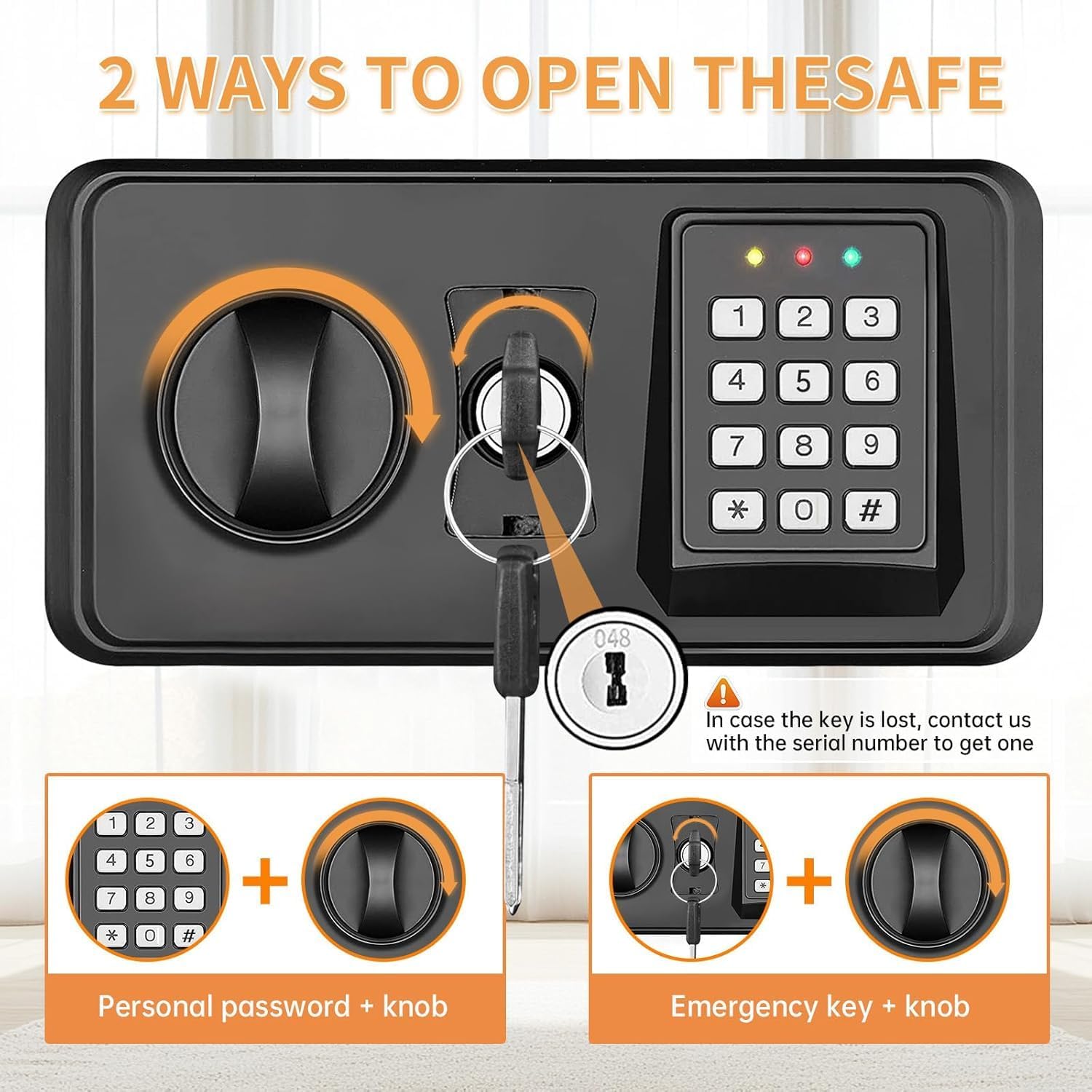
Upon first use, or if you forget your digital code, you can open the safe using the emergency key.
- Locate the emergency keyhole, usually concealed behind a cover on the keypad panel.
- Insert the emergency key and turn it clockwise.
- Simultaneously turn the operating knob clockwise to open the safe door.
- Remove the key and store it securely.
5.2 Setting/Changing the Digital Code
It is recommended to set a personal digital code immediately after initial setup.
- With the safe door open, press the red reset button located on the inside of the door (usually near the hinge). The keypad will beep, and an indicator light will flash.
- Enter your desired personal code (3-8 digits) on the digital keypad.
- Press the '#' button to confirm. The keypad will beep again, indicating successful code programming.
- Test the new code with the door open before closing it.
5.3 Opening with Digital Code
- Enter your personal digital code on the keypad.
- Press the '#' button. The indicator light will turn green.
- Within 5 seconds, turn the operating knob clockwise to open the safe door.
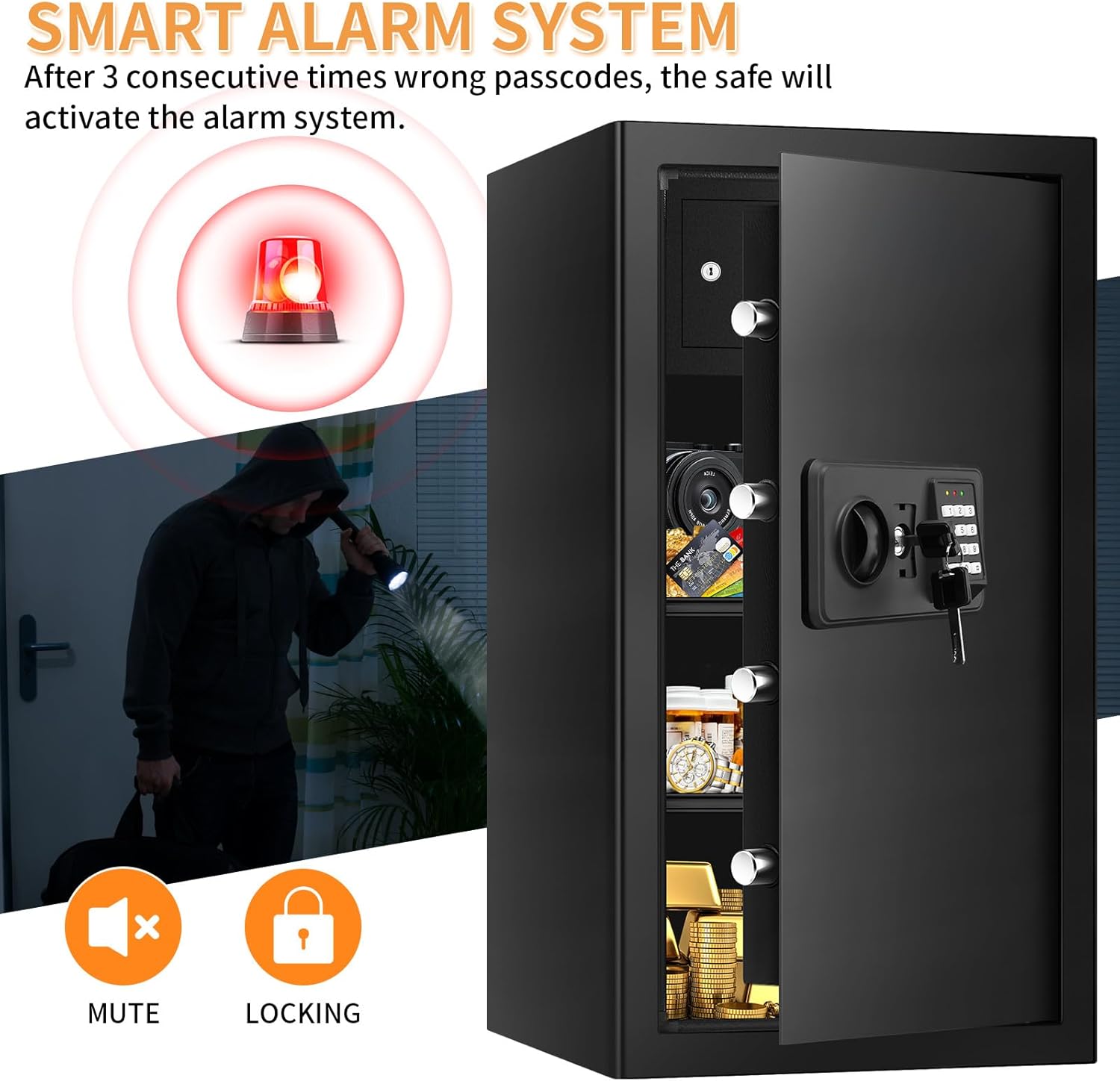
5.4 Smart Alarm System
The safe is equipped with a smart alarm system to deter unauthorized access.
- If three consecutive incorrect passcodes are entered, the alarm system will activate.
- The alarm will sound for a set period (e.g., 60 seconds) and the keypad will be temporarily locked.
- To silence the alarm, enter the correct code or use the emergency key.
5.5 LED Interior Light
The built-in LED light illuminates the interior for better visibility. It typically activates automatically when the door is opened and turns off when closed.
6. Maintenance
- Battery Replacement: When the low battery indicator lights up, replace all batteries in the keypad with new ones. Do not mix old and new batteries.
- Cleaning: Clean the exterior of the safe with a soft, damp cloth. Avoid abrasive cleaners or solvents that could damage the finish.
- Key Storage: Regularly check the secure location of your emergency keys.
- Door Mechanism: Periodically check the door hinges and locking bolts for smooth operation. Do not lubricate unless specifically instructed by the manufacturer.
7. Troubleshooting
| Problem | Possible Cause | Solution |
|---|---|---|
| Safe does not open with digital code. | Incorrect code entered; low batteries; keypad malfunction. | Re-enter code carefully. Replace batteries. Use emergency key to open. If problem persists, contact customer support. |
| Alarm activates frequently. | Incorrect code entered multiple times; safe moved or tampered with. | Ensure correct code entry. Check for tampering. If alarm is overly sensitive, consult customer support. |
| LED interior light not working. | Low batteries; LED malfunction. | Replace batteries. If light still does not work, contact customer support. |
| Safe code resets to default or is not holding. | Battery issue; internal fault. | Ensure fresh, high-quality batteries are installed correctly. Re-program the code. If the issue persists, contact customer support. |
8. Specifications
- Model Number: UDNEW
- Brand: TOLEBLID
- Capacity: 6.1 Cubic Feet
- Exterior Dimensions: 40.6D x 45.7W x 76.2H Centimetres (11.81"D x 13.2"W x 27.56"H)
- Interior Dimensions: Approximately 11.3"D x 12.8"W x 27"H
- Material: Alloy Steel
- Color: Black
- Lock Type: Digital Keypad with Emergency Key
- Special Features: Anti-Theft, Combination Lock, Fireproof, Scratch Resistant, Sensor Light
- Item Weight: Approximately 22.7 kg (40 lbs)
- Mounting Type: Wall Mount (pre-drilled holes)
9. Warranty and Support
For warranty information or technical support, please refer to the documentation included with your purchase or contact TOLEBLID customer service directly. Ensure you have your model number (UDNEW) and purchase details available when contacting support.