
1. Introduction
This manual provides detailed instructions for the operation and maintenance of your BAOFENG UV-32 Ham Radio. The UV-32 is a 10W high-power two-way radio featuring GPS, NOAA weather reception, APP programming, and multiple charging options, designed for reliable communication in various environments.

2. Package Contents
Verify that all items are present in your package:
- 1x BAOFENG UV-32 Radio Unit
- 1x High Gain Antenna (15.35 inches)
- 1x 2500mAh Capacity Lithium-ion Battery
- 1x Desktop Charging Base
- 1x USB-C Charging Cable
- 1x Power Adapter (for charging base)
- 1x Belt Clip
- 1x Hand Strap
- 1x User Manual
3. Setup
3.1. Battery Installation
- Align the 2500mAh lithium-ion battery with the battery compartment on the back of the radio.
- Slide the battery upwards until it clicks securely into place.
- To remove, press the release latch (if present) and slide the battery downwards.
3.2. Antenna Attachment
The UV-32 comes with a high-gain antenna. For optimal performance, ensure it is properly attached.
- Screw the high-gain antenna clockwise onto the antenna connector on top of the radio until it is finger-tight. Do not overtighten.
- The longer 15.35-inch antenna is designed to improve signal strength and communication range.

3.3. Charging the Battery
The UV-32 supports multiple charging methods:
- Desktop Charging Base: Connect the power adapter to the charging base and plug it into a wall outlet. Place the radio (with battery installed) into the charging cradle. The indicator light will show charging status.
- USB-C Direct Charging: Connect the provided USB-C cable directly to the USB-C port on the radio and to any standard USB power source (e.g., computer, power bank, car charger).
Ensure the radio is powered off during charging for optimal battery life.

4. Operating Instructions
4.1. Power On/Off
- To power on, rotate the volume knob clockwise until you hear a click.
- To power off, rotate the volume knob counter-clockwise until you hear a click.
4.2. Basic Communication
- Select your desired frequency or channel using the keypad or menu.
- To transmit, press and hold the Push-to-Talk (PTT) button on the side of the radio. Speak clearly into the microphone.
- Release the PTT button to receive.
4.3. Frequency Modification and Programming
The UV-32 offers flexible frequency management:
- Side Key Copy Frequency: Utilize programmable side keys to quickly copy frequencies from another radio. Refer to the menu settings for side key assignments.
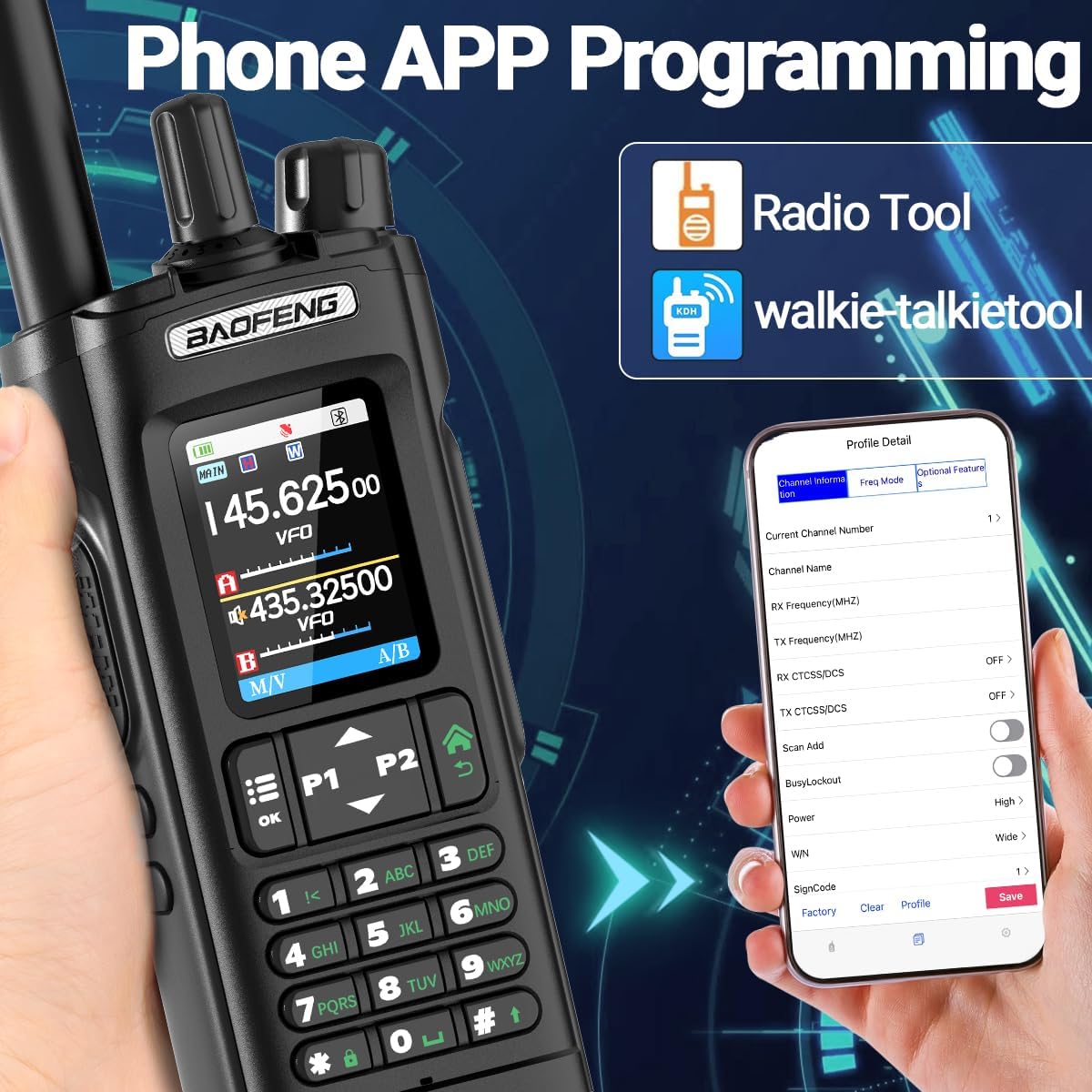
- APP Programming: Use the dedicated mobile application to program frequencies and other settings. This provides a convenient graphical interface for customization.
4.4. One Key Frequency Match
This feature allows for quick frequency synchronization with another radio.
- Turn on the radio and long-press the designated 'frequency match' key (refer to your radio's specific key assignments).
- When 'SEARCH' appears on the screen, press the appropriate key to switch the band if necessary.
- Once the desired frequency appears, press the 'save channel' key to store it.

4.5. GPS Function
The built-in GPS function allows for location tracking and display. Access the GPS menu to view your current coordinates.

4.6. NOAA Weather Reception
The UV-32 includes a NOAA weather forecast function to receive real-time weather conditions and emergency alerts. This feature is crucial for outdoor safety and emergency preparedness.

4.7. Power Switching (H/M/L)
The radio supports 10W high power and allows switching between High (H), Medium (M), and Low (L) power output modes to conserve battery or extend range as needed.

4.8. Additional Functions
- AM Reception: Capable of receiving AM aviation band frequencies.
- FM Radio: Built-in FM radio for entertainment.
- LED Flashlight: Integrated flashlight for illumination in low-light conditions.
- Stopwatch Timer: A utility function for timing.
- DTMF: Dual-Tone Multi-Frequency signaling.
- VOX: Voice Operated eXchange for hands-free transmission.
- Alarm Function: For emergency signaling.
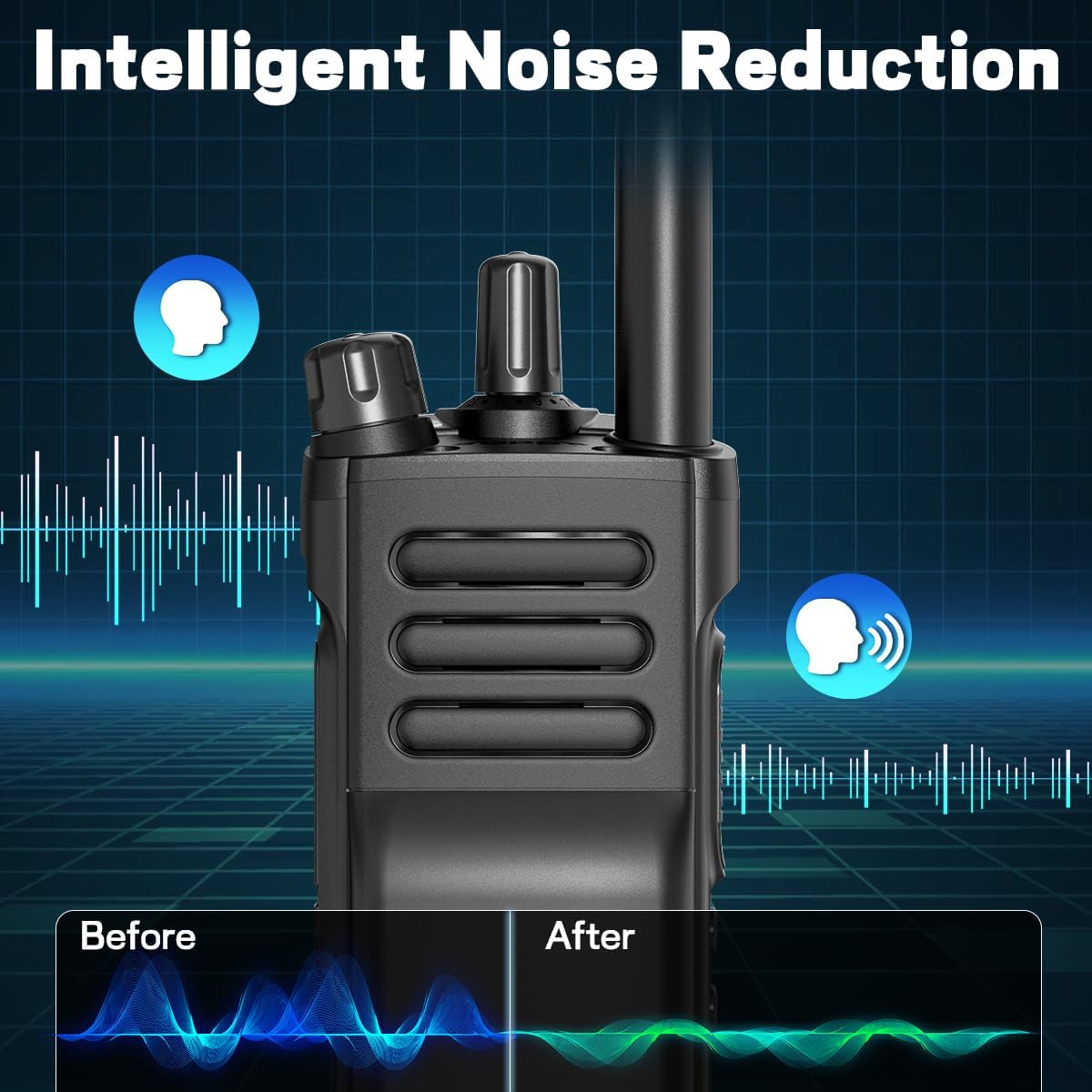
- Intelligent Noise Reduction: Enhances audio clarity during communication.
5. Maintenance
5.1. Battery Care
- Avoid fully discharging the battery frequently.
- Store the battery in a cool, dry place when not in use.
- Do not expose the battery to extreme temperatures.
5.2. Cleaning
- Wipe the radio with a soft, damp cloth.
- Do not use harsh chemicals or abrasive cleaners.
5.3. Water Resistance
The BAOFENG UV-32 is NOT water resistant. Avoid exposure to rain, splashes, or immersion in water to prevent damage.
5.4. Storage
When storing the radio for extended periods, remove the battery and store both components in a dry, temperature-controlled environment.
6. Troubleshooting
- Radio not powering on: Ensure the battery is correctly installed and charged. Check the volume knob position.
- No signal/poor reception: Verify the antenna is securely attached. Check frequency settings. Ensure you are within range of other radios or repeaters.
- Cannot transmit: Ensure the PTT button is fully pressed. Check if the frequency is busy or if there are transmit restrictions (e.g., CTCSS/DCS settings).
- Charging issues: Confirm the charging cable and adapter are properly connected. Check for damage to the cable or charging port.
- GPS not acquiring signal: Ensure you are in an open area with a clear view of the sky.
7. Specifications
| Feature | Specification |
|---|---|
| Model Number | UV-32 |
| Brand | BAOFENG |
| Output Power | 10W (H/M/L switching) |
| Frequency Range | VHF 136-174MHz, UHF 400-480MHz |
| Number of Channels | 1000 |
| Battery Capacity | 2500mAh Lithium-ion |
| Charging Methods | Desktop Charger, USB-C |
| Special Features | GPS, NOAA Weather, APP Programming, Copy Frequency, AM Reception, FM Radio, LED Flashlight, Stopwatch, DTMF, VOX, Alarm Function, Intelligent Noise Reduction |
| Antenna Length (High Gain) | 15.35 inches (39cm) |
| Talking Range Maximum | 5 Kilometer (under optimal conditions) |
| Water Resistance Level | Not Water Resistant |
| Item Weight | 1.83 pounds |
| Package Dimensions | 10.55 x 8.62 x 2.64 inches |
8. Warranty Information
This product does not include a manufacturer's warranty.
9. Support
For further assistance or inquiries, please refer to the BAOFENG official website or contact your retailer.
BAOFENG Store Link: Visit the BAOFENG Store on Amazon