
Introduction
Thank you for choosing the Puroma TSA Approved Luggage Travel Lock. This manual provides detailed instructions for setting up, operating, and maintaining your lock. Designed for security and convenience, this 4-digit combination lock features a resettable code and an open alert indicator, ensuring your belongings are protected during travel.
Product Features
- Durable Construction: Crafted from premium zinc alloy and reinforced steel for resistance against tampering, scratches, and corrosion.
- TSA Approved: Allows TSA agents to inspect luggage without damaging the lock.
- Smart Red Alert Indicator: A red indicator pops up if the lock has been opened by TSA, alerting you to check your luggage contents.
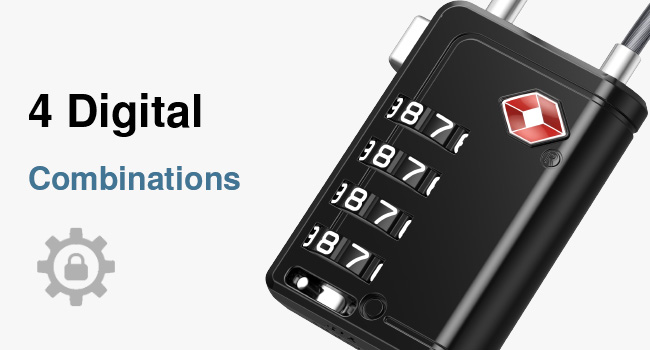
- 4-Digit Combination: Offers 10,000 possible combinations for enhanced security, providing ten times more security than standard 3-digit locks.
- Resettable Code: Easily set and reset your personal combination.
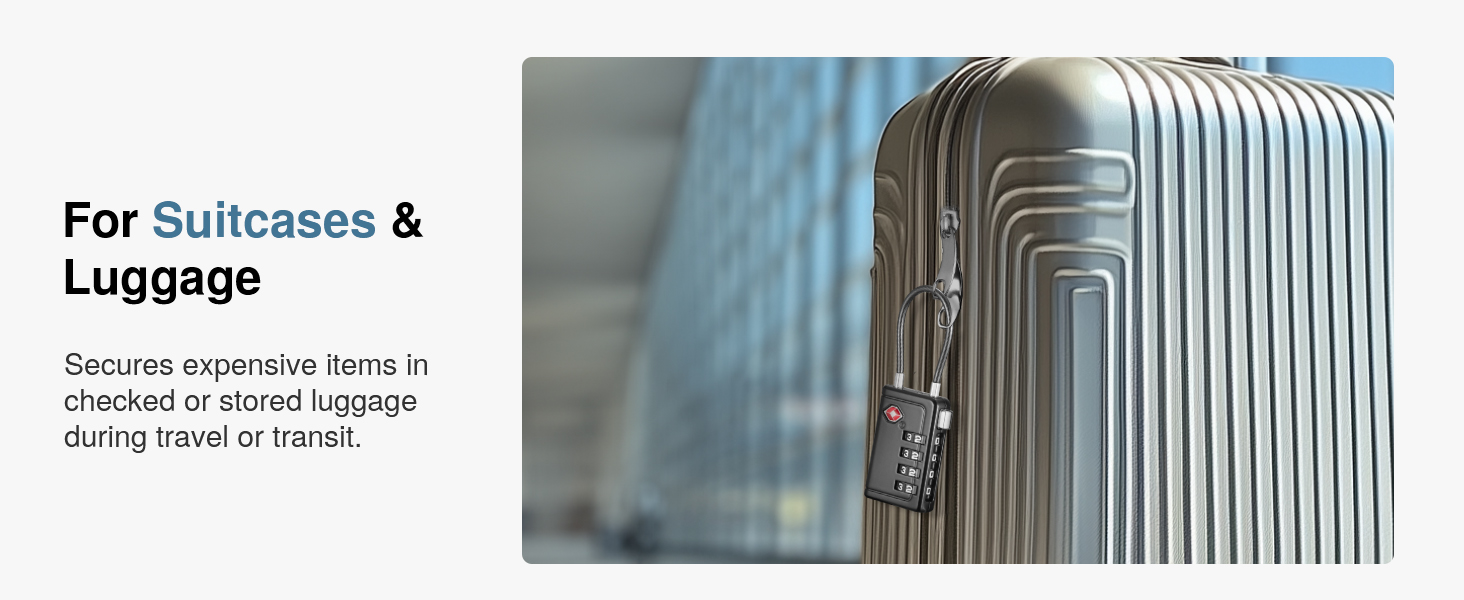
- Flexible Cable Lock: The durable steel cable is flexible, fitting through various zippers and lock holes on suitcases, backpacks, gym lockers, and more.
- Quick-Read Design: Features easy-to-read black dials with white numbers for clear visibility.
- User-Friendly Unlock Button: Designed for easy and convenient opening.

The lock features a TSA Approved design, allowing airport security to inspect your luggage without causing damage to the lock.

The 4-digit combination offers enhanced security compared to 3-digit locks.
The lock features a durable and flexible iron wire steel cable.
Setup: Setting Your Combination
Your lock is preset to the default combination 0-0-0-0. Follow these steps to set your personalized combination:
- Step 1: Set to Default Code
Turn the dials to the default code 0-0-0-0 and ensure the numbers are aligned in the password window. - Step 2: Turn the Reset Switch
Locate the reset switch on the bottom side of the lock. Use a sharp, pointed tool (like a pen tip) to push and turn the reset switch to the right. Remove the tool. - Step 3: Set Your New Combination
While the reset switch is in the right position, rotate the dials to your desired 4-digit combination. Choose a memorable number. - Step 4: Return the Reset Switch
Push and turn the reset switch back to the left. Your new combination is now saved. Scramble the dials to lock the device.
Important: Remember your new combination. It is recommended to write it down or take a photo for safekeeping.
Visual guide for setting your new combination.
Video demonstrating how to set the combination on the Puroma TSA Approved Luggage Lock.
Operating Instructions
Locking and Unlocking
- To unlock, enter your correct 4-digit combination.
- Press the unlock button on the side of the lock. The cable will release.
- To lock, insert the cable ends back into the lock body and scramble the dials.
Using the Open Alert Indicator
The Puroma TSA Approved Lock features a red alert indicator to inform you if your luggage has been inspected by TSA.
- If the red dot is visible and popped up, it indicates that TSA personnel have opened your lock for inspection.
- If the red dot is not visible, your lock has not been opened by TSA.
- To reset the indicator, simply push the red dot back down into the lock body.

The red alert indicator shows if the lock has been opened by TSA.
The unlock button provides easy access, and the dials are designed for quick reading.
Maintenance
To ensure the longevity and smooth operation of your Puroma luggage lock, follow these simple maintenance guidelines:
- Cleaning: Wipe the lock body and cable with a soft, dry cloth to remove dust and dirt. Avoid using abrasive cleaners or solvents.
- Lubrication: If the dials become stiff, apply a small amount of graphite powder or a silicone-based lubricant to the moving parts. Do not use oil-based lubricants as they can attract dirt.
- Storage: Store the lock in a dry environment when not in use to prevent moisture buildup.
- Avoid Force: Do not force the dials or the unlock mechanism. If you encounter resistance, recheck your combination or inspect for obstructions.
Troubleshooting
| Problem | Possible Cause | Solution |
|---|---|---|
| Lock will not open with correct combination. | Dials not perfectly aligned; combination incorrectly remembered; internal mechanism jammed. | Ensure all four digits are precisely aligned in the window. Double-check your recorded combination. Apply lubricant if dials are stiff. If still unable to open, contact support. |
| Cannot set a new combination. | Reset switch not fully engaged; not on default code (0-0-0-0) before resetting. | Ensure the lock is set to 0-0-0-0. Use a pointed tool to firmly push and turn the reset switch completely to the right. Follow all steps carefully. |
| Red alert indicator is always popped up. | Indicator was triggered and not reset. | Simply push the red dot back down into the lock body to reset it. |
Specifications
- Model Number: CLL359
- Lock Type: 4-Digit Combination Lock
- Material: Zinc Alloy, Alloy Steel (Cable)
- Special Features: TSA Approved, Open Alert Indicator, Weather Resistant, Rust Resistant, Corrosion Resistant
- Dimensions: Approximately 3.5 inches (height) x 1.22 inches (width) x 0.51 inches (thickness)
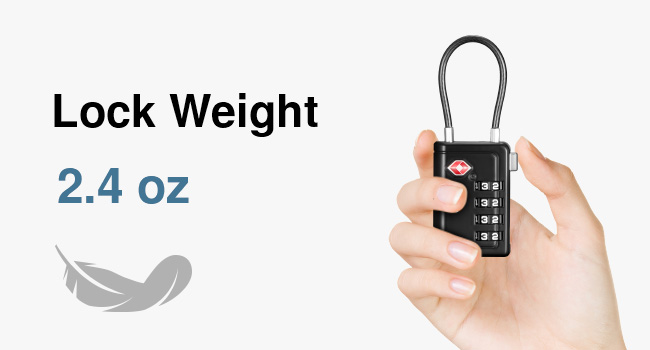
- Weight: Approximately 2.43 oz (0.15 Kilograms)
- Included Components: 2 x TSA Approved Combination Locks

Detailed dimensions and weight of the lock.
Warranty Information
Puroma products are manufactured to high-quality standards. For specific warranty details, including coverage and duration, please refer to the product packaging or contact Puroma customer support directly. Keep your purchase receipt as proof of purchase for any warranty claims.
Customer Support
If you have any questions, concerns, or require assistance with your Puroma TSA Approved Luggage Travel Lock, please do not hesitate to contact our customer support team. You can typically find contact information on the product packaging or through the retailer where you purchased the item.
For online purchases, visit the official Puroma store page or the product listing on the retailer's website for support options.