
1. Introduction
The 1Mii T6set Wireless Headphones and Transmitter kit provides a seamless audio solution for TV viewing. Designed for clarity and comfort, this system ensures a stable, high-quality sound experience without audio delay, allowing for private listening without disturbing others. It features an effortless plug-and-play setup and broad compatibility with various TV audio outputs.
Important Notes:
- The T6set ONLY supports 2.4G wireless connection, NOT Bluetooth.
- The T6set components (transmitter and earphones) are pre-paired at the factory and cannot be connected to other devices, nor can other devices connect to the T6set.
- The earphones and transmitter are designed to be used together as a complete system.
2. What's in the Box
Verify that all items are present in your package:
- 1 x Wireless Transmitter
- 1 x Wireless Neckband Earphones
- 1 x 3.5mm Audio Cable
- 1 x 3.5mm-RCA Audio Cable
- 1 x Optical Audio Cable
- 2 x USB Power Cables (for charging transmitter and earphones)
- 1 x User Manual

Image: All components included in the 1Mii T6set package, neatly arranged.
Video: An unboxing demonstration of the 1Mii T6set, showing each component as it is removed from the packaging.
3. Product Overview
3.1 Wireless Transmitter
The compact transmitter connects to your TV and wirelessly sends audio to the neckband earphones. It features multiple input options and intuitive controls.
- DC-5V In: USB-C port for power supply.
- Optical Input: For digital audio connection from your TV.
- 3.5mm AUX Input: For analog audio connection from your TV.
- ON/OFF Button: Powers the transmitter on or off.
- Volume +/- Buttons: Adjusts the audio volume.
- Play/Mute Button: Toggles audio play/mute.
- AUX/OPT Indicators: Lights indicate the active audio input mode.
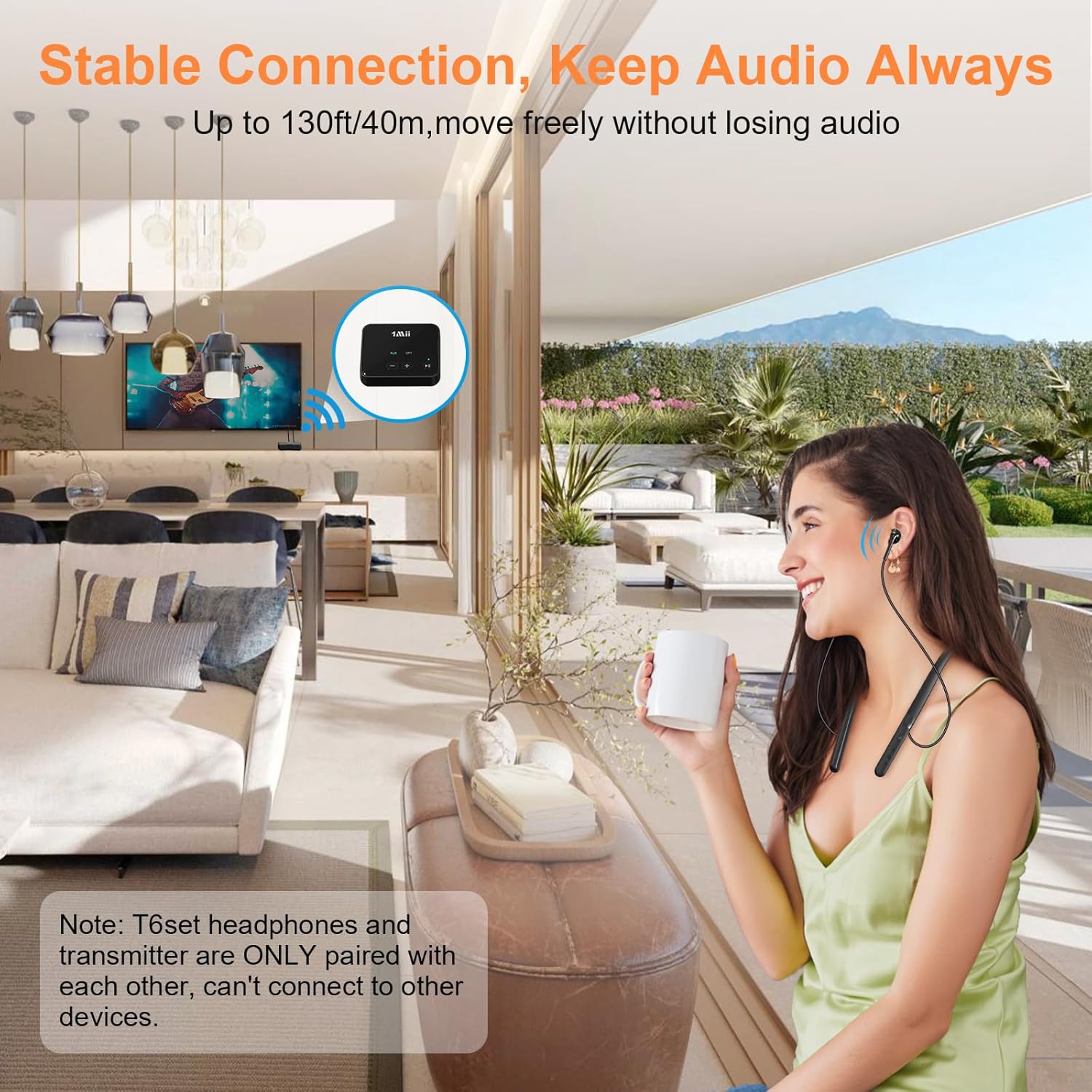
Image: The 1Mii T6set transmitter with labeled ports for power, optical, AUX, and control buttons.
3.2 Wireless Neckband Earphones
The lightweight neckband earphones are designed for comfort during extended use, providing clear audio directly to your ears.
- Power ON/OFF Button: Powers the earphones on or off.
- Volume +/- Buttons: Adjusts the audio volume.
- Play/Mute Button: Toggles audio play/mute.
- LED Indicator: Shows pairing status and power.
- Ergonomic Neckband: Sits comfortably around the neck.

Image: The 1Mii T6set neckband earphones with clearly visible control buttons for power, volume, and play/mute.
4. Setup Instructions
The 1Mii T6set is designed for easy plug-and-play setup. The transmitter and earphones are pre-paired from the factory.
4.1 Powering the Transmitter
- Connect one end of a USB power cable to the DC-5V IN port on the transmitter.
- Connect the other end to a 5V 1A USB power adapter (not included) or a TV USB port.
- The transmitter will automatically power on and enter pairing mode (indicated by a flashing blue light).

Image: The transmitter being powered by a USB cable plugged into a wall adapter.
4.2 Connecting to Your TV
Choose one of the following options based on your TV's available audio output ports:
- Optical Connection: Use the provided Optical Audio Cable. Connect one end to your TV's Optical OUT port and the other end to the OPTICAL input on the transmitter. The OPT indicator on the transmitter will light up.
- 3.5mm AUX Connection: Use the provided 3.5mm Audio Cable. Connect one end to your TV's 3.5mm AUX OUT port and the other end to the AUX input on the transmitter. The AUX indicator on the transmitter will light up.
- RCA Connection: Use the provided 3.5mm-RCA Audio Cable. Connect the RCA ends to your TV's RCA Audio OUT ports (red and white) and the 3.5mm end to the AUX input on the transmitter. The AUX indicator on the transmitter will light up.

Image: The transmitter connected to a TV, illustrating the various audio input options (Optical, 3.5mm AUX, RCA).

Image: Visual guide to connecting the transmitter to different TV audio output types.
4.3 Auto-Pairing Earphones with Transmitter
- Ensure the transmitter is powered on and connected to your TV.
- Press and hold the Power ON/OFF button on the neckband earphones for 3 seconds to turn them on.
- The earphones will automatically connect to the transmitter. The LED indicator on the earphones will turn solid blue once paired.
- You should now hear TV audio through your earphones.

Image: A three-step diagram illustrating how to connect the transmitter to the TV and auto-pair the earphones.
Video: A quick guide demonstrating the setup process for the 1Mii T6set wireless headphones and transmitter with a TV.
5. Operating Instructions
5.1 Volume Control
- Use the '+' and '-' buttons on the neckband earphones to adjust the listening volume directly.
- Alternatively, you can use the '+' and '-' buttons on the transmitter to adjust the overall volume.

Image: The "One Key Mute" feature on the neckband earphones, also showing volume controls.
5.2 Mute/Play Function
- Press the Play/Mute button on either the earphones or the transmitter to mute the audio. The LED will turn red.
- Press the Play/Mute button again to resume audio playback. The LED will turn blue.
5.3 Powering Off
- To power off the earphones, press and hold the Power ON/OFF button for 3 seconds until the LED turns off.
- To power off the transmitter, press and hold the ON/OFF button for 3 seconds until the LED turns off.
6. Maintenance
- Cleaning: Use a soft, dry cloth to clean the surfaces of the transmitter and earphones. Avoid using harsh chemicals or abrasive materials.
- Storage: Store the device in a cool, dry place away from direct sunlight and extreme temperatures.
- Battery Care: The earphones provide over 10 hours of playtime on a full charge (approximately 2 hours charging time). For optimal battery life, avoid fully discharging the battery frequently.

Image: Information on earphone battery life (10+ hours playtime) and charging duration (2 hours).
7. Troubleshooting
- No Sound:
- Ensure both the transmitter and earphones are powered on and the LED indicators are solid blue (paired).
- Check that the correct audio cable (Optical, AUX, or RCA) is securely connected to both the TV's audio OUT port and the transmitter's corresponding input.
- Verify that your TV's audio output settings are configured to send audio through the selected port (e.g., PCM for Optical).
- Adjust the volume on both the earphones and the TV.
- Earphones Not Pairing:
- The transmitter and earphones are pre-paired. Ensure both devices are powered on. They should automatically connect.
- If pairing fails, power off both devices, then power on the transmitter first, followed by the earphones.
- Remember, the T6set does not support Bluetooth and cannot pair with other Bluetooth devices.
- Short Wireless Range or Intermittent Audio:
- Ensure there are no major obstructions (thick walls, large metal objects) between the transmitter and earphones.
- Avoid placing the transmitter near other 2.4GHz wireless devices (e.g., Wi-Fi routers) that might cause interference.
- The optimal range is up to 130ft (40m) in open areas.
8. Specifications
| Feature | Detail |
|---|---|
| Model Name | T6set |
| Brand | 1Mii |
| Connectivity Technology | Wireless (2.4GHz) |
| Wireless Communication Technology | 2.4GHz |
| Supports Bluetooth Technology | No |
| Input Device Interface | 3.5mm AUX/RCA/Optical |
| Wireless Range | Up to 40 meters (130 feet) |
| Battery Life (Earphones) | 10+ Hours |
| Charging Time (Earphones) | Approx. 2 Hours |
| Earpiece Shape | In-ear |
| Form Factor | In Ear (Neckband) |
| Impedance | 16 Ohms |
| Material | Plastic, Silicone |
| Color | Black |
| Item Weight | 9.6 ounces |
| Special Features | No Lip-Sync Delay, Private Listening, Automatic Pairing, All-Day Comfort |
9. Warranty and Support
For warranty information, technical support, or any inquiries regarding your 1Mii T6set, please refer to the official 1Mii website or contact their customer service directly. You can also visit the 1Mii Store on Amazon for more product details and support options.


