
1. Introduction
This manual provides essential instructions for the safe and efficient operation, maintenance, and troubleshooting of your OUPES Exodus 1500 Solar Generator Kit. This kit includes the Exodus 1500 portable power station and a 240W foldable solar panel, designed to provide reliable off-grid power for various applications.

Image 1.1: The OUPES Exodus 1500 portable power station.
Please read this manual thoroughly before using the product and retain it for future reference.
Video 1.1: An overview of the OUPES Exodus 1500 Power Station's features and capabilities.
2. Safety Instructions
Observe the following safety precautions to prevent injury or damage to the product:
- Do not disassemble, repair, or modify the unit.
- Keep the unit away from heat sources, direct sunlight, and flammable materials.
- Avoid exposure to water, rain, or high humidity.
- Use only original or certified accessories.
- Ensure proper ventilation during use and charging.
- Keep out of reach of children and pets.
- Dispose of the product according to local regulations.
3. Package Contents
Verify that all items are present in your package:
- 1 × OUPES Exodus 1500 Power Station
- 1 × 240W Foldable Solar Panel
- 1 × AC Charger
- 1 × Car Charging Cable
- 1 × User Manual (this document)
4. Product Overview
The OUPES Exodus 1500 features multiple output ports and a clear display for monitoring status.
Image 4.1: Front panel and side view of the Exodus 1500, highlighting various input and output ports.
4.1. Ports and Controls
- AC Output: 3 x Pure Sine Wave 120V/1500W (Boost 1700W, Surge 3600W)
- DC Output: 2 x DC5521 (12V/10A), 1 x Car Lighter (12V/10A)
- USB-C Output: 2 x PD Fast Charging (140W Max per port)
- USB-A Output: 2 x QC3.0 Fast Charging (18W Max per port)
- AC Input: Up to 800W Max
- Anderson Input: Up to 480W Max (for solar charging)
- Power Button: To turn the unit on/off.
- LCD Display: Shows battery level, input/output power, and status indicators.
5. Setup and Charging
5.1. Initial Charging
Before first use, fully charge the Exodus 1500. It can be charged via AC wall outlet or solar panel.
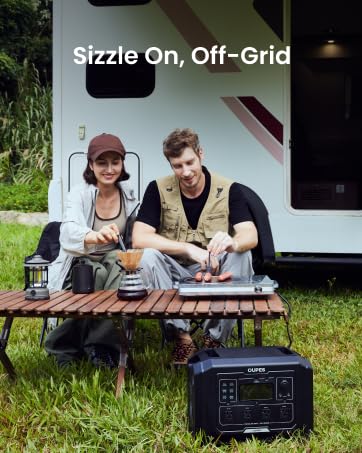
Image 5.1: The Exodus 1500 can be recharged via AC or solar input.
- AC Charging: Connect the AC charger to the AC input port on the power station and then to a wall outlet. The unit charges from 0-100% within approximately 4 hours (0-80% in 2 hours).
- Solar Charging: Unfold the 240W solar panel and position it in direct sunlight. Connect the solar panel to the Anderson input port on the power station. Charging time with one 240W panel is approximately 8-13 hours.
- Car Charging: Use the provided car charging cable to charge the unit from your vehicle's 12V outlet.
5.2. Hybrid Charging
The Exodus 1500 supports hybrid charging, allowing you to charge via AC and solar simultaneously for faster recharge times.
6. Operating Instructions
6.1. Powering On/Off
Press and hold the main POWER button for 3 seconds to turn the unit on or off. The LCD display will illuminate.
6.2. Using Output Ports
Once the unit is on, press the respective button (AC, DC, USB) to activate the desired output ports. The corresponding icon on the LCD display will light up.
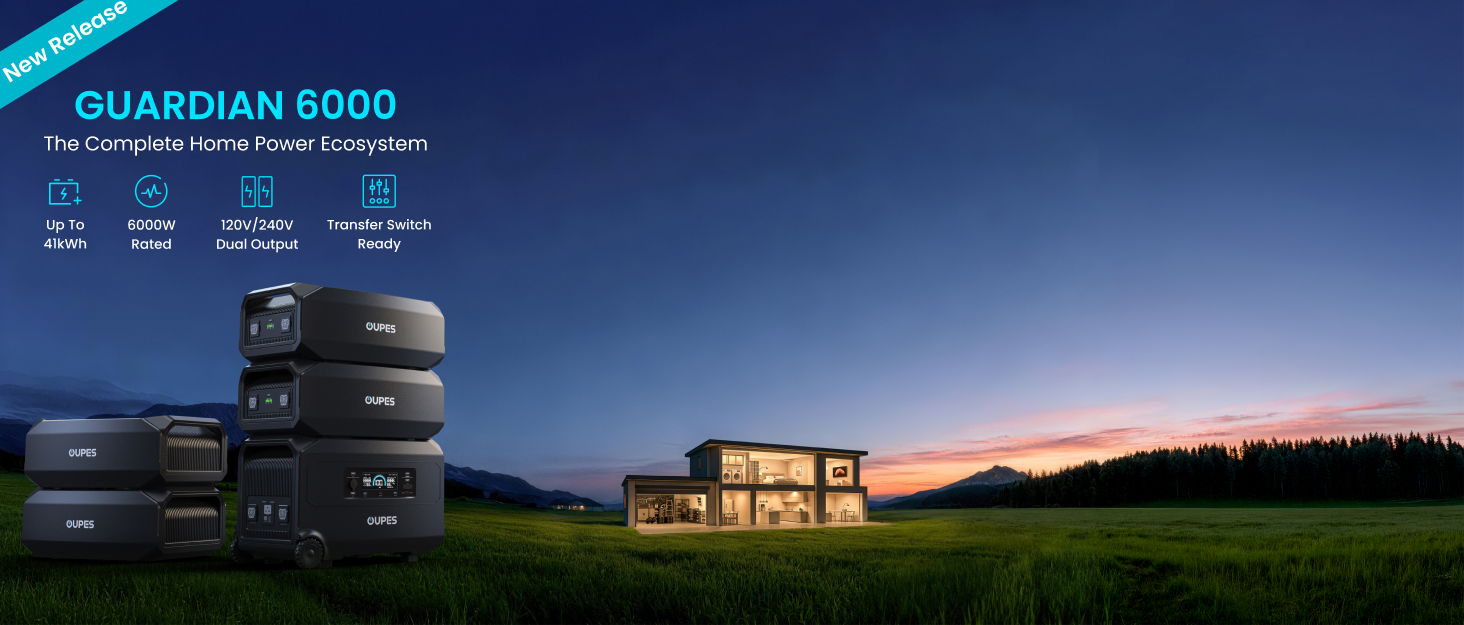
Image 6.1: The Exodus 1500 can power a wide range of devices simultaneously.
- AC Outlets: Plug your AC devices into the 120V outlets. The unit provides 1500W continuous power, with a boost mode up to 1700W and surge capability of 3600W.
- DC Outlets: Use the DC5521 or car lighter port for 12V DC devices.
- USB Ports: Connect your USB-C (up to 140W PD) and USB-A (up to 18W QC3.0) compatible devices for fast charging.
6.3. Uninterruptible Power Supply (UPS) Function
The Exodus 1500 features an Uninterruptible Power Supply (UPS) function. When connected to an AC wall outlet and powering devices, it can automatically switch to battery power within ≤20ms during a power outage, protecting sensitive electronics like computers and CPAP machines.
Image 6.2: The UPS function ensures continuous power for critical devices during outages.
6.4. APP Smart Control
Download the OUPES app to monitor and control your Exodus 1500 remotely via Bluetooth or Wi-Fi. The app allows you to check battery status, input/output power, and adjust settings like AC timeout and charging speed.
Image 6.3: The OUPES mobile app provides convenient remote monitoring and control.
7. Maintenance and Storage
7.1. General Maintenance
- Clean the unit with a dry, soft cloth. Do not use abrasive cleaners or solvents.
- Regularly check ports for dust or debris and clean if necessary.
- Ensure ventilation openings are clear and unobstructed.
7.2. Storage
For optimal battery life and safety:
- Store the unit in a cool, dry place, away from direct sunlight and extreme temperatures.
- If storing for extended periods, charge the unit to 50-80% every 3-6 months.
- Avoid storing in environments with high humidity.

Image 7.1: The compact design and integrated handles make the Exodus 1500 easy to transport.
8. Troubleshooting
If you encounter issues, refer to the following common problems and solutions:
| Problem | Possible Cause | Solution |
|---|---|---|
| Unit does not power on | Battery is depleted; Power button not pressed correctly | Charge the unit; Press and hold the power button for 3 seconds. |
| AC output not working | AC output not activated; Overload protection triggered | Press the AC button to activate; Reduce connected load; Restart unit. |
| Solar charging is slow or not working | Insufficient sunlight; Panel not connected properly; Panel dirty | Reposition panel for direct sunlight; Check connections; Clean panel surface. |
| App not connecting | Bluetooth/Wi-Fi off; App not updated; Unit too far | Ensure Bluetooth/Wi-Fi is enabled; Update app; Move closer to the unit. |
If the problem persists, please contact OUPES customer support.
9. Specifications
9.1. Exodus 1500 Power Station
| Feature | Specification |
|---|---|
| Model Name | Exodus 1500 |
| Battery Capacity | 1.4kWh (1488Wh) |
| Battery Type | LiFePO4 (3,500+ Life Cycles to 80%) |
| AC Output | 3 x Pure sine wave 120V/1500W, Peak 3600W, Boost 1700W |
| DC Output | 2 x DC5521 (12V/10A), 1 x Car Lighter (12V/10A) |
| USB-C Output | 2 x PD Fast Charging, 140W Max per port |
| USB-A Output | 2 x QC3.0 Fast Charging, 18W Max per port |
| AC Input | 800W Max |
| Anderson Input (Solar) | 480W Max |
| Charging Time (AC) | 0-100% within 4 Hrs |
| Special Features | UPS (≤ 20ms switchover), APP control, Built-in MPPT controller, Pass-through charging |
| Product Dimensions | 14.1 x 10.7 x 10.9 inches (LxWxH) |
| Net Weight | 30.5 lbs |
9.2. 240W Solar Panel
| Feature | Specification |
|---|---|
| Rated Power | 240W |
| Conversion Efficiency | 23.4% |
| Waterproof Level | IP67 |
| Net Weight | Approx. 15.8 lbs (7.2KG) |
| Cable Length | 16.4 ft |
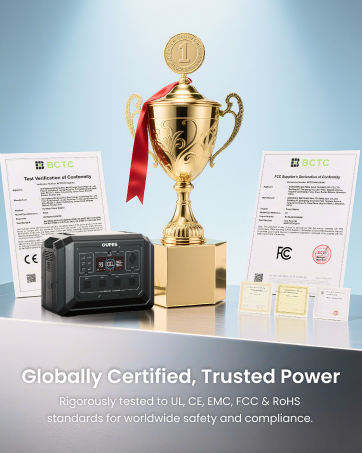
Image 9.1: The Exodus 1500 is rigorously tested and certified to global standards.
10. Warranty and Support
10.1. Warranty Information
The OUPES Exodus 1500 Solar Generator Kit comes with a 3-Year Warranty from the date of purchase. This warranty covers defects in materials and workmanship under normal use. Please retain your proof of purchase for warranty claims.
10.2. Customer Support
For technical assistance, warranty claims, or any questions regarding your OUPES product, please contact our customer support team. Refer to the contact information provided on the official OUPES website or your purchase documentation.


