1. Product Overview
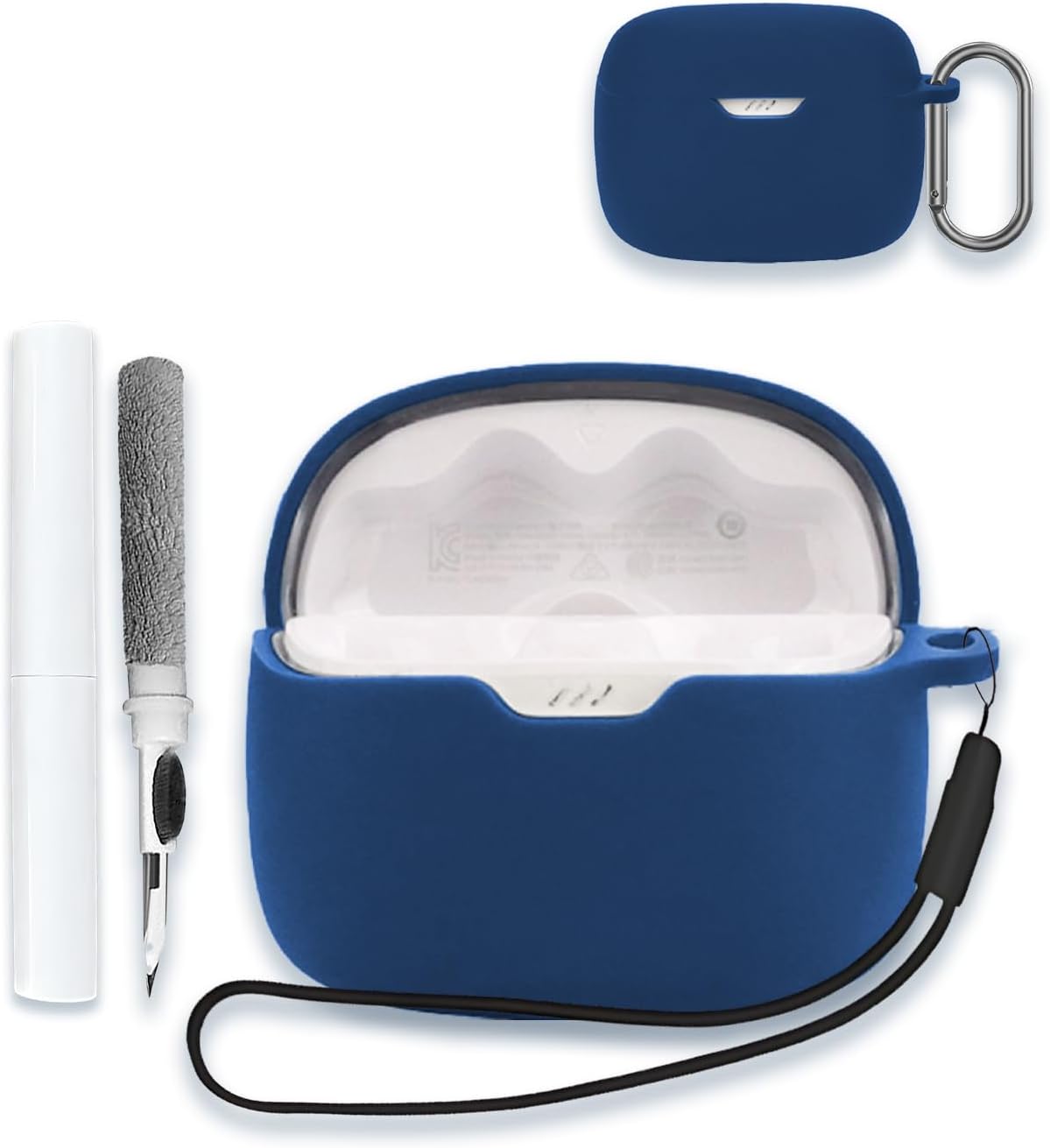
This manual provides instructions for the WUNIAK silicone protective case, specifically designed for JBL Tune 245NC in-ear wireless earbuds. The case offers comprehensive protection and includes accessories for enhanced portability and maintenance.
Package Contents
- 1 x Silicone Case for JBL Tune 245NC Earbuds
- 1 x Metal Carabiner Clip
- 1 x Lanyard
- 1 x Earbud Cleaning Pen
2. Compatibility
This protective case is exclusively compatible with JBL Tune 245NC in-ear wireless TWS earbuds. It is not designed for use with other earbud models.
3. Key Features
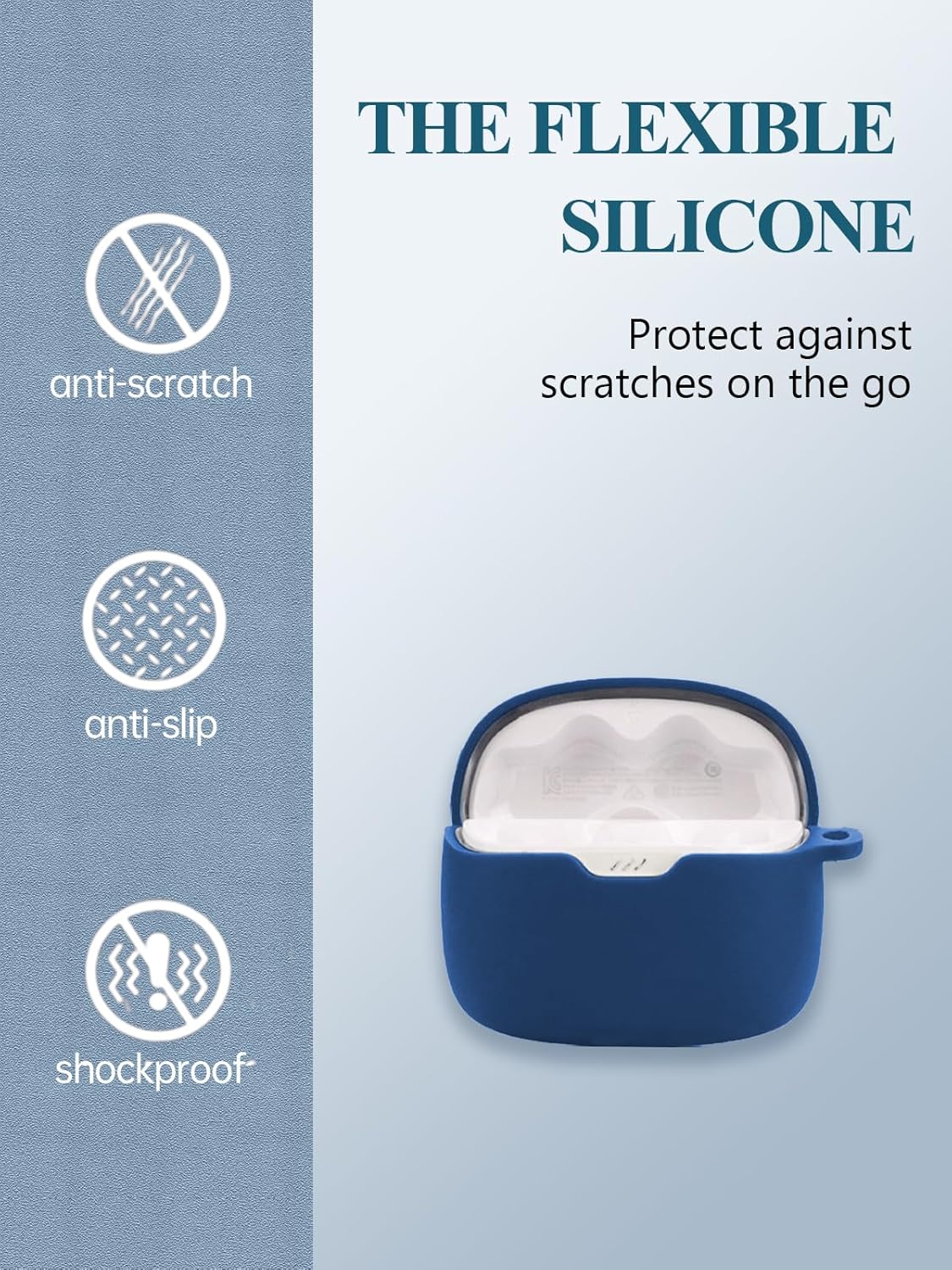
- High-Quality Silicone Material: Constructed from soft, durable, and elastic silicone, providing comprehensive protection. The surface is treated for anti-fingerprint and dustproof properties.
- Enhanced Protection: Offers resistance against scratches, bumps, and shocks, ensuring the safety of your earbuds.
- Secure Portability: Includes a durable metal carabiner clip and a lanyard for convenient attachment to bags, keychains, or clothing, preventing loss.
- Charging Accessibility: Features a precise cutout for the charging port, allowing for cable charging without the need to remove the protective case.

4. Installation
Follow these steps to properly install the silicone protective case onto your JBL Tune 245NC earbud charging case:
- Ensure your JBL Tune 245NC earbud charging case is clean and free of dust.
- Carefully insert the bottom part of your earbud charging case into the lower section of the silicone cover.
- Align the top part of the silicone cover with the lid of your earbud charging case and gently press to secure it. The case includes highly sticky double-sided adhesive to help keep the top cover in place.
- Verify that all cutouts (e.g., charging port, indicator light) align correctly with the silicone case.

5. Usage
The WUNIAK silicone case enhances the usability and portability of your JBL Tune 245NC earbuds:
- Attaching the Carabiner: Use the provided metal carabiner clip to securely attach your earbud case to a backpack, belt loop, or keychain for easy access and to prevent misplacement.
- Using the Lanyard: Thread the lanyard through the designated loop on the case for an alternative carrying option, such as around your wrist or neck.
- Charging: The precise cutout allows for direct charging of your earbuds via a cable without removing the silicone case.

6. Maintenance
To keep your WUNIAK silicone case and JBL Tune 245NC earbuds clean and in optimal condition:
- Case Cleaning: The silicone material is washable. Wipe the case with a damp cloth or rinse with water to remove dirt, grease, or fingerprints. Ensure the case is completely dry before re-installing your earbuds.
- Earbud Cleaning: Use the provided earbud cleaning pen to gently remove debris from the earbud grilles and crevices. The pen typically features a soft brush for surface cleaning and a fine tip for detailed cleaning.

7. Specifications
| Brand | WUNIAK |
| Compatible Devices | JBL 245NC in Ear Wireless TWS Earbuds |
| Model Number | 245NC |
| Material | Soft Silicone |
| Color | Blue |
| Special Features | Heavy Duty Protection, Slim Fit, Anti-Scratch, Anti-Slip, Shockproof, Anti-Fingerprint, Dustproof |
| Item Weight | 3.52 ounces |
| Package Dimensions | 0.1 x 0.1 x 0.1 inches |
8. Warranty and Support
For any quality-related issues or support inquiries, please contact WUNIAK customer service. The product includes a replacement policy for quality concerns. Refer to your purchase documentation for specific warranty details and contact information.


