
Hisense 85QD6QF
Hisense 85QD6QF QD6 Series QLED 4K UHD Smart Fire TV Instruction Manual
Introduction
This manual provides essential information for the setup, operation, and maintenance of your Hisense 85QD6QF QD6 Series QLED 4K UHD Smart Fire TV. The Hisense QD6 Series integrates QLED Color technology for vibrant visuals and supports Dolby Vision HDR and Dolby Atmos for an immersive audio-visual experience. Please read this manual thoroughly before using your television to ensure proper functionality and safety.
What's in the Box
Verify that all components are present before proceeding with the setup.
- Hisense 85QD6QF QD6 Series QLED 4K UHD Smart Fire TV
- Power Cable
- Remote Control (with 2 AAA batteries)
- TV Stand components
- Quick Setup Guide
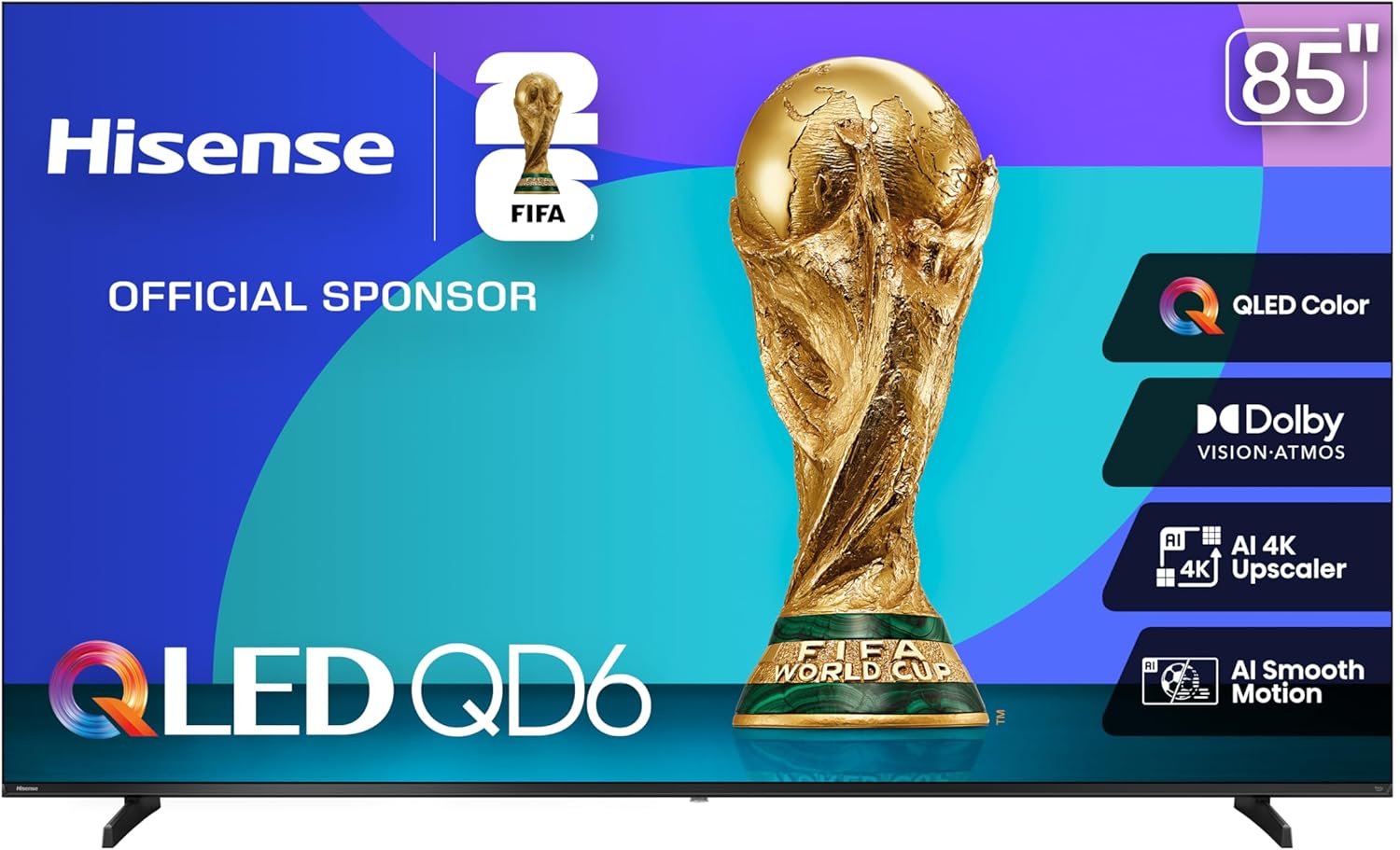
Image: Front view of the Hisense 85QD6QF QD6 Series QLED 4K UHD Smart Fire TV.
Setup
Physical Installation
Your television can be installed using the included stand or a compatible VESA wall mount (sold separately).
Stand Installation
- Carefully place the TV screen-down on a soft, flat surface to prevent damage.
- Attach the stand components to the designated slots on the bottom of the TV using the provided screws. Ensure the stand is securely fastened.
- Carefully lift the TV to an upright position on a stable, level surface.
Wall Mount Installation
For wall mounting, refer to the instructions provided with your VESA-compatible wall mount kit. The VESA wall mount size for this model is 600x400 mm (M8). Ensure proper ventilation around the television when wall-mounted.

Image: Diagram showing the dimensions of the 85-inch Hisense QD6 Series TV, including height, width, depth, and VESA wall mount size (600x400 mm M8). Product weight with stand is 81.6 lbs, without stand is 80.2 lbs.
Connecting Peripherals
The Hisense 85QD6QF TV offers various connectivity options for external devices.
- HDMI: Connect up to three HDMI devices (e.g., gaming consoles, Blu-ray players) to the HDMI ports. HDMI 1 and HDMI 2 support 4K@60Hz.
- USB: Two USB ports are available for connecting USB flash drives for media playback or external storage.
- Digital Audio Out: Connect a soundbar or audio receiver using the optical digital audio output.
- Ethernet: For a stable internet connection, connect an Ethernet cable from your router to the LAN port.
- ANT: Connect an antenna for over-the-air broadcasts.
- AV Input: For older devices, use the AV input.
- Headphone: Connect headphones for private listening.

Image: Close-up view of the Hisense 85QD6QF TV's back panel, detailing the USB, Headphone, AV Input, HDMI (x3), Digital Audio Out, Ethernet, and ANT ports.
Initial Power On and First-Time Setup
- Connect the power cable to the TV and a power outlet.
- Press the power button on the remote control or the TV.
- Follow the on-screen instructions to complete the initial setup, including language selection, network connection (Wi-Fi or Ethernet), and Fire TV account registration.
- Insert the included AAA batteries into the remote control.

Image: A close-up of the Hisense Fire TV remote control, highlighting the power button and the Alexa voice assistant button.
Operating Instructions
Basic TV Operation
- Power On/Off: Press the power button on the remote control.
- Input Selection: Use the input button on the remote to cycle through connected sources (HDMI 1, HDMI 2, AV, etc.).
- Volume Control: Use the volume up/down buttons on the remote.
Fire TV Interface and Smart Features
The Hisense 85QD6QF features an integrated Fire TV experience, providing access to streaming apps, live TV, and personalized content.
- Home Screen: The Fire TV home screen displays your favorite apps, recently watched content, and recommendations.
- App Access: Navigate to and select apps from the home screen to stream movies, TV shows, and other content.
- User Profiles: Create personalized user profiles to customize viewing experiences and receive tailored recommendations.
- Live TV: Access integrated live TV channels and browse the Channel Guide.

Image: The Fire TV interface displayed on the Hisense TV, showing multiple user profiles and various streaming application icons.
Voice Control with Alexa
The included remote control features a dedicated Alexa button for voice commands.
- Press and hold the Alexa button on the remote.
- Speak your command clearly into the remote's microphone.
- Alexa can be used to find content, launch apps, control smart home devices, check weather, set timers, and more.
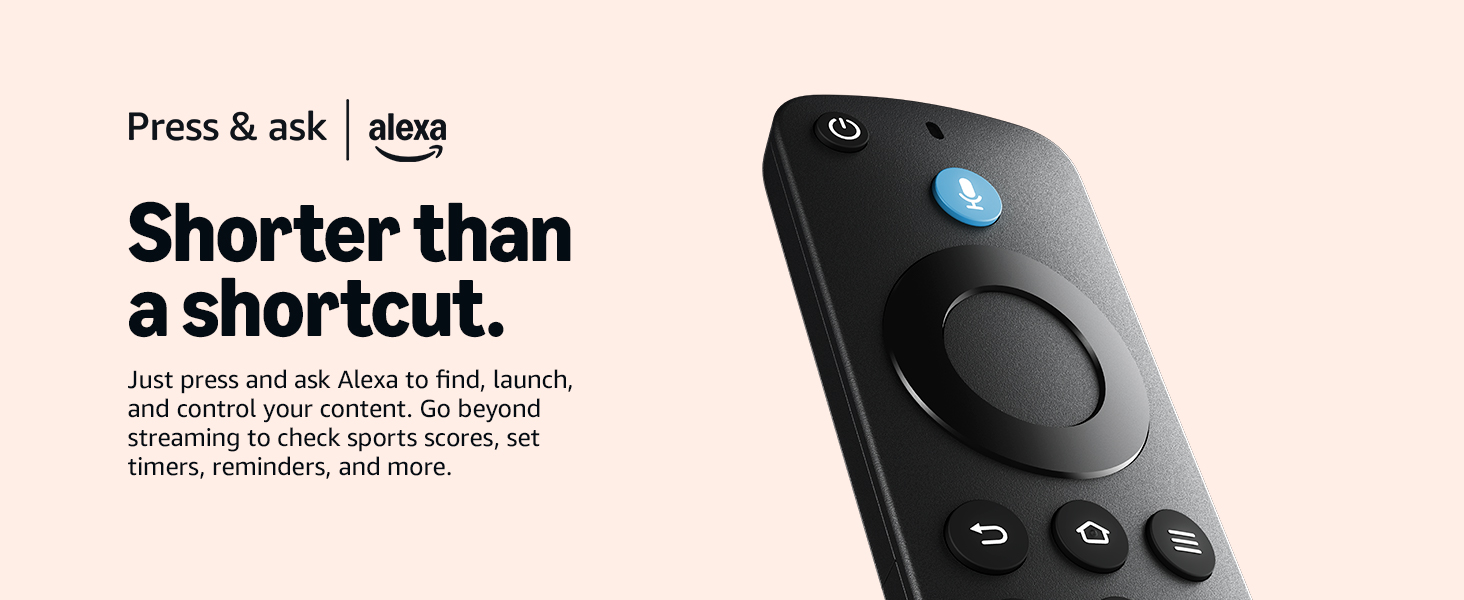
Image: The Hisense TV screen showing a picture-in-picture display of a nursery camera feed, demonstrating Alexa's smart home integration.
Picture and Sound Enhancements
- QLED Color: Experience over a billion shades of color for rich, vibrant, and realistic images.
- Dolby Vision HDR & Dolby Atmos: These technologies provide enhanced contrast, brightness, and an immersive, multi-dimensional audio experience.
- AI 4K Upscaler: Automatically enhances lower-resolution content to near 4K quality, improving sharpness and detail.
- Filmmaker Mode: Adjusts picture settings to display content as the filmmaker intended, preserving original aspect ratio, frame rate, color, and audio.
- AI Smooth Motion with MEMC: Reduces blur in fast-moving scenes for a clearer picture.
- AI Sports Mode: Optimizes picture and sound settings specifically for sports content, enhancing clarity and audio effects.
Image: A Hisense QLED TV screen showcasing a vibrant, detailed image of a flower, illustrating the QLED Color technology.

Image: A Hisense TV displaying a scenic waterfall, with a couple watching on a couch below, highlighting Dolby Vision Atmos for immersive viewing.

Image: A visual representation of the AI 4K Upscaler, showing how a 2K signal is upscaled to a 4K effect with improved detail, using a parrot image as an example.

Image: Soccer players in motion, illustrating the AI Smooth Motion and AI Sports Mode features for clear, blur-free action.

Image: A Hisense TV screen displaying a dramatic scene of a ship at sea, demonstrating the Filmmaker Mode feature.
Gaming Features
- Game Mode Plus: Optimizes settings for gaming, reducing input lag.
- VRR (Variable Refresh Rate): Synchronizes the TV's refresh rate with the game console's frame rate to eliminate screen tearing.
- ALLM (Auto Low Latency Mode): Automatically switches the TV to a low-latency mode when a game is detected.
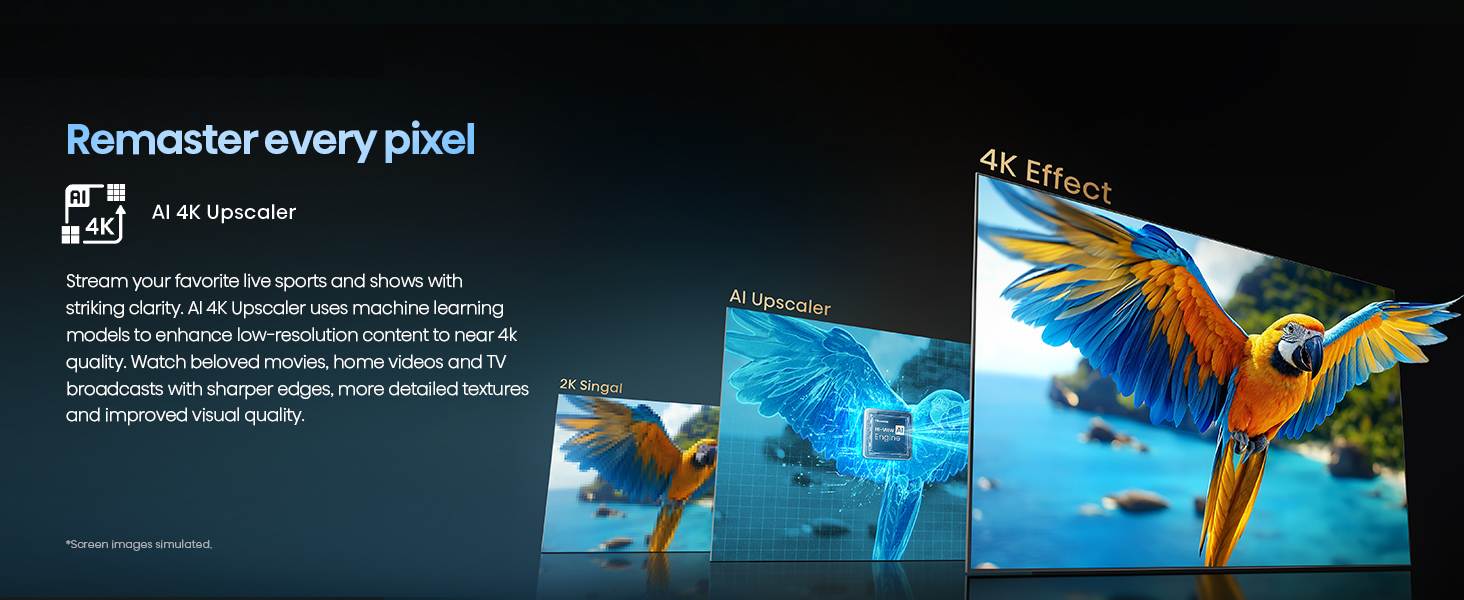
Image: A red sports car in motion, illustrating the Game Mode Plus features including VRR, ALLM, and 120 Motion Rate for a smooth gaming experience.
Apple Home and AirPlay 2
The TV supports integration with Apple devices for seamless content streaming and smart home control.
- AirPlay 2: Stream content (videos, photos, music) directly from your Apple devices to the TV.
- Works with Apple Home: Control your TV using the Apple Home app and Siri voice commands.

Image: A Hisense TV displaying content, surrounded by various connected devices like a game console, subwoofer, and headphones, illustrating seamless connectivity with Apple Home, AirPlay, HDMI, USB, and Bluetooth.
Maintenance
Cleaning the Screen
- Turn off the TV and unplug the power cable.
- Gently wipe the screen with a soft, dry, lint-free cloth.
- For stubborn marks, lightly dampen the cloth with water or a specialized screen cleaner (avoid harsh chemicals).
- Do not spray liquid directly onto the screen.
Cleaning the TV Body
- Wipe the TV body and stand with a soft, dry cloth.
- Avoid using abrasive cleaners or solvents.
General Care
- Avoid placing the TV in direct sunlight or near heat sources.
- Ensure adequate ventilation around the TV.
- Protect the TV from moisture and dust.
Troubleshooting
This section addresses common issues you might encounter. For more complex problems, contact Hisense customer support.
| Problem | Possible Solution |
|---|---|
| No power | Ensure the power cable is securely connected to the TV and a working power outlet. Try a different outlet. |
| No picture, but sound is present | Check the input source. Ensure external devices are powered on and connected correctly. Try a different HDMI cable. |
| No sound, but picture is present | Check the volume level. Ensure mute is not activated. Verify audio output settings if using external audio systems. |
| Remote control not working | Replace the batteries. Ensure there are no obstructions between the remote and the TV's IR sensor. |
| Wi-Fi connection issues | Restart your router and modem. Reconnect to the Wi-Fi network from the TV's settings. Ensure the TV is within range of your router. |
| Picture quality is poor | Check the source resolution. Adjust picture settings (brightness, contrast, sharpness). Ensure cables are securely connected. |
Specifications
| Feature | Detail |
|---|---|
| Brand | Hisense |
| Model Number | 85QD6QF |
| Screen Size | 85 Inches |
| Display Technology | QLED, LCD, LED |
| Resolution | 4K UHD |
| Refresh Rate | 60 Hz (Motion Rate 120) |
| Special Features | Alexa Built-In, Dolby Vision Atmos, Game Mode Plus (VRR, ALLM), HDR 10+, Works with Apple HomeKit / Airplay, AI 4K Upscaler, AI Smooth Motion, AI Sports Mode, Filmmaker Mode |
| Connectivity Technology | Bluetooth, HDMI (x3), USB (x2), Wi-Fi, Ethernet |
| Product Dimensions (D x W x H) | 4" x 74.5" x 43" |
| Item Weight | 80.2 Pounds |
| VESA Wall Mount Size | 600x400 mm (M8) |
| Power Consumption (On-mode) | 330 watts |
| Batteries | 2 AAA batteries (included for remote) |
Warranty and Support
For warranty information and customer support, please refer to the warranty card included with your product or visit the official Hisense website. You may also contact Hisense customer service directly for assistance with product issues or technical inquiries.
Online Resources: Hisense Support Website
Related Documents - 85QD6QF
 |
Hisense 55R7G5 55-Inch 4K UHD Roku Smart TV | Features & Specifications Explore the Hisense 55R7G5, a 55-inch 4K UHD Smart Roku TV featuring Dolby Vision, Dolby Atmos, Motion Rate 120, and voice assistant compatibility. Detailed specifications and features for an immersive entertainment experience. |
 |
Hisense 65-inch R6 Series Roku TV (65R6090G) - 4K UHD Smart TV Explore the Hisense 65-inch R6 Series Roku TV (Model 65R6090G). This 4K Ultra HD smart TV offers Dolby Vision HDR, Motion Rate 120, a bezel-less design, and integrated Roku TV OS for seamless streaming and gaming. |
 |
Hisense 65QD6N QLED 4K UHD Google TV - User Information and Specifications Explore the Hisense 65QD6N QLED 4K UHD Google TV, featuring Quantum Dot Wide Colour Gamut, AI 4K Upscaler, full HDR support, Dolby Atmos, and Google TV integration. This document provides detailed specifications, features, and connectivity options for the 65-inch model. |
 |
Hisense 43R7G5 R7 Series 4K UHD Roku Smart TV - Features & Specifications Discover the Hisense 43R7G5 R7 Series 4K UHD Roku Smart TV. Featuring Dolby Vision, Dolby Atmos, Motion Rate 120, and a bezel-less design for an immersive viewing experience. Explore its smart features and technical specifications. |
 |
Hisense 65H9G Quantum Series: 4K ULED Android TV with Dolby Vision & Atmos Explore the Hisense 65H9G Quantum Series, a 65-inch 4K ULED Android TV featuring Quantum Dot technology, Dolby Vision HDR, Dolby Atmos sound, Google Assistant, and advanced picture quality for an immersive home entertainment experience. Includes detailed technical specifications. |
 |
Hisense 43-Inch R6 Series Roku TV (43R6090G) - 4K UHD Smart TV Explore the Hisense 43-inch R6 Series Roku TV (MODEL 43R6090G). Featuring 4K UltraHD, Dolby Vision HDR, Motion Rate 120, and the intuitive Roku TV OS for a superior smart TV experience. |