1. Introduction
Welcome to the user manual for your new LG 86-Inch Class QNED evo AI QNED85A Series Mini LED 4K Smart TV. This television combines cutting-edge display technology with advanced artificial intelligence to deliver an immersive viewing experience. Featuring Dynamic QNED Color, Mini LED with Precision Dimming, and the Alpha 8 AI Processor Gen2, your TV is designed to optimize picture and sound for any content.
The intuitive webOS 25 smart TV platform provides easy access to your favorite streaming services and smart home features. With a native 120Hz refresh rate, HDR10 Pro, and Filmmaker Mode, this TV is ready for movies, sports, and gaming.
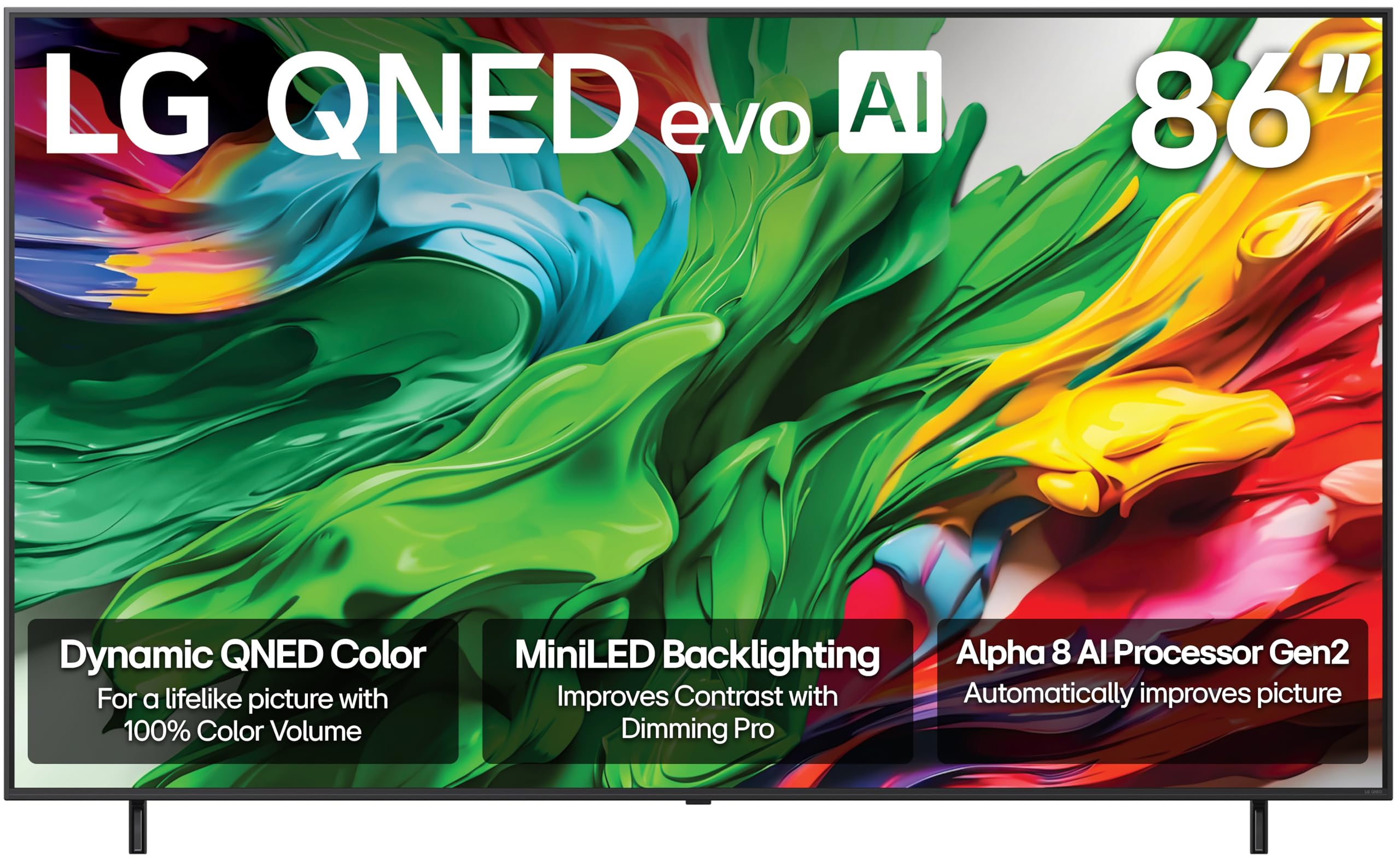
Front view of the LG 86-Inch QNED evo AI QNED85A Series 4K Smart TV.
2. What's in the Box
Upon unpacking your LG QNED evo AI QNED85A Series TV, please ensure all the following components are present:
- Power Cable
- Stand (if not wall-mounted)
- Remote Control (Magic Remote)
- User Manual (this document)
- 2 AAA batteries (for remote control)
3. Setup & Installation
3.1 Physical Setup
Before beginning, ensure you have adequate space and assistance for handling the 86-inch television. It is recommended that two or more people handle the TV during setup.
- Stand Assembly: If using the included stand, carefully attach it to the bottom of the TV following the instructions provided in the separate quick setup guide. Ensure all screws are securely fastened.
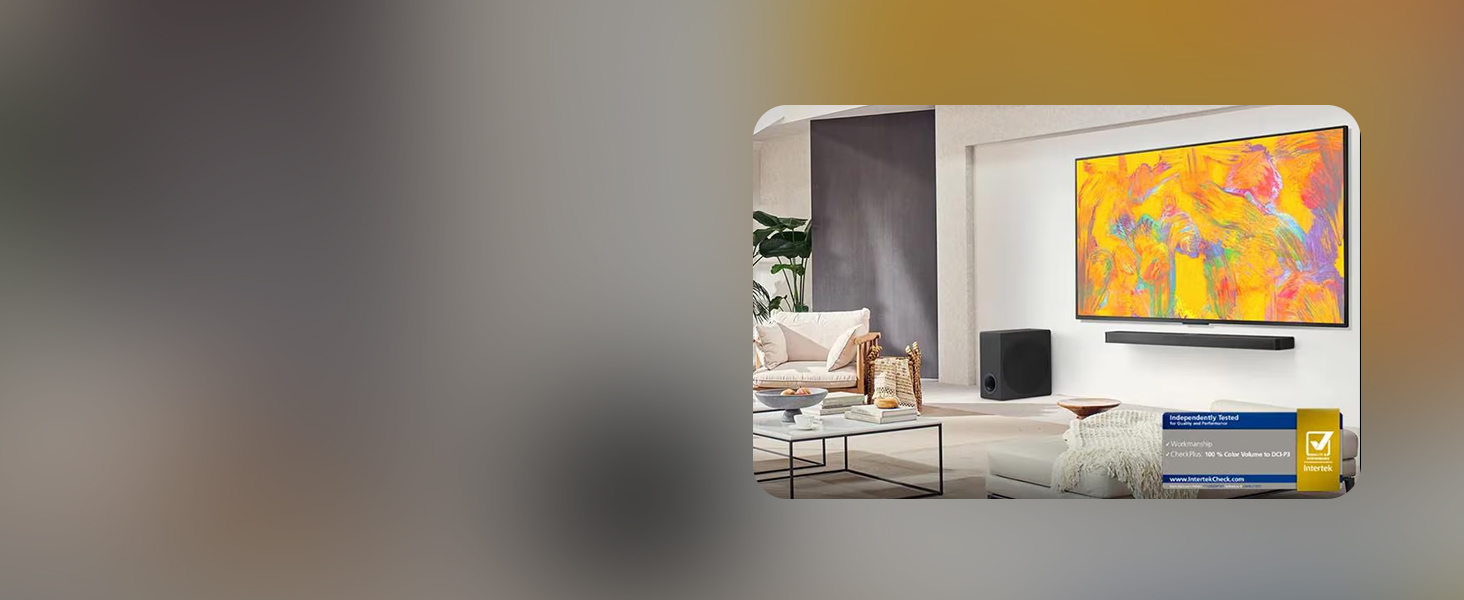
- Wall Mounting: If wall-mounting, use a compatible VESA mount (sold separately) and follow the mount manufacturer's instructions. Ensure the wall can support the TV's weight (approximately 112.4 pounds).
- Placement: Place the TV on a stable, level surface or securely mount it to a wall. Ensure proper ventilation around the TV.

Side profile of the LG QNED evo AI TV, highlighting its slim design.
3.2 Connecting Devices
Your LG QNED evo AI TV offers multiple connectivity options for various devices.
- HDMI: Connect external devices such as Blu-ray players, gaming consoles, or set-top boxes to the HDMI ports. This TV supports HDMI 2.1 for high-bandwidth features like 4K@120Hz.
- USB: Use the USB ports to connect USB storage devices for media playback or software updates.
- Ethernet: For a stable internet connection, connect an Ethernet cable from your router to the TV's LAN port.
- Wi-Fi: The TV also supports wireless internet connectivity.
- Bluetooth: Connect compatible Bluetooth devices like headphones or soundbars wirelessly.

Rear view of the LG QNED evo AI TV, showing the various input ports.
3.3 Initial Power-On
- Connect the power cable to the TV and then to a wall outlet.
- Insert the provided AAA batteries into the Magic Remote.
- Press the power button on the remote or the TV to turn it on.
- Follow the on-screen instructions to complete the initial setup, including network connection, channel scanning, and smart features configuration.
4. Key Features & Operation
4.1 Dynamic QNED Color & Mini LED with Precision Dimming
Experience stunning visuals with LG's Dynamic QNED Color, offering 100% Color Volume for vibrant and accurate hues. The Mini LED backlight technology, combined with Precision Dimming, allows for precise control over numerous dimming zones, resulting in deeper blacks and brighter highlights for superior contrast.

Visual representation of Dynamic QNED Color technology.

Illustration of MiniLED brilliance and Precision Dimming Technology.
4.2 Alpha 8 AI Processor Gen2
The Alpha 8 AI Processor Gen2 is the brain of your TV, utilizing advanced AI to analyze and optimize picture and sound in real-time. It enhances clarity, upscales content to 4K, and adapts audio to your viewing environment, ensuring an outstanding experience tailored to your preferences.

Diagram of the Alpha 8 AI Processor Gen2.
4.3 webOS 25 Smart TV Platform
Navigate your entertainment effortlessly with webOS 25. Quick Cards allow you to group apps by category, and the Magic Remote provides intuitive point-and-click navigation and voice control (Alexa Built-in). Access 300+ free LG Channels and enjoy continuous software updates through the webOS Re:New Program.
The webOS 25 smart TV interface, showing various streaming applications.

The LG Magic Remote, featuring AI button and intuitive controls.
4.4 HDR10 Pro & Filmmaker Mode
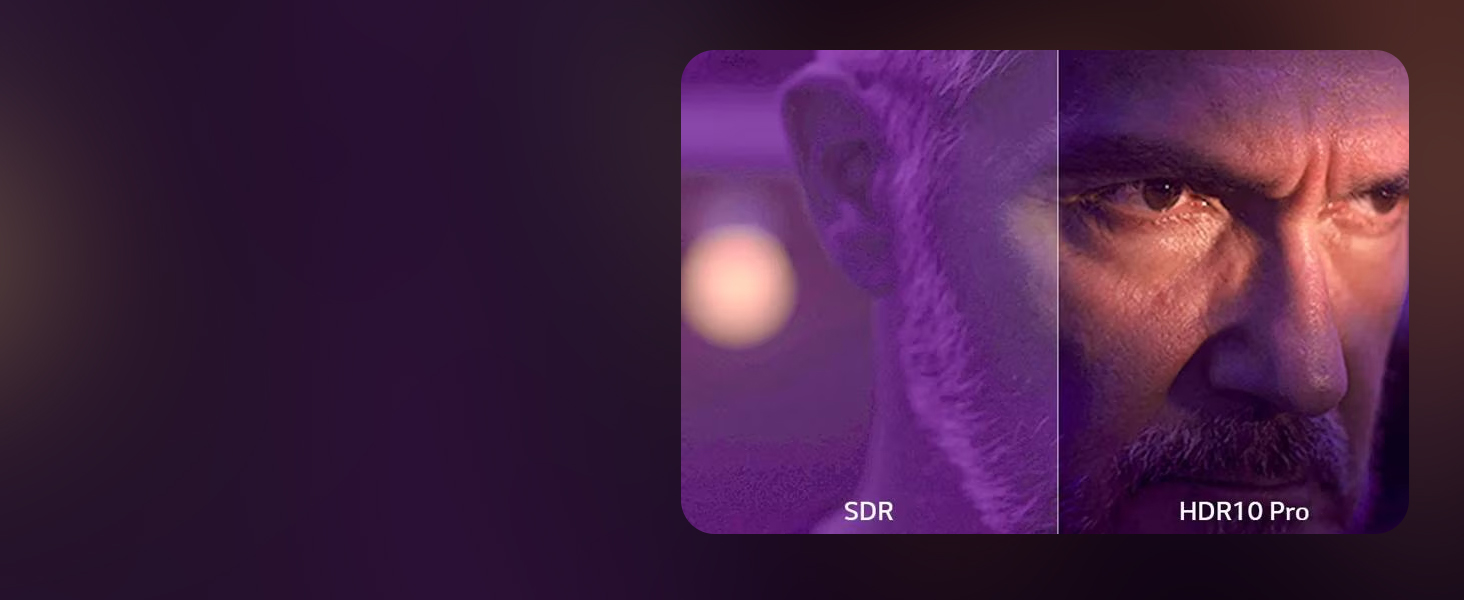
Enjoy movies and shows as intended by their creators with HDR10 Pro, which optimizes brightness and color for a more dynamic picture. Filmmaker Mode preserves the director's original colors, settings, and frame rates, delivering a true cinematic experience at home.

Comparison of SDR and HDR10 Pro picture quality.

Filmmaker Mode ensures content is displayed as the director intended.
4.5 Gaming Features
For gamers, the LG QNED evo AI TV offers a native 120Hz refresh rate for smooth, sharp motion. Features like FreeSync, VRR (Variable Refresh Rate), and GeForce NOW compatibility minimize screen tearing and input lag. Game Optimizer and Game Dashboard provide quick access to settings for an optimized gaming experience.
Key gaming features including FreeSync, VRR, and 120Hz refresh rate.
4.6 Official Product Videos
LG QNED evo AI QNED85A Testimonial
An official LG Electronics testimonial video showcasing the 2025 LG QNED evo AI QNED85A TV, highlighting its features and user experience.
The all new LG QNED evo AI Mini LED TV
An official LG Electronics video introducing the new LG QNED evo AI Mini LED TV, focusing on its innovative display technology.
LG QNED evo AI QNED85A 4K Smart TV Series
An official LG Electronics video providing an overview of the LG QNED evo AI QNED85A 4K Smart TV Series.
5. Maintenance
5.1 Cleaning Your TV
- Always unplug the TV before cleaning.
- Use a soft, dry cloth to gently wipe the screen and frame.
- For stubborn marks, lightly dampen the cloth with water or a specialized screen cleaner (ensure it's safe for TV screens). Do not spray liquid directly onto the screen.
- Avoid using abrasive cleaners, waxes, or solvents as they can damage the TV's finish.
5.2 Software Updates
Your LG QNED evo AI TV receives regular software updates to improve performance, add new features, and enhance security. Ensure your TV is connected to the internet to receive these updates. You can configure automatic updates or check for them manually through the TV's settings menu.
6. Troubleshooting
If you encounter any issues with your TV, try the following basic troubleshooting steps:
- No Power: Ensure the power cable is securely connected to both the TV and the wall outlet. Try plugging another device into the same outlet to confirm it's working.
- No Picture/Sound: Check all cable connections (HDMI, audio) between the TV and external devices. Ensure the correct input source is selected on the TV.
- Remote Not Working: Replace the batteries in the Magic Remote. Ensure there are no obstructions between the remote and the TV.
- Poor Picture Quality: Check the source content's resolution. Adjust picture settings (brightness, contrast, sharpness) in the TV's menu.
- No Internet Connection: Verify your Wi-Fi network is active or the Ethernet cable is properly connected. Restart your router and modem.
- Software Glitches: Perform a power cycle by unplugging the TV from the power outlet for a few minutes, then plugging it back in.
For more detailed troubleshooting, refer to the comprehensive help section within your TV's webOS interface or visit the LG support website.
7. Specifications
| Feature | Specification |
|---|---|
| Brand | LG |
| Model Number | 86QNED85AUA.AUSZ |
| Screen Size | 86 Inches |
| Display Technology | Mini LED, QNED |
| Resolution | 4K (3840 x 2160) |
| Refresh Rate | 120 Hz |
| Processor | Alpha 8 AI Processor Gen2 |
| HDR Support | HDR10 Pro |
| Smart TV Platform | webOS 25 |
| Voice Assistant | Alexa Built-in, Google Assistant (not available in some regions/languages) |
| Gaming Features | AMD FreeSync, VRR, Game Mode, GeForce NOW |
| Connectivity | Bluetooth, Ethernet, HDMI, USB, Wi-Fi |
| Product Dimensions (D x W x H) | 14.1 x 75.9 x 46.3 inches |
| Item Weight | 112.4 pounds |
| Included Components | Power Cable, Remote Control, Stand, User Manual |
8. Warranty & Support
Your LG 86-Inch Class QNED evo AI QNED85A Series TV comes with a standard manufacturer's warranty. For specific details regarding coverage and duration, please refer to the warranty card included with your product or visit the official LG support website.
8.1 Protection Plans
Additional protection plans are available for purchase to extend coverage beyond the standard warranty. These may include:
- 4-Year Protection Plan: Extends coverage for 48 months.
- Complete Protect: A monthly plan covering eligible past and future purchases.
For more information on these plans, please consult your retailer or the LG website.
8.2 Returns Policy
This product is eligible for 30-day easy returns when purchased from Amazon. Please refer to Amazon's return policy for full details.
8.3 Customer Support
For technical assistance, product inquiries, or service requests, please contact LG Customer Support. Contact information can be found on the LG official website or in your product documentation.