
1. Introduction
This manual provides detailed instructions for the installation, operation, and maintenance of your Roinvou 9-inch Android car stereo. Please read this manual thoroughly before use to ensure proper functionality and safety.
2. Setup & Installation
2.1 Vehicle Compatibility
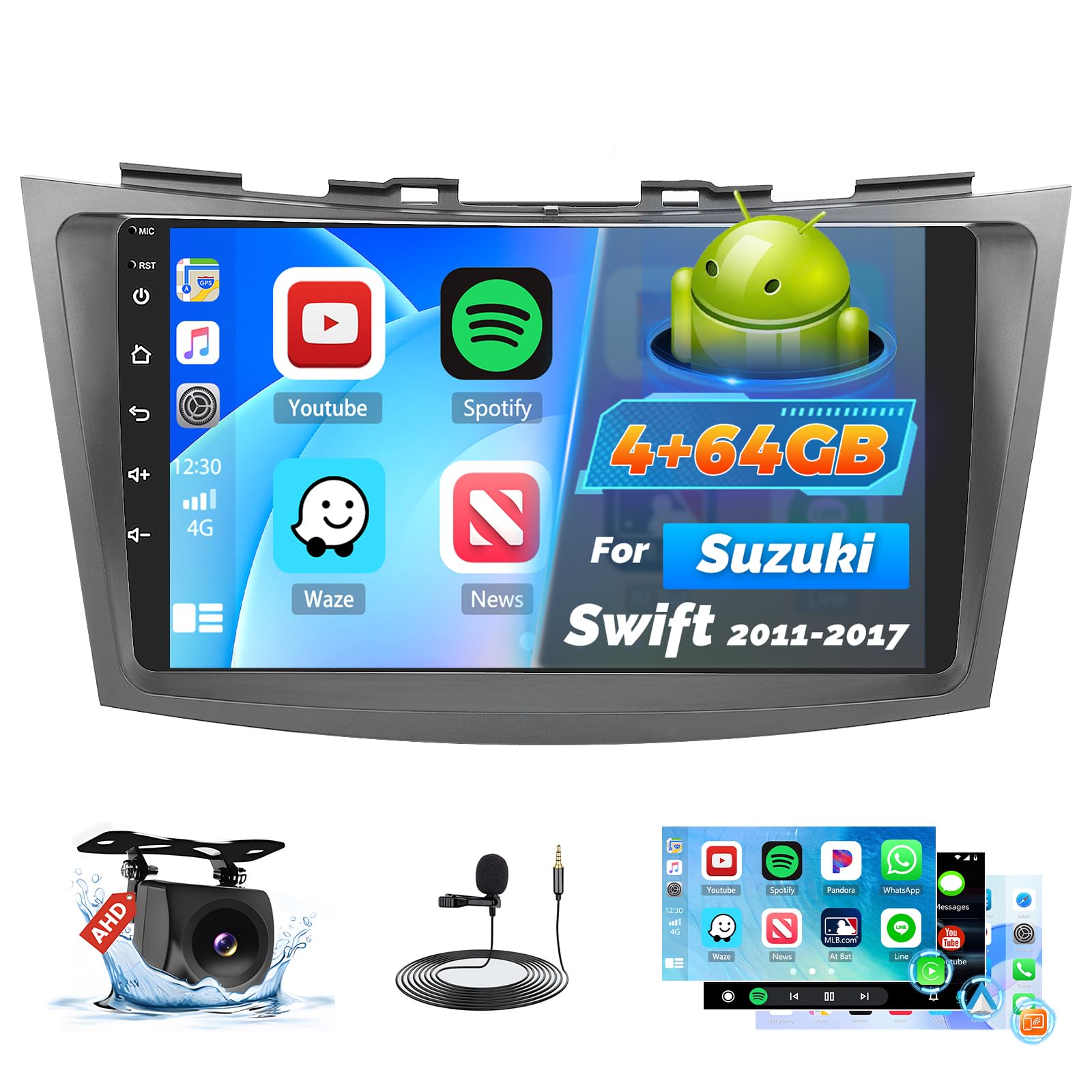
This car stereo is designed for seamless replacement of the original dash panel in Suzuki Swift models from 2011 to 2017. No wiring modifications are typically required. For specific vehicle verification, it is recommended to provide your car's model, production year, and a dashboard picture to the seller for confirmation and to ensure all necessary cables are included.2.2 What's in the Box
- Suzuki Swift Car Stereo
- Power Cable
- Original USB Cable
- RCA Harness
- GPS Antenna
- AHD Backup Camera
- External Microphone
- Rear Camera Input Cable
- Dual USB Cable
- Installation Tool & Accessories
2.3 Physical Installation
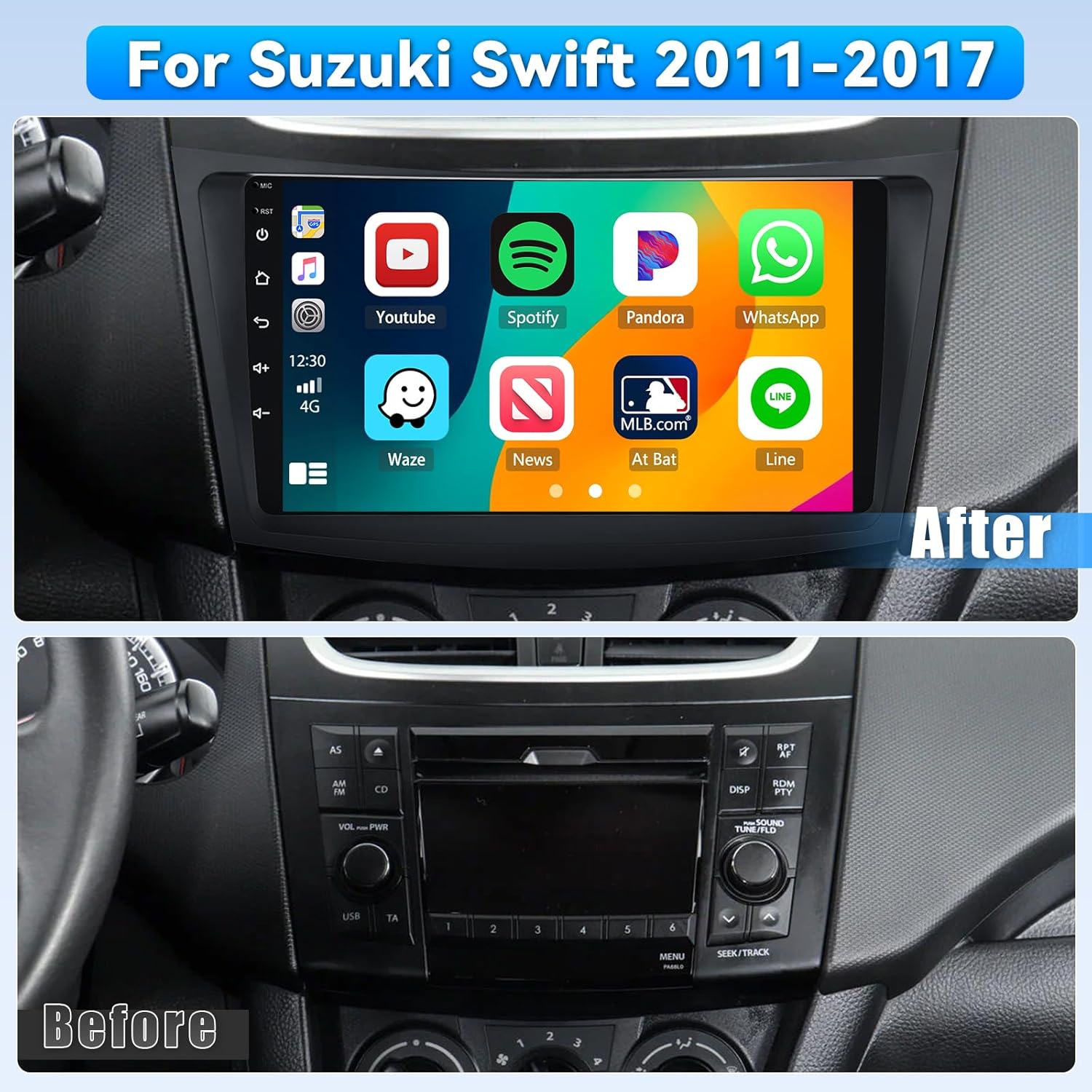
Before and After Installation: Visual comparison of the Suzuki Swift dashboard with the original radio and after installing the Roinvou car stereo.

Dashboard Transformation: Another view showing the original Suzuki Swift dashboard and the upgraded Roinvou car stereo.

Wiring Port Diagram: Illustration of the rear wiring ports on the Roinvou car stereo, indicating connections for power, RCA, USB, camera input, radio antenna, and GPS antenna.

Backup Camera Wiring Instructions: Detailed diagram showing how to connect the AHD backup camera, including positive (red) and negative (black) terminals to the car's reverse light cable. The reverse input cable must be plugged in even if the reverse camera is not being used, as it affects Bluetooth and WiFi signal reception.

Product Dimensions and Included Accessories: An overview of the car stereo's 9-inch screen dimensions and a list of all items included in the package.
3. Operating Instructions
3.1 Wireless CarPlay & Android Auto
The Roinvou car stereo supports wireless CarPlay and Android Auto, allowing you to seamlessly integrate your iPhone or Android smartphone. This enables access to GPS navigation, music, calls, and messages directly from the car stereo display. Use Siri or Google Voice Assistant hands-free for safer driving, eliminating the need for phone mounts.
This video provides a step-by-step guide on how to use Wireless CarPlay and Android Auto features with your Roinvou car stereo.
This video demonstrates the connection process for Wireless CarPlay and Android Auto, as well as the Mirror Link function, allowing seamless integration of your smartphone with the car stereo.

Wireless CarPlay and Android Auto Interface: A visual representation of the car stereo display showing popular apps like Spotify, Waze, and YouTube, accessible via wireless connection.
3.2 Mirror Link Function
The Mirror Link function allows you to synchronize your smartphone screen (both iOS and Android) to the car stereo. This is ideal for enjoying videos, games, or other applications on the larger 9-inch display.
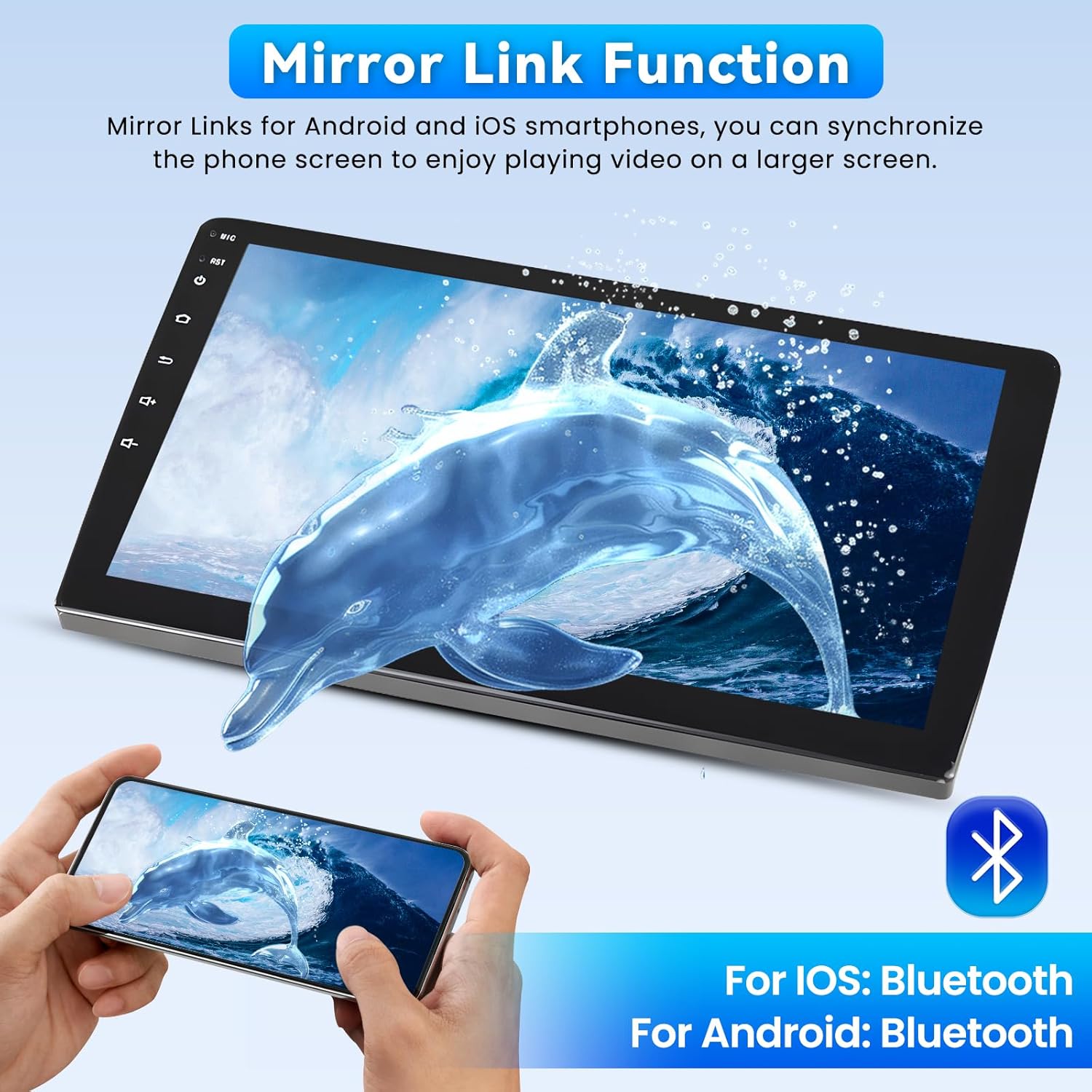
Mirror Link Functionality: An image illustrating how the car stereo can mirror the screen of an iOS or Android smartphone, enabling video playback and app usage on the larger display.
3.3 GPS Navigation & WiFi
The unit features built-in GPS navigation. You can download offline navigation maps directly from the Play Store. Once connected to WiFi, online maps and other internet-dependent applications can also be used effectively.

GPS Navigation and WiFi Connectivity: Displaying the car stereo's navigation interface with map data and icons for various online applications, highlighting built-in GPS and WiFi capabilities.
3.4 Bluetooth 5.0
Equipped with Bluetooth 5.0, the car stereo provides dedicated music and call streams with minimal interference. This allows for hands-free calling and high-quality audio streaming from your connected devices.

Bluetooth 5.1 Connectivity: An image showing the car stereo's Bluetooth interface, demonstrating hands-free calling and music streaming features.
3.5 Audio Features (32-Band EQ & FM/RDS)
Enhance your audio experience with the 32-band EQ tuning. You can choose from preset sound modes like Rock, Pop, or Classic, or customize the equalizer settings to achieve optimal lossless sound quality. The Smart FM/RDS feature automatically syncs radio information (frequency/program name) and allows you to save your favorite FM stations for quick access.
32-Band EQ Settings: A visual representation of the equalizer interface, allowing users to customize audio output with various presets and manual adjustments.

FM/RDS Radio Interface: The car stereo's radio display showing frequency tuning and RDS information, with options for saving favorite stations.
3.6 Display & Interface
The 9-inch QLED touch screen offers a 1280x720 resolution, providing an ultra-clear HD display with wide viewing angles, readable even in direct sunlight. The interface supports a three-panel homepage display, allowing multiple functions to be viewed simultaneously, and also features a split-screen function.
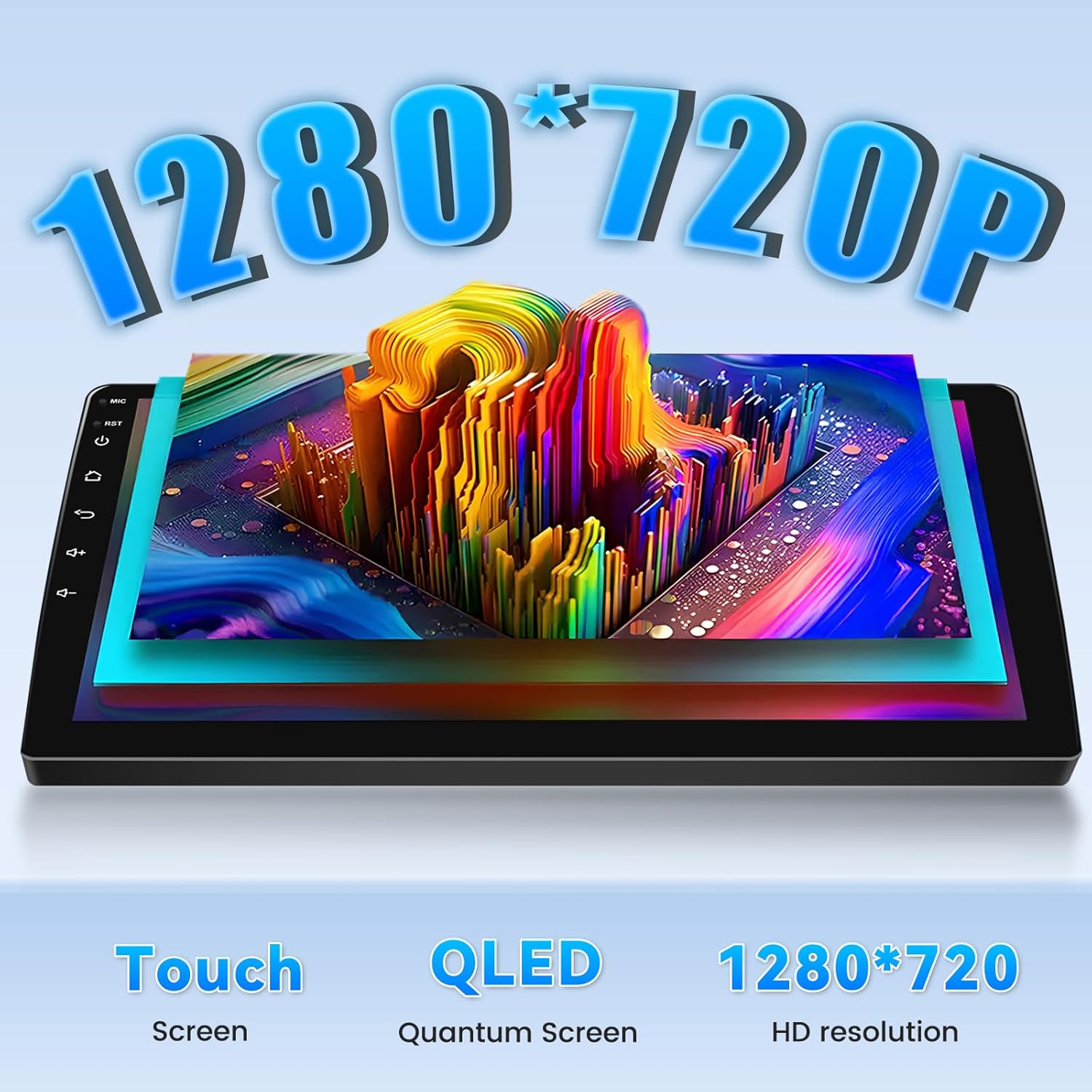
High-Definition Display: Highlighting the 1280x720P resolution of the QLED touch screen, ensuring clear and vibrant visuals.

Three-Panel Homepage Display: An example of the customizable home screen layout, allowing multiple functions like music, navigation, and radio to be displayed simultaneously.
3.7 Steering Wheel Control & Backup Camera
The car stereo is mostly compatible with factory multi-function steering wheel buttons (volume, skip tracks, etc.). It automatically displays the image from the included AHD backup camera when you shift to reverse gear, enhancing reversing safety.
Steering Wheel Control and Backup Camera View: Demonstrates the integration of steering wheel controls for audio and call management, alongside a clear display of the AHD backup camera with parking guidelines.
CANBUS Decoder Information: Instructions for connecting the CANBUS decoder for proper steering wheel control functionality, including selecting the correct brand, model, and year.
4. Maintenance
To ensure the longevity and optimal performance of your Roinvou car stereo, follow these maintenance guidelines:
- Screen Cleaning: Regularly clean the touch screen with a soft, dry, lint-free cloth. Avoid using abrasive cleaners, solvents, or harsh chemicals, as these can damage the screen surface.
- Connection Checks: Periodically inspect all wiring connections to ensure they are secure and free from corrosion. Loose connections can lead to intermittent functionality.
- Software Updates: Check the manufacturer's website or the device settings for available software updates. Keeping your system updated can improve performance, add new features, and fix bugs.
- Environmental Care: Avoid exposing the unit to extreme temperatures, direct sunlight for prolonged periods, or excessive moisture.
5. Troubleshooting
If you encounter any issues with your Roinvou car stereo, consider the following basic troubleshooting steps:
- No Power: Check the power cable connection and ensure the car's ignition is on. Verify the car's fuse box for any blown fuses related to the stereo.
- No Sound: Ensure the volume is not muted or set too low. Check speaker connections. Verify audio settings in the EQ menu.
- Touch Screen Unresponsive: Try restarting the device. If the issue persists, perform a touch calibration as described in the settings menu.
- Bluetooth/CarPlay/Android Auto Connection Issues: Ensure Bluetooth is enabled on both the stereo and your phone. Delete previous pairings and attempt to reconnect. For wireless connections, ensure Wi-Fi is also active on your phone.
- GPS Signal Loss: Ensure the GPS antenna is properly installed and has a clear view of the sky.
- Backup Camera Not Displaying: Verify the rear camera input cable is correctly connected, including the reverse trigger wire.
For persistent issues or complex problems, please refer to the detailed troubleshooting section in the full user manual (if provided separately) or contact Roinvou customer support.
6. Specifications
- Item Weight: 3.04 pounds
- Package Dimensions: 11.61 x 6.69 x 3.15 inches
- Display Size: 9 Inches
- Screen Resolution: 1280*720
- Voice Command: Microphone, Touchscreen
- Connectivity Technology: Bluetooth, USB, Wi-Fi
- Map Type: North America (Pre-installed/Supported)
- Audio Output Mode: Stereo
- Mounting Type: Dashboard Mount
- Special Features: Bluetooth, Touchscreen, Wireless CarPlay, Wireless Android Auto, Mirror Link, GPS Navigation, WiFi Connection, FM RDS Radio, Support Reverse Input, EQ Setting, SWC
7. Warranty & Support
Your Roinvou car stereo comes with a 1-Year Warranty as per the product specifications. For warranty claims, technical support, or any product-related inquiries, please contact Roinvou customer service through the retailer's platform or the official Roinvou website. Ensure you have your purchase details and product model number available when seeking support.


