
ZAQE M4
ZAQE M4 MP3 Player User Manual
Model: M4
Introduction
Thank you for choosing the ZAQE M4 MP3 Player. This device combines a portable music player with advanced features like Bluetooth 5.3 connectivity, a 2.4-inch full touchscreen, and a built-in high-definition speaker. With 128GB of internal storage, expandable up to 512GB via Micro SD card, it offers ample space for your music, videos, and e-books. This manual provides detailed instructions to help you get the most out of your new MP3 player.
Package Contents
Please check the package for the following items:
- 1 x ZAQE M4 MP3 Player (128GB)
- 1 x Wired Headphones
- 1 x USB-C Charging Cable
- 1 x 3.5mm Audio Cable
- 1 x Silicone Protective Case
- 1 x User Manual (this document)

Image: All components included in the ZAQE M4 MP3 Player package.
Product Overview
Familiarize yourself with the device's physical features and interface.
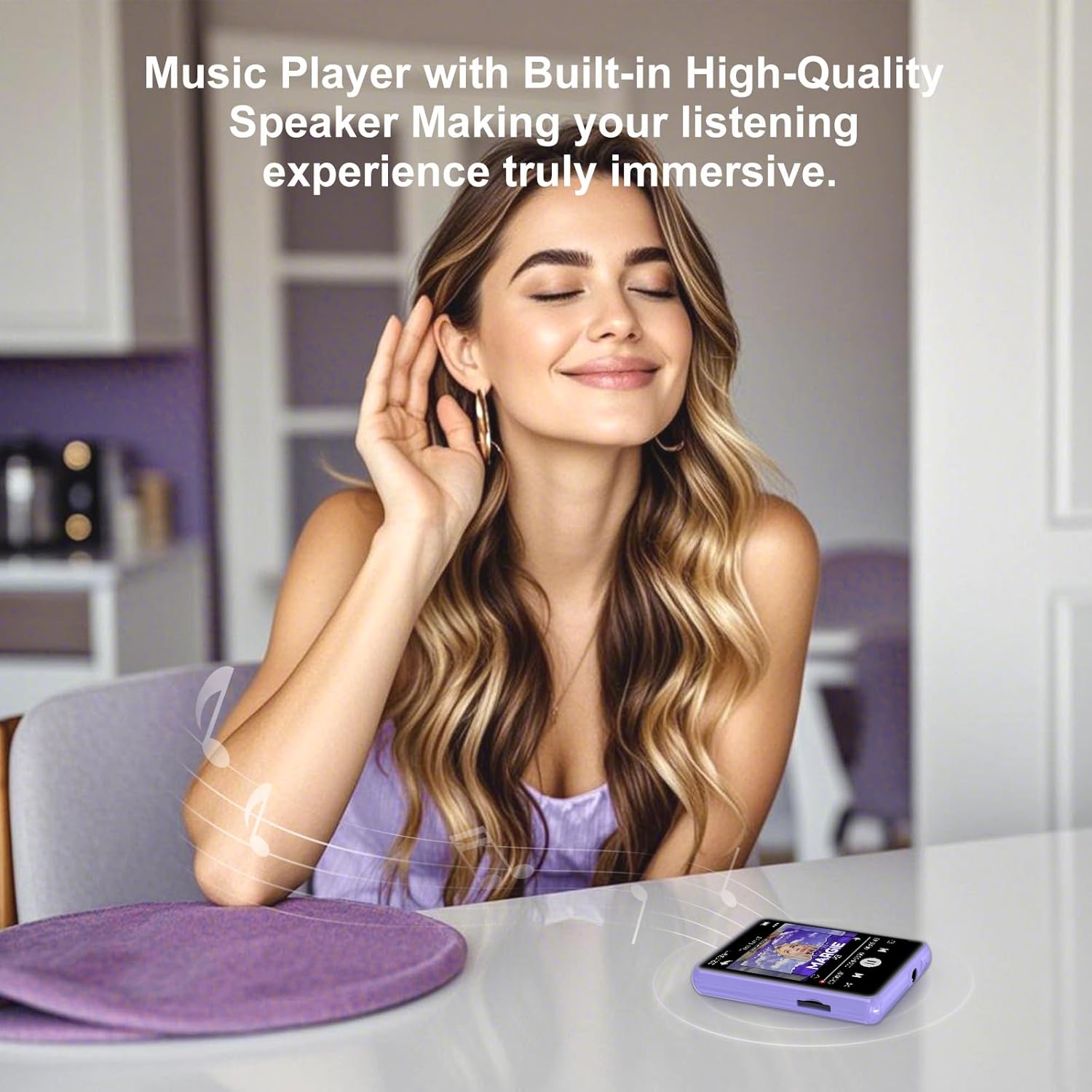
Image: Front view of the ZAQE M4 MP3 Player, showing the 2.4-inch touchscreen with various application icons.
Ports and Buttons
- 2.4-inch Full Touchscreen: For navigation and interaction.
- Power Button: On the side, for turning the device on/off and screen lock.
- Volume Buttons: On the side, to adjust audio volume.
- 3.5mm Audio Jack: For connecting wired headphones.
- USB-C Port: For charging and data transfer.
- Micro SD Card Slot: For expanding storage up to 512GB.
- Built-in Speaker: For audio playback without headphones.

Image: Detailed view of the 3.5mm audio jack and USB Type-C port on the ZAQE M4 MP3 Player.
Setup
1. Charging the Device
Before first use, fully charge the MP3 player. Connect the provided USB-C cable to the device's USB-C port and the other end to a USB power adapter (not included) or a computer's USB port. The battery indicator on the screen will show charging status.
2. Power On/Off
- To Power On: Press and hold the Power button on the side until the screen lights up.
- To Power Off: Press and hold the Power button, then select "Power Off" on the screen.
- Screen Lock/Unlock: Briefly press the Power button to turn the screen on or off without powering down the device.
3. Inserting a Micro SD Card (Optional)
The device has 128GB of internal storage. If you need more space, you can insert a Micro SD card (up to 512GB). Gently insert the Micro SD card into the designated slot until it clicks into place. To remove, push the card in slightly until it springs out.
4. Adding Music and Files
Connect the MP3 player to your computer using the USB-C cable. The device will appear as a removable disk. You can drag and drop music files (MP3, WMA, APE, FLAC, WAV, ACELP), videos, and e-books into the respective folders on the device or Micro SD card.
Operating Instructions
1. Basic Navigation
The ZAQE M4 features a full touchscreen for intuitive control. Swipe left/right or up/down to navigate through menus and applications. Tap an icon to open an application. Use the back arrow icon on the screen to return to the previous menu.

Image: The multi-function interface of the ZAQE M4 MP3 Player, showing icons for Music, Video, Record, FM Radio, E-book, and Alarm.
2. Music Playback
- Tap the "Music" icon on the home screen.
- Browse your music by Artist, Album, Songs, or Folders.
- Tap a song to start playback.
- On the playback screen, you can pause/play, skip tracks, adjust volume using the side buttons, and access playback modes (single loop, list loop, sequential play, random play).
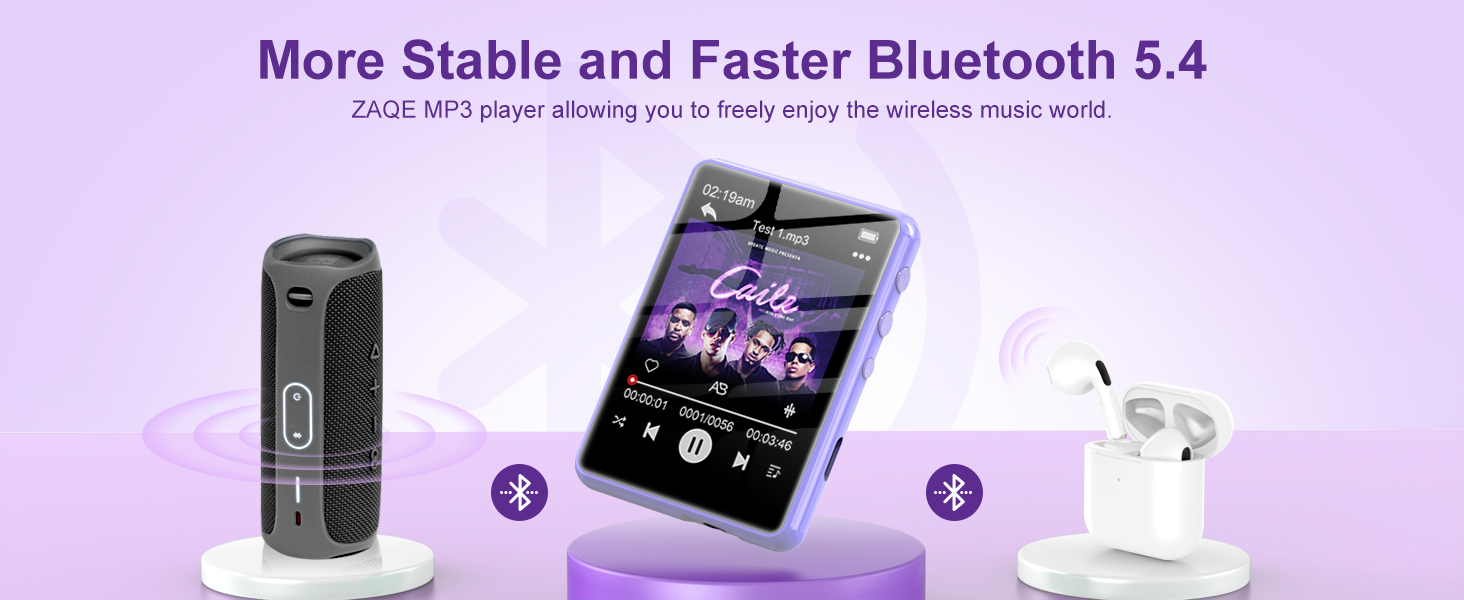
Image: The music playback interface of the ZAQE M4 MP3 Player, highlighting its Hi-Fi sound quality and supported audio formats.
3. Bluetooth Connectivity
The ZAQE M4 supports Bluetooth 5.3 for connecting to wireless headphones or speakers. Note: Bluetooth function only supports audio output, not file transfer.
- Go to "Settings" and select "Bluetooth".
- Turn Bluetooth "On".
- The player will scan for available devices. Select your Bluetooth headphones or speaker from the list to pair.
- Once paired, audio will be routed to the connected Bluetooth device.

Image: The ZAQE M4 MP3 Player demonstrating advanced Bluetooth 5.3 connectivity with various audio devices.
4. FM Radio
To use the FM Radio, connect wired headphones as they act as the antenna.
- Plug in your wired headphones.
- Tap the "FM Radio" icon.
- Use the on-screen controls to scan for stations or manually tune to a frequency.

Image: The FM Radio function of the ZAQE M4 MP3 Player, illustrating its use in different daily activities.
5. Other Functions
- Recording: Tap the "Record" icon to access the voice recorder.
- E-book: Tap the "E-book" icon to read text files. Supported format is TXT.
- Video: Tap the "Video" icon to play compatible video files.
- Alarm: Tap the "Alarm" icon to set alarms.
- Calendar/Stopwatch: Access these tools from the main menu.

Image: The ZAQE M4 MP3 Player showing an e-book being read on its screen.

Image: The alarm function of the ZAQE M4 MP3 Player, useful for setting reminders or wake-up calls.
Maintenance
- Cleaning: Use a soft, dry cloth to clean the device. Do not use liquid cleaners or aerosols.
- Storage: Store the device in a cool, dry place away from direct sunlight and extreme temperatures.
- Battery Care: To prolong battery life, avoid fully discharging the battery frequently. Charge the device regularly, even if not in use for extended periods.
- Water Resistance: This device is not waterproof. Avoid exposure to water or high humidity.
Troubleshooting
| Problem | Solution |
|---|---|
| Device does not power on. | Ensure the device is charged. Connect it to a power source and try again. If unresponsive, press and hold the power button for 10-15 seconds to force a restart. |
| Cannot connect to Bluetooth device. | Make sure Bluetooth is enabled on both the MP3 player and the target device. Ensure the target device is in pairing mode. Try restarting both devices. Bluetooth only supports audio output. |
| No sound from headphones/speaker. | Check volume levels on both the player and the connected audio device. Ensure headphones are properly plugged in or Bluetooth is correctly paired. Test with different headphones/speakers. |
| Files not appearing on the device. | Ensure files are in supported formats (MP3, WMA, APE, FLAC, WAV, ACELP for audio). Verify files were transferred to the correct folders. Disconnect and reconnect the device to the computer. |
| Touchscreen is unresponsive. | Restart the device. If the issue persists, ensure the screen is clean and free of debris. |
Specifications
- Brand: ZAQE
- Model: M4
- Internal Memory: 128 GB
- Expandable Memory: Up to 512 GB (Micro SD card)
- Bluetooth Version: 5.3
- Screen Size: 2.4 Inches
- Screen Type: LCD, Full Touchscreen
- Supported Audio Formats: MP3, WMA, APE, FLAC, WAV, ACELP
- Battery Life (Average): 8 Hours
- Battery Type: Lithium Polymer (Rechargeable)
- Dimensions: 1.1 x 4 x 7 cm
- Weight: 125 grams
- Additional Features: Built-in Speaker, FM Radio, Voice Recorder, E-book Reader, Video Player, Alarm, Calendar, Stopwatch.
Warranty and Support
ZAQE offers a one-year return policy and a 24-hour response guarantee for customer inquiries. If you encounter any issues or have questions regarding your ZAQE M4 MP3 Player, please contact our customer support team. We are committed to providing prompt and quality assistance to ensure your satisfaction.
For support, please refer to the contact information provided with your purchase or visit the official ZAQE website.
Related documentsM4


Ask a question about this manual
Ask about setup, troubleshooting, compatibility, parts, safety, or missing instructions. Manuals+ will review the question and use this page’s manual context to help answer it.