
Introduction
The Novzix Android Compatible Air Tracker Tag is designed to help you locate your belongings using the Google Find My Device network. This device integrates seamlessly with Android phones running Android 9 and above, leveraging a vast network of Android devices for crowdsourced tracking. This manual provides essential information for the proper setup, operation, and maintenance of your tracker tag.
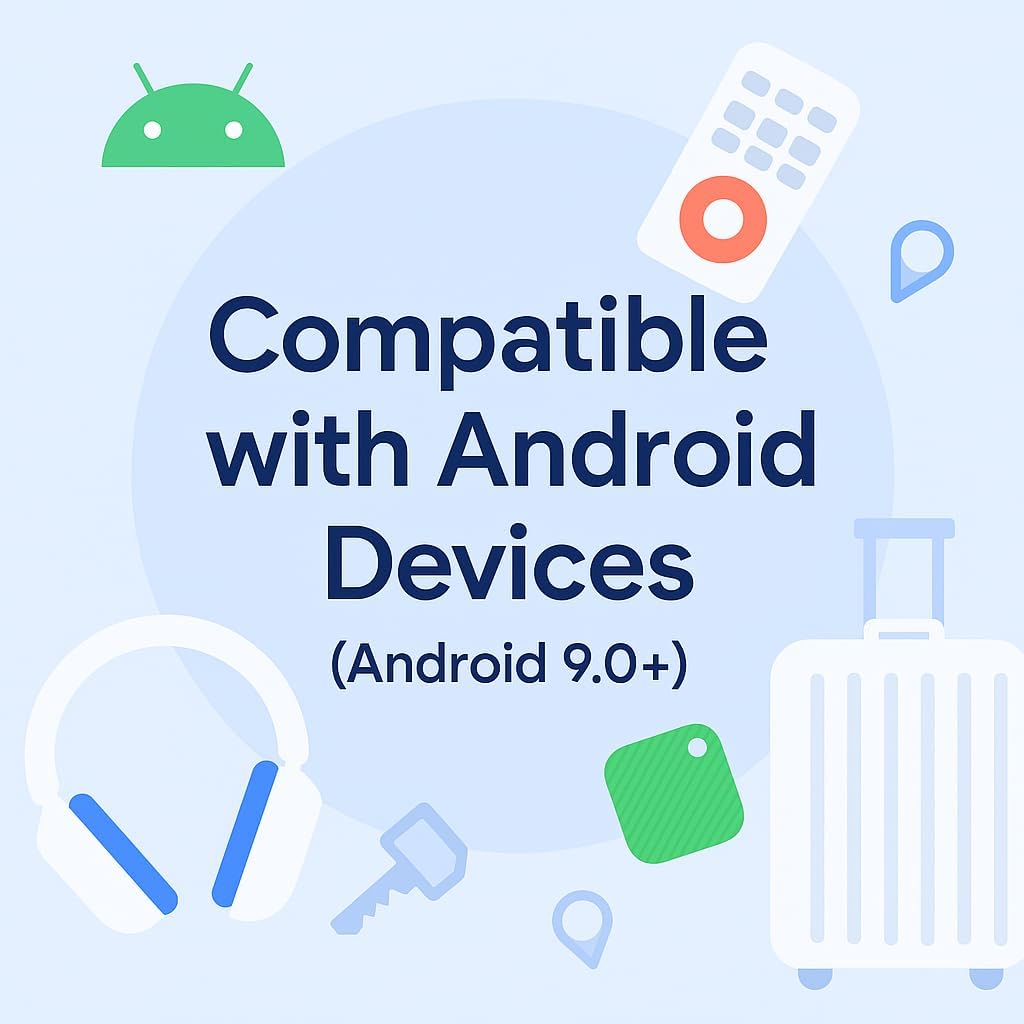
Image: The Novzix Air Tracker Tag is compatible with Android devices running Android 9.0+.
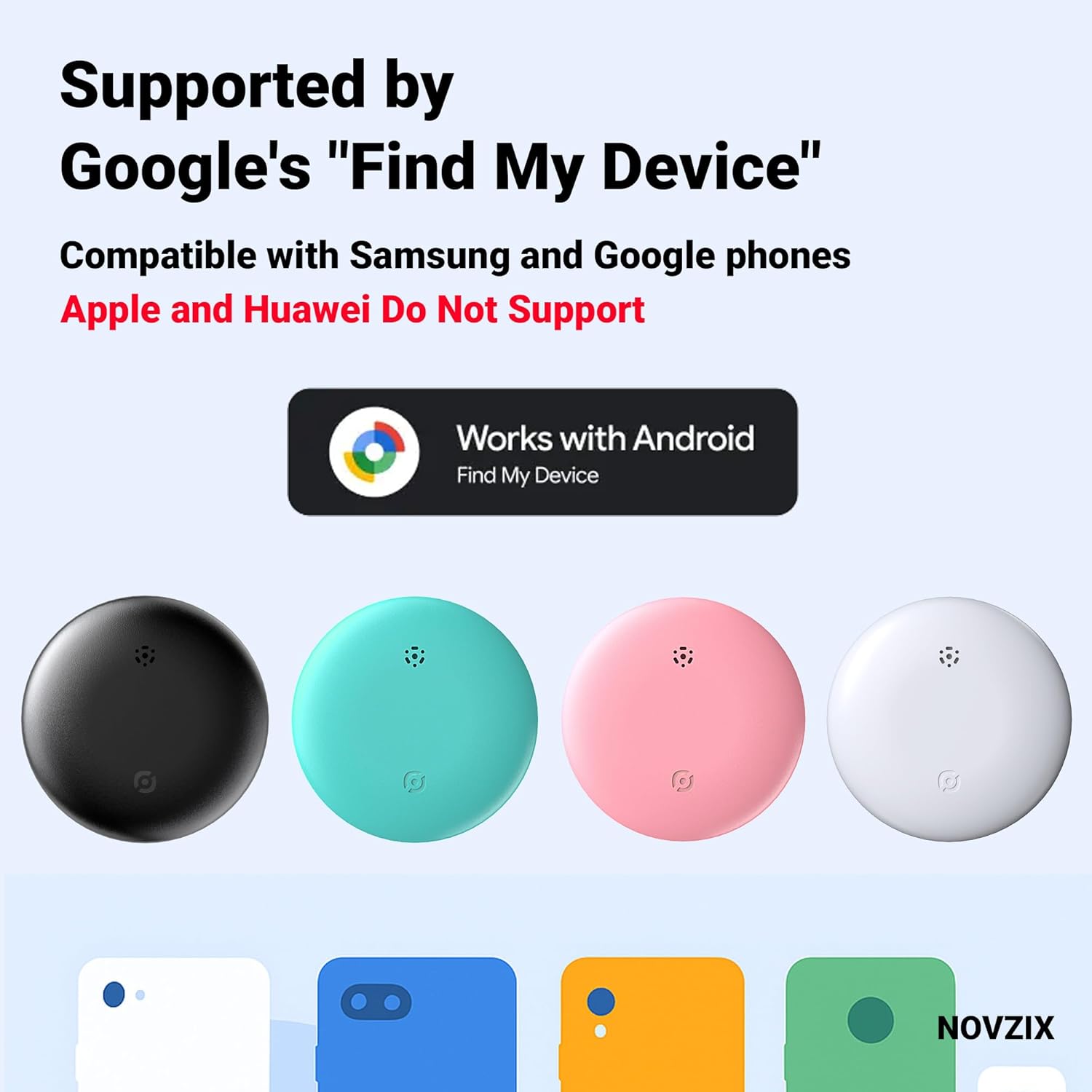
Image: The Novzix Air Tracker Tag is supported by Google's "Find My Device" and is compatible with Samsung and Google phones. Apple and Huawei devices are not supported.
Safety Information
- Keep the device and its battery out of reach of children and pets. The coin cell battery can be a choking hazard.
- Do not expose the device to extreme temperatures, direct sunlight, or open flames.
- Do not attempt to disassemble, modify, or repair the device yourself. This may void the warranty and cause damage.
- Dispose of batteries according to local regulations. Do not incinerate batteries.
Setup Instructions
Follow these steps to set up your Novzix Air Tracker Tag with your Android device.
1. Initial Activation and Battery Check
Your tracker tag comes with a pre-installed CR2032 battery. To activate the tracker, ensure the battery is properly seated. If the device does not respond, you may need to replace the battery. A spare battery and a tool to open the tracker are typically included in the package.

Image: The packing list includes the locator with battery, a strap or lanyard, and a spare battery. Dimensions of the tracker are 32mm x 32mm.
2. Prepare Your Android Device
- Ensure your Android phone is running Android 9 or above.
- Make sure Bluetooth is enabled on your device.
- Ensure you have the Google Find My Device app installed and updated.
- Your Google account must be logged in on your phone.
3. Pairing the Tracker Tag
- Open the Settings app on your Android phone.
- Navigate to Google.
- Select All services or similar option.
- Tap on Devices or Connect devices.
- Follow the on-screen prompts to search for and connect your Novzix Air Tracker Tag. You may need to press the button on the tracker to put it into pairing mode.
- Once detected, select your tracker from the list and complete the pairing process.
If you encounter issues, try turning off and on your phone's Bluetooth, or restarting the tracker by removing and reinserting the battery.
Video: Official Novzix Google Tracker Setup Guide. This video demonstrates the manual pairing process for the Novzix Air Tracker Tag with an Android phone via the Google settings menu.
Operating Instructions
Once your Novzix Air Tracker Tag is paired, you can use the Google Find My Device app to locate your items.
Locating Your Item
- Open the Google Find My Device app on your Android phone.
- Your tracker tag will appear on the map, showing its last known location.
- Location updates occur every 3-30 minutes, depending on network activity.
- If the item is nearby, you can tap the Play Sound option in the app to make the tracker emit an audible alert, helping you pinpoint its exact location.

Image: The Novzix Air Tracker Tag allows global tracking and instant finding through the Google Find My Device app, showing the item's location on a map.

Image: The Novzix Air Tracker Tag can be attached to luggage to prevent loss during travel.

Image: The Novzix Air Tracker Tag helps you find important items such as keys, bags, or even a car, instantly, anywhere in the world.

Image: The Novzix Air Tracker Tag provides a solution for quickly tracking lost wallets, keys, or backpacks.
Maintenance
Battery Replacement
The Novzix Air Tracker Tag uses a standard CR2032 coin cell battery, which typically lasts for approximately 365 days. When the battery is low, the device's performance may be affected, or it may stop responding. To replace the battery:
- Use the provided tool (or a similar small, flat object) to carefully open the tracker's casing.
- Remove the old CR2032 battery.
- Insert a new CR2032 battery with the positive (+) side facing up.
- Close the casing securely, ensuring it is properly sealed to maintain water and dust resistance.
Dispose of used batteries responsibly according to local regulations.
Cleaning and Care
- Wipe the tracker with a soft, dry cloth to remove dust or dirt.
- Avoid using harsh chemicals, cleaning solvents, or strong detergents, as these may damage the device.
- The device features water and dust resistance, making it suitable for various environments. However, avoid prolonged submersion in water.
Troubleshooting
Device Not Connecting/Pairing
- Ensure Bluetooth is enabled on your Android device.
- Verify that your Android device is running Android 9 or a newer version.
- Check the battery level of the tracker. Replace the CR2032 battery if it is low or depleted.
- Try restarting your phone's Bluetooth or restarting the tracker by removing and reinserting the battery.
- Ensure you are within the Bluetooth range (approximately 100 feet) of the tracker during pairing.
Inaccurate or Infrequent Location Updates
- The tracker relies on the Google Find My Device network. Location updates depend on nearby Android devices detecting your tracker. In areas with fewer Android devices, updates may be less frequent.
- Ensure your phone has a stable internet connection (Wi-Fi or mobile data) to receive location updates from the network.
- Location updates typically occur every 3-30 minutes. Constant real-time tracking is not supported.
Tracker Not Emitting Sound
- Confirm the tracker is within Bluetooth range of your phone.
- Check the battery level. A low battery may affect the sound function.
- Ensure the volume on your phone is not muted or too low.
Specifications
| Brand | Novzix |
| Model Number | NOVZIX-S1-WT |
| Compatible Devices | Android devices (Android 9.0+) |
| Connectivity Technology | Bluetooth |
| Control Method | App (Google Find My Device) |
| Range | Approximately 100 feet (Bluetooth direct connection) |
| Battery Type | 1 x CR2032 (included) |
| Battery Average Life | 365 days |
| Product Dimensions | 1.26"L x 0.31"W x 1.26"Th (32mm x 8mm x 32mm) |
| Material | Plastic |
| Water & Dust Resistance | Yes (Capable of withstanding rain, outdoor conditions) |
Warranty Information
The Novzix Air Tracker Tag comes with a 1-Year Manufacturer Warranty. This warranty covers defects in materials and workmanship under normal use. It does not cover damage caused by misuse, accidents, unauthorized modifications, or normal wear and tear. Please retain your proof of purchase for warranty claims.
Customer Support
For further assistance, technical support, or warranty inquiries, please refer to the contact information provided with your product packaging or visit the official Novzix website. When contacting support, please have your product model number (NOVZIX-S1-WT) and proof of purchase readily available.