
1. Introduction and Overview
The Dekala ChronoSense Alarm Clock is a versatile device designed to enhance your daily routine with its advanced features and user-friendly interface. It combines the functionality of an alarm clock with environmental monitoring and customizable display options, providing a comprehensive solution for your bedroom or office.
Key functionalities include a 2.8" IPS full-color screen with auto-dimming, programmable alarms, a selection of sleep sounds, and real-time temperature and humidity readings.
2. Key Features
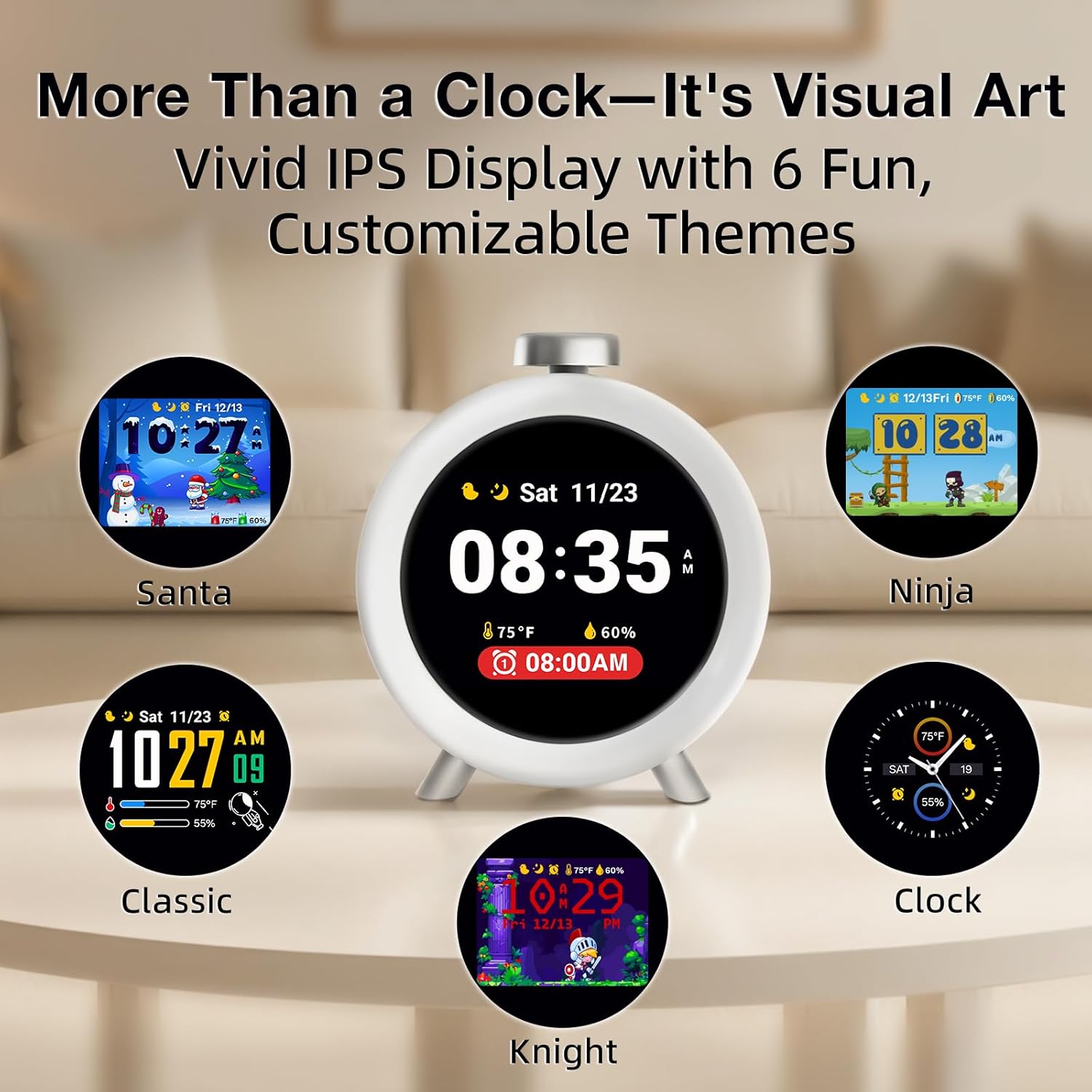
- Artistic Smart Display: 2.8" IPS full-color screen with auto-dimming, displaying vivid clock themes and calming sleep animations.
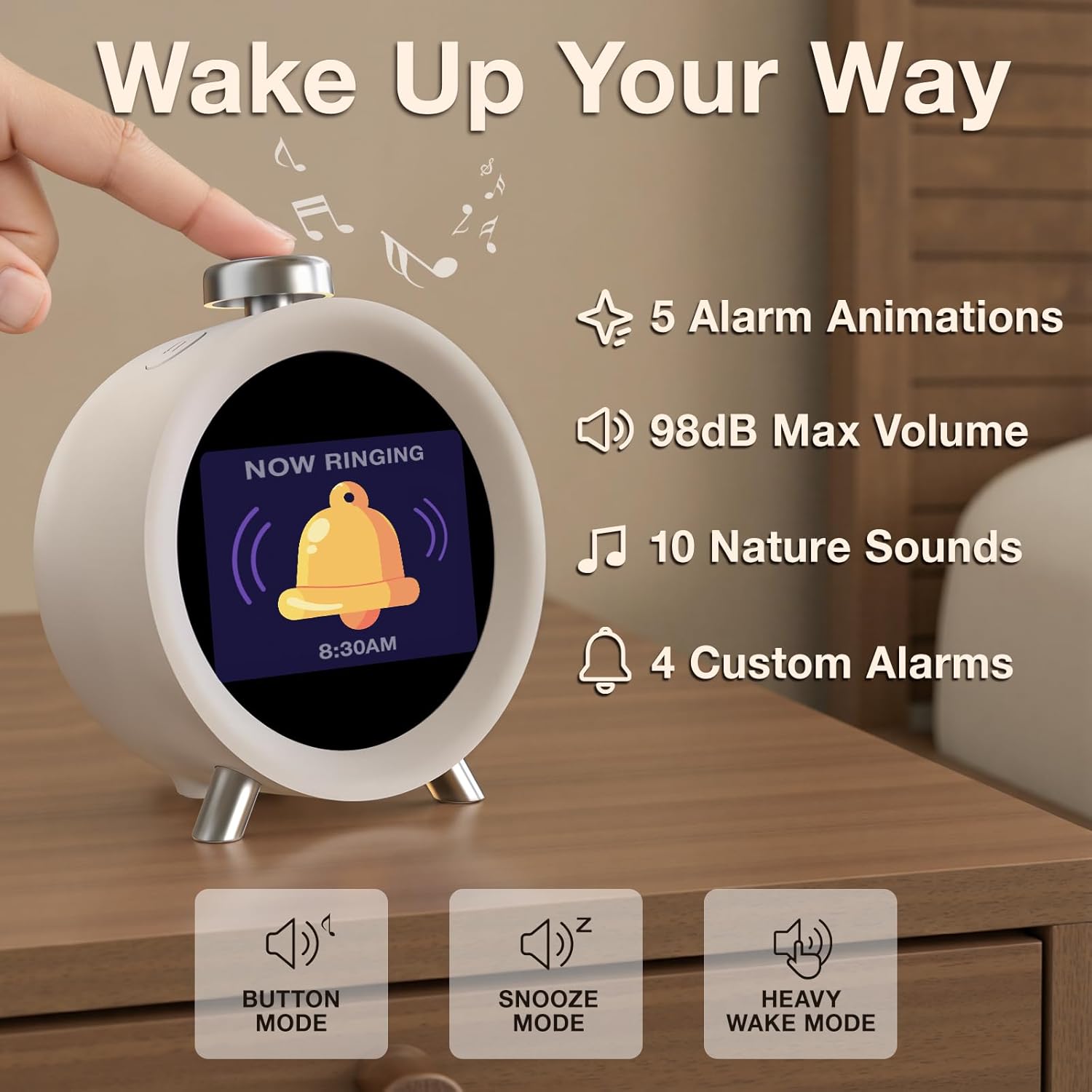
- Programmable Alarms: Four customizable alarms for weekdays, weekends, or 7-day programming. Features distinct tones and adjustable volume up to 98dB with gradual increase.
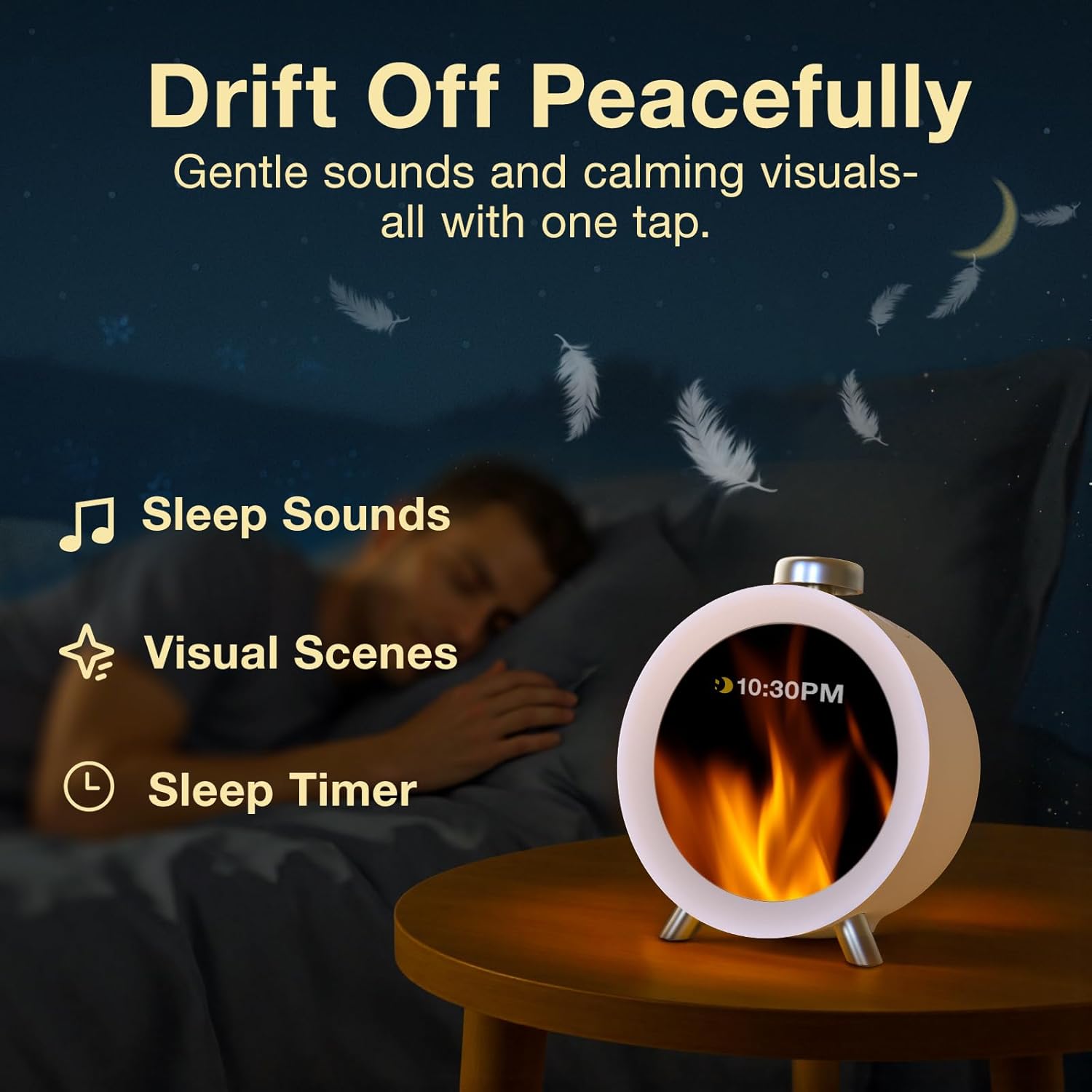
- Sleep Sounds & Visual Scenes: 10 calming sleep sounds (e.g., White Noise, nature ambiances) and animated visual scenes to aid sleep.
- Environmental Monitoring: Built-in ±0.2°C precision thermometer and hygrometer to monitor room temperature and humidity.
- Hourly Chime: Option for gentle hourly reminders.
- Effortless Setup: Intuitive 3-button control for easy setup and navigation.
- Setting Saving: Retains settings during power outages (requires AC power for operation).

3. Setup
The Dekala ChronoSense Alarm Clock is designed for easy setup with its intuitive 3-button control system. No extensive manual reading is typically required for basic functions.
3.1 Power Connection
The device requires AC power to operate. Connect the supplied USB cable to the clock and plug the wall adapter into a standard electrical outlet. The clock will power on automatically.
3.2 Initial Configuration
Upon first power-up, the clock will guide you through initial settings:
- Language Selection: Choose your preferred language (e.g., English).
- Volume Adjustment: Gently turn the knob to set your desired volume level.
- Region and Time Zone: Select your region and time zone to ensure accurate timekeeping.
- Set Time: Manually set the current time.
- Home Screen Style: Choose your preferred home screen display style.

4. Operating Instructions
4.1 Setting Alarms
The clock supports up to four customized alarms. You can program them for specific days (weekdays, weekends, or 7-day programmable) and choose from various tones and animations.
- Navigate to the Alarm settings using the control buttons.
- Select an alarm slot (Alarm 1-4).
- Set the desired alarm time.
- Choose the days of the week for the alarm to be active.
- Select an alarm tone from the available options. The volume will gradually increase to 98dB for heavy sleepers.
- Choose an alarm animation for visual cues.
4.2 Sleep Aid and White Noise
To assist with falling asleep, the clock offers 10 calming sleep sounds and visual scenes.
- Access the Sleep Aid settings.
- Select from sounds like White Noise, nature ambiances, or gentle melodies.
- Choose a visual scene to accompany the sound.
- The screen will auto-dim to a night-friendly brightness.
4.3 Display Themes and Hourly Chime
Personalize your clock's appearance with various dynamic animated themes (e.g., Ninja, Spaceman, Knight). You can also enable an hourly chime for gentle reminders throughout the day.

4.4 Temperature and Humidity Display
The clock continuously monitors and displays the room's temperature and humidity, helping you optimize your environment for comfort.
5. Maintenance
To ensure the longevity and optimal performance of your Dekala ChronoSense Alarm Clock, follow these simple maintenance guidelines:
- Cleaning: Use a soft, dry cloth to wipe the screen and body of the clock. Avoid abrasive cleaners or solvents that could damage the finish or display.
- Placement: Place the clock on a stable, flat surface away from direct sunlight, excessive heat, or moisture.
- Power: Always use the original USB cable and wall adapter provided with the device.
6. Troubleshooting
If you encounter any issues with your Dekala ChronoSense Alarm Clock, please refer to the following common troubleshooting steps:
- No Power/Display: Ensure the USB cable is securely connected to both the clock and the power adapter, and that the adapter is plugged into a working electrical outlet.
- Alarm Not Sounding: Check that the alarm is enabled in the settings and that the volume is not set to zero. Verify the alarm time and days are correctly programmed.
- Incorrect Time/Date: Re-enter the time, date, and time zone settings through the clock's menu.
- Screen Unresponsive: Unplug the device from power for 30 seconds, then plug it back in to perform a soft reset.
For persistent issues not resolved by these steps, please contact Dekala customer support.
7. Specifications
| Feature | Detail |
|---|---|
| Brand | Dekala |
| Model Number | SR01 |
| Color | Silver |
| Display Type | Digital (2.8" IPS Full-Color Screen) |
| Product Dimensions | 4.5"W x 4.5"H |
| Item Weight | 10.9 ounces |
| Power Source | Corded Electric |
| Special Features | Temperature Humidity Display, 4 Loud Alarms, Auto Dimmable, Calendar, Hourly Chime, Dynamic Animated Display, Adjustable Volume, Snooze Function |
| Batteries | 1 C battery required (included, non-replaceable) |
8. Warranty and Support
For warranty information and customer support, please refer to the documentation included with your product or visit the official Dekala Store online. The manufacturer is Dekala.
You can visit the Dekala Store at https://www.amazon.com/stores/Dekala/page/9825D8C4-321E-45C5-8BC7-FC33BEF604F6


