Introduction
This manual provides essential instructions for the safe and effective use of your witcaremed Smart Scale. This advanced body composition analyzer is designed to help you monitor various health metrics with high precision, supporting your fitness and wellness goals.
The witcaremed Smart Scale utilizes multi-frequency bioelectrical impedance analysis (BIA) technology with 8 electrodes to provide comprehensive body composition data, including body fat percentage, muscle mass, BMI, and 53 other indicators. It features a 3.5-inch color display and seamless mobile app integration for detailed tracking and analysis.
Important Safety Information
- Consult a healthcare professional before making any significant changes to your diet, exercise, or health regimen based on the scale's readings.
- Do not use this device if you have a pacemaker or other implanted medical device.
- Pregnant women should consult their doctor before using this scale.
- Ensure the scale is placed on a hard, flat, and stable surface for accurate measurements.
- Keep the scale dry and clean. Avoid exposure to water or extreme temperatures.
- Do not jump on the scale or use it for purposes other than body composition analysis.
Package Contents
Verify that all items are present in your package:
- witcaremed Smart Digital Scale
- Charging Cable (USB-C, typically)
- User Manual (this document)
Product Overview
The witcaremed Smart Scale is engineered for comprehensive body composition analysis. Key features include:
- 8-Electrode Dual-Frequency BIA Technology: Provides full-body measurement for enhanced accuracy, tracking muscle, fat, hydration, and 53 other body composition metrics.
- 3.5-inch TFT Color Display: Clearly shows weight, body fat, BMI, and muscle mass indicators directly on the scale.
- Mobile App Integration: Connects to the "Unique Health" app via Bluetooth for detailed reports, historical data tracking, and personalized insights.
- Multi-User Support: Automatically recognizes users and stores individual data.
- E-shaped Weight Sensor: Ensures highly accurate weight measurements with a precision of 0.1 kg.
Scale Components

The scale features a sleek tempered glass platform with integrated ITO conductive film for foot measurements, and retractable handles with additional electrodes for upper body measurements. The 3.5-inch TFT display is located at the top center of the scale.
Understanding 8-Electrode Measurement
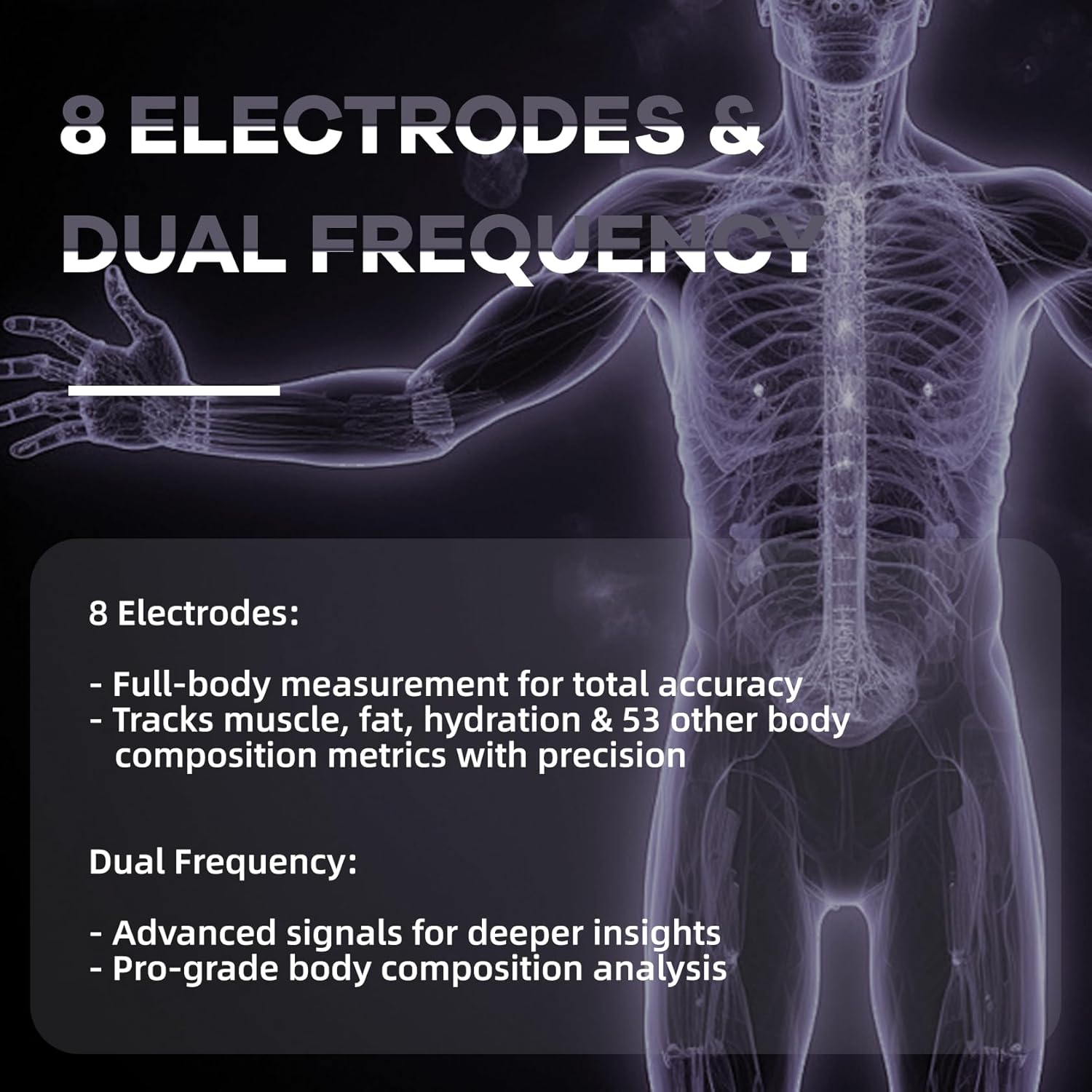
Unlike standard scales that only measure through the feet, this scale uses 8 electrodes (4 on the platform for feet and 4 on the retractable handles for hands) and dual-frequency technology. This allows for segmental analysis, providing more precise data for different body parts (arms, legs, torso) and a more comprehensive understanding of your body composition.
Setup Guide
1. Initial Charging
Before first use, ensure the scale is fully charged using the provided USB-C charging cable. Connect the cable to the charging port on the scale and a suitable USB power adapter (not included). The display will indicate charging status.
2. App Installation
- Download the "Unique Health" app from your smartphone's app store (iOS App Store or Google Play Store).
- Install the app and create your user profile, entering necessary personal information such as age, height, and gender for accurate body composition calculations.
3. Device Pairing (Bluetooth)
- Ensure Bluetooth is enabled on your smartphone.
- Place the scale on a hard, flat, and stable floor.
- Lightly tap the scale platform with your foot to turn it on. The display will activate.
- Open the "Unique Health" app. The app will automatically search for nearby devices.
- Select your witcaremed Smart Scale (e.g., "BC-CA380") from the list of found devices to initiate pairing.
- Confirm the pairing request on your smartphone. Once connected, the app will display "Device connection successful."
Operating Instructions
Taking a Measurement
- Prepare for Measurement: Ensure your feet are clean and dry. For full body composition analysis, you will need to use the retractable handles.
- Step On: Gently step onto the scale with bare feet, ensuring your feet are positioned over the ITO conductive areas. The scale will power on and display your weight.
- Use Handles (for full analysis): Extend the retractable handles and hold them firmly with both hands, keeping your arms straight and parallel to the floor. Ensure your thumbs are on the metal electrodes on the handles.
- Remain Still: Stand still and hold the handles until the measurement is complete. The scale's display will cycle through various metrics, and the app will show the progress.
- View Results: Your weight and other key metrics will be displayed on the scale's 3.5-inch TFT screen. For a comprehensive report of all 56 body composition indicators, open the "Unique Health" app on your paired smartphone.

Understanding the Display and App
The scale's display provides immediate feedback on core metrics. The "Unique Health" app offers a much deeper dive into your data:
- Weight: Your current body weight.
- BMI (Body Mass Index): A measure of body fat based on height and weight.
- Body Fat Percentage: The proportion of fat in your body.
- Muscle Mass: The total weight of muscle in your body.
- Heart Rate: Measured during the analysis.
- 56 Body Composition Indicators: The app provides detailed analysis including segmental muscle & fat, water ratio, protein ratio, bone mass, visceral fat, and more.
- Data Trends: The app tracks your progress over days, weeks, and months, allowing you to visualize changes and set goals.

Multi-User Functionality
The witcaremed Smart Scale supports multiple user profiles. Once each user has created a profile in the "Unique Health" app and paired their device, the scale can often automatically recognize the user based on their weight. If multiple users have similar weights, the app may prompt you to select the correct user after a measurement. This ensures individual data is tracked accurately.
Maintenance
- Cleaning: Wipe the scale's surface with a soft, damp cloth. Do not use abrasive cleaners or immerse the scale in water.
- Storage: Store the scale in a cool, dry place away from direct sunlight and extreme temperatures.
- Battery: The scale uses a rechargeable battery. Recharge when the battery indicator on the display or app shows low power.
Troubleshooting
- Scale not turning on:
- Ensure the scale is charged. Connect it to a power source using the USB-C cable.
- Inaccurate readings:
- Ensure the scale is on a hard, flat surface (avoid carpets).
- Make sure your feet are bare and clean, making good contact with the electrodes.
- For full body analysis, ensure proper contact with the handle electrodes and hold still.
- Recalibrate the scale by stepping on it briefly, then stepping off and waiting for it to show "0.00" before taking a measurement.
- App not connecting to scale:
- Verify Bluetooth is enabled on your smartphone.
- Ensure the scale is powered on.
- Restart the "Unique Health" app.
- Try unpairing and re-pairing the device in the app's settings.
- Ensure your phone is within Bluetooth range of the scale.
- Data not syncing to app:
- Confirm the scale is successfully paired with the app.
- Check your internet connection if the app requires cloud synchronization.
- Ensure the app has necessary permissions (e.g., Bluetooth, location).
Specifications
| Feature | Detail |
|---|---|
| Brand | witcaremed |
| Model | B0DYJNCXTH |
| Measurement Technology | 8-Electrode Dual-Frequency Bioelectrical Impedance Analysis (BIA) |
| Body Composition Indicators | 56 (including Body Weight, BMI, Body Fat, Muscle Mass, Heart Rate, Water Ratio, Protein Ratio, Bone Mass, Visceral Fat, etc.) |
| Display Type | 3.5-inch TFT Digital Color Display |
| Connectivity | Bluetooth (for app synchronization) |
| Weight Precision | 0.1 kg |
| Power Source | Rechargeable Battery (USB-C charging) |
| Recommended Uses | Adults, Children, Fitness, Health, Home, Indoor |
| Color | Black |
| Package Dimensions | 17 x 16 x 3 inches |
| Item Weight | 6.8 Pounds |
Warranty and Support
For warranty information, technical support, or customer service inquiries, please refer to the contact information provided with your product packaging or visit the official witcaremed website. Keep your purchase receipt for warranty claims.