
Introduction
This manual provides essential information for the safe and efficient use of your DOOGEE Smartphone 5G Note 59 Pro+. Please read it thoroughly before operating your device.
What's in the Box
- DOOGEE Smartphone 5G Note 59 Pro+
- USB Type-C Cable
- Power Adapter
- SIM Ejector Tool
- Quick Start Guide
- Warranty Card
Setup
1. Inserting SIM Card and MicroSD Card
Locate the SIM card tray on the side of your device. Use the provided SIM ejector tool to open the tray. Insert your Nano-SIM card(s) and/or a MicroSD card into the designated slots, ensuring correct orientation. Close the tray securely.

Image: Front and back view of the DOOGEE Smartphone 5G Note 59 Pro+, highlighting its sleek design and camera module.
2. Initial Power On and Setup
Press and hold the Power button until the DOOGEE logo appears. Follow the on-screen prompts to select your language, connect to a Wi-Fi network, and set up your Google account. This process will guide you through essential initial configurations.
Operating Your Device
Basic Navigation
Your device features a responsive touchscreen. Use gestures such as tap, swipe, pinch-to-zoom, and long-press to navigate the interface. The power button is located on the right side, and volume buttons are typically above it.
Android 15 System
The DOOGEE Note 59 Pro+ runs on the latest Android 15 operating system, offering enhanced privacy features, improved performance, and a user-friendly interface. Explore the app drawer, notification panel, and quick settings for efficient device management.

Image: Depiction of the Android 15 operating system, showcasing its compatibility with popular applications like Instagram, TikTok, Facebook, and YouTube.
Performance and Storage
Equipped with an T8200 5G Octa-core Processor and 36GB RAM (including virtual RAM), your device ensures smooth multitasking and efficient app performance. The 512GB internal storage provides ample space for your apps, photos, and videos, expandable up to 2TB with a MicroSD card.

Image: Diagram illustrating the T8200 5G Octa-core Processor, highlighting its 2 Super Cores (Cortex A76 2.3GHz) and 6 Efficient Cores (Cortex A55 2.1GHz) on a 6nm chipset.
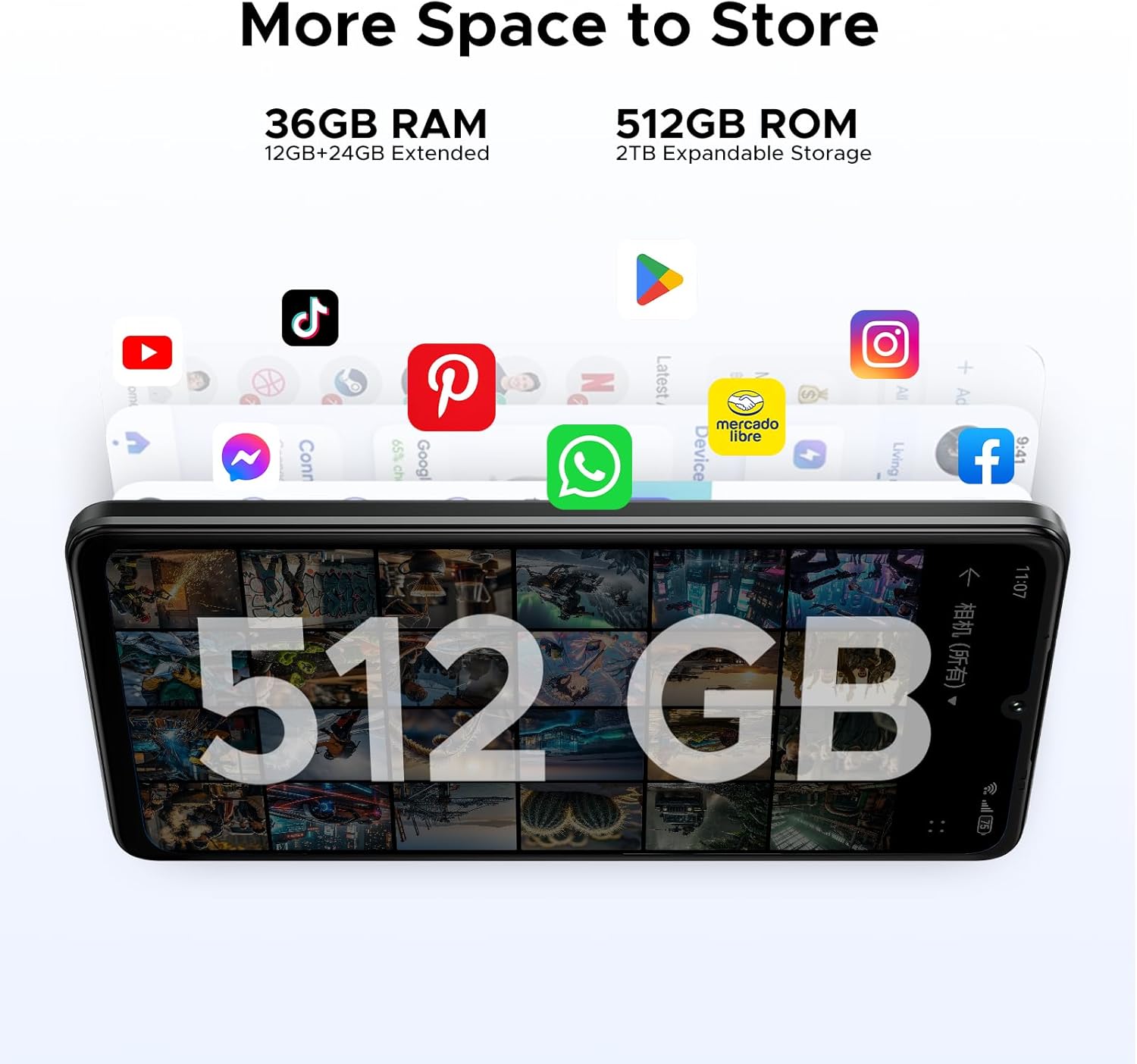
Image: Visual representation of the device's storage capabilities, featuring 36GB RAM (12GB+24GB Extended) and 512GB ROM with 2TB expandable storage, suitable for various applications.
Camera Features
Capture high-quality photos and videos with the 50MP AI Main Camera. The 8MP Front Camera is ideal for selfies and video calls. Explore various camera modes and settings for optimal results.

Image: Diagram showing the placement and specifications of the 50MP AI Main Camera and 8MP Front Camera on the smartphone.
Display and Battery
Enjoy a vibrant visual experience on the 6.75-inch HD+ IPS display with a 120Hz refresh rate, providing smooth scrolling and responsive touch. The 6250mAh battery offers extended usage times, including up to 1266 hours standby, 36.3 hours calling, and 27 hours music playing.

Image: Illustration highlighting the 6.75-inch IPS Display with a 120Hz refresh rate and 720*1600 resolution, designed for an immersive viewing experience.
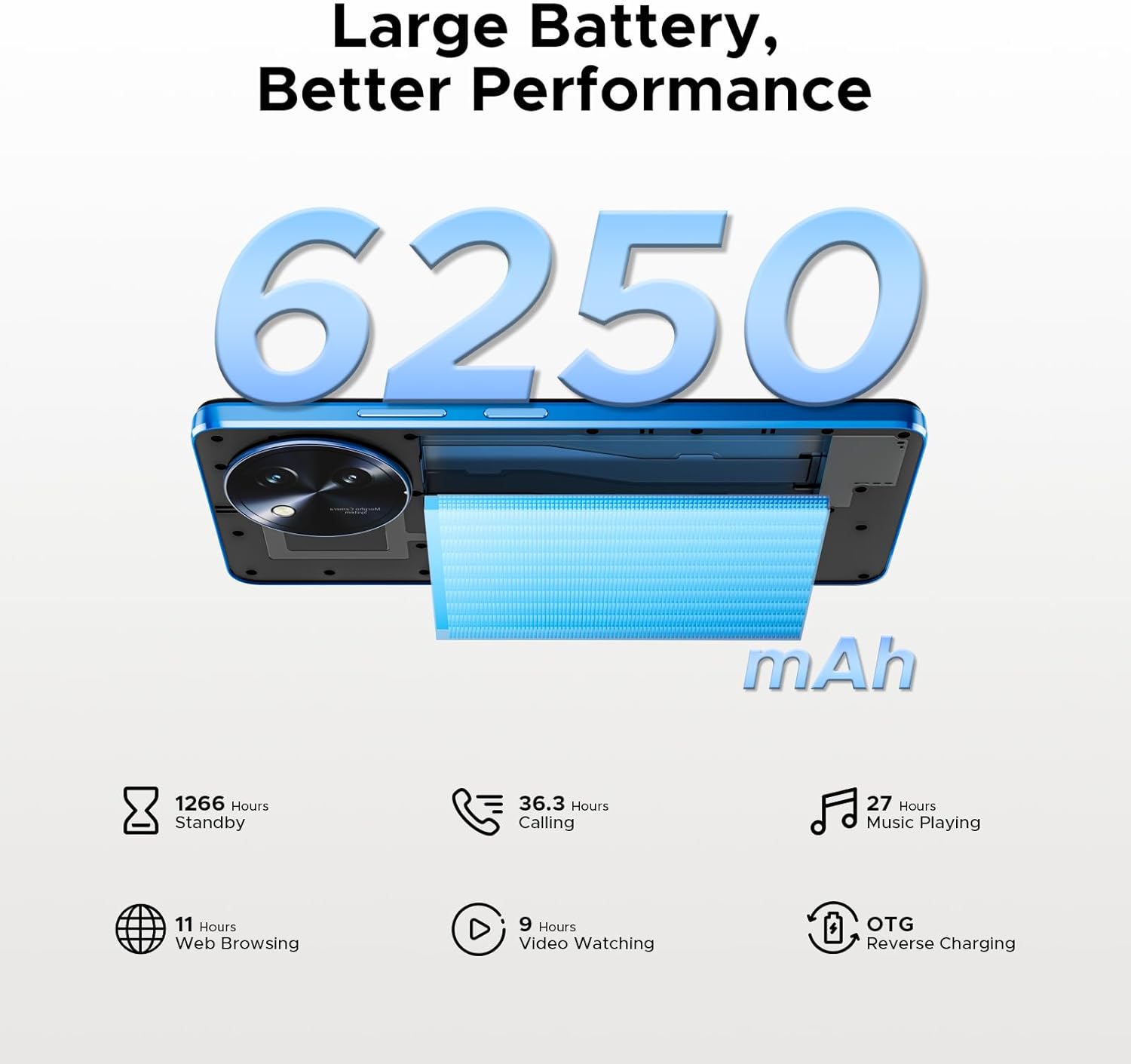
Image: Visual representation of the 6250mAh battery, detailing its impressive usage statistics such as 1266 hours standby, 36.3 hours calling, 27 hours music playing, 11 hours web browsing, and 9 hours video watching, along with OTG reverse charging capability.
Connectivity and Other Features
The device supports 5G connectivity for fast internet speeds. It also includes NFC for contactless payments, OTG for connecting external devices, facial unlocking, fingerprint sensor, and dual SIM support.

Image: Display of the smartphone's slim 8.6mm design and lightweight 199g build, available in Midnight Black, Sapphire Blue, and Rococo White color options.
Maintenance
Cleaning Your Device
Use a soft, lint-free cloth to clean the screen and body of your phone. Avoid using harsh chemicals or abrasive materials. For stubborn smudges, a slightly damp cloth with water or a screen cleaner designed for electronics can be used.
Software Updates
Regularly check for and install software updates to ensure your device has the latest features, security patches, and performance improvements. Navigate to Settings > System > System update to check for available updates.
Battery Care
To prolong battery life, avoid extreme temperatures. Charge your device using the original charger and cable. It is recommended to keep the battery level between 20% and 80% for optimal longevity.
Troubleshooting
Common Issues and Solutions
| Issue | Solution |
|---|---|
| Device won't turn on | Ensure the battery is charged. Press and hold the Power button for at least 10 seconds to force restart. |
| Poor signal or no network | Check SIM card insertion. Try restarting the device. Verify network settings and contact your carrier if issues persist. |
| Apps crashing or freezing | Clear app cache (Settings > Apps > [App Name] > Storage > Clear cache). Update the app. If the problem continues, uninstall and reinstall the app. |
| Battery drains quickly | Reduce screen brightness. Close unused apps. Disable unnecessary features like Bluetooth or GPS when not in use. Check battery usage in settings to identify power-hungry apps. |
Factory Reset
If your device experiences persistent issues, a factory reset can resolve them. Warning: This will erase all data on your device. Back up important data before proceeding. Go to Settings > System > Reset options > Erase all data (factory reset).
Specifications
| Feature | Detail |
|---|---|
| Product Dimensions | 6.61 x 3.05 x 0.34 inches |
| Item Weight | 7.2 ounces (203 Grams) |
| Item model number | NOTE59PRO+ |
| Batteries | 1 9V batteries required. (included) |
| Other display features | Wireless |
| Human Interface Input | Touchscreen |
| Manufacturer | DOOGEE |
| Date First Available | May 20, 2025 |
| Memory Storage Capacity | 512 GB |
| Standing screen display size | 6.75 Inches |
| Brand | DOOGEE |
| Screen Size | 6.75 Inches |
| Wireless Carrier | Unlocked for All Carriers |
| Year | 2025 |
| Aspect Ratio | 5:3 |
Warranty and Support
Warranty Information
Your DOOGEE Smartphone 5G Note 59 Pro+ comes with a standard manufacturer's warranty. Please refer to the warranty card included in your product packaging for specific terms and conditions. Keep your proof of purchase for warranty claims.
Customer Support
For technical assistance, troubleshooting, or warranty inquiries, please visit the official DOOGEE website or contact their customer support. Contact information can typically be found on the DOOGEE brand store page or in the quick start guide.
You can visit the official DOOGEE Store for more information: DOOGEE Store on Amazon
