
Introduction
This manual provides detailed instructions for the setup, operation, and maintenance of your Tecaki Portable Projector Model X5OTD-US. Please read this manual thoroughly before using the product to ensure proper function and longevity.
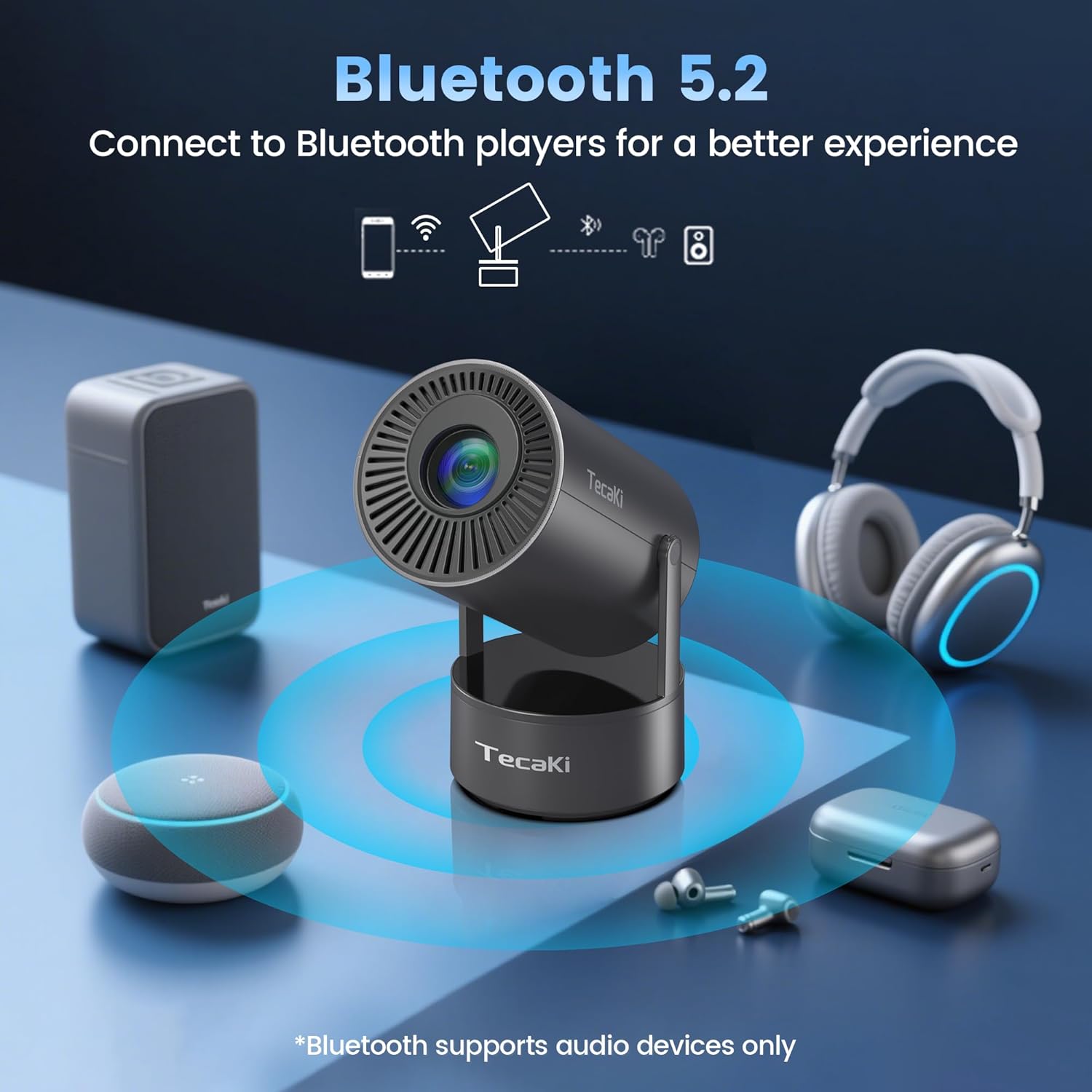
The Tecaki X5OTD-US is a versatile portable projector designed for various entertainment needs, featuring a built-in battery, dual-band WiFi 6, Bluetooth 5.2, and automatic image adjustments.
What's in the Box
Upon unpacking, verify that all the following items are included:
- Portable Mini Projector with Built-In Battery
- User Manual (this document)
- HDMI Cable
- AC Power Adapter
- Remote Control

Product Features
The Tecaki X5OTD-US projector offers a range of features for an enhanced viewing experience:
- Integrated Design: Combines projector, built-in battery, and high-quality speakers for a compact, all-in-one entertainment solution.
- Extended Battery Life: Features a built-in battery providing up to 2.5 hours of continuous playback, ideal for outdoor use without a power outlet.
- Advanced Wireless Connectivity: Supports 2.4G/5GHz dual-band WiFi 6 for stable streaming and screen mirroring, and Bluetooth 5.2 for connecting audio devices.
- Automatic Image Correction: Equipped with Auto Vertical Keystone Correction and Electric Focus for quick and clear image setup.
- Flexible Projection: A 180° rotatable stand allows projection onto walls, ceilings, or other surfaces.
- Adjustable Screen Size: Projects images from 30 inches to 200 inches, with 1080P supported resolution (compatible with 4K input) and 50%-100% zoom.
- Multiple Connectivity Options: Includes HDMI, USB, and audio output ports for connecting various devices like laptops, game consoles, and TV sticks.

Setup
- Unpack the Projector: Carefully remove the projector and all accessories from the packaging.
- Power On: Connect the AC power adapter to the projector and a power outlet, or ensure the built-in battery is charged. Press the power button to turn on the projector.
- Placement: Position the projector on a stable, flat surface. Utilize the 180° rotatable stand to adjust the projection angle as needed.
- Focus Adjustment: The projector features Electric Focus. Use the remote control to adjust the focus until the image is clear.
- Keystone Correction: The projector supports Auto Vertical Keystone Correction. It will automatically adjust the image shape. Manual adjustments can also be made if necessary.
Operating Instructions
1. Wireless Connectivity (WiFi)
The projector supports dual-band WiFi 6 for seamless streaming and screen mirroring.
- Navigate to the "Settings" menu on the projector.
- Select "Network" or "WiFi Settings".
- Choose your desired WiFi network and enter the password.
- Once connected, you can use screen mirroring features from your smartphone or tablet.
Note: Due to HDCP protocol, copyrighted videos from streaming services may require playback through an HDMI-connected device like a Fire Stick or laptop for screen mirroring.

2. Bluetooth Audio Connection
Connect external Bluetooth speakers or headphones for an enhanced audio experience.
- Ensure your Bluetooth audio device is in pairing mode.
- On the projector, go to "Settings" and select "Bluetooth".
- Scan for available devices and select your audio device to pair.
Note: Bluetooth connectivity supports audio devices only, not for screen mirroring.

3. Wired Connectivity
Use the HDMI or USB ports to connect various external devices.
- HDMI Port: Connect laptops, game consoles, TV sticks, or DVD players using the provided HDMI cable. Select the HDMI input source from the projector's menu.
- USB Port: Insert a USB drive to play media files directly. Select the USB input source from the projector's menu.
- Audio Output: Connect external wired speakers or headphones via the 3.5mm audio jack.

Maintenance
- Cleaning the Lens: Use a soft, lint-free cloth specifically designed for optical lenses. Do not use abrasive cleaners or solvents.
- Cleaning the Exterior: Wipe the projector's exterior with a soft, dry cloth. For stubborn marks, a slightly damp cloth can be used, followed by a dry wipe.
- Ventilation: Ensure the projector's ventilation openings are clear and unobstructed to prevent overheating.
- Storage: When not in use for extended periods, store the projector in a cool, dry place, away from direct sunlight and extreme temperatures.
Troubleshooting
| Problem | Possible Cause | Solution |
|---|---|---|
| No image projected | Power off, incorrect input source, loose cable connection. | Ensure power is on. Select correct input source (HDMI, USB, WiFi). Check all cable connections. |
| Blurred image | Out of focus, incorrect keystone. | Adjust Electric Focus using the remote. Allow Auto Vertical Keystone to correct, or adjust manually. |
| No sound | Volume too low, external audio device not connected, incorrect audio output selected. | Increase volume. Ensure Bluetooth audio device is paired or wired audio device is connected. Check audio output settings. |
| WiFi/Bluetooth connection issues | Incorrect password, device too far, interference. | Re-enter password. Move device closer to projector/router. Reduce interference from other wireless devices. |
Specifications
| Feature | Detail |
|---|---|
| Model Number | X5OTD-US |
| Product Dimensions | 7.28 x 5.2 x 4.72 inches |
| Item Weight | 1.34 pounds |
| Display Resolution | 1280 x 720 (1080P supported, 4K input compatible) |
| Brightness | 300 ANSI lumens |
| Connectivity Technology | 3.5mm Jack, Bluetooth 5.2, HDMI, Wi-Fi 6 (2.4G/5GHz) |
| Special Features | Built-In Cooling System, Built-In Speaker, Built-In Wi-Fi, Digital Keystone Correction, Portable, 180° Rotatable Stand, Electric Focus, Built-in Battery |
| Battery | 10 Lithium Ion batteries (included), up to 2.5 hours playback |
Warranty and Support
Tecaki is committed to providing reliable products and excellent customer service.
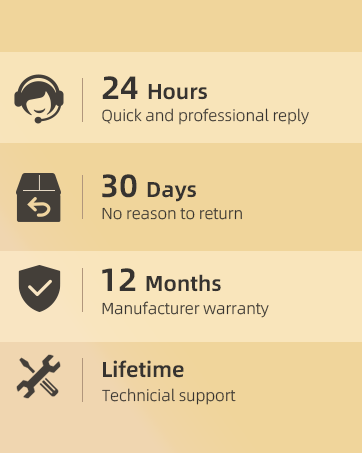
- Product Warranty: Your Tecaki Portable Projector comes with a 12-month manufacturer warranty.
- Extended Warranty: An extended warranty is available. If the product experiences any suspected fault issues within 36 months from the date of order, our technicians will assess and replace or repair it. Consult Tecaki service support to activate your product warranty.
- Technical Support: Our dedicated support team is available 24/7 to assist you with any issues or questions. Please reach out for prompt and friendly assistance.
Official Product Video
Video: An overview of the Tecaki Portable Outdoor Projector with Battery, demonstrating its features and portability.