
topzee TDH-AL50-WUS-WT
User Manual: topzee Dehumidifier
Model: TDH-AL50-WUS-WT
1. Introduction and Overview
The topzee TDH-AL50-WUS-WT Dehumidifier is designed to efficiently remove excess moisture from your home environment, creating a more comfortable and healthier living space. This compact and quiet unit is ideal for various areas such as bedrooms, bathrooms, basements, closets, and RVs, covering up to 1000 sq. ft. It features dual semiconductor condensers for powerful dehumidification, multiple fan speeds, an ambient LED night light, and smart safety features like auto shut-off and defrost protection.
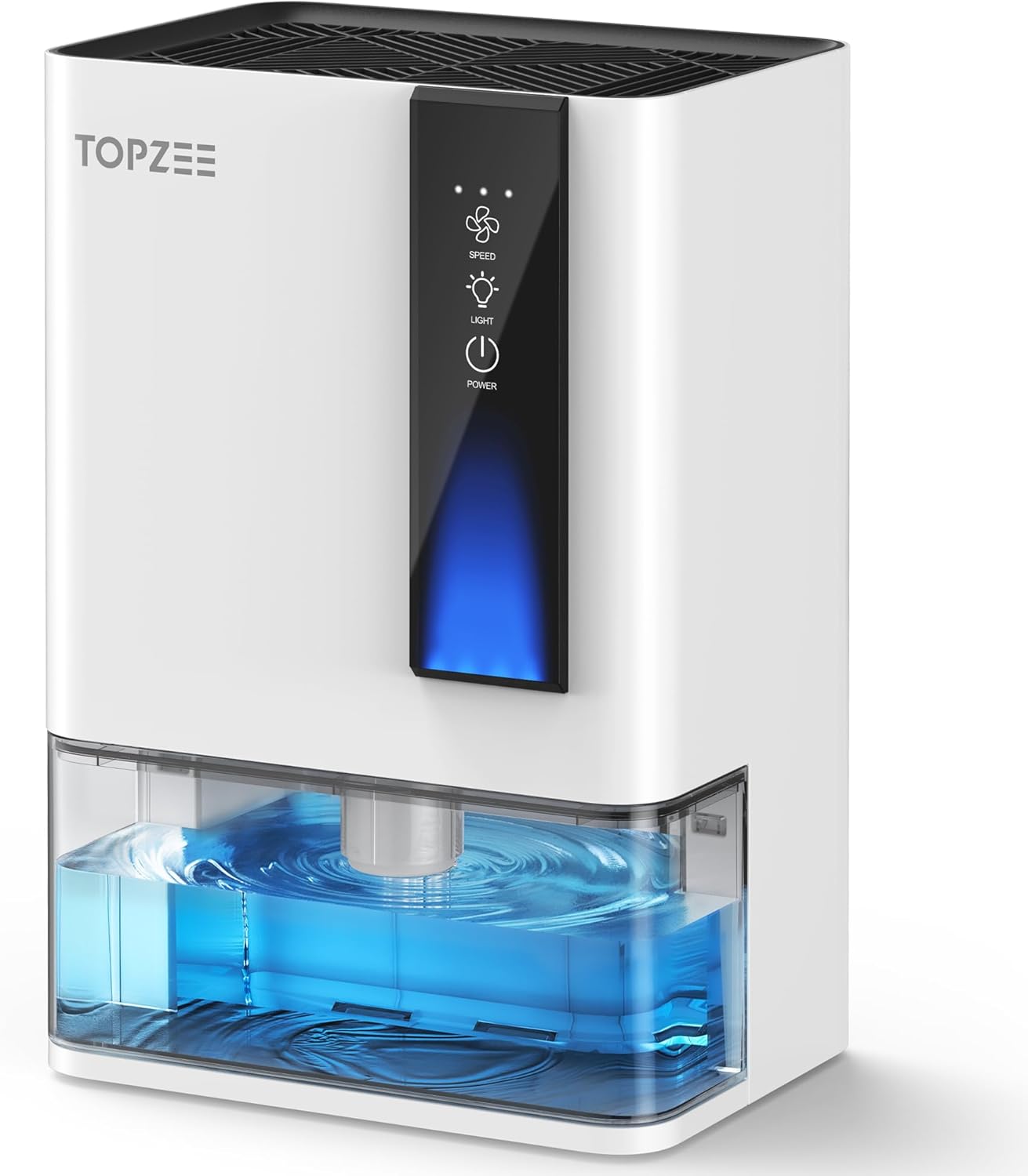
Figure 1: Front view of the topzee Dehumidifier, showcasing its compact design and visible water tank.
2. Safety Instructions
- Always place the dehumidifier on a stable, level surface to prevent tipping and water spillage.
- Ensure the water tank is fully inserted and clicked into place before operation to prevent leaks and ensure proper function.
- Do not block the air intake or exhaust vents. Maintain at least 6 inches of clearance around the unit for optimal airflow.
- Unplug the unit from the power outlet before cleaning, performing maintenance, or when not in use for extended periods.
- Do not operate the dehumidifier in temperatures below 55°F (12.8°C) or above 104°F (40°C) to avoid damage and ensure efficient operation.
- Keep the unit away from water sources, direct sunlight, and heat sources.
- Do not use abrasive cleaners or solvents on the unit. Use a soft, damp cloth for cleaning.
- This appliance is for residential use only.
3. Product Components
The topzee Dehumidifier consists of the following key components:
- Main Unit: Houses the internal components, including the dual semiconductor condensers and brushless DC motor.
- Control Panel: Located on the front, featuring touch controls for power, fan speed, and LED light.
- Water Tank: A transparent, front-access tank for collecting condensed moisture, equipped with a leak-proof lid and spout for easy drainage.
- Air Intake/Exhaust Vents: Located on the back and top for air circulation.
- Power Cord: For connecting the unit to an electrical outlet.
4. Setup
- Unpack the Unit: Carefully remove the dehumidifier and all packaging materials from the box.
- Choose a Location: Place the dehumidifier on a firm, level surface in the desired area. Ensure there is at least 6 inches (15 cm) of space around all sides of the unit to allow for proper airflow. Avoid placing it directly against walls or furniture.
- Insert Water Tank: Ensure the water tank is correctly and fully inserted into the main unit until it clicks into place. A secure fit is crucial for the unit to detect the tank position and operate smoothly.
- Connect Power: Plug the power cord into a grounded electrical outlet.
5. Operating Instructions
The topzee Dehumidifier features an intuitive control panel for easy operation.

Figure 2: The control panel allows selection of three fan speeds: High, Medium, and Low.
Power On/Off
- Press the Power Button (
 ) to turn the unit on or off.
Fan Speed Adjustment
- Press the Fan Speed Button (
 ) to cycle through the three available fan speeds:
- High: Maximum dehumidification.
- Medium: Balanced performance.
- Low (Sleep Mode): Quietest operation, ideal for nighttime use. In Sleep Mode, alerts for a full water tank are automatically silenced.
LED Night Light
- The unit features a 7-color LED night light. Press the Light Button () to turn the light on or off. This light operates independently of the dehumidification function.
Auto Shut-Off and Defrost Protection
- The dehumidifier is equipped with an automatic shut-off feature that activates when the water tank is full, preventing overflow.
- It also includes defrost protection, which automatically activates in cold conditions to prevent frost buildup on the internal components, ensuring efficient and long-lasting performance.
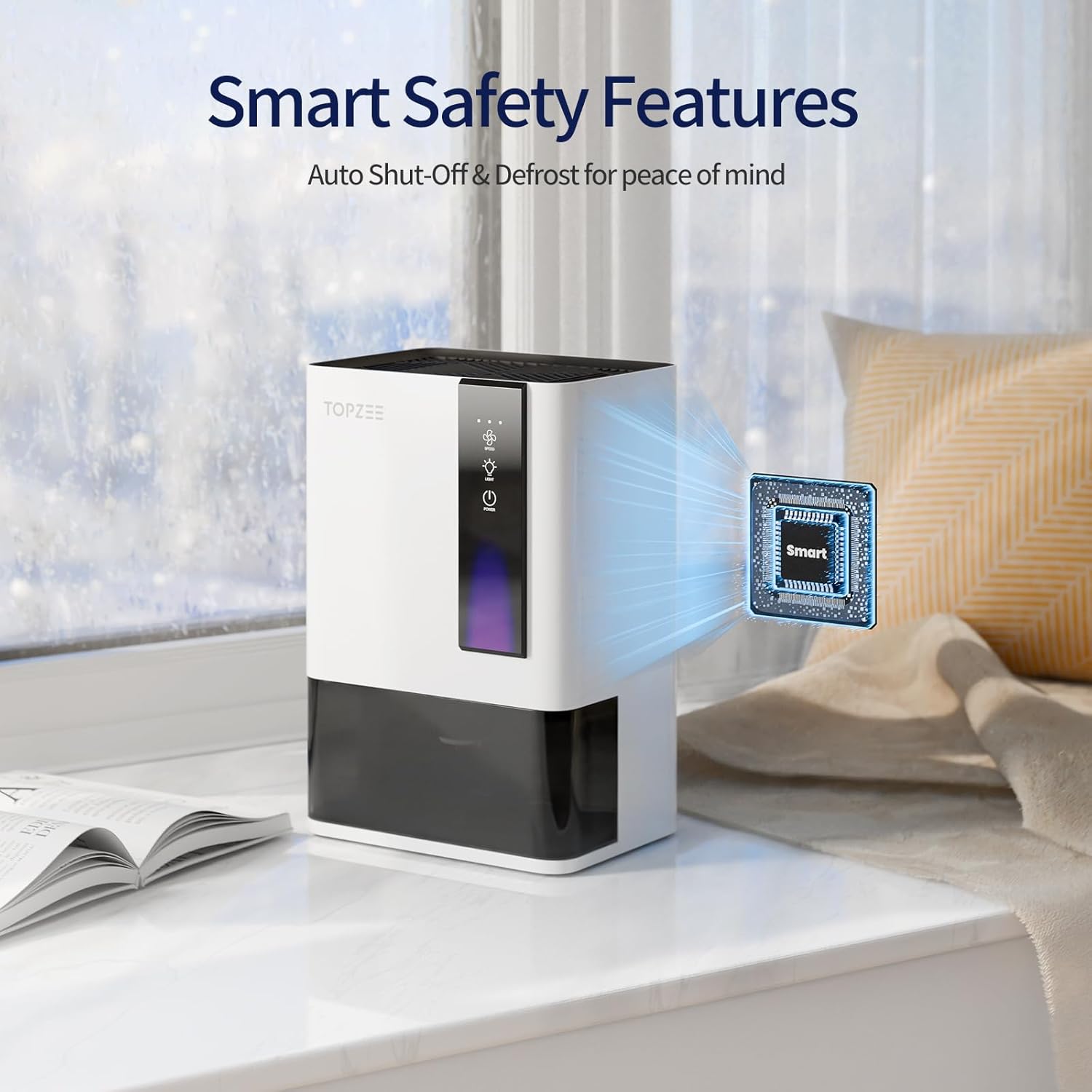
Figure 3: The dehumidifier incorporates smart safety features for reliable operation.
6. Maintenance
Emptying the Water Tank
When the water tank is full, the unit will automatically shut off and an indicator light (if available) may illuminate. To empty the tank:
- Gently pull the water tank out from the front of the unit.
- Remove the leak-proof lid.
- Pour the collected water out using the integrated spout or by removing the lid completely.
- Replace the lid securely and slide the empty water tank back into the unit until it clicks into place.

Figure 4: The front-access water tank with an anti-spill lid ensures mess-free emptying.
Cleaning the Unit
- Exterior: Wipe the exterior of the dehumidifier with a soft, damp cloth. Do not use harsh chemicals or abrasive cleaners.
- Water Tank: Clean the water tank regularly with mild soap and water to prevent mold and mildew growth. Rinse thoroughly before reinserting.
- Air Vents: Periodically check the air intake and exhaust vents for dust or debris. Use a soft brush or vacuum cleaner with a brush attachment to gently clean them.
7. Troubleshooting
| Problem | Possible Cause | Solution |
|---|---|---|
| Dehumidifier does not turn on. | No power supply; Water tank not properly inserted. | Check if the power cord is securely plugged into a working outlet. Ensure the water tank is fully inserted until it clicks. |
| Unit is running but not collecting water. | Room humidity is too low; Room temperature is too low; Air vents are blocked. | The unit may not collect water if humidity is below 40-50% or temperature is below 55°F. Ensure vents are clear. |
| Unit is too noisy. | Unit is not on a level surface; Obstruction in fan. | Place the unit on a flat, stable surface. Check for any foreign objects in the fan area (unplug first). |
| Water leaks from the unit. | Water tank is full or not properly seated; Unit is tilted. | Empty the water tank. Re-insert the tank securely. Ensure the unit is on a level surface. |
If the problem persists after trying these solutions, please contact customer support.
8. Specifications
| Feature | Detail |
|---|---|
| Brand | topzee |
| Model Name | Dehumidifiers (TDH-AL50-WUS-WT) |
| Floor Area Coverage | Up to 1000 Square Feet |
| Color | White |
| Special Features | Automatic Shutoff, Dual-Semiconductor, Removable Tank, Sleep Mode |
| Capacity (Water Tank) | 3.4 Pounds (approx. 54 oz) |
| Product Dimensions | 8.6"D x 12.7"W x 6.5"H |
| Number of Speeds | 3 |
| Recommended Uses | Residential |
| Included Components | Dehumidifier, Power Cord, User Manual |
| Operation Mode | Continuous |
| Dehumidification Capacity | Up to 50oz per day (tested at 86°F, 80% RH) |
| Item Weight | 7.43 pounds |
| Date First Available | June 5, 2025 |
9. Warranty & Support
For customer support, inquiries, or warranty information, please contact topzee directly.
Email: Support@topzee.com
Figure 5: Contact information for customer support.
Ask a question about this manual
Ask about setup, troubleshooting, compatibility, parts, safety, or missing instructions. Manuals+ will review the question and use this page’s manual context to help answer it.