1. Product Overview
The VARMINPOOL 16000BTU Smart Inverter Pool Heat Pump is designed to efficiently heat above-ground pools up to 5,400 gallons. Featuring smart inverter technology, WiFi control, and a durable titanium heat exchanger, this unit extends your swimming season while optimizing energy consumption.

Figure 1: VARMINPOOL 16000BTU Smart Inverter Pool Heat Pump.
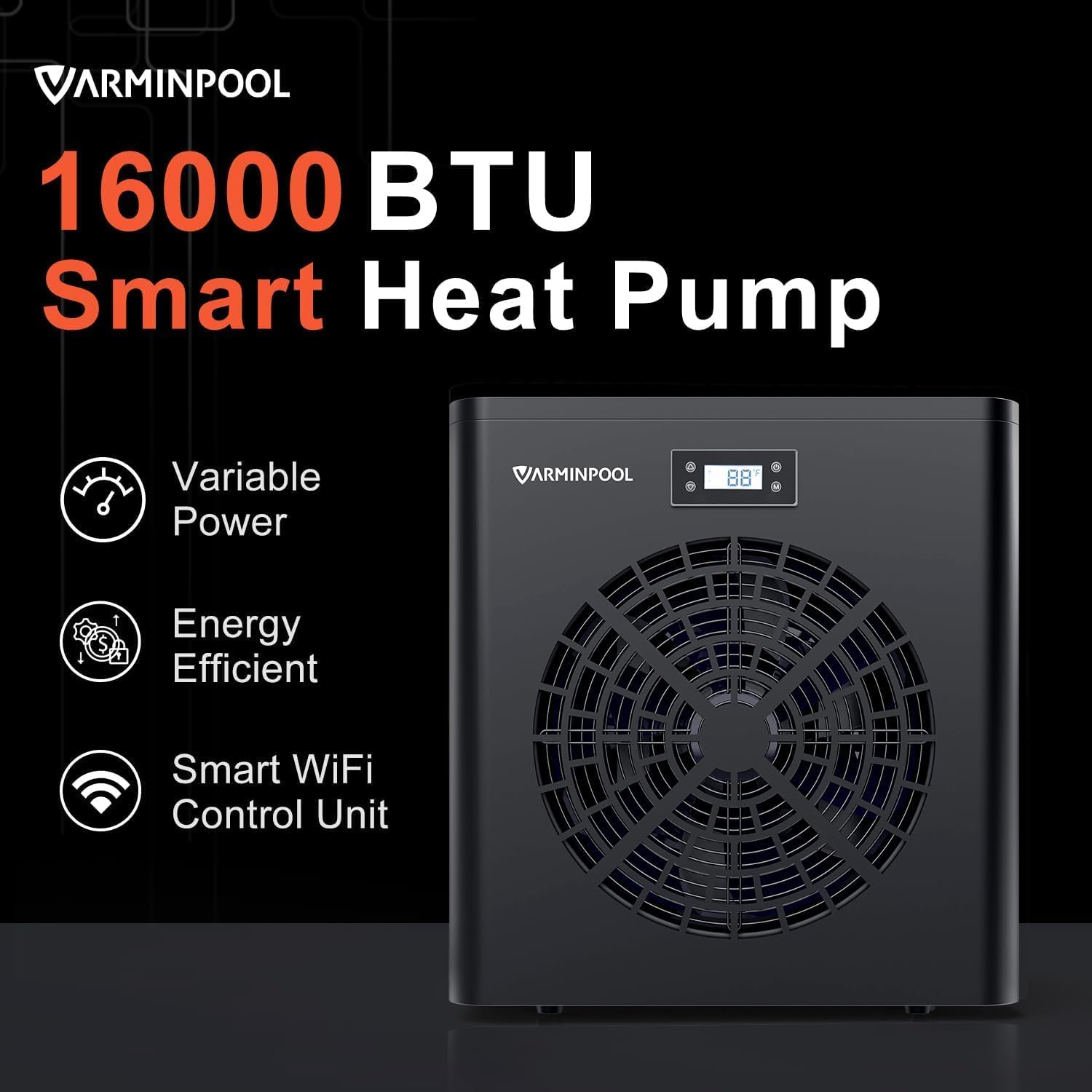
Figure 2: Key features of the VARMINPOOL 16000BTU Smart Heat Pump, highlighting variable power, energy efficiency, and smart WiFi control.
2. Setup and Installation
Proper installation is crucial for the optimal performance and longevity of your heat pump. This section outlines the general steps for setting up your unit.
2.1 Plumbing Connections
The heat pump should be installed after your pool's filter system. Water flows from the pool pump, through the filter, and then into the heat pump before returning to the pool. The unit is compatible with 1.25" and 1.5" hoses. A filter pump with a flow rate of 1000-1200 GPH is suggested.

Figure 3: Typical setup diagram for connecting the heat pump to your pool's filtration system. The heat pump is placed after the filter and before the water returns to the pool.
It is highly recommended to install bypass valves to allow for maintenance or to bypass the heater when not in use. The heat pump includes 1.5" male thread hose fittings for easy connection.
2.2 Electrical Connection
The VARMINPOOL 16000BTU heat pump operates on 110-120V / 60Hz. Ensure that the electrical supply is properly grounded and protected by an appropriate circuit breaker (15 amp recommended for this model) to prevent damage from electrical surges. Always disconnect power before performing any electrical work.
2.3 Condensate Drain
The unit will produce condensation during operation. Connect the provided condensate drain line to the bottom of the unit to direct water away from the heat pump and its surroundings.
2.4 Installation Video Guide
Video 1: Detailed guide on how to install a pool heat pump, covering removal of an old unit, plumbing, and electrical connections.
3. Operating Instructions
The VARMINPOOL heat pump offers user-friendly controls both on the unit and via a smart application.
3.1 On-Unit Control Panel
The heat pump features an easy-to-read digital display and buttons for temperature adjustment, mode selection (heating/cooling), and power control. The display shows the set temperature and current water temperature.
Video 2: Demonstration of the VARMINPOOL 16000 BTU Smart Pool Heat Pump's features, including its quiet operation and smart app control.
3.2 Smart Life APP Control
For enhanced convenience, the heat pump can be controlled remotely using the Smart Life APP via built-in WiFi. This allows you to adjust temperature, monitor performance, and set schedules from anywhere.
- Temperature Adjustment: Easily set your desired heating or cooling temperature.
- Scheduling: Program specific operating times to optimize energy use and ensure your pool is ready when you are.
- Monitoring: View real-time water temperature and operational status.

Figure 4: The Smart Life APP interface for effortless monitoring and control of the heat pump from a smartphone.
3.3 Energy-Saving Smart Inverter
The inverter technology enables continuous operation with variable power, significantly reducing electricity consumption. The unit adjusts its power output to maintain the set temperature efficiently, leading to energy savings of up to 40%.

Figure 5: Illustration of the Smart Inverter's energy-saving capability, demonstrating up to 40% energy reduction.
3.4 Quiet Operation
The heat pump is designed for quiet operation, producing only 48dB of noise, comparable to a quiet library environment. This ensures a peaceful poolside experience.

Figure 6: Visual representation of the heat pump's low noise level (48dB), emphasizing its quiet operation.
4. Maintenance
Regular maintenance ensures the efficient and long-lasting performance of your VARMINPOOL heat pump.
- Clean the Coils: Periodically inspect and clean the evaporator coils to ensure optimal airflow and heat exchange efficiency. Remove any debris, leaves, or dirt.
- Check Water Flow: Ensure consistent water flow through the unit. Blockages in the filter or plumbing can reduce efficiency.
- Condensate Drain: Verify that the condensate drain line is clear and free of obstructions to allow proper drainage.
- Winterization: In colder climates, follow proper winterization procedures to protect the unit from freezing. This typically involves draining water from the heat pump and pipes.
5. Troubleshooting
This section provides solutions to common issues you might encounter with your heat pump.
- Unit Not Heating: Check power supply, ensure the pool pump is running, verify water flow, and confirm the set temperature is higher than the current pool temperature.
- Low Water Flow Error: Inspect the pool filter for clogs, check for obstructions in plumbing, and ensure the pool pump is operating correctly.
- Unusual Noises: Inspect the fan for obstructions. If unusual noises persist, contact customer support.
- Intelligent Control with Auto Diagnostic: The built-in diagnostic system performs automatic operation checks and protects the heat pump unit. Refer to the app or unit display for specific error codes.

Figure 7: The Intelligent Control system with auto-diagnostic capabilities, ensuring optimal performance and protection.
6. Specifications
| Specification | Detail |
|---|---|
| Model | KSPF-005L3R1A2 |
| Heating Capacity | 16,000 BTU |
| Power Supply | 110-120V / 60Hz |
| Recommended Pool Size | Up to 5,400 Gallons |
| Dimensions (L x W x H) | 16.5'' x 14.2'' x 17.8'' |
| Item Weight | 59 lbs |
| Material | Heavy-duty Galvanized Steel Housing, Titanium Heat Exchanger |
| Noise Level | 48dB |
| Control | On-unit digital display, Smart Life APP (WiFi) |
7. Warranty and Support
VARMINPOOL is committed to providing quality products and customer satisfaction.
- Product Protection: This product comes with a 36-month product protection plan.
- Customer Support: For any questions, concerns, or technical assistance, please contact VARMINPOOL customer support.

Figure 8: The 36-month product protection badge, indicating the warranty period.


