
Introduction
This manual provides detailed instructions for the proper use and maintenance of your Piluyaa M79 Open-Ear Headphones. Please read this manual thoroughly before using the product to ensure optimal performance and longevity.
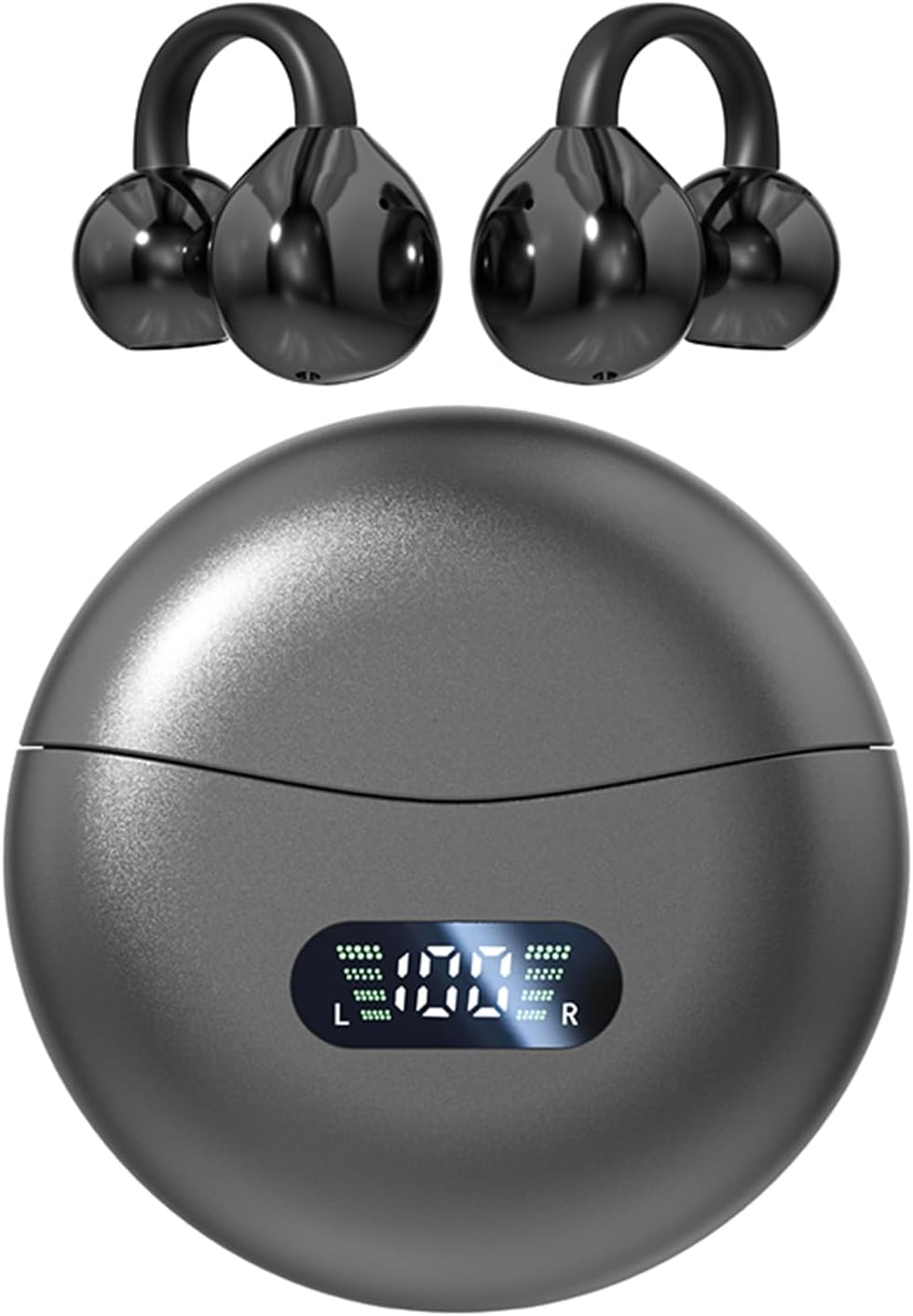
Image: Piluyaa M79 Open-Ear Headphones and charging case.
What's in the Box
The Piluyaa M79 Open-Ear Headphones package includes the following items:
- Piluyaa M79 Clip-on Ear Headphones (Left and Right)
- Charging Case
- USB C Charging Cable
- User Manual
Product Features
- Open-Ear Design: Comfortable C-shaped ear clip that fits securely without blocking the ear canal.
- Lightweight: Each earbud weighs approximately 5.3 grams for extended wear comfort.
- Dual Sonic Directional Transmission: Minimizes sound leakage for private listening.
- ENC Noise Cancellation: Enhances call clarity by reducing background noise.
- Bluetooth 5.4: Provides seamless connectivity with zero latency and efficient energy consumption.
- Extended Battery Life: Up to 6 hours of playback on a single charge, with a total of 24 hours using the charging case.
- IPX5 Water Resistance: Protects against splashes, rain, and sweat.
- Touch Control: Intuitive touch sensors for managing audio playback and calls.

Image: Illustration of directional sound transmission for privacy.

Image: Comparison of earbud fit types, highlighting the secure open-ear design.
Setup Instructions
Initial Bluetooth Connection
- When connecting to Bluetooth for the first time, ensure both headphones are in the charging box.
- Take out both headphones from the charging box. After approximately 5 seconds, the headphones will connect to each other. One headphone's indicator light will stop flashing, while the other will continue to flash, indicating it is ready for pairing.
- Turn on Bluetooth on your phone or device and search for the device name, typically "M79". Select it to pair.
- If the headphones do not pair immediately, place them back into the charging box. Wait for about 3 seconds, then take them out again. After another 5 seconds, one headphone's light should stop flashing, indicating successful pairing between the earbuds and readiness for device connection.
Troubleshooting Initial Connection
- If only one headphone connects to Bluetooth, disconnect the Bluetooth connection on your device, turn Bluetooth off, then place both earbuds back into the charging box. Take them out again and follow the initial connection steps.
- For subsequent uses after the first successful pairing, the headphones should automatically connect to your device when removed from the charging case.
- If the earbuds' voice prompts are not in English upon first use, double-click either earbud when they are not connected to your phone to switch the language to English.

Image: Visual guide for initial headset setup and pairing.

Image: Earbud with internal components and phone showing Bluetooth 5.4 connection.
Operating Instructions
Touch Controls
The Piluyaa M79 headphones feature intelligent touch controls on each earbud. Refer to the following table for specific functions:
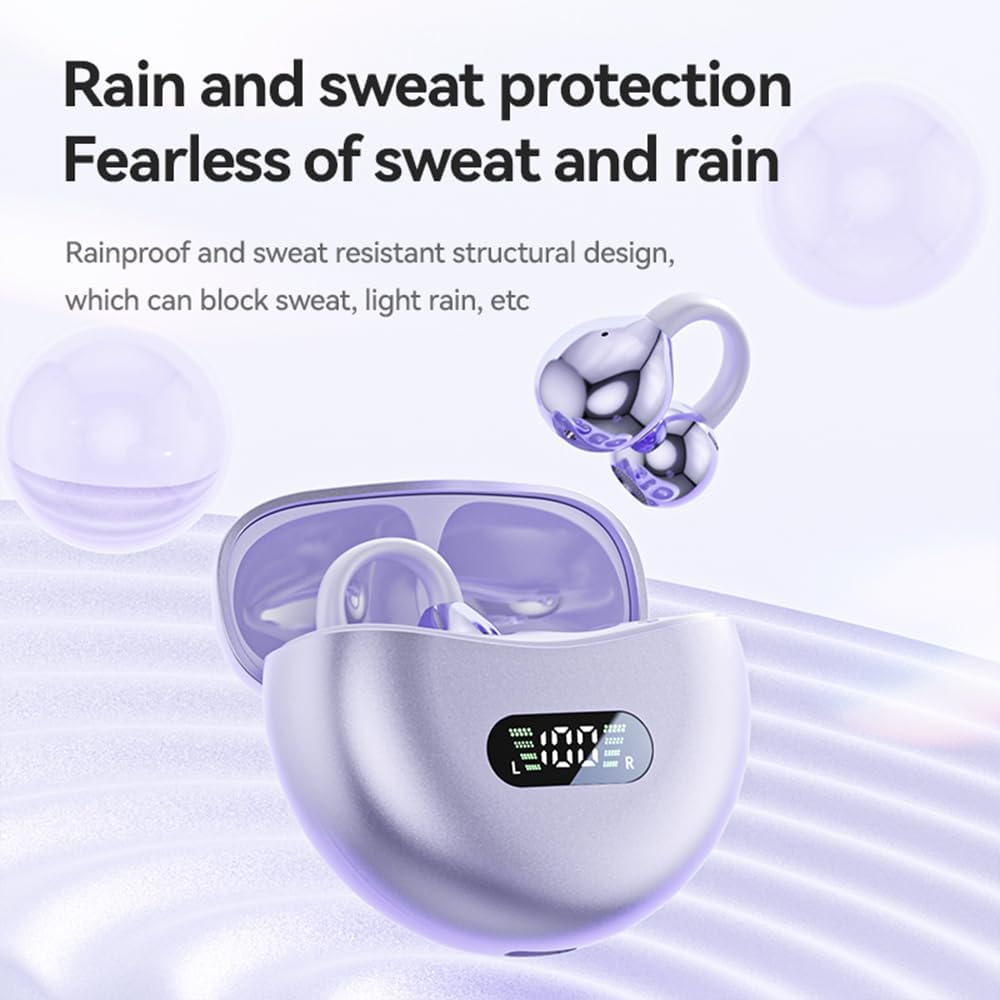
Image: Diagram of basic touch control gestures.

Image: Detailed diagram of touch control functions.
| Action | Function | Earbud (L/R) |
|---|---|---|
| Click x1 | Play/Pause | L/R |
| Click x3 | Previous Song | L |
| Click x3 | Next Song | R |
| Click x2 | Answer Call | L/R |
| Click x3 | Volume Down | L |
| Click x3 | Volume Up | R |
| Hold 2s | Voice Assistant | L/R |
| Hold 2s | Reject Call | L/R |
Maintenance
Cleaning
- Gently wipe the earbuds and charging case with a soft, dry, lint-free cloth.
- Avoid using abrasive materials, alcohol, or chemical cleaners.
- Ensure charging contacts on both earbuds and case are clean and dry.
Water Resistance
The Piluyaa M79 headphones are rated IPX5 water-resistant, meaning they can withstand splashes, light rain, and sweat. They are not designed for submersion in water. Avoid using them in heavy rain or while swimming.

Image: Headphones in charging case, illustrating water resistance.
Charging
Charge the headphones using the provided USB-C cable. The charging case features an LED display indicating the battery level of both the case and individual earbuds.
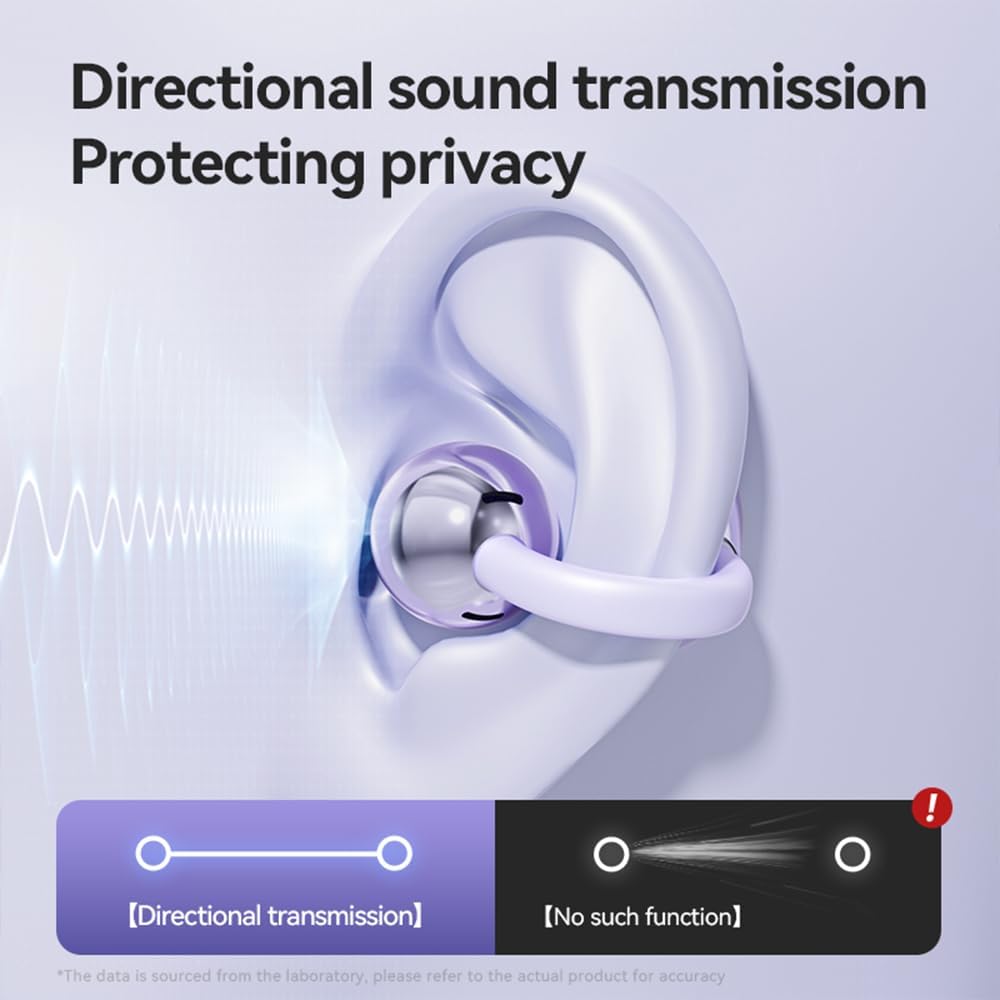
Image: Charging case with USB Type-C port and LED power display.

Image: Battery life indicators for single use and total with charging case.
Troubleshooting
- No Sound: Ensure headphones are charged, connected to your device, and volume is up on both the headphones and your device.
- Connection Issues: If pairing fails, try resetting the headphones by placing them back in the case, then removing them. Clear the Bluetooth pairing record on your device and attempt to pair again.
- One Earbud Not Working: Ensure both earbuds are charged. Place both back in the charging case, close the lid, then open and remove them to re-establish the connection between the two earbuds.
- Charging Problems: Ensure the USB-C cable is securely connected to both the charging case and a power source. Verify that the charging contacts on the earbuds and inside the case are clean and free of debris.
- Low Volume/Poor Sound Quality: Check for any obstructions in the earbud speakers. Ensure the earbuds are positioned correctly on your ears.
Specifications
| Feature | Detail |
|---|---|
| Model Name | M79 |
| Brand | Piluyaa |
| Connectivity Technology | Wireless (Bluetooth) |
| Bluetooth Version | 5.4 |
| Ear Placement | Open Ear |
| Form Factor | Over Ear (Clip-on) |
| Noise Control | Active Noise Cancellation (ENC for calls) |
| Water Resistance Level | IPX5 |
| Battery Life (Earbuds) | 6 Hours |
| Total Battery Life (with Case) | 24 Hours |
| Charging Port | USB Type-C |
| Control Method | Touch |
| Item Weight | 3.52 ounces |
| Frequency Range | 20 Hz - 20,000 Hz |
| Impedance | 16 Ohm |
| Audio Driver Type | Dynamic Driver |
Warranty and Support
Piluyaa products are designed for reliability and performance. For any questions, technical assistance, or warranty inquiries, please contact our customer support team.
Customer Support
- Email support is available every day.
- Please refer to the contact information provided with your product packaging or on the official Piluyaa website for the most current support details.

Image: Customer service representatives.


