
1. Product Overview
This sonecesiya Replacement Accessories Kit is designed to maintain the optimal cleaning performance of your Xiaomi Robot Vacuum X20 Max. Regular replacement of worn parts ensures efficient dirt and debris removal, extending the lifespan of your robot vacuum.
Kit Contents:
- 1 x Main Brush
- 2 x Filters
- 4 x Dust Bags (including 2 activated carbon dust bags)
- 2 x Side Brushes
- 2 x Mop Pads
2. Installation Guide
Before installing any replacement parts, ensure your Xiaomi Robot Vacuum X20 Max is powered off and disconnected from its charging base.
2.1 Main Brush Installation
- Turn the robot vacuum upside down.
- Locate the main brush cover, usually secured by latches or screws. Open or remove the cover.
- Remove the old main brush.
- Insert the new main brush, ensuring the ends align with the slots in the vacuum.
- Close the main brush cover securely.

Image: The main brush features a V-shaped design for better garbage and dust collection, made from high-quality nylon and rubber for effective cleaning on various floor types.
2.2 Side Brush Installation
- Turn the robot vacuum upside down.
- Locate the side brushes. They are typically held in place by a single screw.
- Unscrew and remove the old side brush.
- Align the new side brush with the post and press it down firmly. Secure it with the screw.

Image: A three-armed side brush, designed to sweep debris from edges and corners into the vacuum's path.
2.3 Filter Installation
- Open the dustbin compartment of your robot vacuum.
- Remove the dustbin.
- Locate the filter assembly within the dustbin. Remove the old filter.
- Insert the new filter into the designated slot, ensuring it is seated correctly.
- Reinsert the dustbin into the vacuum.

Image: A high-efficiency particulate arrestance filter, capable of capturing 99.97% of particles as small as 0.3 microns, preventing dust from re-entering the air.
2.4 Dust Bag Replacement
- Open the dust collection compartment on your robot vacuum or its auto-empty station.
- Carefully remove the full dust bag. The design often includes a push-pull handle for sealing.
- Insert a new dust bag, ensuring it is fully seated and the sealing mechanism is engaged to prevent leakage.
- Close the dust collection compartment.

Image: A dust bag demonstrating robust fabric, an auto-seal mechanism, and good edge sealing to prevent dust leakage. Dimensions are shown as 19cm length, 13cm width, and 11cm height.
2.5 Mop Pad Installation
- Locate the mop pad attachment area on the underside of the robot vacuum.
- Remove any old or dirty mop pads.
- Attach the new mop pads, ensuring they are securely fastened, typically via Velcro or a sliding mechanism.
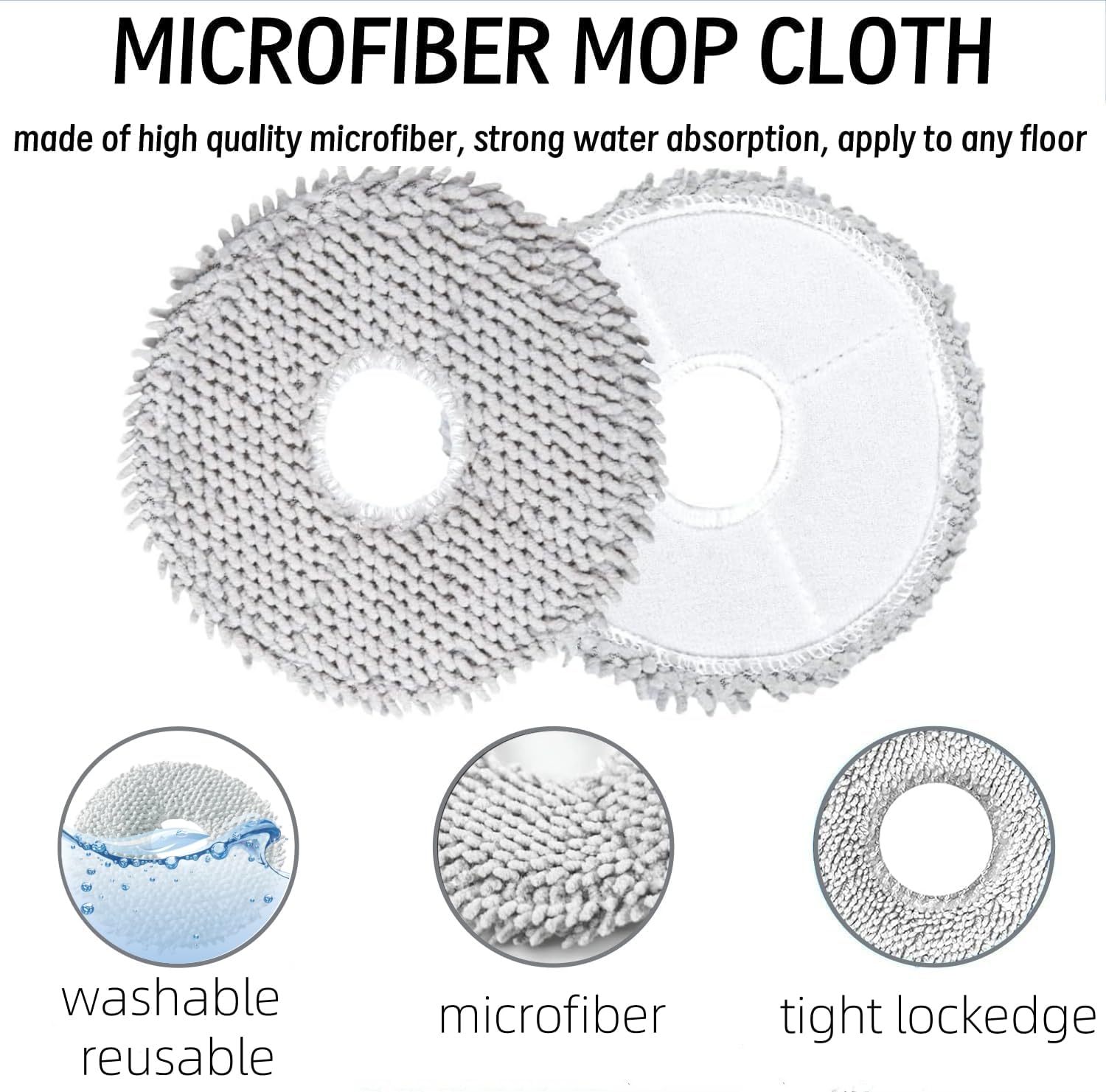
Image: Two microfiber mop cloths, highlighting their strong water absorption, washability, and tight locked edges for durability.
3. Operating Instructions
After installing the replacement parts, ensure all components are securely in place before operating your Xiaomi Robot Vacuum X20 Max. The robot vacuum should function as normal with the new accessories, providing enhanced cleaning performance.
4. Maintenance and Replacement Frequency
Regular maintenance and timely replacement of accessories are crucial for maintaining the efficiency and longevity of your robot vacuum.
- Main Brush: Inspect weekly for tangled hair or debris. Clean as needed. Replace every 6-12 months, or sooner if visibly worn.
- Side Brushes: Inspect weekly for tangled hair or damage. Clean as needed. Replace every 3-6 months, or sooner if bristles are bent or missing.
- Filters: Tap clean weekly to remove dust. Replace every 2-3 months, or sooner if suction power decreases significantly.
- Dust Bags: Replace when full. The vacuum's app or indicator light will typically notify you.
- Mop Pads: Wash after each use. Replace every 1-3 months, or sooner if cleaning effectiveness diminishes.
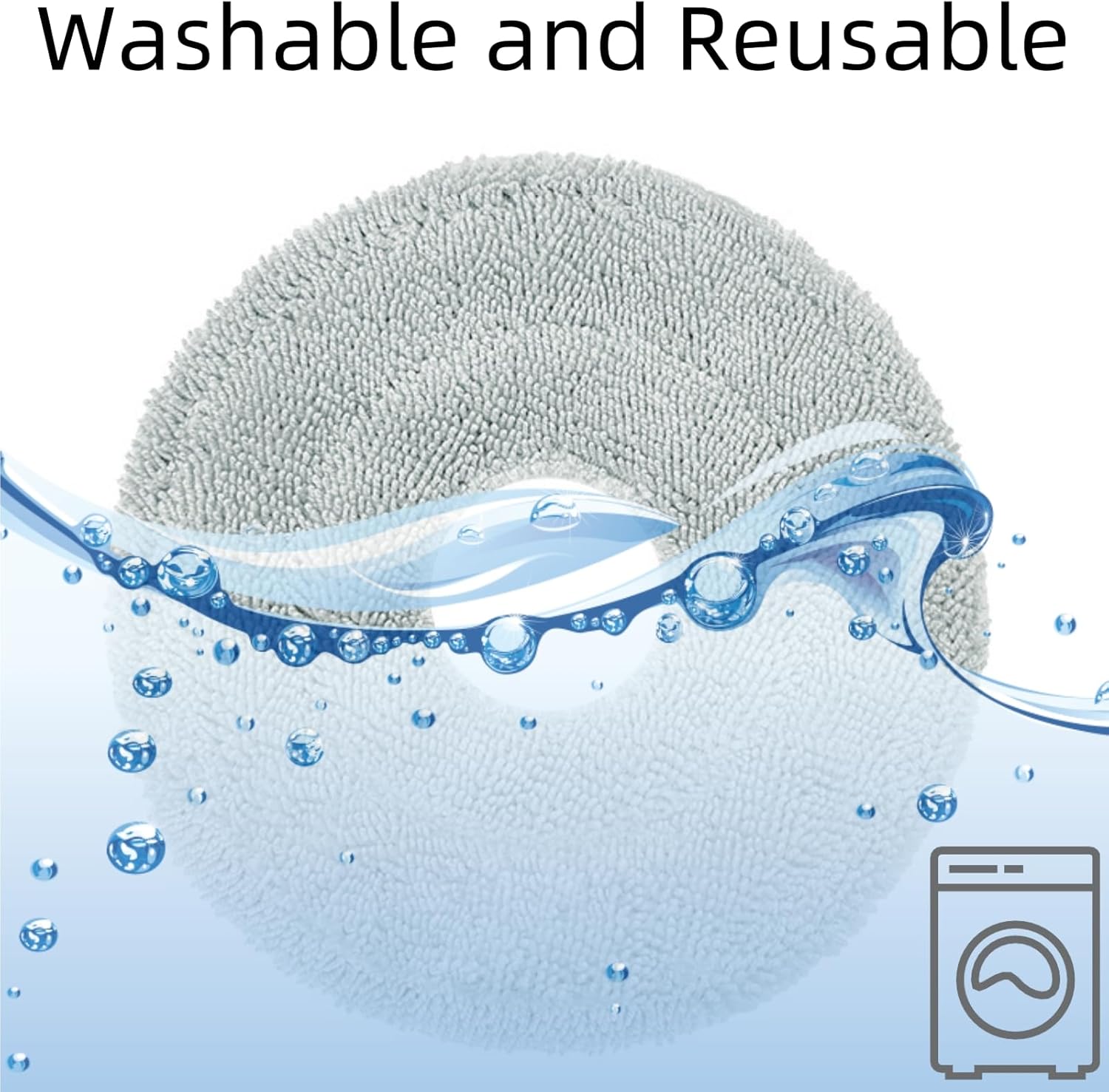
Image: A mop pad submerged in water with bubbles, indicating it is washable and reusable. A washing machine icon suggests machine washability.
5. Troubleshooting
- Parts do not fit: Ensure you have the correct replacement kit for the Xiaomi Robot Vacuum X20 Max. Double-check alignment during installation.
- Reduced cleaning performance: Check if brushes are tangled, filters are clogged, or mop pads are dirty. Replace parts according to the recommended frequency.
- Unusual noises: Inspect the main brush and side brushes for any foreign objects or damage. Ensure they are installed correctly.
- Dust leakage: Verify that the dust bag is properly sealed and seated in its compartment. Check for any tears in the dust bag.
6. Specifications
| Attribute | Value |
|---|---|
| Brand | sonecesiya |
| Model Number (Kit) | YESK83 |
| Compatible Device | Xiaomi Robot Vacuum X20 Max |
| Material | Acrylonitrile Butadiene Styrene, Microfiber, Nylon, Rubber |
| Item Weight | 8.3 ounces |
| Product Dimensions | 8.26 x 1.6 x 1.6 inches (packaging/main brush dimensions) |
| Included Components | 1 Main Brush, 2 Filters, 2 Side Brushes, 2 Mop Pads, 4 Dust Bags |
7. Warranty and Support
For any questions regarding the installation, maintenance, or performance of your sonecesiya Replacement Accessories Kit, please contact the manufacturer directly through their official channels or the retailer where the product was purchased.
Refer to your original product packaging or the manufacturer's website for specific warranty information.