
Introduction
The Sony ULT Tower 9 is a powerful Bluetooth karaoke party speaker designed to deliver an immersive audio experience. Featuring 360° sound and party lights, a convenient handle and wheels for portability, a 10-band equalizer for sound customization, and inputs for microphones and guitars, this speaker is built for entertainment. It also includes two enhanced bass modes and offers up to 25 hours of battery life.
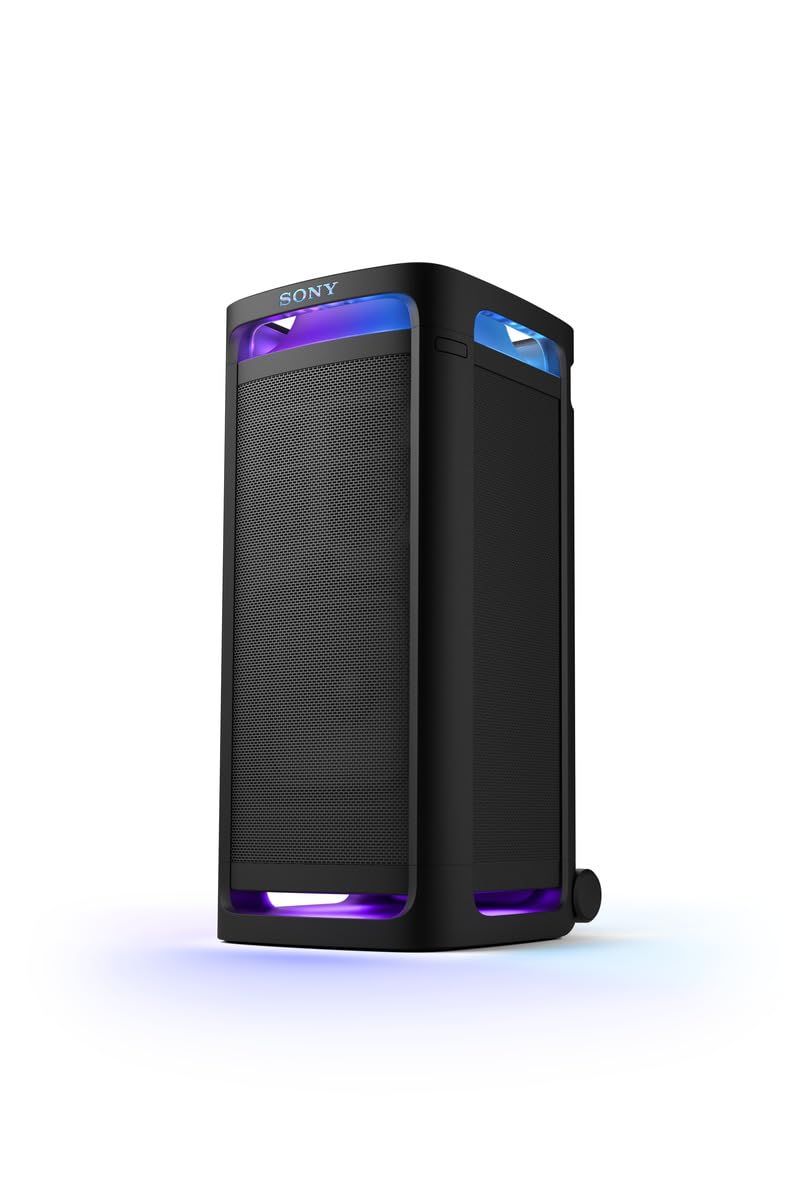
Front view of the Sony ULT Tower 9 Bluetooth Karaoke Party Speaker.
Setup
- Unpacking: Carefully remove the speaker, AC power cord, and optical cable from the packaging.
-
Power Connection: Connect the supplied AC power cord to the speaker's power input and then to a wall outlet. The speaker operates on 120 volts AC.

Rear panel with power input, USB, optical in, audio in, and battery care switch.
-
Initial Charging: For optimal battery life, fully charge the speaker before first use. A 10-minute quick charge provides up to 180 minutes of playtime.
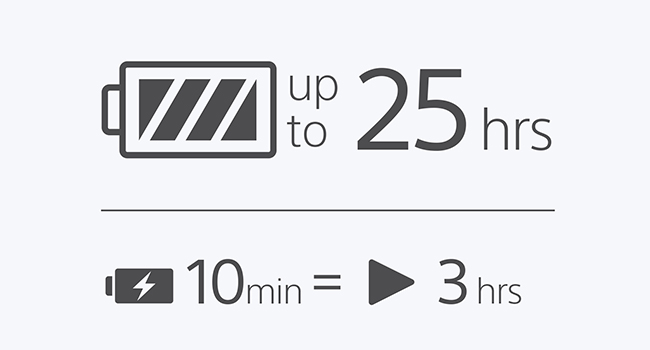
Battery life and quick charging information.
- Placement: Position the speaker on a flat, stable surface. Its floor-standing design is optimized for projecting 360° sound.
- Bluetooth Pairing: Turn on the speaker. Activate Bluetooth on your device (smartphone, tablet, etc.) and select "SRSULT900" from the list of available devices to pair.
Operating Instructions
Basic Controls
The control panel is located on the top of the speaker. It includes buttons for power, volume, play/pause, and various sound and light settings.

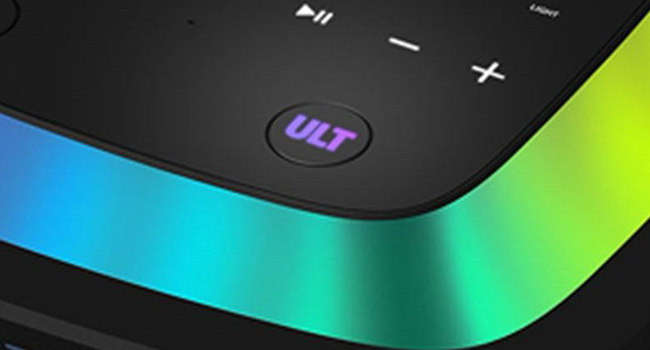
The speaker's control panel, highlighting the ULT button.
ULT Button for Enhanced Bass
Press the ULT button to activate enhanced bass modes. There are two modes:
- ULT1: Emphasizes deep frequencies for a rich, resonant bass.
- ULT2: Emphasizes powerful sound for a more impactful bass experience.
Explanation of ULT bass modes.
360° Party Sound and Lights
The speaker features 360° sound projection and dynamic party lights that synchronize with your music. Use the dedicated light controls on the speaker or via the companion app to customize the lighting effects.
Official video demonstrating the Sony ULT Tower 9's 360° Party Sound and Lights features.
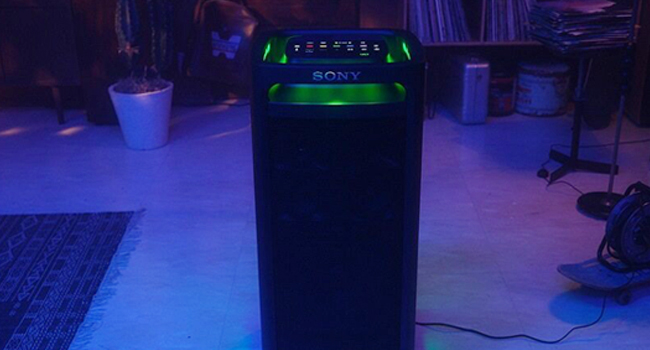
The speaker illuminating a room with its 360° Party Light feature.
Karaoke Functionality
Connect microphones and guitars to the dedicated inputs on the speaker to enjoy karaoke sessions. Adjust echo and key controls for a personalized performance.
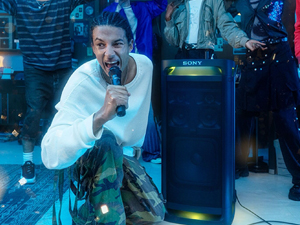
The Sony ULT Tower 9 as a karaoke partner.
TV Sound Booster
Enhance your television's audio by connecting it to the ULT Tower 9 using an optical cable. This feature elevates your viewing experience with powerful sound. Note: When TV Sound Booster is active, the four speaker components (two tweeters and two mid-range speakers) on the front are disabled to optimize audio for TV use.
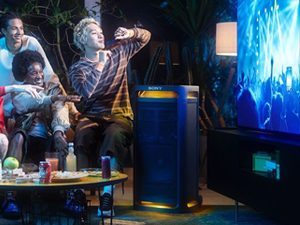
Using the speaker to boost TV sound.
10-Band Equalizer
Customize your audio output precisely using the built-in 10-band equalizer. Adjust frequencies to match your preferences or the acoustics of your environment.
The 10-band equalizer allows for detailed sound customization.
Stereo Sound with Extra Speaker
For an expanded soundstage and more powerful audio, you can connect an additional compatible speaker to create a stereo setup.
Mobility
The ULT Tower 9 is designed for easy transport with its integrated handle and casters (wheels), allowing you to move it effortlessly.
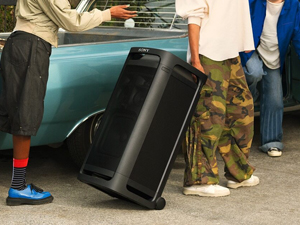
The speaker's handle and wheels for easy mobility.
Maintenance
- Cleaning: Wipe the exterior of the speaker with a soft, dry cloth. Do not use abrasive cleaners, waxes, or solvents as they may damage the finish. Ensure no liquids enter the speaker grilles or ports.
- Battery Care: To prolong battery life, avoid fully discharging the battery frequently. If storing the speaker for an extended period, charge it to approximately 50% every six months. Batteries are consumable products, and their capacity will degrade over time.
- Storage: Store the speaker in a cool, dry place away from direct sunlight, extreme temperatures, and high humidity.
Troubleshooting
-
No Power:
- Ensure the AC power cord is securely connected to both the speaker and a working wall outlet.
- Check if the battery is charged. If not, connect the speaker to power and allow it to charge.
-
No Sound:
- Verify the volume level on both the speaker and your connected device.
- Ensure the correct input source (Bluetooth, Audio In, Optical In) is selected.
- If using Bluetooth, ensure the device is properly paired and within range.
-
Bluetooth Connection Issues:
- Make sure the speaker is in Bluetooth pairing mode.
- Disable and re-enable Bluetooth on your device.
- Move your device closer to the speaker (within 30 meters).
- Remove the speaker from your device's Bluetooth list and attempt to pair again.
-
Party Lights Not Working:
- Check the light settings on the control panel or through the companion app.
- Ensure the speaker is powered on.
-
Distorted Sound:
- Reduce the volume on both the speaker and the connected device.
- Adjust the 10-band equalizer settings.
- Ensure the audio source is not overdriven.
Specifications
| Feature | Specification |
|---|---|
| Brand | Sony |
| Model Name | ULT TOWER 9 |
| Model Number | SRSULT900.UC2 |
| Speaker Maximum Output Power | 320 watts |
| Connectivity Technology | Bluetooth |
| Bluetooth Range | 30 meters |
| Audio Output Mode | Surround |
| Mounting Type | Floor Standing |
| Power Source | Battery Powered |
| Battery Life | Up to 25 hours |
| Quick Charge | 10 min charge = up to 180 min playtime |
| Inputs | 2 Mic/Guitar inputs, Optical In, Audio In, USB |
| Dimensions (D x W x H) | 17.95"D x 16.14"W x 35.83"H |
| Item Weight | 65.3 pounds |
| Color | Black |
Warranty
This Sony ULT Tower 9 speaker comes with a 1-year limited warranty from the date of purchase. This warranty covers manufacturing defects under normal use. Please retain your proof of purchase for warranty claims. For detailed terms and conditions, refer to the warranty card included with your product or visit the official Sony support website.
Optional protection plans, such as a 3-Year Protection Plan or a monthly Complete Protect plan, may be available for extended coverage. Please check with your retailer for details.
Support
For further assistance, technical support, or to download the latest software updates, please visit the official Sony support website or contact Sony customer service. You can also find more information and products at the Sony Store on Amazon.


