
1. Product Overview
The FOREVER FNL-05 INGRID LED Alarm Clock is designed to provide a gentle and stress-free start to your day. It combines a digital alarm clock with a soft night light, making it an ideal companion for bedrooms, especially for children. Its modern design features a plastic body with a grey fabric-covered display area.
Key features include three selectable alarm melodies, a snooze function, 12/24-hour time display, date display, and an adjustable night light with a 30-minute gradual dimming timer. The device operates wirelessly for up to 18 hours thanks to its built-in 1200 mAh rechargeable battery and supports USB-C charging.
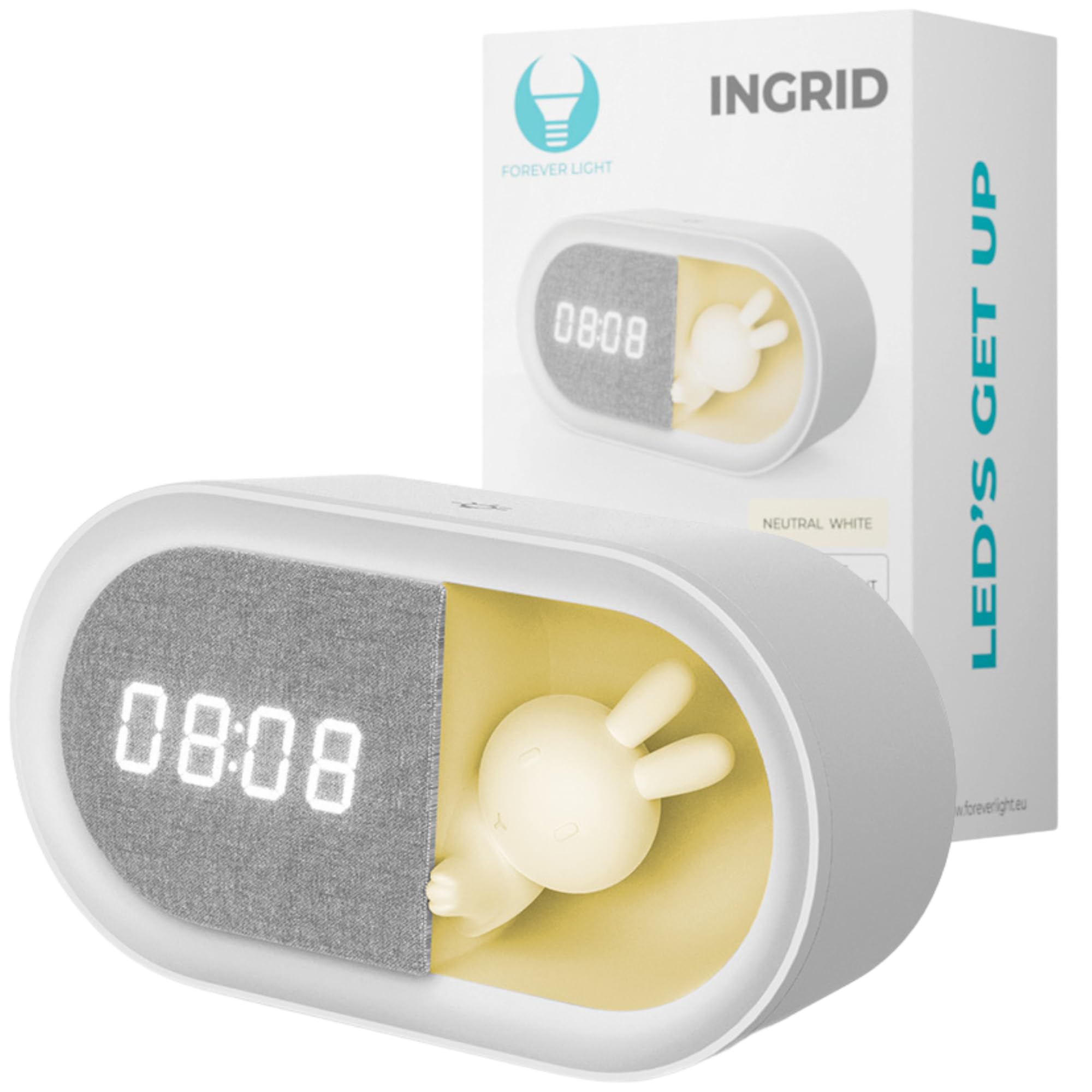
Image 1.1: The FOREVER FNL-05 INGRID LED Alarm Clock, showcasing its digital display and integrated bunny night light.
2. Package Contents
Please check the box for the following items:
- FOREVER FNL-05 INGRID LED Alarm Clock
- USB-C Charging Cable
- User Manual

Image 2.1: Retail packaging for the FOREVER FNL-05 INGRID LED Alarm Clock, indicating included features.
3. Setup
3.1 Initial Charging
Before first use, fully charge the device. Connect the provided USB-C cable to the charging port on the alarm clock and the other end to a compatible USB power adapter (not included) or a computer USB port. The charging indicator will show the charging status.
3.2 Powering On/Off
Press and hold the power button (location specified in diagram, if available) to turn the device on or off.
3.3 Power Saving Mode
The device features an adjustable energy-saving mode where the display remains active for 30 seconds to conserve battery life. Refer to the operating instructions for how to enable or disable this mode.
4. Operating Instructions
4.1 Setting the Time and Date
- Press the 'SET' button (or equivalent) to enter time setting mode.
- Use the '+' and '-' buttons to adjust hours, minutes, and date.
- Press 'SET' again to confirm each selection and move to the next setting.
- To switch between 12-hour and 24-hour format, locate the dedicated button or setting option within the time setup menu.
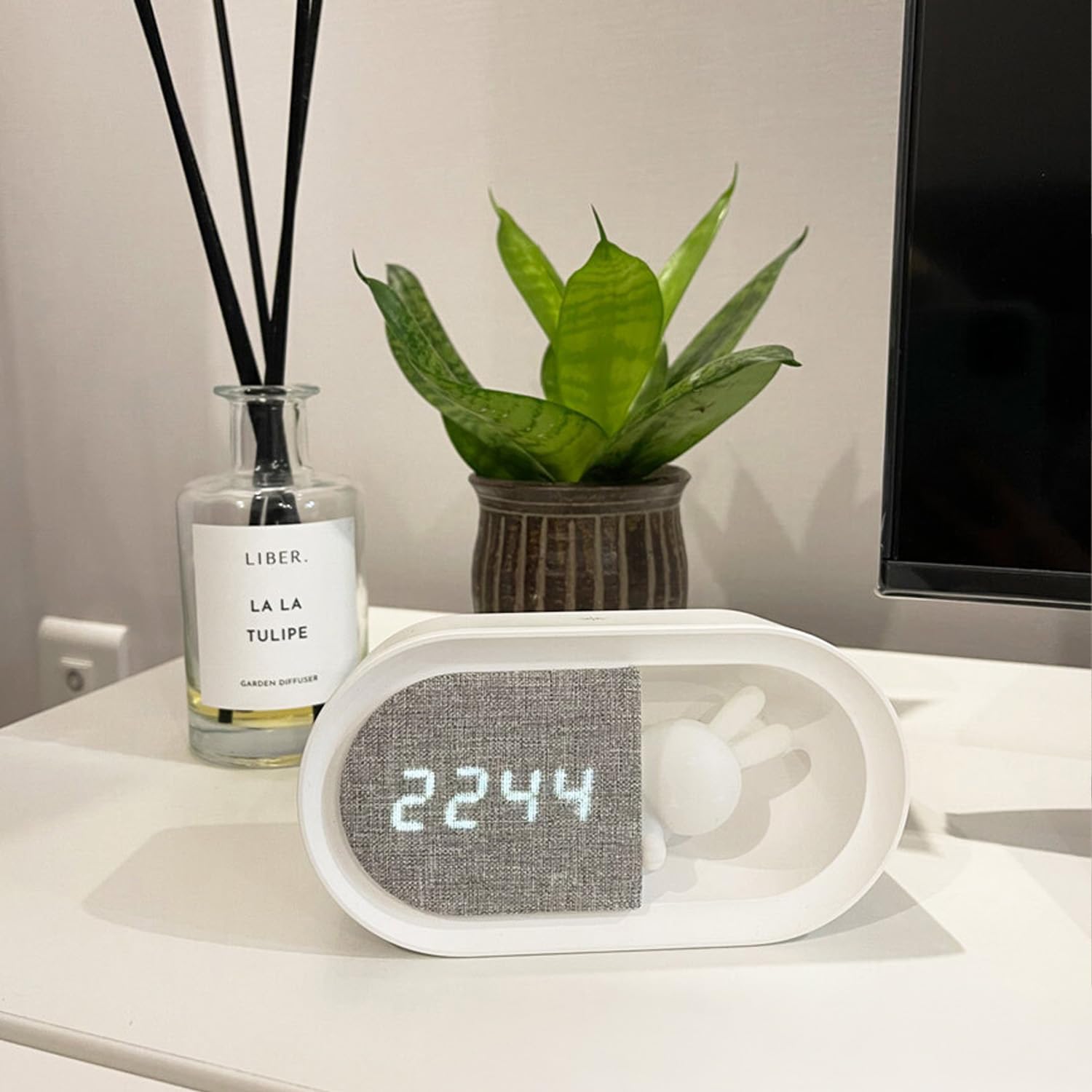
Image 4.1: The alarm clock displaying the current time, illustrating the clear digital numbers.
4.2 Setting the Alarm
- Press the 'ALARM' button (or equivalent) to enter alarm setting mode.
- Use the '+' and '-' buttons to set the desired alarm time.
- Press 'ALARM' again to confirm.
- Select one of the 3 available alarm melodies using the designated button or menu option.
- To activate/deactivate the alarm, use the alarm toggle switch or button.
4.3 Snooze Function
When the alarm sounds, press the 'SNOOZE' button (or any top button, depending on model) to activate the snooze function. The alarm will pause for 10 minutes and then sound again. This can be repeated up to 3 times.
4.4 Night Light Operation
The integrated night light provides soft illumination. Press the 'LIGHT' button (or equivalent) to turn the night light on or off. Hold the button or use the '+' and '-' buttons to adjust the brightness level.
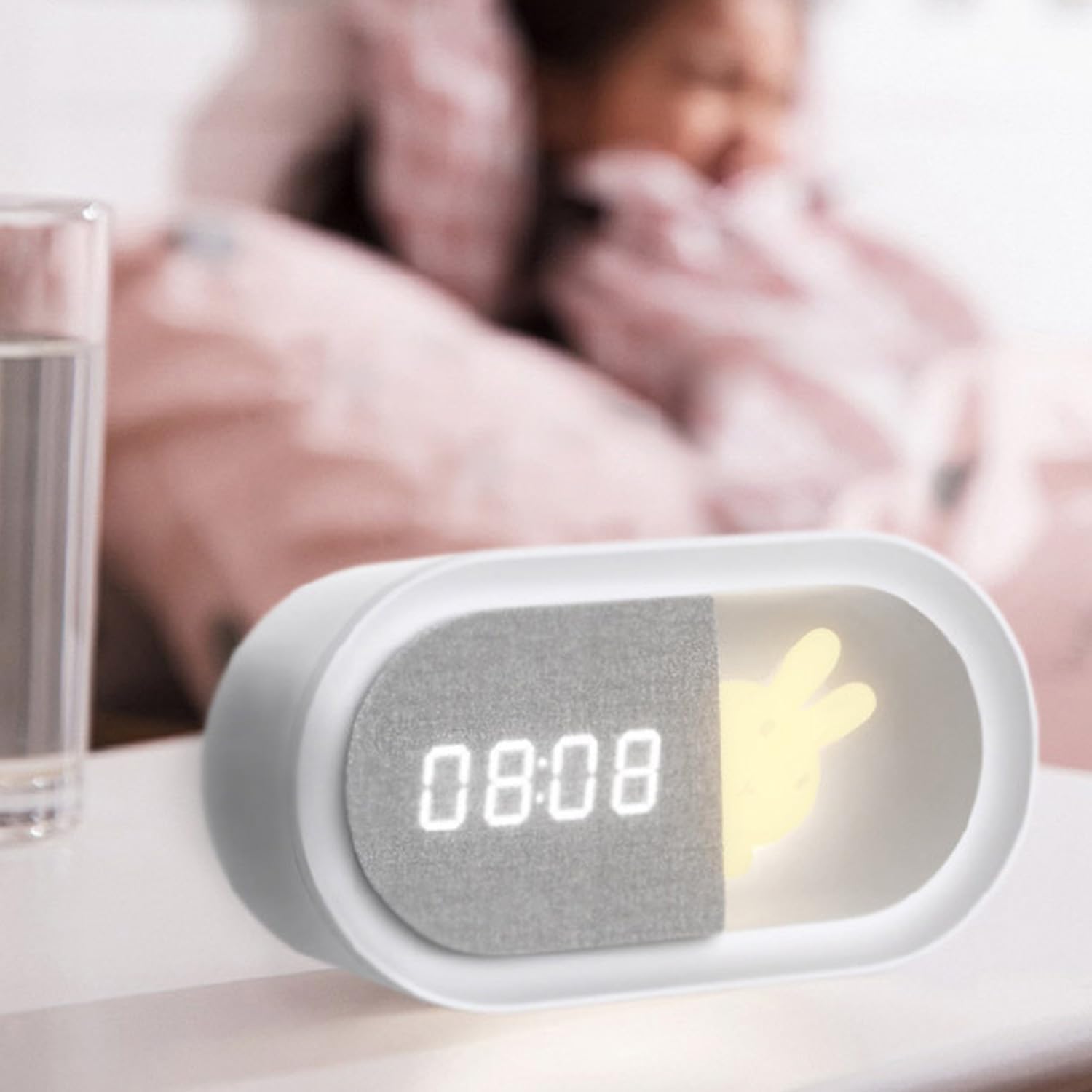
Image 4.2: The alarm clock on a bedside table with its night light activated, providing a soft glow.
4.5 Night Light Timer
To activate the 30-minute dimming timer for the night light, press the 'TIMER' button (or equivalent). The light will gradually dim over 30 minutes before turning off completely. This feature is designed for a gentle transition to sleep.
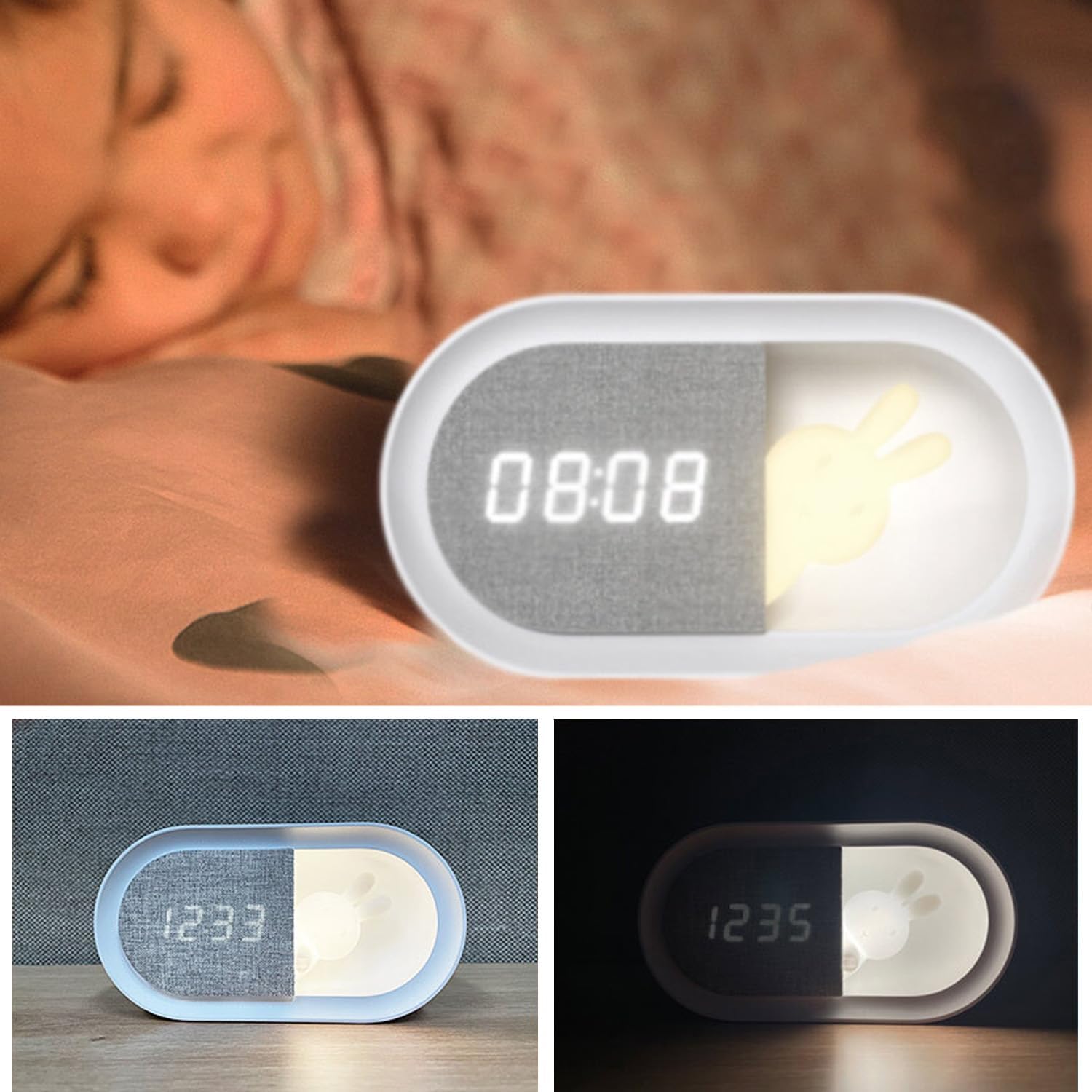
Image 4.3: The alarm clock positioned near a sleeping child, demonstrating its use as a gentle night light.
5. Maintenance
5.1 Cleaning
To clean the device, gently wipe it with a soft, dry, or slightly damp cloth. Do not use abrasive cleaners, solvents, or harsh chemicals, as these may damage the surface or internal components. Ensure the device is powered off and unplugged before cleaning.
5.2 Battery Care
To prolong battery life, avoid fully discharging the device frequently. Recharge the battery when the low battery indicator appears. If storing the device for an extended period, charge it to approximately 50% and recharge every few months.
6. Troubleshooting
- Device does not turn on: Ensure the battery is charged. Connect the USB-C cable and try again.
- Alarm does not sound: Check if the alarm is activated and the volume is set appropriately. Ensure the alarm time is correctly set.
- Display is dim or off: The device may be in power-saving mode. Press any button to activate the display. If the issue persists, check battery level.
- Time inaccuracy: If the clock consistently loses or gains time, try resetting the device to factory settings (refer to specific instructions in the full manual if available) and re-setting the time. If the problem persists, contact customer support.
- Night light not working: Check if the night light function is enabled and brightness is adjusted. Ensure the device has sufficient power.
7. Specifications
| Brand | FOREVER |
| Model Number | PURE FNL-05 INGRID |
| Product Dimensions | 5.1 x 15 x 8 cm |
| Color | White |
| Material | Plastic |
| Display Type | Digital |
| Power Source | Rechargeable Battery (1200 mAh) |
| Special Features | Dustproof, Lightweight and Portable, Rechargeable, Night Light, Alarm, Snooze, Date Display |
| Indoor/Outdoor Use | Indoor |
| Manufacturer | TelForceOne S.A. |
8. Warranty and Support
For warranty information or technical support, please refer to the warranty card included with your product or contact your retailer or the manufacturer directly. Keep your proof of purchase for any warranty claims.
Manufacturer: TelForceOne S.A.
