1. Introduction
This manual provides detailed instructions for the safe and efficient operation, installation, and maintenance of the Flozari MF5712 Digital Gas Flow Meter. The MF5712 is designed for precise measurement, control, monitoring, and analysis of various inert gases.
It is crucial to read and understand all instructions before operating the device to ensure accurate measurements and prolong equipment life.
2. Safety Information
Always observe the following safety precautions to prevent injury and damage to the device:
- Ensure the device is installed by qualified personnel in accordance with local regulations and safety standards.
- Verify that the gas type being measured is compatible with the flow meter's specifications.
- Do not exceed the specified pressure or flow rate limits.
- Disconnect power before performing any maintenance or installation procedures.
- Avoid exposing the device to extreme temperatures, humidity, or corrosive environments.
- Handle the device with care to prevent physical damage.
3. Product Features
The Flozari MF5712 Digital Gas Flow Meter offers the following key features:
- Functionality: Capable of measurement, control, monitoring, and analysis of gas flow.
- Durability: Constructed from high-quality materials for long-lasting performance.
- Ease of Use: Simple structure and straightforward installation process.
- Stability & Accuracy: Designed for good long-term stability and high measurement accuracy.
- Application: Suitable for measuring air, compressed air, oxygen, nitrogen, and other inert gases.
- Connectivity: Features RS485 communication for data integration.
4. Package Contents
Upon unpacking, please verify that all items are present and undamaged:
- 1 x Flozari MF5712 Digital Gas Flow Meter
- 1 x USB Connection Cable
- 1 x User Manual (this document)
5. Setup and Installation
The MF5712 flow meter is designed for easy installation. Follow these steps for proper setup:
5.1 Component Identification

Figure 1: Diagram showing the meter head, LCD display, interface, operation button, and path channel of the Flozari MF5712 Digital Gas Flow Meter.
Refer to Figure 1 to identify the main components of your flow meter, including the meter head, LCD display, operation buttons, and gas path channel.
5.2 Mechanical Installation
The MF5712 features an NPT 1/2 mechanical interface for pipe connection. Ensure the flow meter is installed in the correct orientation, aligning with the gas flow direction indicated on the device (if present). Use appropriate sealing materials to prevent leaks.

Figure 2: Reference diagram showing dimensions (L, W) and mechanical interface (D) for MF5706 and MF5712 models. For MF5712, L=98mm, W=50mm, D=NPT 1/2.
Ensure the pipe diameter matches the meter's specifications for optimal performance.
5.3 Electrical Connection
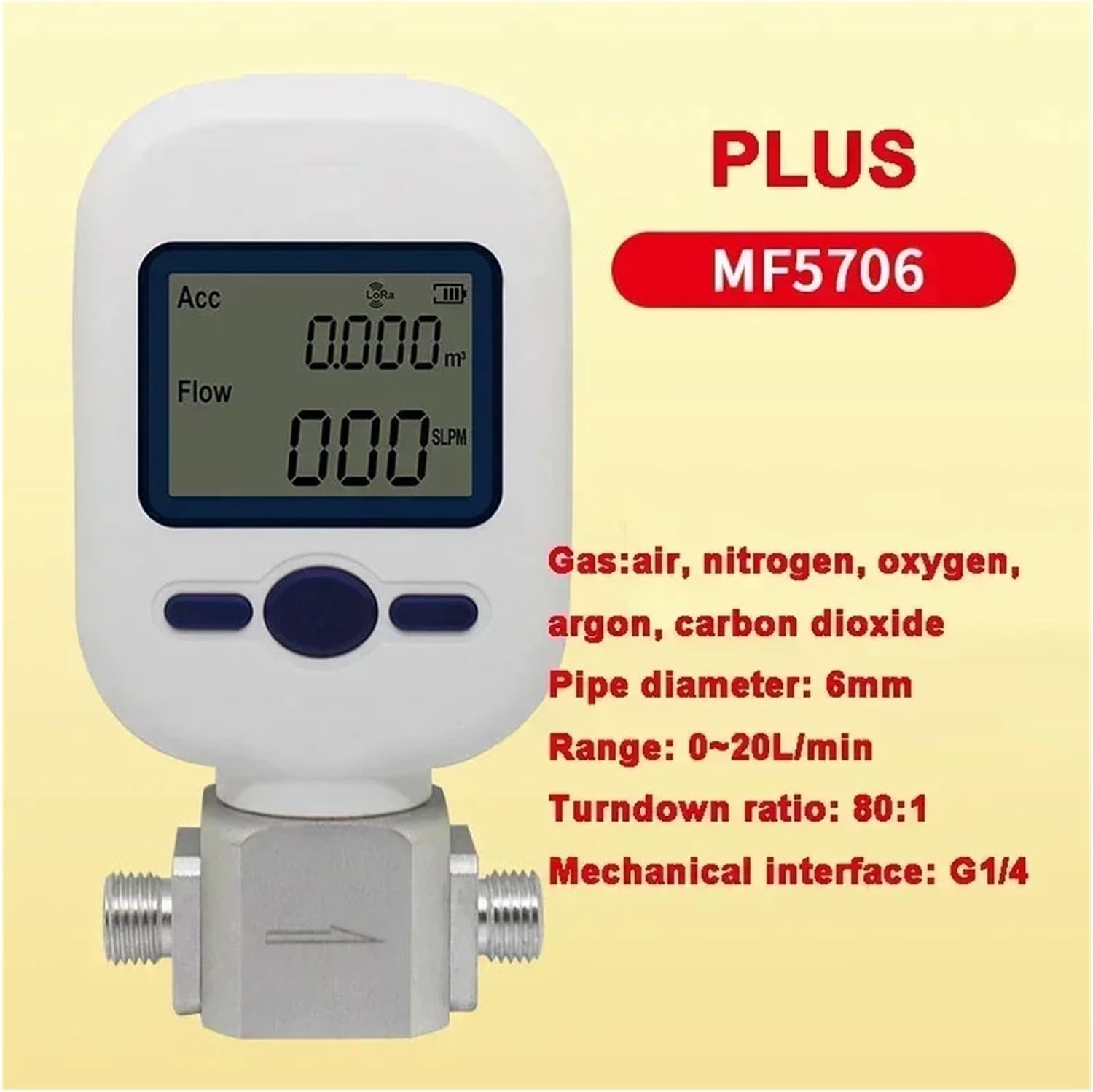
Figure 3: The Flozari MF5712 Digital Gas Flow Meter connected via USB cable for power or data transfer.
Connect the flow meter to a suitable power source using the provided USB cable. For RS485 communication, connect the data lines according to the wiring diagram (not provided in this manual, refer to advanced technical documentation if needed).
6. Operating Instructions
Once installed and powered, the MF5712 is ready for operation. The device features an LCD display and operation buttons for interaction.
6.1 Power On/Off
The device typically powers on automatically when connected to a power source. There may be a dedicated power button or a function button that initiates operation. Consult the device's interface for specific power controls.
6.2 Reading the Display
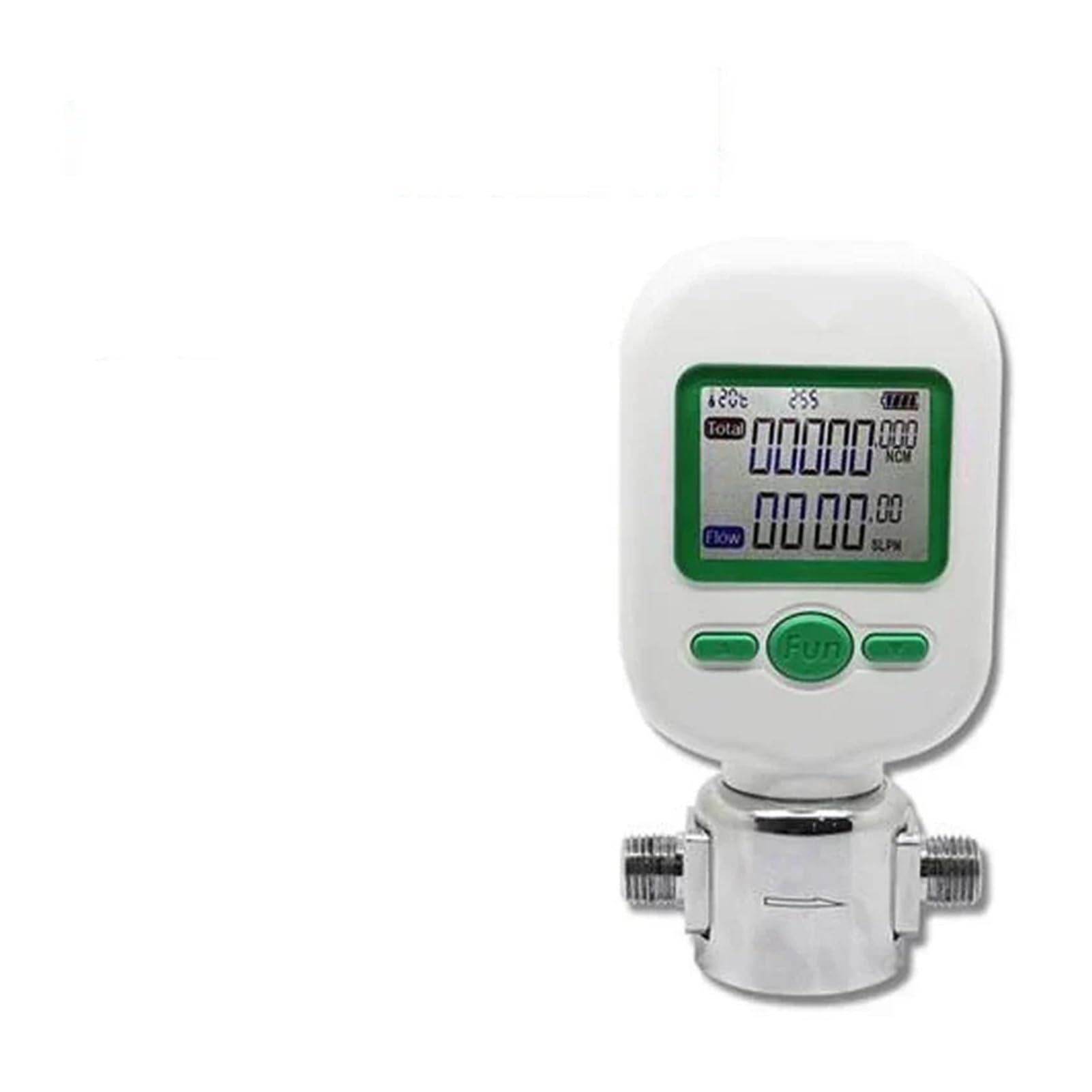
Figure 4: Close-up of the Flozari MF5712 Digital Gas Flow Meter's LCD display, showing accumulated volume (m³) and instantaneous flow rate (SLPM).
The LCD display (Figure 4) shows real-time flow data. Typically, it will show:
- Accumulated Volume: Indicated in cubic meters (m³) or similar units.
- Instantaneous Flow Rate: Indicated in Standard Liters Per Minute (SLPM) or similar units.
- Additional indicators for battery, accuracy (Acc), and other status information may also be present.
6.3 Parameter Settings
The operation buttons (e.g., "Fun" button as seen in Figure 3) allow navigation through menus and adjustment of parameters such as gas type, flow units, and calibration settings. Refer to the on-screen menu for specific options and navigation instructions.
Correct parameter settings are essential for accurate measurements. Ensure the selected gas type matches the gas being measured.
7. Maintenance
Regular maintenance ensures the longevity and accuracy of your Flozari MF5712 Digital Gas Flow Meter.
- Cleaning: Keep the exterior of the device clean and free from dust and debris. Use a soft, dry cloth. Do not use abrasive cleaners or solvents.
- Inspection: Periodically inspect the gas inlet and outlet for any blockages or damage. Check all connections for leaks.
- Calibration: For critical applications, periodic calibration by a certified laboratory is recommended to maintain measurement accuracy.
- Storage: When not in use for extended periods, store the device in a clean, dry environment within the specified temperature range.
8. Troubleshooting
If you encounter issues with your MF5712 flow meter, refer to the following common troubleshooting steps:
- No Power/Display Off:
- Check the USB cable connection and ensure the power source is active.
- Verify the power adapter (if external) is functioning correctly.
- Inaccurate Readings:
- Ensure the correct gas type is selected in the device settings.
- Check for any leaks in the gas line connections.
- Verify the flow direction is correct.
- Consider if recalibration is necessary.
- No Flow Detected:
- Confirm gas supply is active and flowing through the meter.
- Check for blockages in the gas path.
- Ensure the meter is installed correctly and not bypassed.
- Error Codes:
If an error code appears on the display, consult the manufacturer's technical support or advanced documentation for specific interpretations and solutions.
9. Specifications
| Parameter | Value |
|---|---|
| Model | MF5712 |
| Brand | Flozari |
| Max Flow Rate | 200 L/min |
| Applicable Gases | Air, compressed air, oxygen, nitrogen, and other inert gases |
| Mechanical Interface | NPT 1/2 |
| Dimensions (L x W) | 98 mm x 50 mm (approx.) |
| Item Weight | 12.3 ounces (approx. 348 grams) |
| Connectivity | RS485 (for data communication) |
| Power Supply | USB (details not specified, typically 5V DC) |
Note: Specifications are subject to change without prior notice.
10. Warranty and Support
For warranty information, technical support, or service inquiries, please contact your retailer or the manufacturer, Flozari, directly. Keep your purchase receipt as proof of purchase.
