Introduction/Overview
Welcome to your Xiaomi Pad 7 Ai. This manual provides essential information for setting up, operating, and maintaining your device.
The Xiaomi Pad 7 Ai features a stunning 3.2K 144Hz display, powerful AI capabilities, and an immersive audio experience with Dolby Atmos.
What's in the Box
- Xiaomi Pad 7 Ai Device
- USB Type-C Cable
- User Manual (this document)
Note: A 45W power adapter is not included in the box and is sold separately.
Setup
Initial Setup
Upon first power-on, follow the on-screen prompts to select your language, connect to a Wi-Fi network, and set up your Google account.
Charging
Connect the provided USB Type-C cable to the tablet's charging port and to a compatible 45W power adapter (sold separately). The device supports 45W turbo charging.
The 8850mAh (typ) battery provides ample power for extended use.
Operating Your Device
Display Features
Your Xiaomi Pad 7 Ai features an 11.2-inch 3.2K (3200 x 2136, 345 ppi) crystal-clear display with a 144Hz refresh rate. It supports Dolby Vision® and offers 800 nits peak brightness for an astonishing visual experience.
The display includes multi-dimensional eye-care functions, such as 4096 levels of brightness adjustment, and has attained TÜV Rheinland eye comfort certifications for reduced eye strain.

Front and back view of the Xiaomi Pad 7 Ai, highlighting its sleek design and camera module.
Audio Features
The tablet is equipped with quad speakers with Dolby Atmos® support, providing an immersive sound experience. It also supports 200% volume boost.
Camera Usage
The rear camera is 13MP with f/2.2 PDAF, capable of 4K video at 30fps. The front camera is 8MP with f/2.28, supporting 1080P video at 30fps.
Camera modes include Photo, Video, Portrait, Document, Dual video, Director mode, Teleprompter, Dynamic shot, and HDR.
Connectivity
The device supports Wi-Fi 6E (2x2 MIMO) and Bluetooth 5.4. It is a WiFi-only version and does not support calls or text via SIM card.
Software Features (HyperOS & AI)
Running on Android 14 with HyperOS 2, the tablet introduces new core technologies and intelligent computing power scheduling for seamless multi-tasking.
HyperOS 2 enhances the Xiaomi HyperConnect experience for seamless interaction with other Xiaomi devices.
New AI capabilities allow for seamless office tasks, including searching, text and image generation, and conducting meetings with features like Fill light and Cross-device camera.
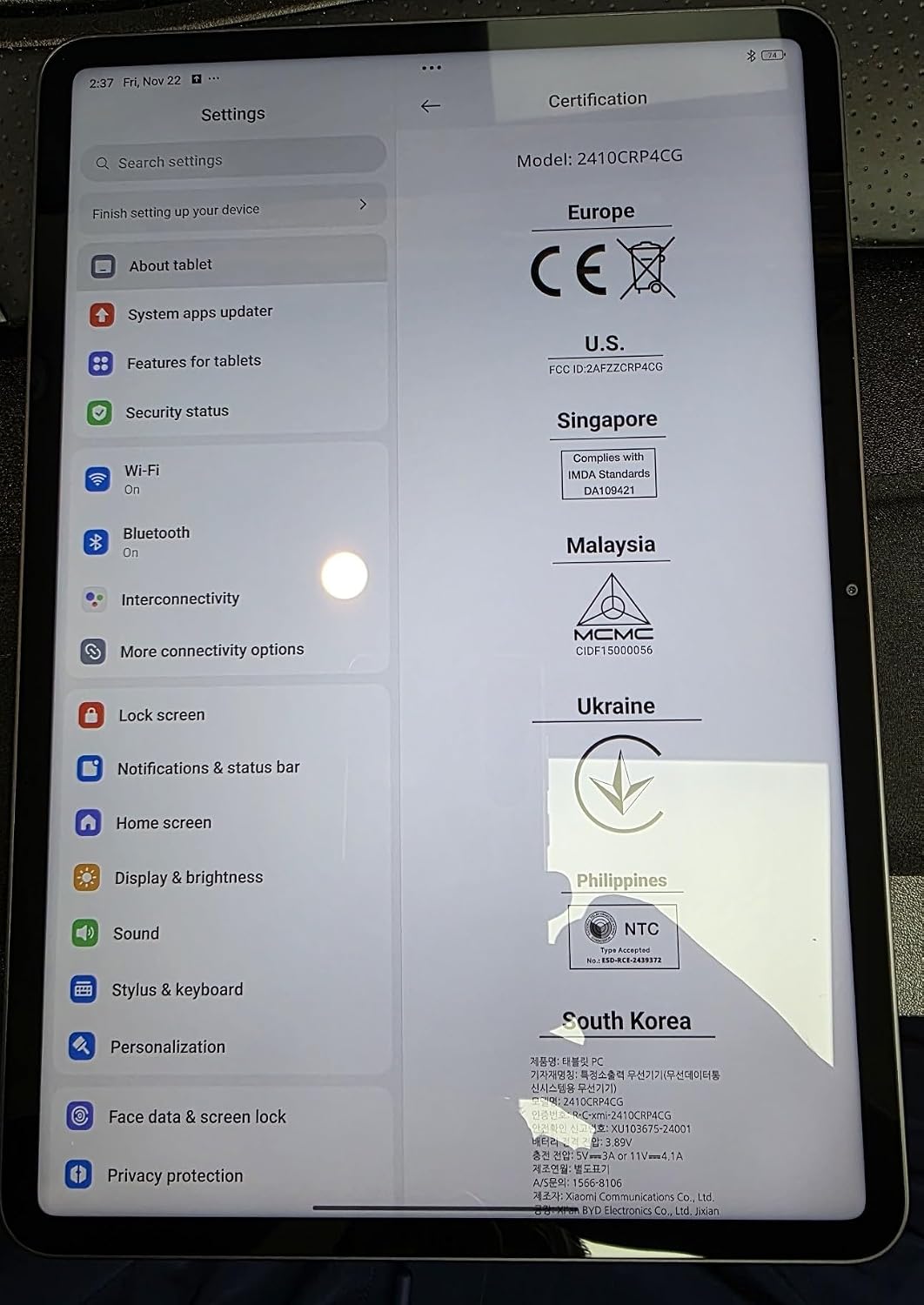
The settings screen displaying device information, including Android version and storage.
Maintenance
Cleaning
Use a soft, lint-free cloth to clean the screen and body of the tablet. Avoid abrasive materials or harsh chemicals.
Software Updates
Periodically check for system updates in the Settings menu under "System apps updater" to ensure your device has the latest features and security patches.
Xiaomi provides software support for the device, though the duration of major Android version updates may vary.
Troubleshooting
Common Issues
- Device not powering on: Ensure the battery is charged. Connect to a power adapter and wait a few minutes before attempting to power on.
- Screen unresponsive: Restart the device by holding the power button. If unresponsive, force restart by holding the power button for an extended period.
- Wi-Fi connectivity issues: Check your router and network connection. Forget the network in settings and reconnect.
Contact Support
For further assistance, please visit the official Xiaomi support website or contact their customer service.
Specifications
| Feature | Detail |
|---|---|
| Model | 2410CRP4CG |
| Display | 11.2-inch 3.2K (3200 x 2136) 144Hz IPS LCD |
| Processor | Snapdragon 7+ Gen 3 Mobile Platform |
| RAM | 8GB (as per current product variant) |
| Storage | 256GB (as per current product variant) |
| Rear Camera | 13MP |
| Front Camera | 8MP |
| Battery | 8850mAh (typ) |
| Charging | 45W Turbo Charging |
| Operating System | Android 14 (HyperOS 2) |
| Connectivity | Wi-Fi 6E, Bluetooth 5.4 |
| Dimensions | 251.22mm x 173.42mm x 6.18mm |
| Weight | 500g |
Warranty and Support
Your Xiaomi Pad 7 Ai comes with a standard manufacturer's warranty. Please refer to the warranty card included in your product packaging for detailed terms and conditions.
For technical support, warranty claims, or service inquiries, please visit the official Xiaomi support website or contact their authorized service centers.


