
crecolife CL-470
Contents
crecolife KJ402F Air Purifier User Manual
Model: CL-470
1. Introduction
Thank you for choosing the crecolife KJ402F Air Purifier. This advanced air purification system is designed to provide clean and fresh air in large rooms, covering up to 2015 sq ft. Equipped with a H13 True HEPA filter, smart Wi-Fi connectivity, and an auto mode sensor, it effectively removes smoke, pet hair, pollen, and other airborne particles, ensuring a healthier living environment.
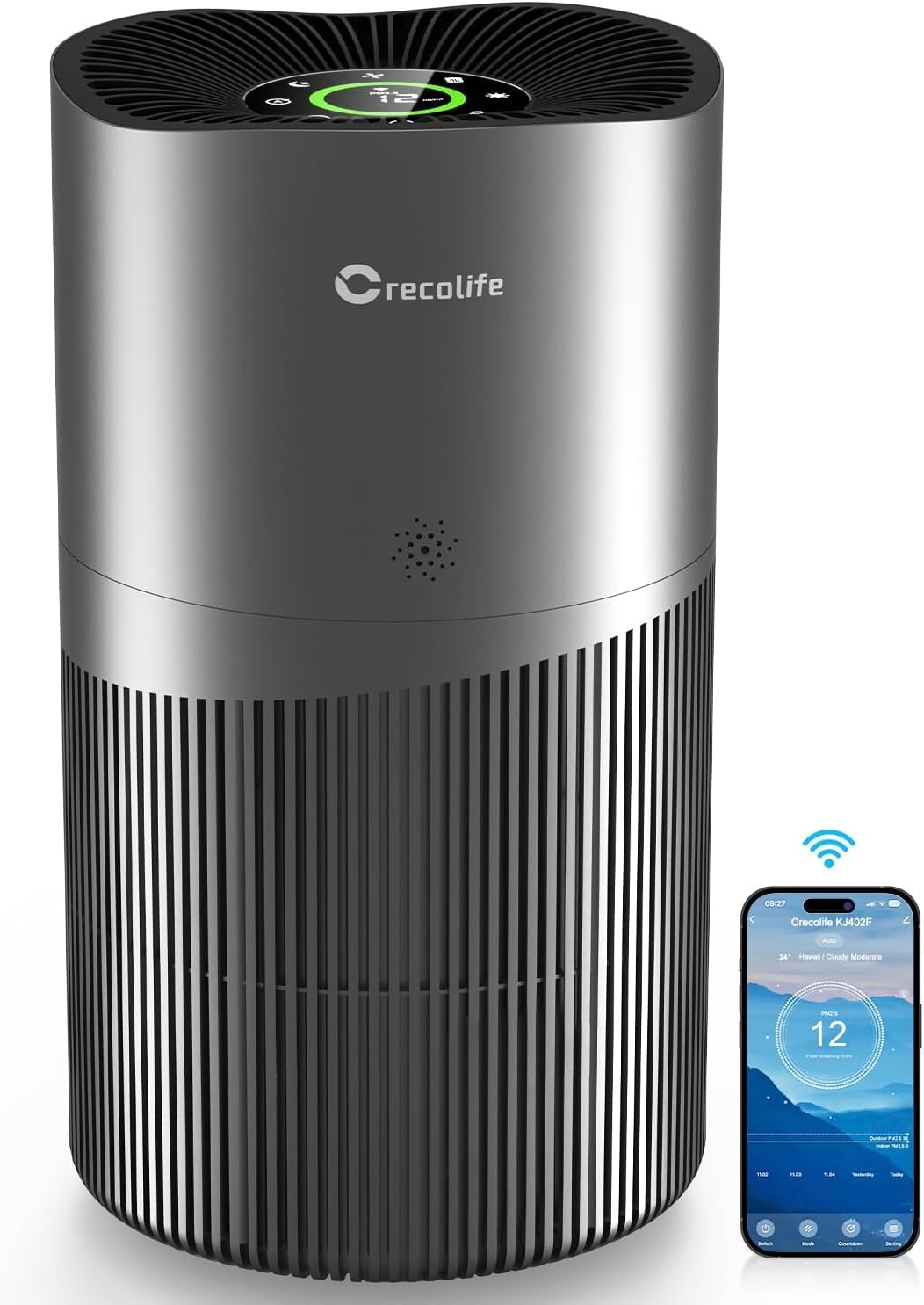
Image: The crecolife KJ402F Air Purifier, a sleek silver-gray cylindrical unit, stands next to a smartphone displaying its companion app. The purifier features a top control panel with a digital display and a perforated lower section for air intake.
2. Key Features
- Super High Efficiency Purification: With a CADR of 450m³/h, it purifies 403 sq ft in 12 minutes and up to 2015 sq ft in 60 minutes, ideal for large spaces like bedrooms, living rooms, and offices.
- 3-Stage Filtration System: Features a pre-filter for pet hair and lint, an H13 True HEPA filter for particles as small as 0.3 microns (pollen, smoke, dander), and an activated charcoal filter for odors and VOCs.
- Intelligent App Remote Control: Connects via Wi-Fi to a dedicated app, allowing real-time air quality display, remote adjustment of lighting, timers, modes, and fan speeds, and customizable scheduling.
- Auto Mode with Laser Sensor: A precise laser sensor detects PM2.5 particles, enabling the air purifier to automatically adjust fan speed based on real-time air quality.
- Quiet Sleep Mode: Operates at a low noise level of 25dB, creating a peaceful environment for sleep.
- Timer Function: Set operation timers for 2, 4, or 8 hours via the control panel, or 1-12 hours via the mobile app.
- Certified Quality: Multiple certifications including FCC, ETL, CE, ROHS, UKCA, and CA Prop65 ensure safety and reliability.
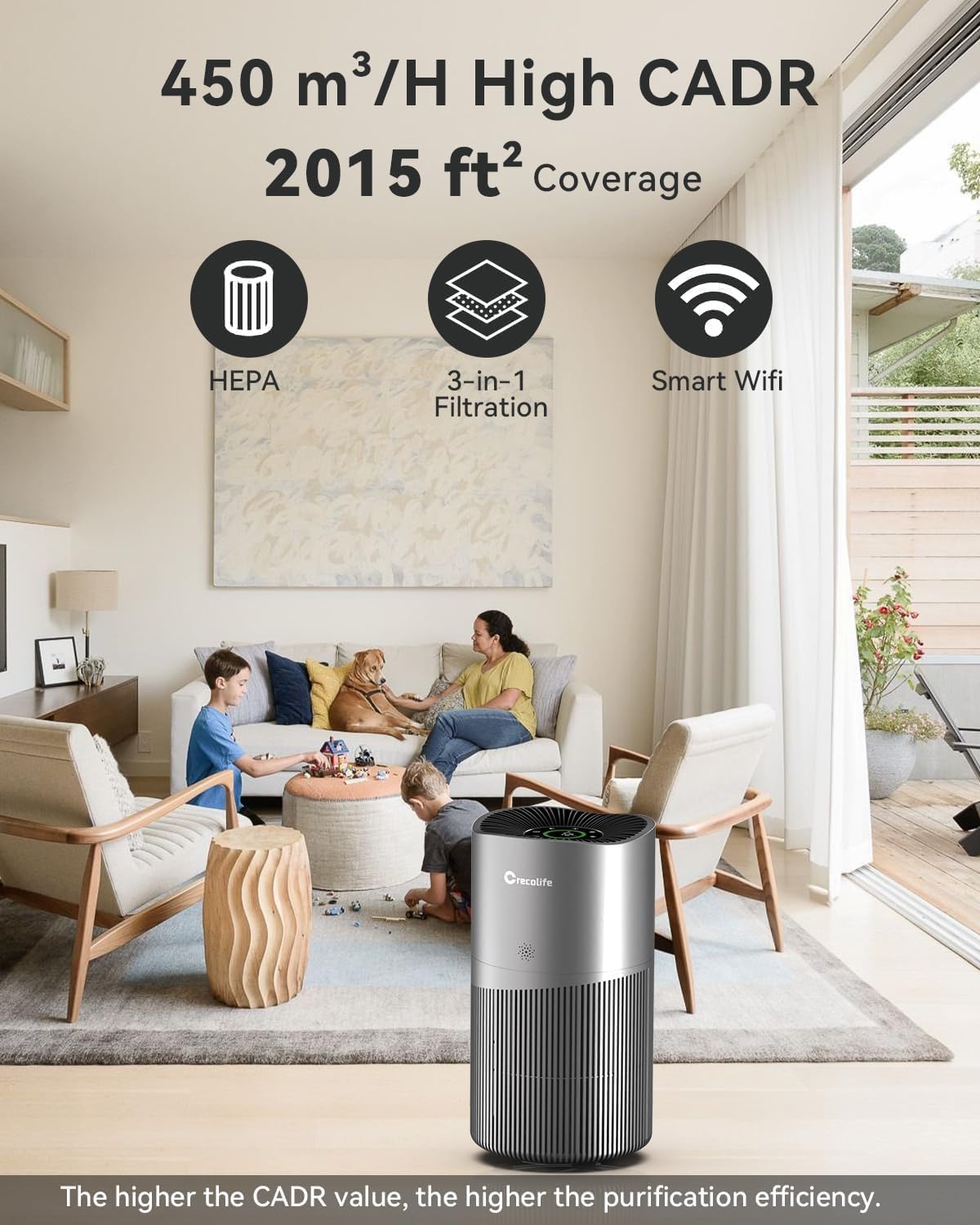
Image: The air purifier is shown in a spacious living room with a family, emphasizing its high CADR and large coverage area. Icons for HEPA, 3-in-1 Filtration, and Smart Wifi are displayed.

Image: A detailed cutaway view of the air purifier's interior, showing the three layers of the filtration system: Pre-Filter, HEPA Filter, and Activated Carbon, with arrows indicating 360-degree air circulation.
3. Setup
3.1 Unboxing and Filter Installation
- Carefully remove the air purifier from its packaging.
- Rotate the bottom cover of the air purifier counter-clockwise to unlock and remove it.
- Remove the sealed filter from its plastic packaging. The filter is typically pre-installed but sealed for freshness.
- Place the filter back into the air purifier, ensuring it is seated correctly.
- Replace the bottom cover and rotate it clockwise to lock it securely in place.

Image: A step-by-step visual guide showing how to rotate the filter counter-clockwise to remove, unwrap the filter, twist clockwise to lock, and then power on and long press the 'Filter Replacement' button to reset.
3.2 Placement
Place the air purifier on a flat, stable surface. Ensure there is at least 15 cm (6 inches) of space around all sides for optimal air circulation. Avoid placing it directly against walls or furniture.
4. Operating Instructions
4.1 Control Panel Overview
The control panel is located on the top of the unit and features touch-sensitive buttons and a digital display for PM2.5 readings.

Image: A detailed view of the air purifier's top control panel, showing icons for Fan Speed, Sleep Mode, Auto Mode, Timer, ON/OFF, Filter Replacement, Light OFF, and Child Lock, surrounding a central PM2.5 display.
4.2 Basic Operation
- Power ON/OFF: Press the Power button to turn the unit on or off.
- Fan Speed: Press the Fan Speed button repeatedly to cycle through 4 fan speeds (Low, Medium, High, Turbo).
- Sleep Mode: Press the Sleep Mode button to enter sleep mode. The fan speed will reduce to its lowest setting (25dB) and the display lights will dim.
- Auto Mode: Press the Auto Mode button. The purifier will automatically adjust its fan speed based on the detected PM2.5 levels.
- Timer: Press the Timer button to set the operating time (2H, 4H, 8H). The unit will automatically turn off after the set time.
- Child Lock: Press and hold the Child Lock button for 3 seconds to activate or deactivate the child lock. This prevents accidental changes to settings.
- Light OFF: Press the Light OFF button to turn off the display lights while the unit continues to operate.
4.3 Smart App Control
Download the dedicated crecolife app from the App Store or Google Play. Follow the in-app instructions to connect your air purifier to your home Wi-Fi network.
- Remote Control: Control all functions (Power, Fan Speed, Mode, Timer, Lights, Child Lock) from your smartphone.
- Real-time Air Quality: View current PM2.5 levels and air quality index directly in the app.
- Scheduling: Set custom schedules for the air purifier to turn on/off or change modes at specific times.
- Filter Life Check: Monitor the remaining filter life and receive notifications for replacement.

Image: Multiple smartphone screens displaying the crecolife app, illustrating features like remote control, 1-12 hour timer, filter life check, scheduling purification, and real-time air quality updates.
5. Maintenance
5.1 Filter Replacement
The filter typically needs to be replaced every 6-8 months, depending on usage and air quality. The filter replacement indicator light on the control panel will illuminate when it's time to change the filter.
- Unplug the air purifier from the power outlet.
- Rotate the bottom cover counter-clockwise and remove it.
- Remove the old filter. Dispose of it properly.
- Unpack the new filter and insert it into the unit.
- Replace the bottom cover and rotate it clockwise to lock.
- Plug in the air purifier. Press and hold the Filter Replacement button for 3 seconds to reset the filter life indicator.
5.2 Cleaning the Unit
- Wipe the exterior of the air purifier with a soft, dry cloth.
- Do not use abrasive cleaners or solvents.
- Clean the air intake and outlet vents periodically with a soft brush or vacuum cleaner to remove dust buildup.
6. Troubleshooting
| Problem | Possible Cause | Solution |
|---|---|---|
| Unit does not turn on | Not plugged in; Power outlet issue; Filter cover not properly locked. | Ensure power cord is securely plugged in; Try a different outlet; Ensure bottom filter cover is fully locked. |
| Poor air purification performance | Filter is dirty or needs replacement; Air inlets/outlets are blocked; Room size exceeds capacity. | Replace the filter; Clear any obstructions from vents; Ensure the unit is used in an appropriately sized room. |
| Unusual noise | Filter not installed correctly; Foreign object inside; Unit on uneven surface. | Reinstall filter correctly; Unplug and check for foreign objects; Place unit on a flat, stable surface. |
| App connectivity issues | Incorrect Wi-Fi password; Router too far; App not updated. | Verify Wi-Fi password; Move unit closer to router; Update app to the latest version. |
7. Specifications
| Feature | Detail |
|---|---|
| Model Number | CL-470 |
| Product Dimensions | 9.84"D x 9.84"W x 17.79"H |
| Weight | 9.95 Pounds |
| CADR | 450 m³/h |
| Coverage Area | Up to 2015 sq ft (60 minutes) |
| Noise Level | 25 dB (Sleep Mode) |
| Filtration Type | 3-Stage (Pre-filter, H13 True HEPA, Activated Carbon) |
| Power Consumption | 48 watts |
| Color | Silver Gray |
| Certifications | FCC, ETL, CE, ROHS, UKCA, CA Prop65 |

Image: The crecolife air purifier is shown with its key dimensions (9.8 inches width, 17.8 inches height) and various certification logos including ETL, FCC, UKCA, RoHS, and CA Prop 65.
8. Warranty and Support
crecolife products are manufactured to high-quality standards and are backed by comprehensive certifications for safety and performance. For any inquiries or assistance, please contact our customer service team. We offer round-the-clock 24-hour customer service to ensure your peace of mind.
Please refer to your purchase documentation for specific warranty terms and conditions.
Documents and downloads
Ask a question about this manual
Ask about setup, troubleshooting, compatibility, parts, safety, or missing instructions. Manuals+ will review the question and use this page’s manual context to help answer it.