
FORTINET FortiGate-121G
Contents
Fortinet FortiGuard Advanced Threat Protection User Manual
For FortiGate-121G (FC-10-F121G-928-02-60)
1. Introduction to FortiGuard Advanced Threat Protection
FortiGuard Advanced Threat Protection (ATP) is a comprehensive security service designed to safeguard your network from sophisticated and evolving cyber threats. This service integrates seamlessly with Fortinet FortiGate firewalls, providing real-time threat intelligence, AI-powered protection, and automated defenses against malware, ransomware, phishing, and unauthorized intrusions.
This manual provides essential information for understanding, activating, and utilizing the FortiGuard 5 Year Advanced Threat Protection service for your FortiGate-121G device.

Figure 1.1: FortiGuard Advanced Threat Protection 5 Year License Box. This image displays the retail packaging for the FortiGuard Advanced Threat Protection service, indicating a 5-year license.
2. Key Features and Benefits
The FortiGuard Advanced Threat Protection bundle offers a robust set of security services to protect your network:
- Intrusion Prevention System (IPS): Blocks vulnerabilities and exploits through network traffic inspection.
- Anti-Malware (Antivirus + Cloud-based Sandbox): Provides protection against known and unknown malware, including ransomware, using signature-based and behavioral detection.
- Application Control: Manages and controls network application usage to enforce security policies.
- FortiCare Premium Support: Offers 24x7x365 support with rapid response times for critical issues.
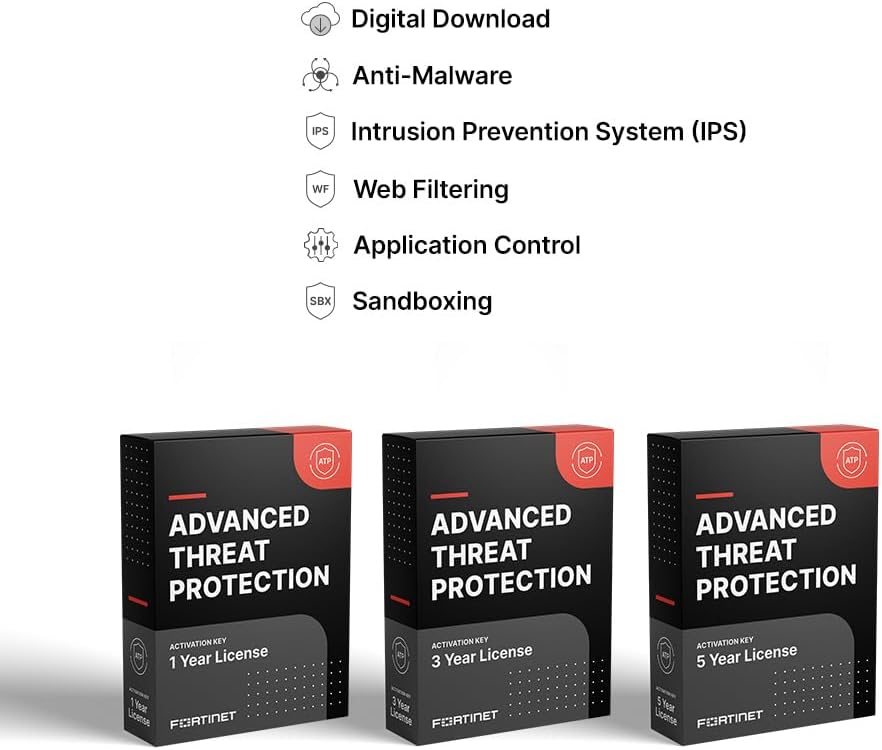
Figure 2.1: FortiGuard Security Features. This image illustrates key features such as Digital Download, Anti-Malware, Intrusion Prevention System (IPS), Web Filtering, Application Control, and Sandboxing, represented by their respective icons.
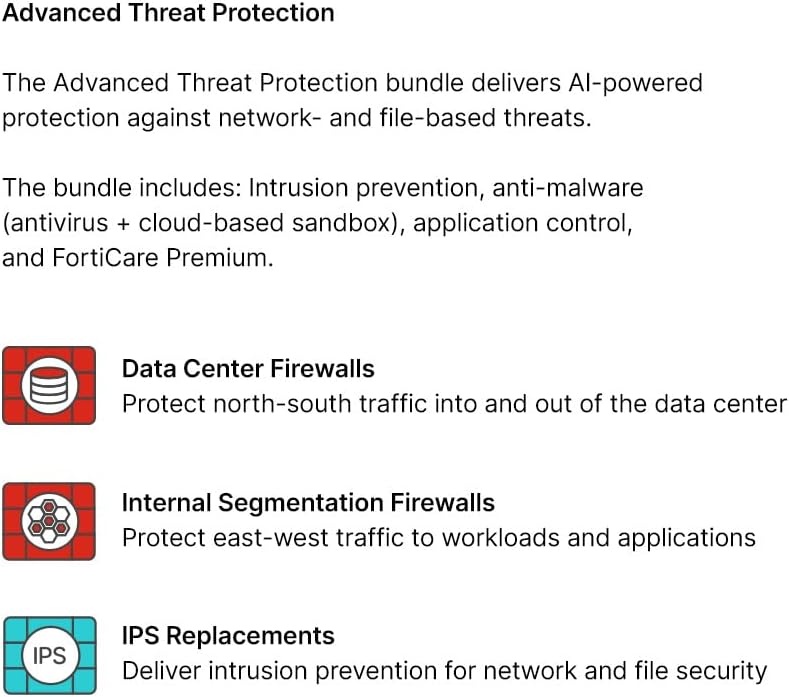
Figure 2.2: Advanced Threat Protection Capabilities. This image highlights the AI-powered protection against network- and file-based threats, including icons for Data Center Firewalls, Internal Segmentation Firewalls, and IPS Replacements, indicating where the protection applies.
3. Setup and Activation
Activating your FortiGuard Advanced Threat Protection service typically involves the following steps:
- Purchase and Receive License: Upon purchase, you will receive an activation key or license certificate.
- Access FortiCare Portal: Log in to the FortiCare support portal (support.fortinet.com) using your Fortinet credentials. If you do not have an account, you will need to register.
- Register Product: Navigate to the 'Product Registration' section and enter the serial number of your FortiGate-121G device and the activation code for the FortiGuard ATP service.
- Apply License: Once registered, the service license will be associated with your FortiGate device. Ensure your FortiGate-121G is connected to the internet to receive license updates and FortiGuard service updates.
- Verify Status: On your FortiGate device's web interface, navigate to the 'System' > 'FortiGuard' section to verify that the Advanced Threat Protection services are active and up-to-date.
For detailed, step-by-step instructions, please refer to the official FortiGate Administration Guide or contact Fortinet support.
4. Operating Principles
FortiGuard Advanced Threat Protection operates by leveraging a global threat intelligence network and AI-driven analytics to provide multi-layered security. It continuously updates your FortiGate-121G with the latest threat signatures and behavioral patterns to detect and mitigate threats in real-time.
The service works by inspecting network traffic, files, and application behavior against known and emerging threats. When a potential threat is identified, the system takes automated action, such as blocking malicious traffic, quarantining infected files, or preventing access to suspicious websites.

Figure 4.1: FortiGuard Protection Tiers. This diagram illustrates the layered approach to security, showing Advanced Threat Protection as the foundational layer for Network & File Security (IPS, Anti-Malware, Application Control), building up to Unified Threat Protection and Enterprise Protection, all underpinned by FortiCare Premium.

Figure 4.2: FortiGuard Security Services Pyramid. This pyramid visually represents the layers of FortiGuard security services, starting from the base with Intrusion Prevention System (IPS) and progressing upwards through Advanced Malware Prevention, Web Security, Inline Malware Prevention, and Data Loss Prevention, addressing different aspects of the attack surface.
5. Included Services Overview
The FortiGuard Advanced Threat Protection bundle for FortiGate-121G includes the following core services:
- Intrusion Prevention System (IPS): This service protects against network-based attacks by detecting and blocking malicious traffic patterns, exploits, and vulnerabilities. It uses a comprehensive database of known attack signatures and heuristic analysis to identify and prevent intrusions.
- Anti-Malware: Combining traditional antivirus with cloud-based sandboxing, this service provides robust protection against viruses, worms, Trojans, ransomware, and other forms of malicious software. The cloud sandbox analyzes suspicious files in a safe environment to identify zero-day threats.
- Application Control: This feature allows administrators to identify, monitor, and control thousands of applications running on the network, regardless of port or protocol. It helps enforce security policies, prevent the use of risky applications, and optimize network performance.
These services work in concert to provide a strong defense against a wide range of cyber threats.
6. FortiCare Premium Support
FortiCare Premium Support Services are included with your FortiGuard Advanced Threat Protection bundle. This service provides:
- 24x7x365 Support: Access to technical support via phone, chat, and web portal at any time.
- Rapid Response Times: One-hour response times for Priority 1 and Priority 2 inquiries, ensuring critical issues are addressed quickly.
- Firmware Upgrades: Access to all firmware upgrades for your FortiGate device.
- Asset Management Portal: Tools to manage your Fortinet products and licenses.

Figure 6.1: FortiCare Premium vs. Elite Support. This table compares the features and response times of FortiCare Premium and FortiCare Elite support services, highlighting the comprehensive 24x7 support and rapid response included with Premium.
7. Specifications
| Attribute | Detail |
|---|---|
| Service Name | FortiGuard Advanced Threat Protection |
| Associated FortiGate Model | FortiGate-121G |
| Part Number | FC-10-F121G-928-02-60 |
| License Duration | 5 Years |
| Included Services | Intrusion Prevention, Anti-Malware (Antivirus + Cloud Sandbox), Application Control, FortiCare Premium |
| Manufacturer | FORTINET |
8. Maintenance
To ensure optimal performance and protection from your FortiGuard Advanced Threat Protection service, consider the following maintenance practices:
- Regular Updates: Ensure your FortiGate-121G device is configured to receive automatic FortiGuard updates. These updates deliver the latest threat intelligence and service enhancements.
- Firmware Management: Keep your FortiGate firmware up-to-date. New firmware versions often include security patches and performance improvements that complement FortiGuard services.
- Policy Review: Periodically review your FortiGate security policies to ensure they align with your current network requirements and threat landscape.
- Monitoring: Regularly monitor FortiGate logs and reports for security events, alerts, and service status to proactively identify and address potential issues.
9. Troubleshooting
If you encounter issues with your FortiGuard Advanced Threat Protection service, consider these general troubleshooting steps:
- Verify License Status: Check the FortiCare portal and your FortiGate device to confirm that your FortiGuard ATP license is active and not expired.
- Check Connectivity: Ensure your FortiGate-121G has stable internet connectivity to reach FortiGuard update servers.
- Review Logs: Examine FortiGate system and security logs for error messages or indications of service failures.
- Restart Services: In some cases, restarting the FortiGuard services on your FortiGate device (via CLI or GUI) can resolve minor glitches.
- Consult Documentation: Refer to the official Fortinet documentation and knowledge base for specific error codes or common issues.
- Contact Support: If the issue persists, utilize your FortiCare Premium support to contact Fortinet technical assistance.
10. Warranty and Support
The FortiGuard Advanced Threat Protection service is covered by the terms and conditions of Fortinet's standard service agreement. As part of this bundle, FortiCare Premium Support is included for the entire 5-year duration of the service.
For detailed warranty information, service level agreements, and support policies, please refer to the official Fortinet website or your service agreement documentation.
Fortinet Support Portal: https://support.fortinet.com/
Documents and downloads
Ask a question about this manual
Ask about setup, troubleshooting, compatibility, parts, safety, or missing instructions. Manuals+ will review the question and use this page’s manual context to help answer it.