
Introduction
This manual provides instructions for the HOUSBAY Sunrise Alarm Clock with Bluetooth Speaker & Radio, Model TS9RA. Please read this manual thoroughly before using the device to ensure proper operation and to maximize its features.

Image: The HOUSBAY Sunrise Alarm Clock, an all-in-one device combining a sunrise alarm, FM radio, Bluetooth speaker, and night light.
Safety Information
- Ensure the device is placed on a stable, flat surface.
- Do not expose the device to water or excessive moisture.
- Use only the provided power adapter.
- Keep out of reach of children.
- Do not attempt to disassemble or repair the device yourself. Contact customer support for assistance.
Package Contents
- HOUSBAY Sunrise Alarm Clock (Model TS9RA)
- Power Adapter
- User Manual
Setup
1. Power Connection
- Connect the power adapter to the DC input port on the back of the alarm clock.
- Plug the power adapter into a standard electrical outlet.
- The display will illuminate, indicating the device is powered on.
2. Initial Time Setting
Upon first power-on, the clock may display a default time. Refer to the "Operating Instructions" section for detailed steps on setting the correct time and date.
3. FM Antenna Setup
For optimal FM radio reception, extend the integrated antenna fully. Position the antenna for the best signal quality.
Operating Instructions
Time and Date Setting
- Press the Time Set button (usually indicated by a clock icon).
- Use the +/- buttons to adjust the hour, then press Time Set again to confirm.
- Repeat for minutes, year, month, and day.
- Press Time Set one last time to exit the setting mode.
Alarm Setting (Sunrise & Sound)
- Press the Alarm button (bell icon).
- Use the +/- buttons to set the desired alarm time. Press Alarm to confirm.
- Select your preferred wake-up sound (e.g., birdsong, ocean waves, piano, FM radio) using the Sound button.
- Adjust the sound volume using the +/- buttons.
- Set the sunrise simulation duration (0-60 minutes) before the alarm time. The light will gradually brighten during this period.
- Choose your wake-up mode: Sound Only, Sunrise Only, or Sunrise & Sound.
- Press Alarm to save and activate the alarm.
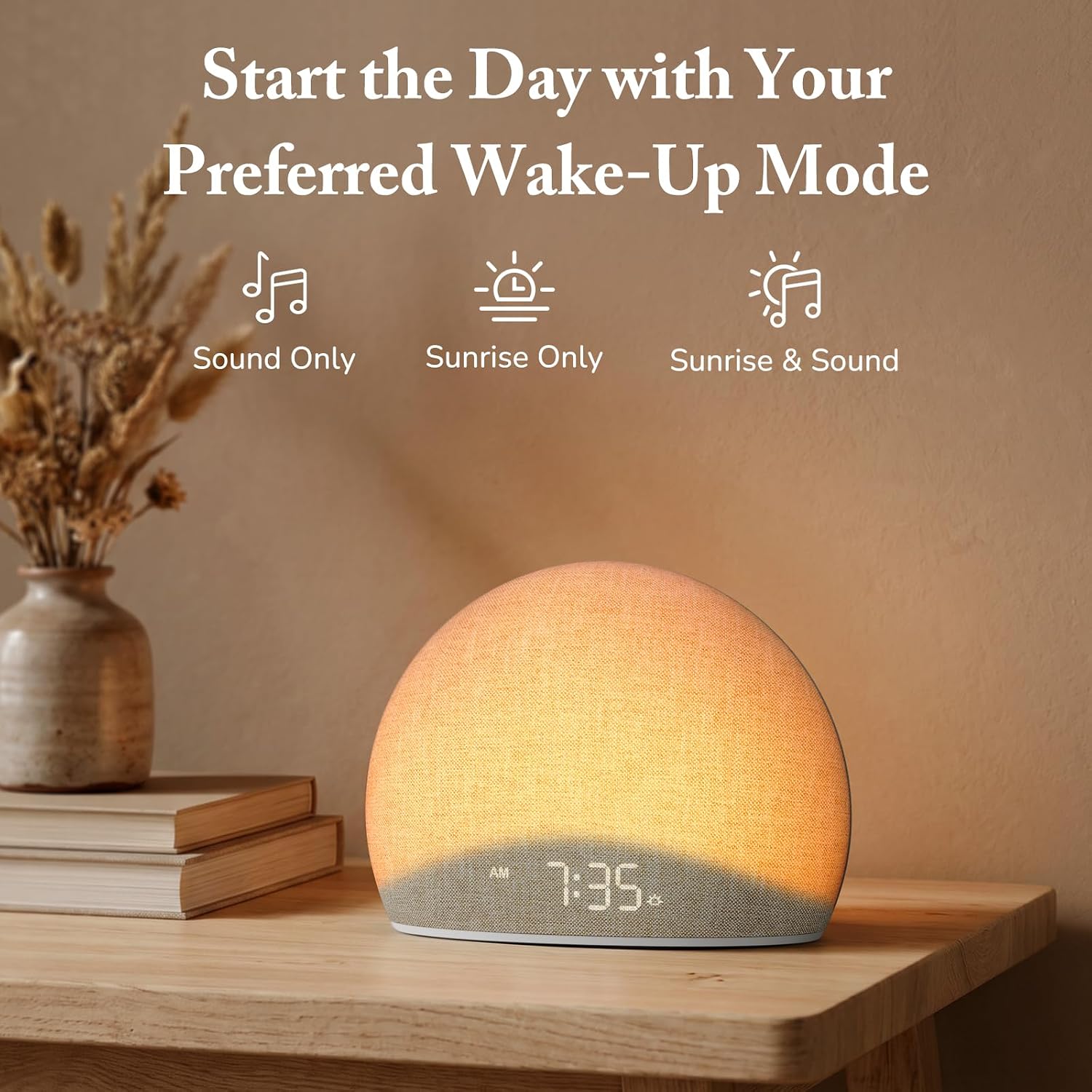
Image: The alarm clock offers three distinct wake-up modes: sound only, sunrise light only, or a combination of both.

Image: A selection of five natural wake-up sounds and FM radio options are available to customize your morning alarm.
Night Light Function
- Press the Light button (sun icon) to turn on the night light.
- Press the Light button repeatedly to cycle through different colors and brightness levels.
- To turn off the night light, press and hold the Light button or cycle through all options until it turns off.

Image: The device functioning as a night light, emitting a soft red glow at 10:30 PM.
Bluetooth Speaker Mode
- Press the Bluetooth button (Bluetooth symbol) to enter Bluetooth pairing mode. The display will show "BT" or a flashing Bluetooth icon.
- On your mobile device, enable Bluetooth and search for "HOUSBAY TS9RA" or a similar device name.
- Select the device to pair. A confirmation sound will indicate successful pairing.
- You can now stream audio from your device to the HOUSBAY alarm clock.
- To disconnect, press the Bluetooth button again or disconnect from your mobile device.
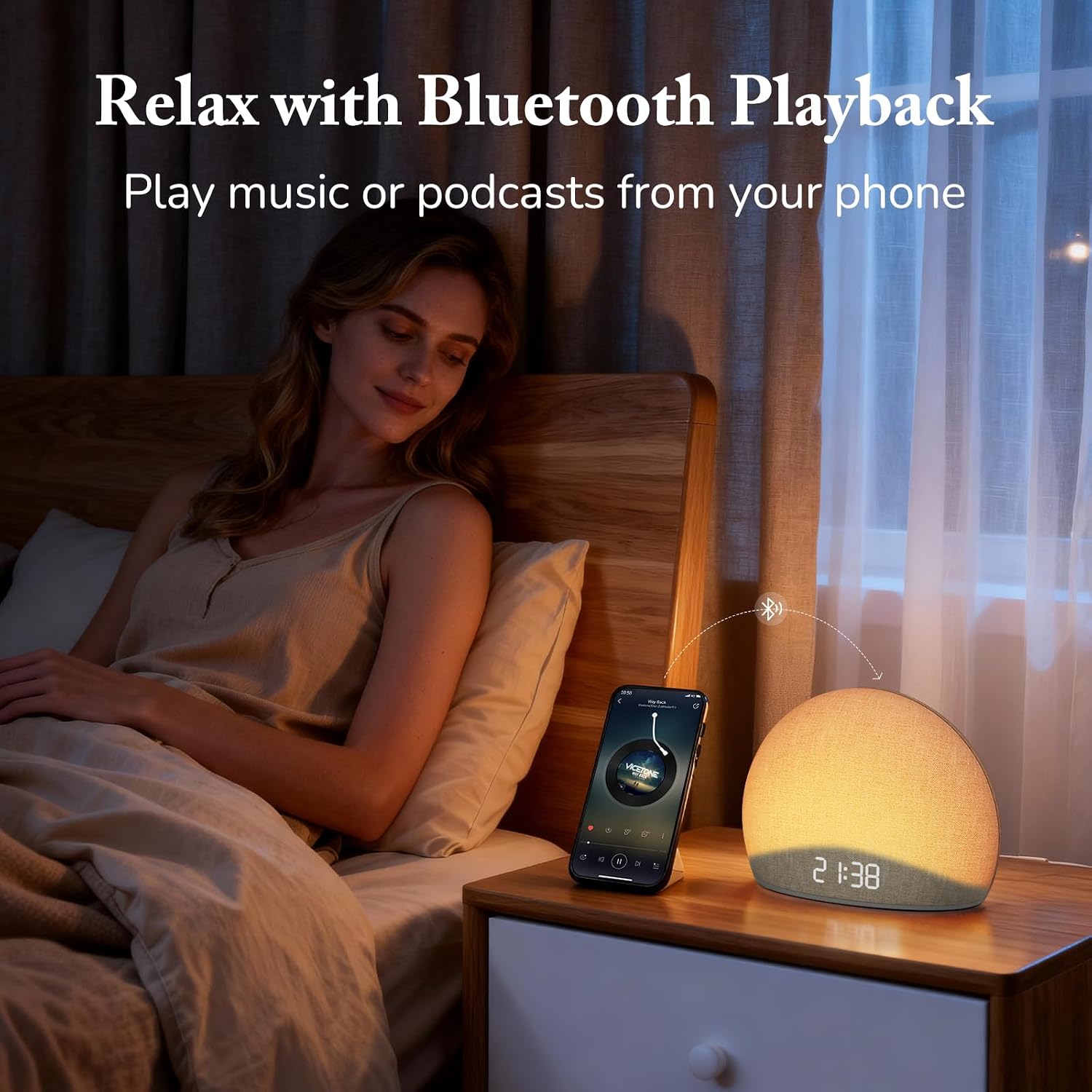
Image: The alarm clock connected via Bluetooth, playing music from a smartphone for relaxation.
Video: An overview of the HOUSBAY Sunrise Alarm Clock Radio for Bedroom, demonstrating its features including Bluetooth connectivity.
Video: A short preview demonstrating the Bluetooth connectivity feature of the HOUSBAY Sunrise Alarm Clock.
FM Radio Mode
- Press the FM Radio button (radio icon) to turn on the FM radio.
- Press and hold the FM Radio button to initiate an automatic scan for available stations. The clock will save detected stations.
- Use the +/- buttons to cycle through saved FM stations.
- Adjust the volume using the dedicated volume controls.
- To turn off the FM radio, press the FM Radio button again.

Image: The alarm clock displaying the time 9:00, with visual cues suggesting active FM radio functionality.
Adjusting Display Brightness
To ensure a sleep-friendly environment, the clock's display brightness can be adjusted or turned off completely.
- Locate the Display Brightness button (often a sun or dimmer icon).
- Press the button repeatedly to cycle through various brightness levels, including off.
- Select the desired brightness.

Image: The alarm clock with its display dimmed to a low setting, suitable for a dark bedroom environment.
Maintenance
- Cleaning: Use a soft, dry cloth to clean the surface of the device. Do not use liquid cleaners or abrasive materials.
- Storage: If storing the device for an extended period, unplug it from the power source and store it in a cool, dry place.
- Fabric Care: The fabric finish can be gently wiped with a slightly damp cloth if necessary, then immediately dried.
Troubleshooting
| Problem | Possible Cause | Solution |
|---|---|---|
| Device does not power on. | Power adapter not connected or faulty outlet. | Ensure the power adapter is securely plugged into both the device and a working electrical outlet. Try a different outlet. |
| Bluetooth pairing fails. | Device not in pairing mode; mobile device too far; interference. | Ensure the alarm clock is in Bluetooth pairing mode (flashing BT icon). Move your mobile device closer. Restart both devices and try again. |
| Poor FM radio reception. | Antenna not extended or positioned correctly; weak signal. | Fully extend the FM antenna and adjust its position for better signal. Perform an auto-scan for stations again. |
| Alarm does not sound/light. | Alarm not activated; volume too low; incorrect mode selected. | Verify the alarm is set and activated. Check the alarm volume. Ensure the correct wake-up mode (Sound Only, Sunrise Only, or both) is selected. |
| Display is blank or unresponsive. | Display brightness set to off; temporary software glitch. | Press the Display Brightness button to cycle through brightness levels. If unresponsive, unplug the device for a few minutes and then plug it back in to reset. |
Specifications
| Feature | Detail |
|---|---|
| Brand | HOUSBAY |
| Model Number | TS9RA |
| Display Type | Digital |
| Power Source | Corded Electric |
| Product Dimensions (W x H) | 6.3"W x 4.72"H |
| Item Weight | 0.7 kg |
| Special Features | Sunrise Alarm, Bluetooth Speaker, FM Radio, Dimmable Night Light, Adjustable Display |
| Material | Wood (Frame), Fabric Finish |
Warranty
This HOUSBAY product is covered by a manufacturer's warranty. For specific details regarding warranty coverage, duration, and terms, please refer to the warranty card included with your purchase or contact HOUSBAY customer support.
Customer Support
For any questions, technical assistance, or warranty claims, please contact HOUSBAY customer support through their official website or the contact information provided with your product packaging.
You can also visit the HOUSBAY Store on Amazon for more product information and support resources.

