1. Product Overview
The OUKITEL BT13 Smartwatch is a robust and feature-rich device designed for an active lifestyle. It combines advanced health monitoring, extensive sport modes, and smart communication features with a durable design and long-lasting battery.

Image: The OUKITEL BT13 Smartwatch with its main display showing various health and activity metrics.
2. Package Contents
Upon opening the package, ensure all items are present:
- OUKITEL BT13 Smartwatch (1 unit)
- Charging Cable (1 unit)
- User Manual (1 unit)

Image: Illustration of the smartwatch, charging cable, and user manual included in the package, along with watch dimensions.
3. Setup Guide
3.1 Initial Charging
Before first use, fully charge your OUKITEL BT13 Smartwatch. Connect the magnetic charging cable to the charging contacts on the back of the watch and plug the USB end into a power adapter (not included) or a computer's USB port.

Image: The smartwatch screen showing a large 1000mAh battery icon, indicating its high capacity.
3.2 App Installation and Pairing
To unlock the full potential of your smartwatch, download and install the 'Da Fit' application on your smartphone.
- Activate Bluetooth on your smartphone.
- Scan the QR code provided in the manual or on the watch screen to find the 'Da Fit' app in your app store, or search for 'Da Fit' directly.
- Download and install the 'Da Fit' app.
- Open the app, navigate to 'Add Device', and select 'BT13' from the list of available devices to pair.
- Grant necessary permissions within the app for notifications and other features.

Image: Visual instructions for connecting the smartwatch via the 'Da Fit' app, including activating Bluetooth, scanning a QR code, downloading the app, adding the device, and enabling notifications.
4. Operating Instructions
4.1 Display and Navigation
The OUKITEL BT13 features a vibrant 1.73-inch AMOLED display with a resolution of 466x466 pixels, ensuring clear visibility even in bright sunlight. Navigate through menus by swiping across the touch screen and using the physical buttons on the side.

Image: A detailed view of the smartwatch's 1.73-inch AMOLED display, highlighting its HD resolution and vibrant colors.
4.2 GPT Voice Chat and AI Watch Face
Engage with the integrated GPT voice chat for quick information or to perform tasks. Customize your watch face using AI-powered features to match your style or mood.
- GPT Voice Chat: Tap the GPT icon on your watch to initiate a voice command or question.
- AI Watch Face: Use the 'Da Fit' app to generate personalized watch faces based on your preferences or uploaded images.

Image: Visual guide to using the DA GPT AI Chat and customizing AI Watch Faces, showing interaction steps and examples.
4.3 Bluetooth Calls and Voice Assistant
Make and receive calls directly from your wrist and interact with your smartphone's voice assistant.
- Bluetooth Calls: Ensure your watch is paired via Bluetooth. You can answer, reject, or dial calls from the watch interface.
- Voice Assistant: Activate your phone's voice assistant (e.g., Siri, Google Assistant) through the watch to send messages, set reminders, or check weather.

Image: A user interacting with the smartwatch for Bluetooth calls and utilizing the AI voice assistant for various commands.
4.4 Health Monitoring
The smartwatch continuously monitors key health metrics:
- Heart Rate: Real-time heart rate tracking throughout the day.
- Blood Oxygen (SpO2): Measures blood oxygen saturation levels.
- Sleep Analysis: Tracks sleep patterns, including deep sleep, light sleep, and wake-up times.

Image: Detailed graphs and icons representing 24-hour heart rate, blood oxygen, and sleep monitoring data displayed on the smartwatch.
4.5 Sport Modes and Outdoor Features
With over 100 integrated sport modes, the BT13 is suitable for various activities. It also includes features for outdoor enthusiasts.
- 100+ Sport Modes: Track activities like running, cycling, swimming, yoga, and more. The watch records real-time data such as distance, calories burned, and heart rate.
- Compass & Barometer: Utilize the built-in compass for navigation and the barometer for air pressure readings, useful for outdoor adventures.

Image: A person engaged in outdoor activity, with the smartwatch displaying sport tracking data and a list of over 100 available sport modes.

Image: The smartwatch showcasing its barometer and compass functions, ideal for outdoor activities like hiking.
5. Maintenance
5.1 Water Resistance (IP68)
The OUKITEL BT13 Smartwatch is IP68 waterproof, meaning it is resistant to dust and can withstand immersion in water up to 1.5 meters for 30 minutes. It is suitable for daily use such as hand washing, rain, and sweating. However, it is not recommended for hot showers, saunas, or diving.
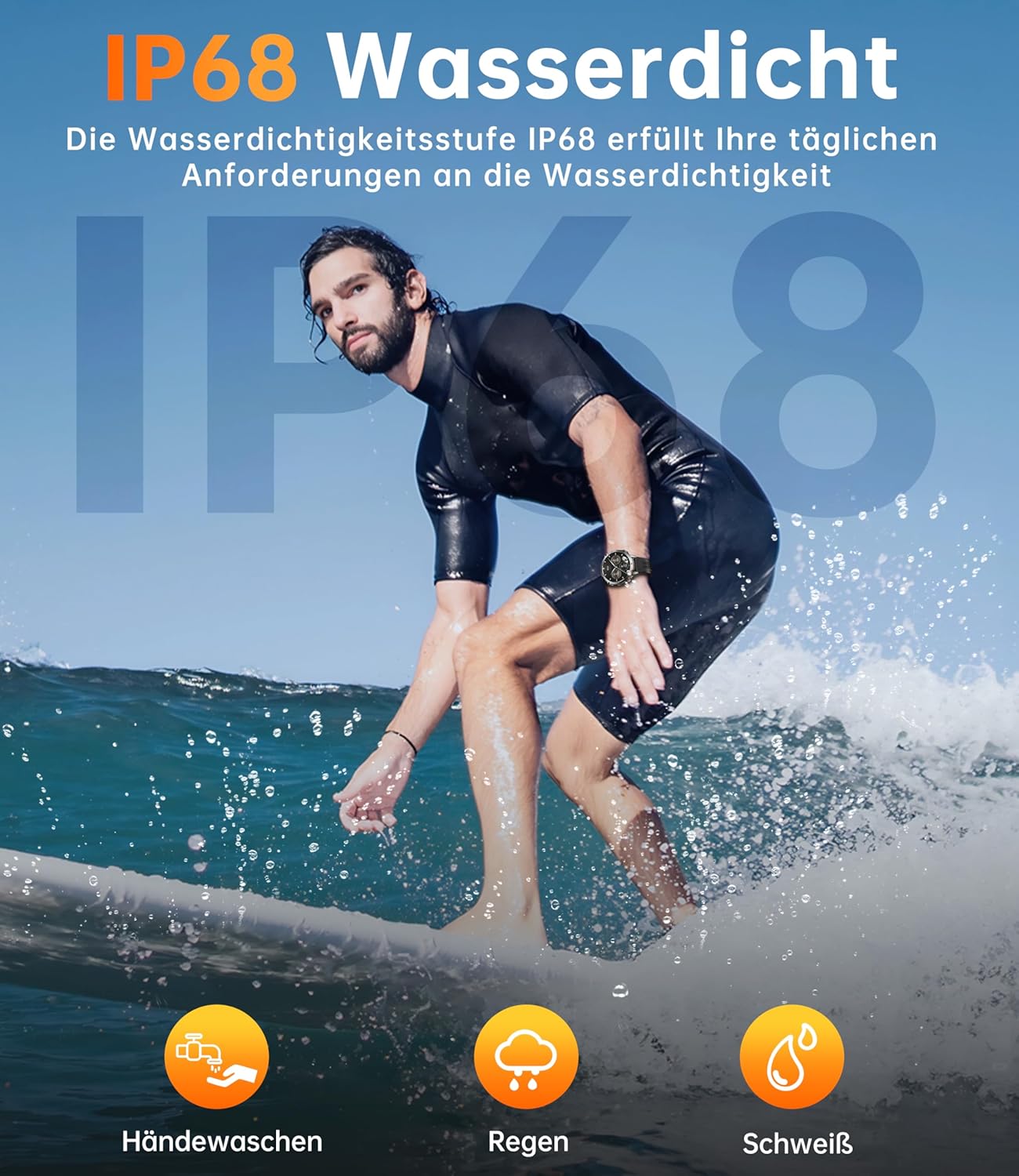
Image: A person surfing, demonstrating the IP68 water resistance of the smartwatch for various daily activities.
5.2 Cleaning and Care
- Wipe the watch and strap regularly with a soft, damp cloth.
- Avoid using harsh chemicals or abrasive materials.
- Ensure the charging contacts are clean and dry before charging to prevent corrosion.
5.3 Battery Life
The smartwatch is equipped with a 1000mAh battery, offering extended usage times:
- Standby Time: Up to 100 days
- Typical Usage: 20-30 days
- Intensive Usage: 8-15 days
- AOD (Always-On Display) Mode: Approximately 10 days
To maximize battery life, consider adjusting screen brightness, limiting background app refresh, and disabling unnecessary notifications.

Image: A visual representation of the smartwatch's 1000mAh battery and its impressive battery life under different usage scenarios.
6. Troubleshooting
- Watch not turning on: Ensure the watch is fully charged. Connect it to the charger for at least 30 minutes.
- Cannot pair with phone:
- Ensure Bluetooth is enabled on your phone and the watch.
- Make sure the watch is within range of your phone.
- Restart both your phone and the smartwatch.
- Clear the Bluetooth cache on your phone and try again.
- Notifications not appearing:
- Check app permissions in the 'Da Fit' app to ensure notification access is granted.
- Verify that notifications are enabled for specific apps within the 'Da Fit' settings.
- Ensure your phone's notification settings allow the 'Da Fit' app to display alerts.
- Inaccurate health data:
- Ensure the watch is worn snugly on your wrist, not too tight or too loose.
- Clean the sensor on the back of the watch.
- Environmental factors and individual physiology can affect readings.
- Short battery life:
- Reduce screen brightness and screen-on time.
- Disable Always-On Display if not needed.
- Limit the number of apps sending notifications to the watch.
- Turn off continuous heart rate monitoring if not required 24/7.
7. Specifications
| Feature | Detail |
|---|---|
| Model Name | BT13 |
| Brand | OUKITEL |
| Display | 1.73 inch AMOLED, 466x466 pixels |
| Battery Capacity | 1000 mAh (Lithium-ion) |
| Connectivity | Bluetooth |
| Water Resistance | IP68 |
| Special Features | Activity Tracker, GPT Chat, AI Watch Face, Heart Rate, SpO2, Sleep Monitoring, Compass |
| Storage Capacity | 256 MB |
| Shape | Round |
| Country of Origin | China |
| Package Dimensions | 22.1 x 15 x 4.2 cm |
| Weight | 320 grams |
8. Warranty and Support
OUKITEL is committed to providing excellent customer service for your BT13 Smartwatch:
- Return Policy: 30-day return policy without requiring a reason.
- Warranty: Two-year warranty from the date of purchase.
- Technical Support: Long-term technical support is available.
- Customer Service: 24-hour online customer service for any inquiries or assistance.
For support, please refer to the contact information provided with your purchase or visit the official OUKITEL website.