
Greadio CD02
Greadio Bluetooth CD Player User Manual
Model: CD02
Introduction
Thank you for purchasing the Greadio Bluetooth CD Player. This portable audio device combines multiple playback options with a unique triangular design and vibrant RGB lighting. Featuring a 20W speaker and a 4000mAh rechargeable battery, it offers versatile music enjoyment at home or on the go. Please read this manual carefully to ensure proper use and maintenance of your device.
What's in the Box
- Portable CD Player x 1
- Remote Control x 1
- Type-C Charging Cord x 1
- User Manual x 1
- Reset Pin x 1
Product Features
- HiFi Speaker System: Dual 10W speakers with independent sound cavity design for enhanced sound detail and boosted bass. Supports CD/CD-R/CD-RW/MP3/WMA formats with 5 EQ presets.
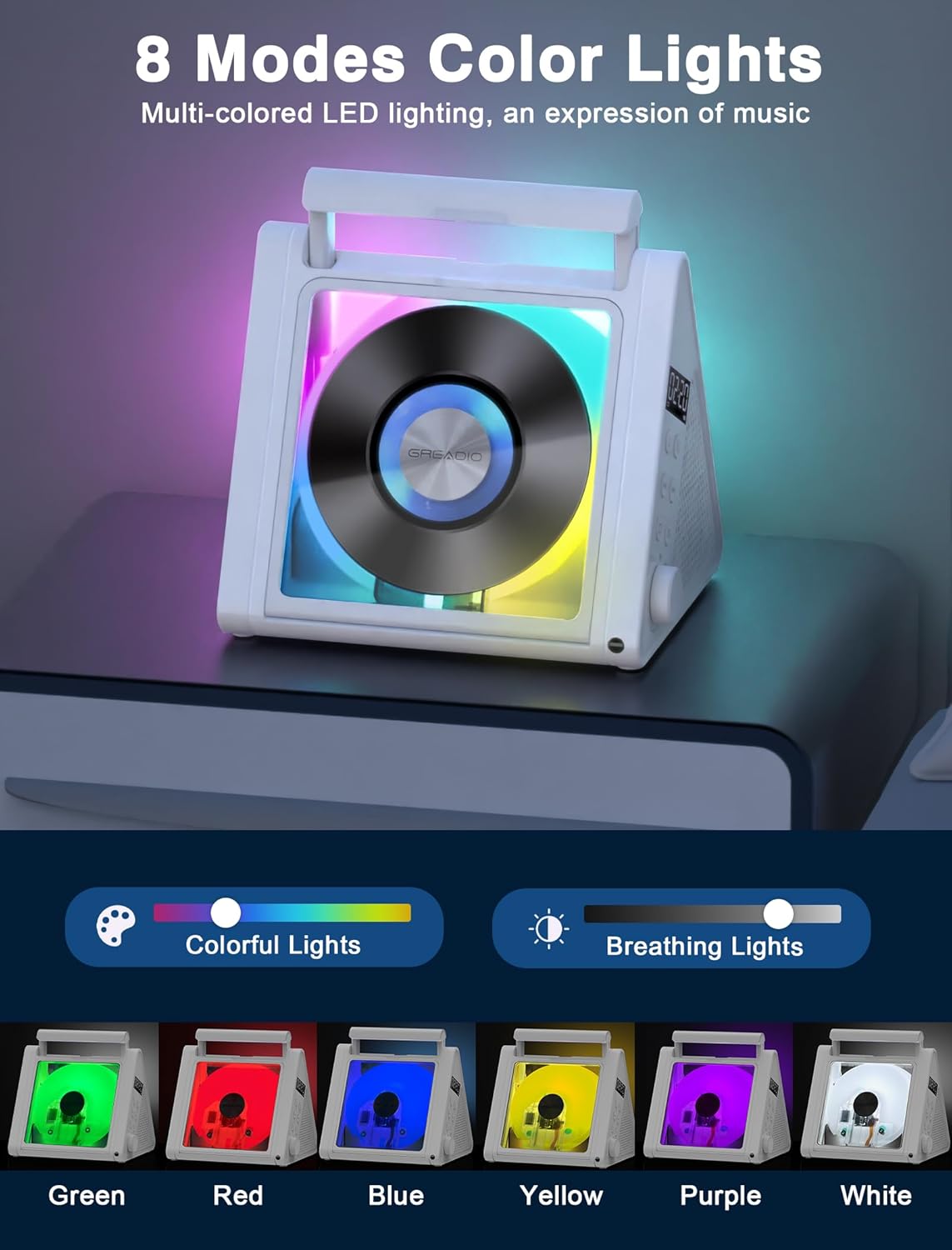
- Modern Triangular Design with RGB Lights: Unique triangular shape for stability and a dust cover for CD protection. Features 6-color LED modes (R/G/B/Y/P/W) for ambient lighting.
- Portable with Long Battery Life: Built-in 4000mAh rechargeable battery provides 6-12 hours of playback. Includes a remote control for convenience.
- All-in-One Connectivity: Supports CD, USB, FM radio, Optical output, Bluetooth 5.3, and 3.5mm audio input/output.
- Transparent Lid: Allows visibility of the spinning disc.



Setup
Charging the Device
Before first use, fully charge the CD player using the provided Type-C charging cord. Connect the Type-C end to the player's charging port and the USB-A end to a compatible USB power adapter (not included) or computer USB port. The LED display will indicate charging status. A full charge typically takes 4-5 hours.

Inserting a CD
- Gently lift the transparent dust cover from top to bottom.
- Place the CD onto the spindle with the label side facing up.
- Close the dust cover securely.
Operating Instructions
Basic Controls
The device features controls on its side panel and a remote control for convenient operation.
- Power Button: Press to turn on/off.
- Mode Button: Short press to switch between CD, USB, FM, Optical, Bluetooth, and AUX modes.
- Volume Knob: Rotate to adjust volume.
- Play/Pause Button: Press to play or pause playback.
- Previous/Next Track Buttons: Short press to skip tracks; long press for fast forward/rewind.
- EQ Button: Short press to cycle through 5 EQ presets (POP, FLAT, JAZZ, ROC, CLA).

CD Playback
After inserting a CD, the player will automatically begin playback. Use the track navigation buttons to select desired songs.
Bluetooth Mode
- Short press the Mode button until "BT" appears on the display.
- On your external device (phone, tablet, laptop), enable Bluetooth and search for "CD02".
- Select "CD02" to pair. A confirmation sound will indicate successful connection.
Note: Not suitable for connecting to car Bluetooth. Keep only one Bluetooth device around that needs to be connected to avoid interference.

FM Radio Mode
- Short press the Mode button to switch to FM mode.
- Short press the next song button to tune into your favorite channel or long press to auto search radios.
- The built-in antenna receives the radio signal and plays it stably.
USB Playback
Insert a USB flash drive (max 128GB) into the USB port. The player will automatically switch to USB mode and begin playback of compatible audio files (MP3/WMA).
AUX Mode
Connect an external audio device (e.g., smartphone, MP3 player) to the 3.5mm AUX input jack using an audio cable (not included). Switch to AUX mode using the Mode button.
Optical Output
Connect the optical output port to a compatible high-end speaker or home theater system for enhanced audio experience.
A-B Repeat Function
- Press the A-B button on the remote control to set the start point "A".
- Press the A-B button again to set the end point "B".
- The CD player will automatically repeat the music in the A-B interval.
- Press the A-B button for the third time to exit the repeat function and the screen will display "OFF".
Using the Remote Control
The included remote control allows for convenient operation from a distance (up to 32.8 feet in an unobstructed environment). It can control volume, track selection, mode switching, EQ settings, and A-B repeat.

Maintenance
- Keep the device clean by wiping with a soft, dry cloth.
- Avoid exposing the device to extreme temperatures, humidity, or direct sunlight.
- Do not use abrasive cleaners or solvents.
- Handle CDs by the edges to prevent scratches and smudges.
- When not in use for extended periods, store the device in a cool, dry place.
Troubleshooting
| Problem | Possible Solution |
|---|---|
| Device does not power on. | Ensure the battery is charged. Connect the Type-C charging cable and try again. If unresponsive, use the reset pin in the reset hole. |
| CD does not play or skips. | Check if the CD is clean and free of scratches. Ensure the CD is properly seated on the spindle. Try a different CD. |
| No sound. | Check the volume level. Ensure the correct mode (CD, BT, FM, etc.) is selected. If using external speakers, check their connection and power. |
| Bluetooth pairing fails. | Ensure the player is in Bluetooth mode. Turn off Bluetooth on other nearby devices. Move the player closer to your device. Try unpairing and re-pairing. |
| FM radio reception is poor. | Adjust the position of the player. Move away from potential interference sources (e.g., Wi-Fi routers, other electronics). |
Specifications
- Model: CD02
- Product Dimensions: 7.32 x 6.3 x 5.85 inches
- Item Weight: 2.58 pounds
- Manufacturer: Greadio
- Battery: 4000mAh Rechargeable (2 Nonstandard Battery batteries included)
- Connectivity: Bluetooth 5.3, USB, 3.5mm Audio Jack (Input/Output), Optical Output
- Speaker Output: 2 x 10W (Total 20W)
- Supported Disc Formats: CD, CD-R, CD-RW, MP3, WMA
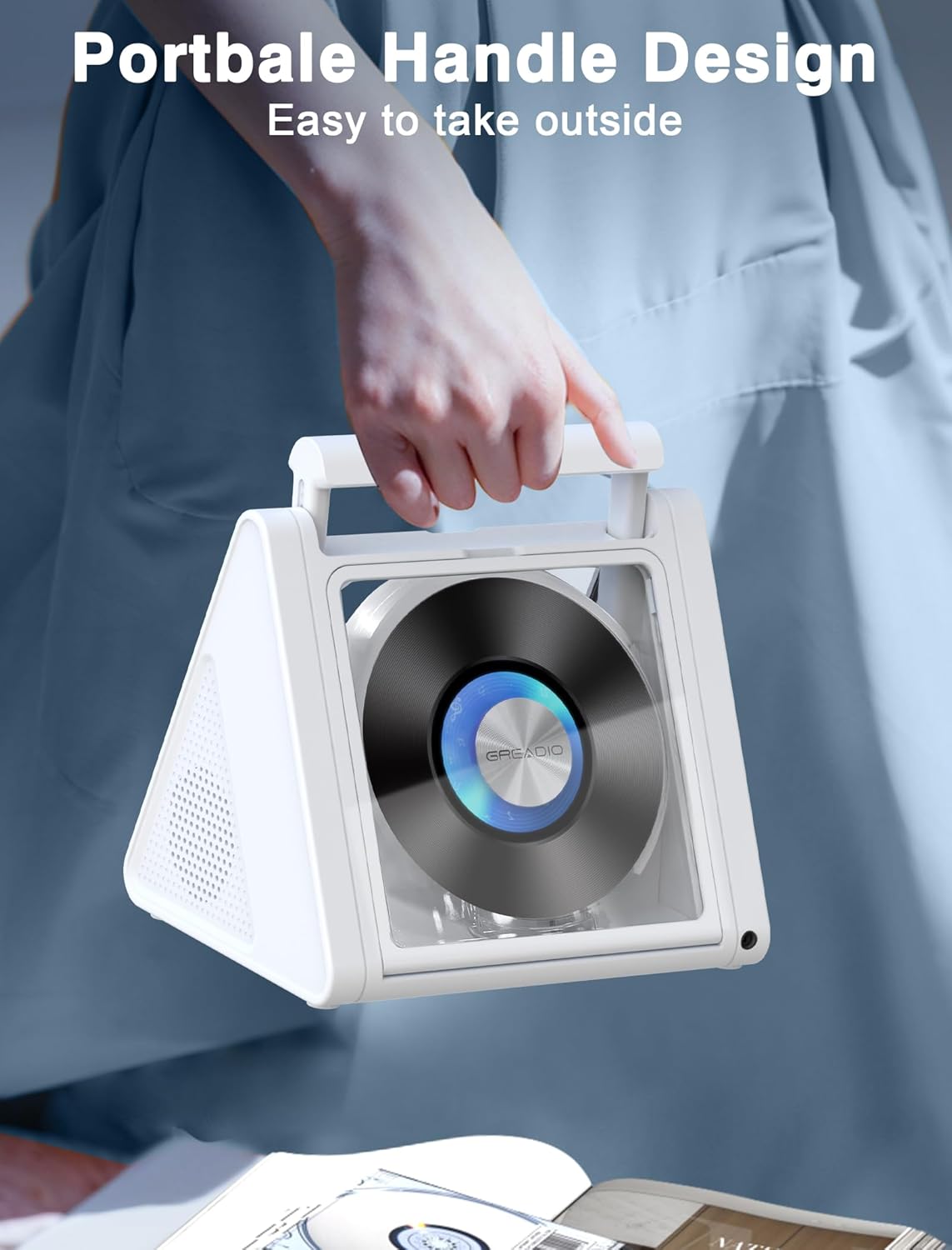
- Special Features: Anti-Skip Protection, RGB Lighting, Remote Control, Portable Handle
Warranty & Support
Greadio offers a 12-month warranty for this product, along with a 30-day money-back guarantee. For any inquiries or assistance, please contact our 24/7 customer service. We are committed to providing high-quality products and excellent customer experience.
For further support, please visit the official Greadio Store: Greadio Store on Amazon
Related documentsCD02


Ask a question about this manual
Ask about setup, troubleshooting, compatibility, parts, safety, or missing instructions. Manuals+ will review the question and use this page’s manual context to help answer it.