
FEZIBO B0DXVHCLY7
FEZIBO 48x24 Inch Electric Standing Desk with Double Drawer User Manual
Model: B0DXVHCLY7
Important Safety Instructions
Please read all instructions carefully before assembly and use. Failure to follow these instructions may result in injury or damage to the product.
- Always follow the assembly instructions carefully to avoid injury.
- Keep hands and objects away from the moving parts of the desk to prevent pinching or crushing.
- Do not use the desk if it is damaged or unstable.
- Always supervise children when using the desk.
- Ensure the desk is placed on a level surface to maintain stability during operation.
- Do not overload the desk. Refer to specifications for weight capacity.
Product Overview
The FEZIBO Electric Standing Desk is designed to provide a versatile and ergonomic workspace. It features electric height adjustment, integrated storage drawers, and a sturdy construction for daily use.

Figure 1: Front view of the FEZIBO Electric Standing Desk, showcasing its dual monitor setup and integrated storage.
Setup and Assembly
The FEZIBO Electric Standing Desk requires assembly. All necessary tools and detailed instructions are included in the package. An installation video is also available for visual guidance.
Assembly Steps:
- Unpack all components and verify against the parts list provided in the manual.
- Assemble the desk frame according to the detailed instructions. Ensure all screws are tightened securely.
- Attach the desktop and the top shelf with integrated drawers to the assembled frame.
- Connect the motor and control panel cables as indicated in the manual.
- Place the desk in its desired location, ensuring it is on a stable and level surface.
- Plug the power cord into a grounded electrical outlet.
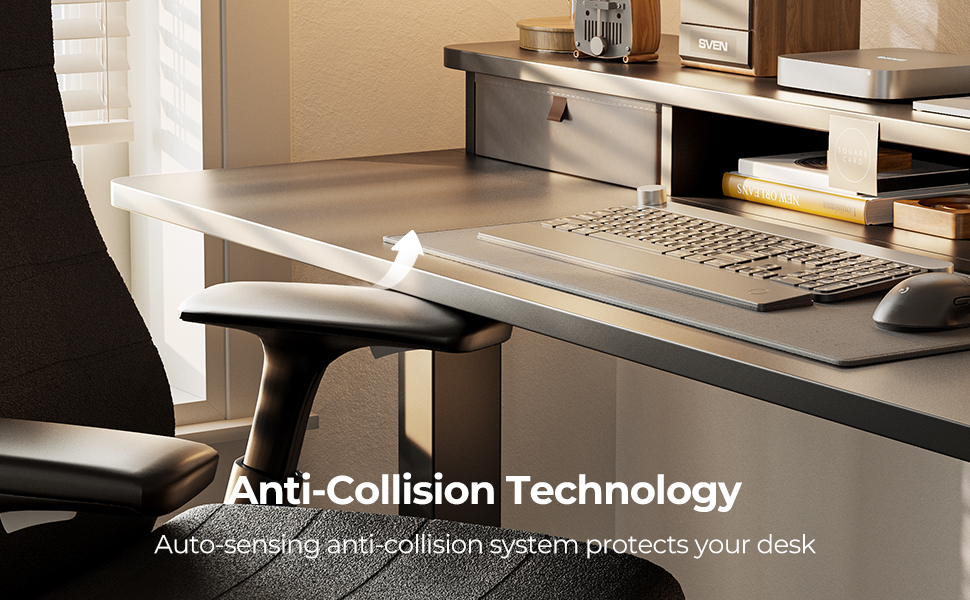
Figure 2: Key dimensions of the desk, including width (48"), depth (24"), maximum height (45.06"), and minimum height (27.36").
Operating Instructions
This section details how to operate your FEZIBO Electric Standing Desk, including height adjustments and memory settings.
Height Adjustment:
- The desk's height can be adjusted electrically between 27.36 inches and 46.06 inches.
- Use the UP and DOWN buttons on the control panel to raise or lower the desk to your desired ergonomic position.
- The motor operates with low noise, typically under 50 dB.
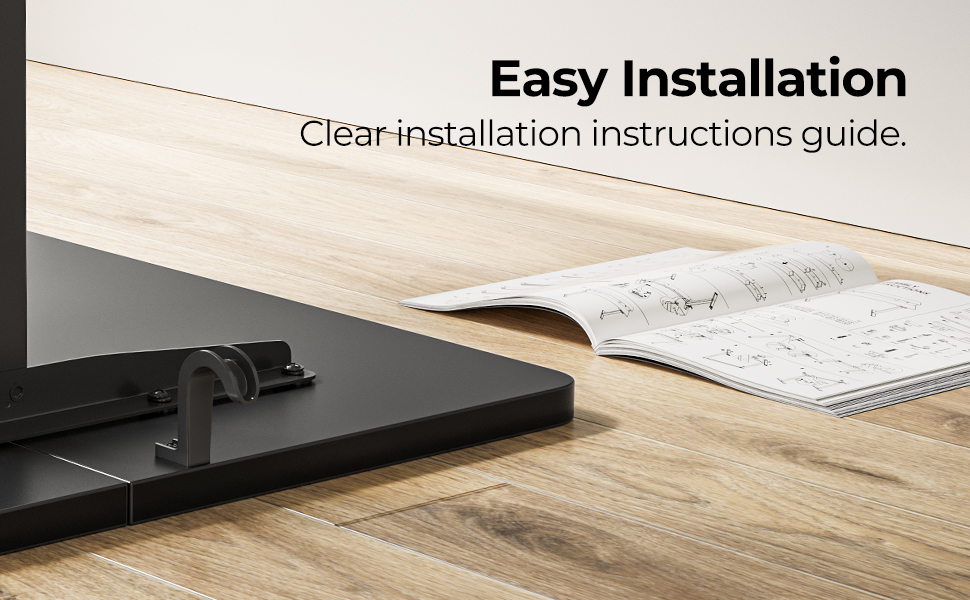
Figure 3: Visual representation of the desk's height adjustment range, from a minimum of 27.36 inches to a maximum of 45.06 inches.
Memory Height Settings:
- The control panel includes 2 programmable memory height buttons.
- To set a memory position: Adjust the desk to your desired height, then press the "M" button followed by one of the numbered memory buttons (e.g., "1" or "2"). The desk will beep to confirm the setting.
- To recall a memory position: Press the corresponding numbered memory button. The desk will automatically move to the saved height.
Anti-Collision Technology:
- The desk is equipped with an anti-collision system. If the desk encounters an obstacle during height adjustment, it will automatically stop and move approximately 2 cm in the opposite direction to prevent damage or injury.
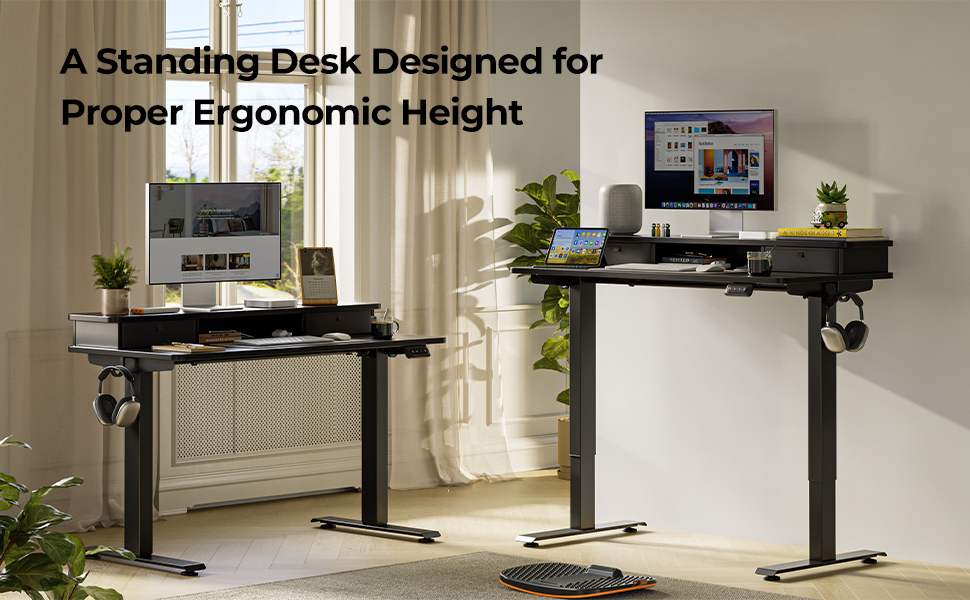
Figure 4: The dual-drawer organization feature, providing convenient storage for office supplies. Each drawer measures approximately 12 x 9 x 4.5 inches.
Maintenance
Proper maintenance ensures the longevity and optimal performance of your FEZIBO Electric Standing Desk.
- Cleaning: Wipe the desk surfaces with a soft, damp cloth. Avoid abrasive cleaners or harsh chemicals that may damage the finish.
- Inspection: Periodically check all screws and connections to ensure they remain tight. Retighten if necessary.
- Cable Management: Ensure all cables are neatly managed and not interfering with the desk's movement.
- Motor Care: Do not attempt to open or service the motor unit. Contact customer support for any motor-related issues.
Troubleshooting
If you encounter issues with your desk, refer to the following common solutions.
Common Issues and Solutions:
- Desk Not Moving:
- Ensure the power cord is securely plugged into both the desk and a working electrical outlet.
- Check all cable connections between the control panel, motor, and power supply.
- Perform a reset procedure.
- Reset Procedure:
- To reset the desk, press and hold the DOWN button on the control panel for 5 seconds. The desk should move to its lowest position and then slightly back up, indicating a successful reset.
- Uneven Movement or Noise:
- Ensure the desk is not overloaded and that weight is evenly distributed.
- Verify that the desk is on a level surface.
- Check for any obstructions under or around the desk legs.
If issues persist after troubleshooting, please contact FEZIBO customer support for assistance.
Specifications
| Feature | Detail |
|---|---|
| Brand | FEZIBO |
| Model | B0DXVHCLY7 |
| Desk Dimensions (W x D) | 48 inches x 24 inches |
| Height Adjustment Range | 27.36 inches - 46.06 inches |
| Color | Black |
| Style | Modern |
| Base Material | Alloy Steel |
| Top Material Type | Engineered Wood |
| Finish Type | Laminated |
| Drawer Type | Double Drawer (approx. 12" x 9" x 4.5" each) |
| Noise Level (Operation) | Under 50 dB |
| Special Features | Electric Height Adjustment, 2 Memory Presets, Anti-Collision Technology, 2 Hooks |
| Assembly Required | Yes (Tools included) |
Warranty and Support
The FEZIBO Electric Standing Desk comes with a limited warranty. For specific details regarding warranty coverage, duration, and terms, please refer to the documentation included with your product or visit the official FEZIBO website.
For technical support, assembly assistance, or any other inquiries, please contact FEZIBO customer service. Contact information can typically be found on the product packaging, the official FEZIBO website, or through your point of purchase.
Online resources, including installation videos and FAQs, may also be available on the FEZIBO brand store page: FEZIBO Store.
Related documentsB0DXVHCLY7


Ask a question about this manual
Ask about setup, troubleshooting, compatibility, parts, safety, or missing instructions. Manuals+ will review the question and use this page’s manual context to help answer it.