
1. Product Overview
The Esky Ultra Slim Key Finder is a wireless item locator designed to help you quickly find misplaced items such as keys, wallets, TV remotes, and more. It operates using RF technology, eliminating the need for apps or smartphones.
Package Contents
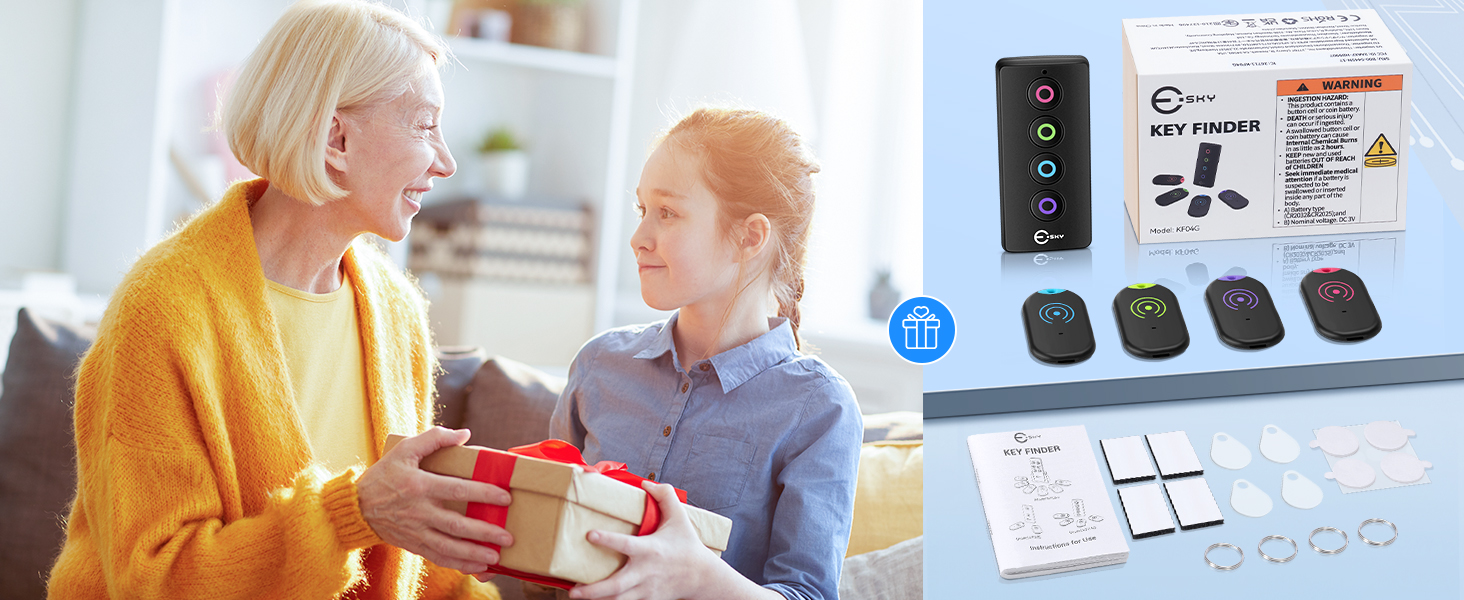
- 1 x Remote Transmitter
- 4 x Ultra-slim Receivers (color-coded)
- 4 x Keyrings
- 5 x CR2032 Coin Batteries (pre-installed in receivers, 1 spare)
- 4 x Hook-and-loop Stickers
- 4 x Adhesive Pads
2. Setup Instructions
2.1 Battery Installation
The receivers come with CR2032 coin batteries pre-installed. The remote transmitter requires 2 AAA batteries (not included). Ensure correct polarity when inserting batteries.
For Receivers:
- Use a small screwdriver (not included) to gently open the receiver casing.
- Replace the CR2032 coin battery, ensuring the positive (+) side faces up.
- Close the receiver cover securely.
For Remote Transmitter:
- Locate the battery compartment on the back of the remote transmitter.
- Open the compartment and insert 2 AAA batteries, observing the correct polarity.
- Close the battery compartment securely.
2.2 Attaching Receivers to Items
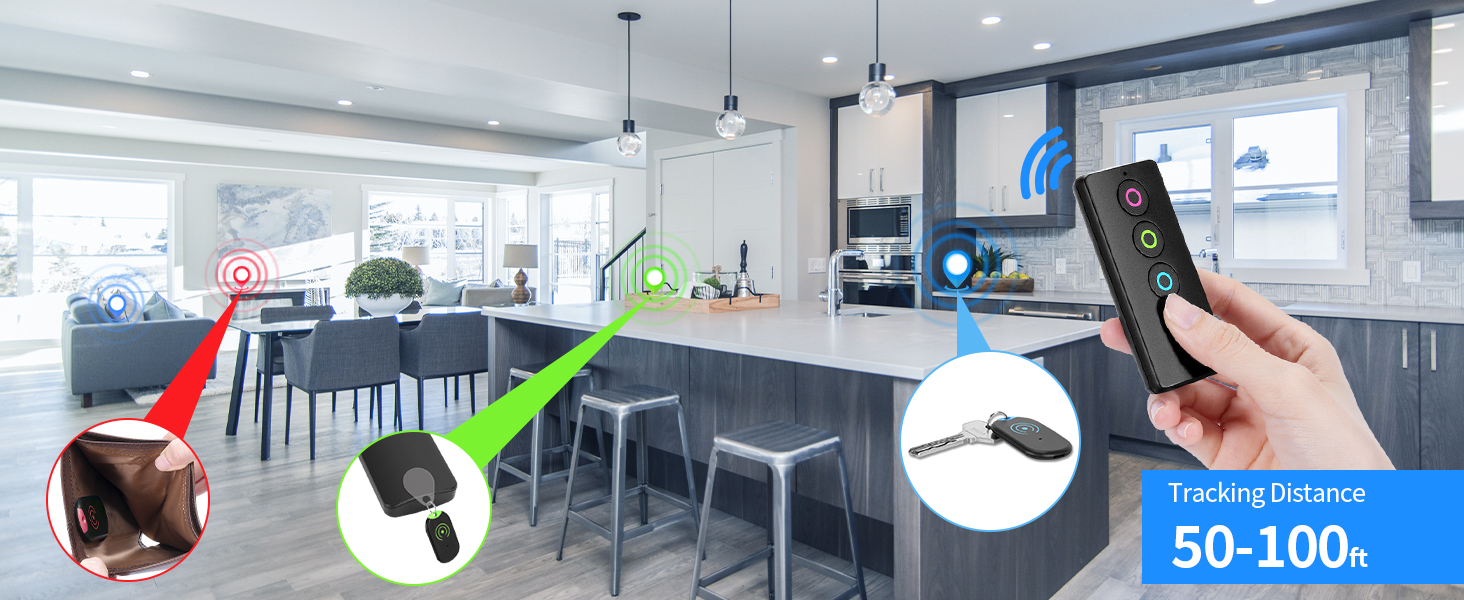
Each receiver is color-coded (red, green, blue, purple) to correspond with the buttons on the remote transmitter. Choose the appropriate attachment method for your item:
- Keyrings: Use the provided keyrings to attach receivers to keys, backpacks, or pet collars.
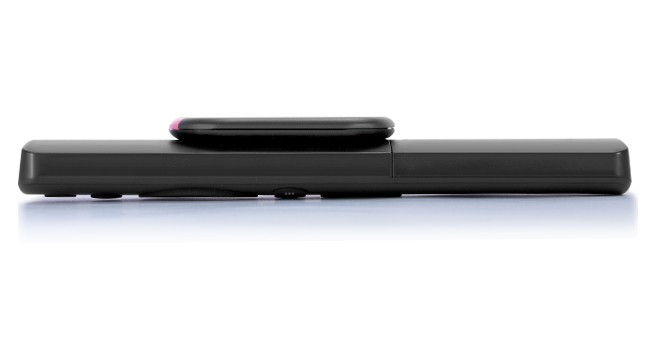
- Hook-and-loop Stickers: Ideal for attaching to TV remotes or other flat surfaces for easy removal and reattachment.
- Adhesive Pads: For a more permanent attachment to items like wallets or luggage.

3. Operating Instructions
3.1 Locating Items
- Keep the remote transmitter in a known, easily accessible location (e.g., on its stand, on a counter).
- When an item is misplaced, identify which color-coded receiver is attached to it.
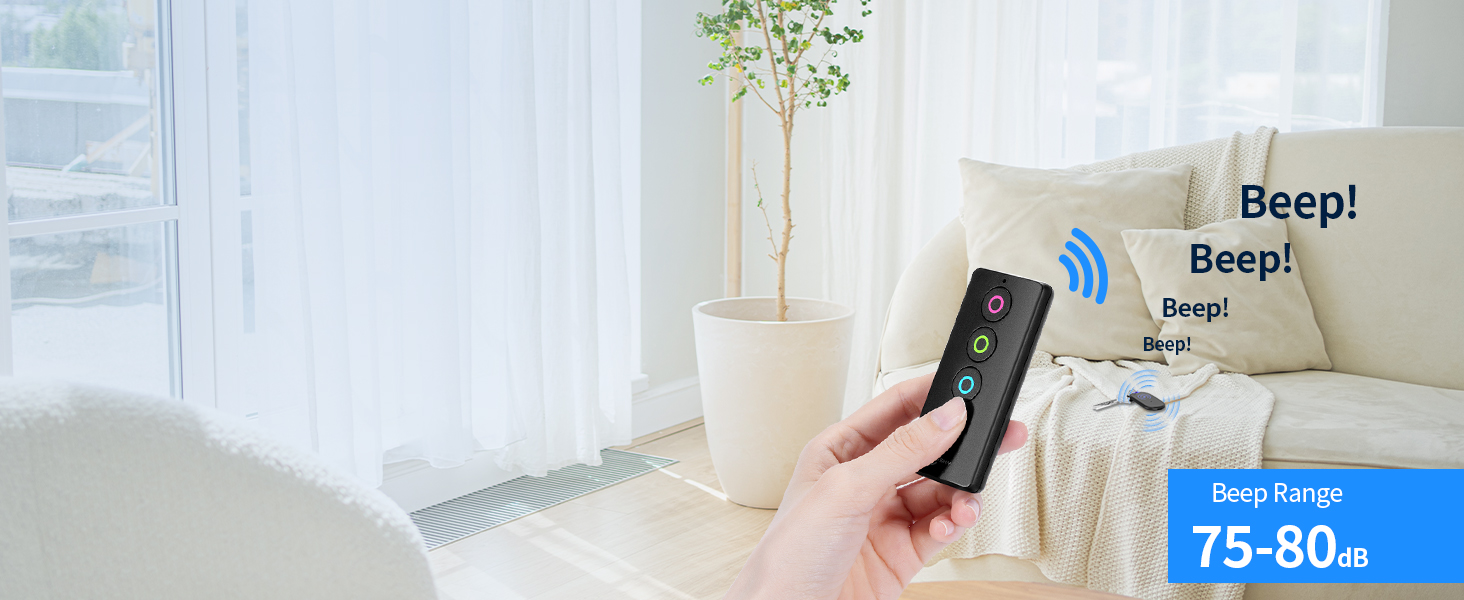
- Press the corresponding color button on the remote transmitter.
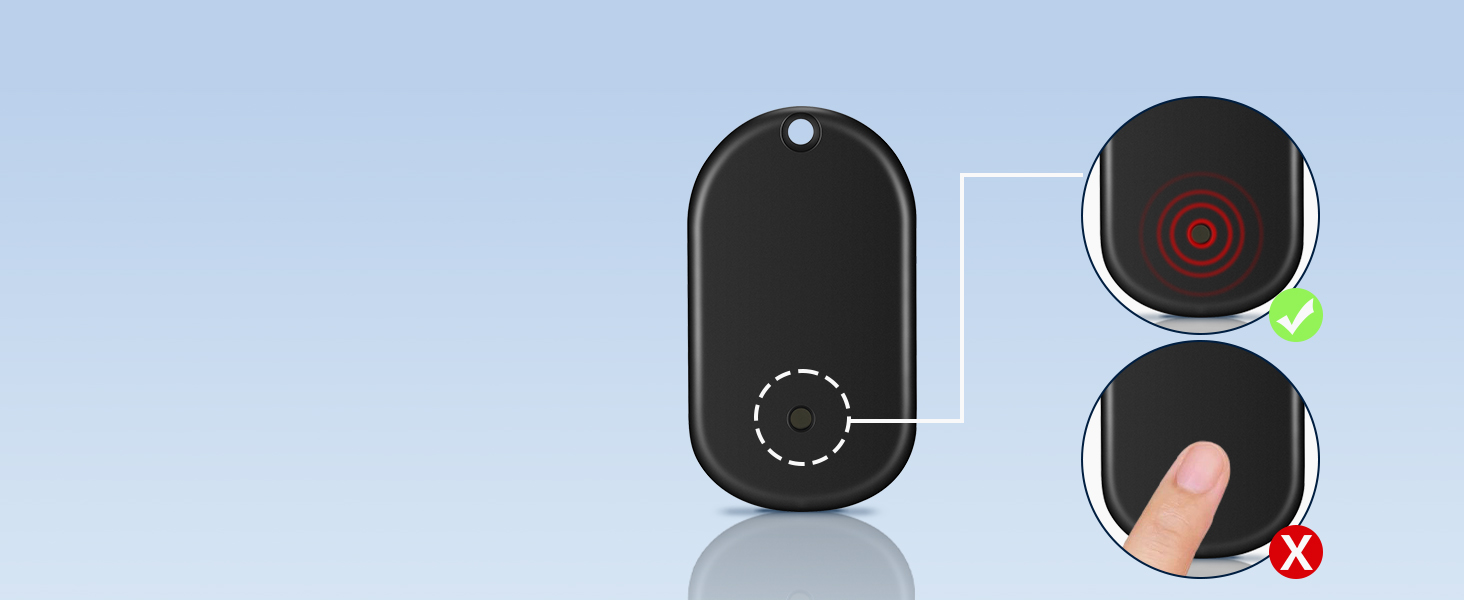
- The receiver will emit a loud 80dB beep and flash an LED light, guiding you to the lost item.
- Continue pressing the button until the item is located.
3.2 Range and Features
- 100ft Long-Range Tracking: Advanced RF technology allows tracking through walls, doors, and furniture up to 100 feet (30 meters).
- 80dB Loud Sound: The receiver's alarm is loud enough to be heard in noisy environments.
- LED Light: The built-in LED light on the receiver flashes when activated, aiding in locating items in dark or cluttered spaces.
- Flashlight on Remote: The remote transmitter also features a small LED flashlight on its side, useful for searching in dimly lit areas.
4. Maintenance
4.1 Battery Life and Replacement
Each receiver's CR2032 coin battery can last up to one year. Replace batteries as described in the Setup Instructions (Section 2.1) when the sound becomes faint or the LED light no longer flashes.
5. Troubleshooting
- No Sound/Light from Receiver: Check if the battery is correctly installed and has sufficient power. Replace if necessary.
- Reduced Volume/Range: Obstacles like thick walls or dense furniture may slightly reduce the volume or effective range. Try moving closer to the general area of the lost item.
- Remote Transmitter Not Working: Ensure the AAA batteries in the remote are fresh and correctly inserted.
6. Specifications
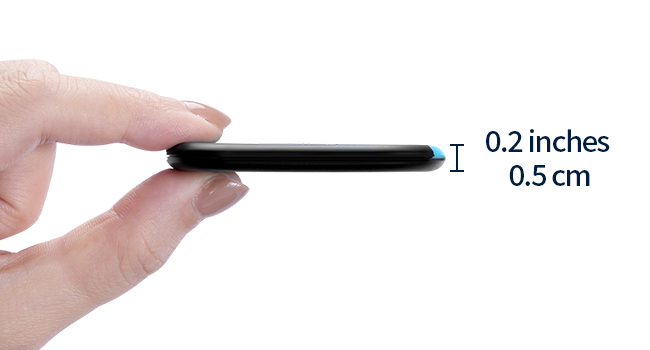
- Product Dimensions: 0.2 x 0.2 x 0.2 inches (Receiver)
- Item Weight: 4.2 ounces (Total package)
- Batteries: 5 C batteries required (included for receivers, AAA for remote not included)
- Material: Plastic
- Manufacturer: Esky
- Tracking Range: Up to 100ft (30m)
- Sound Level: Up to 80dB
7. Warranty and Support
For warranty information or product support, please refer to the documentation included with your purchase or visit the official Esky store. The Esky store can be found at amazon.com/stores/Esky.