
1. Introduction
The Arctic Air Ice Jet X3 is a personal space cooler designed to provide a refreshing and comfortable environment. Utilizing dual cooling jets with water and ice, it efficiently transforms warm, stagnant air into a crisp, cooling breeze. Its compact and portable design makes it ideal for use in bedrooms, offices, dorms, living rooms, and during travel.
This manual provides essential information on setting up, operating, maintaining, and troubleshooting your Arctic Air Ice Jet X3 to ensure optimal performance and longevity.
2. What's in the Box
- Arctic Air Ice Jet X3 Unit
- USB-C Power Cable
- Instruction Manual

Figure 2.1: Arctic Air Ice Jet X3 unit and its retail packaging.
3. Setup
- Unpack the Unit: Carefully remove the Arctic Air Ice Jet X3 from its packaging.
- Separate the Reservoir: Locate the latches on the sides of the unit. Unlock them to separate the top fan unit from the water reservoir base.
- Fill with Water and Ice: Fill the reservoir with clean water and ice cubes. The unit is designed to work with both for enhanced cooling. For optimal cooling, fill with ice up to the indicated level, then add water.
- Reassemble the Unit: Place the top fan unit back onto the reservoir base and secure the side latches until they click into place.
- Connect Power: Plug the USB-C power cable into the port on the back of the unit. Connect the other end to a compatible USB power adapter (7.5 watts or higher recommended) or a USB port on a computer.

Figure 3.1: Filling the reservoir with water and ice for cooling.
4. Operating Instructions
The Arctic Air Ice Jet X3 features intuitive button controls on the top panel for easy operation.

Figure 4.1: Overview of the control panel with fan, mist, and light buttons.
4.1 Power On/Off
Press the power button (usually the leftmost button with a snowflake/fan icon) to turn the unit on or off.
4.2 Fan Speed Control
The unit offers three fan speeds: Low, Medium, and High. Press the fan icon button (middle button) repeatedly to cycle through the speeds. The indicator lights will show the current speed setting.
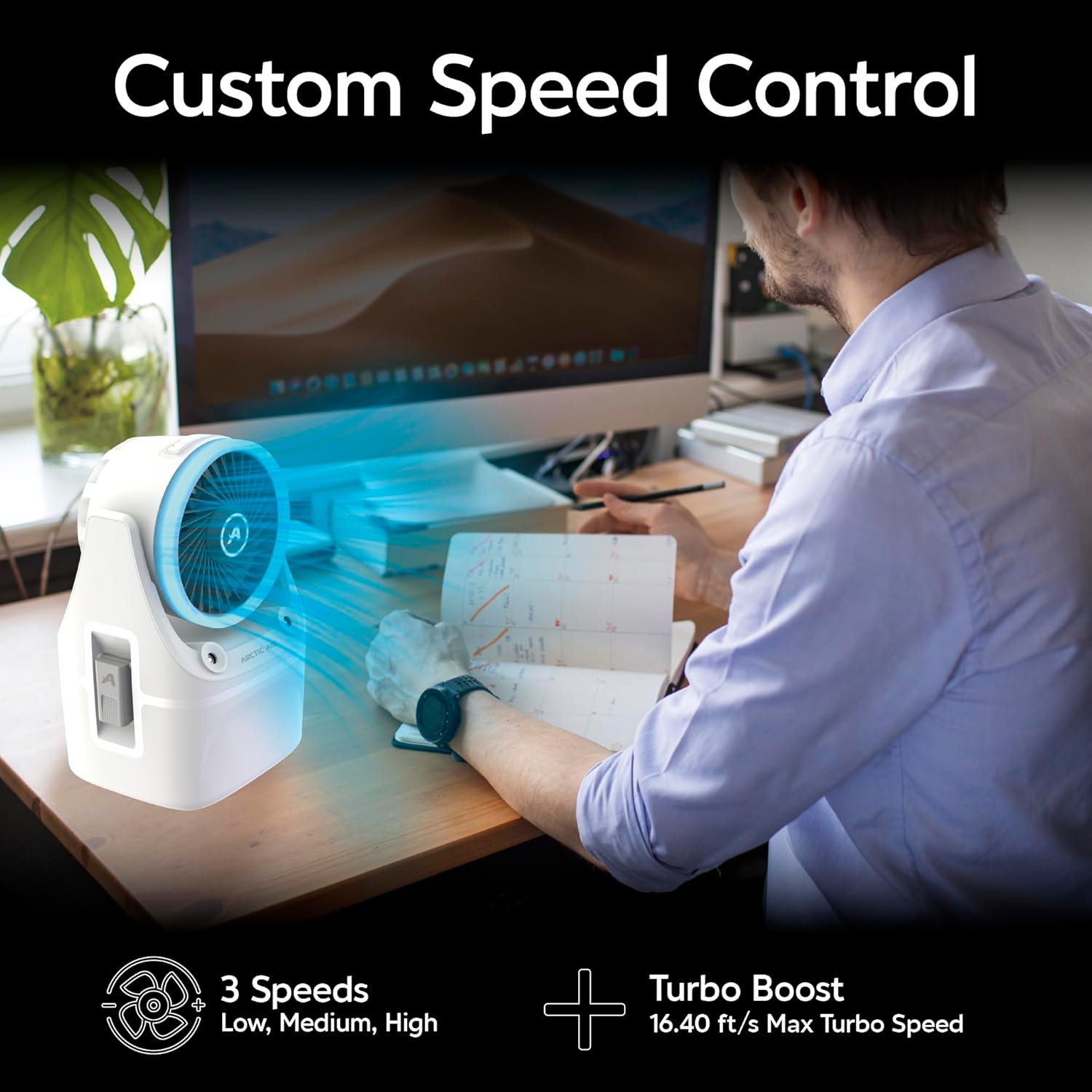
Figure 4.2: Demonstrating custom speed control for personalized airflow.
4.3 Mist Modes
Activate the dual mist modes for additional cooling. Press the snowflake icon button to toggle between High and Low mist settings. The mist helps to humidify and cool the air more effectively.
4.4 LED Mood Light
The Arctic Air Ice Jet X3 features a soft-glow LED light with seven color options. Press the light bulb icon button (rightmost button) to cycle through the available colors. This feature is ideal for creating a calming nighttime environment.
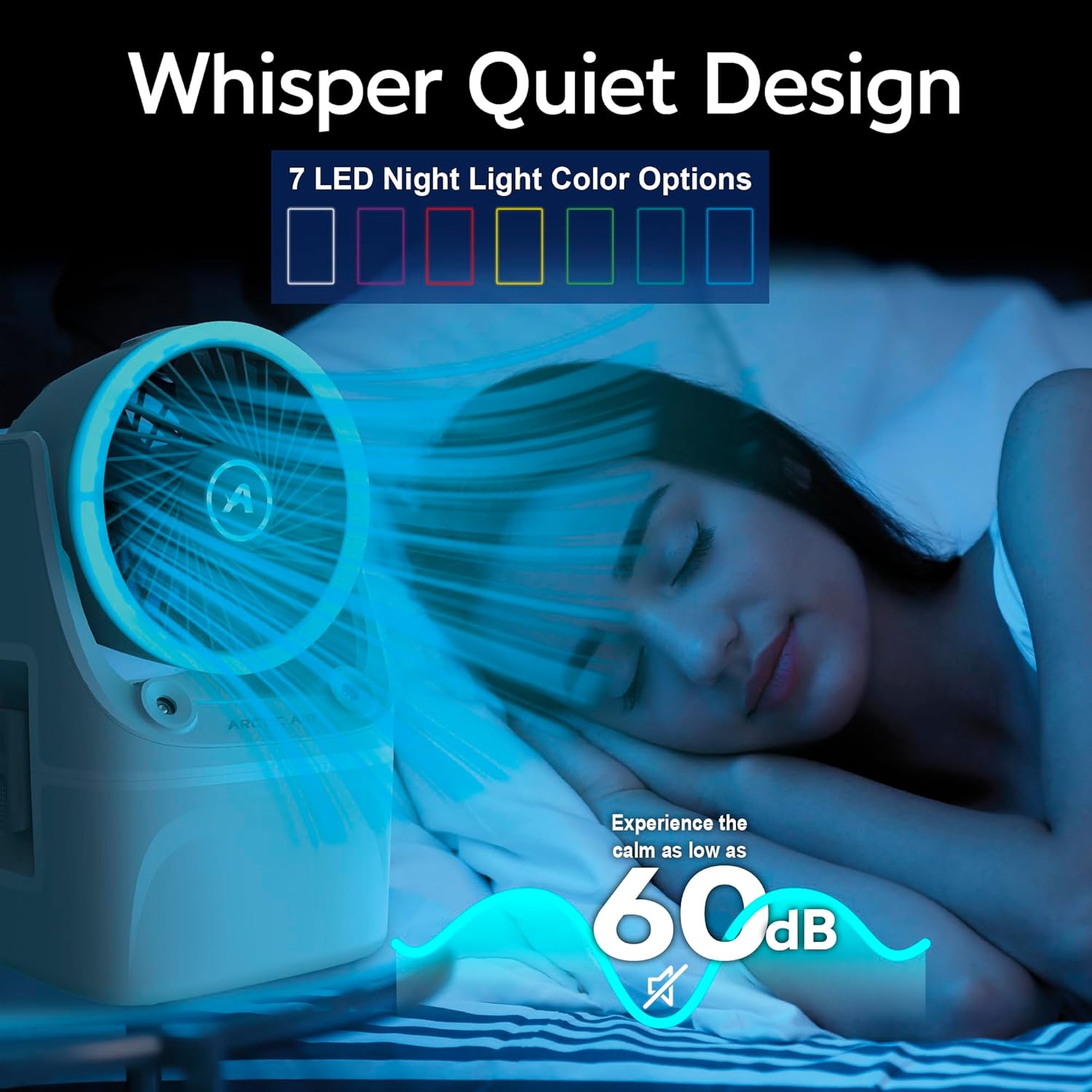
Figure 4.3: The unit's whisper-quiet operation and customizable LED mood light for a peaceful environment.
4.5 Adjustable Airflow
The fan head can be manually adjusted up and down to direct the airflow precisely where you need it, providing targeted cooling.

Figure 4.4: The pivoting head allows for adjustable airflow direction.
5. Maintenance
Regular maintenance ensures the longevity and efficient operation of your Arctic Air Ice Jet X3.
- Empty and Clean Reservoir: After each use, especially if storing for a period, empty any remaining water and ice from the reservoir. Clean the reservoir with a soft cloth and mild soap, then rinse thoroughly.
- Air Dry: Allow all components to air dry completely before reassembling or storing to prevent mold or mildew growth.
- Wipe Exterior: Wipe the exterior of the unit with a soft, damp cloth as needed. Do not use abrasive cleaners.
- Avoid Submerging: Never submerge the main fan unit in water or allow water to enter the electronic components.
6. Troubleshooting
- Unit Not Turning On:
- Ensure the USB-C power cable is securely connected to both the unit and a power source.
- Verify that the power adapter is 7.5 watts or higher, as lower wattage adapters may not provide sufficient power.
- Try a different USB port or power adapter.
- No Mist Production:
- Check if the water reservoir has sufficient water.
- Ensure the unit is properly assembled and the reservoir is securely latched.
- Clean the mist nozzles if they appear clogged.
- Reduced Airflow:
- Check for any obstructions in front of or behind the fan blades.
- Ensure the fan speed is set to your desired level (High, Medium, or Low).
- Unusual Noise:
- Ensure the unit is placed on a flat, stable surface.
- Check for any foreign objects inside the fan housing.
7. Specifications
| Feature | Description |
|---|---|
| Brand | Arctic Air |
| Model Name | Ice Jet X3 (AAIJN-MC4) |
| Mounting Type | Freestanding |
| Special Features | Adjustable Speed, Portable, LED Light Control |
| Color | White |
| Controls Type | Button |
| Recommended Uses | Small Space Air Cooler |
| Included Components | Ice Jet X3 Unit, USB-C Cable |
| Product Dimensions | 5.01"D x 5.8"W x 9.07"H |
| Item Weight | 1.43 pounds |
| Voltage | 12 Volts (DC) |
| Manufacturer | Ontel |
| UPC | 735541223242 |
| ASIN | B0DXQKBK9K |
| Country of Origin | China |
| Batteries Required | No |

Figure 7.1: The compact and lightweight design with key dimensions.
8. Important Safety Information
- Always use the product on a flat, stable surface.
- Do not block the air inlets or outlets.
- Keep out of reach of children and pets.
- Do not use near water or in excessively humid environments to prevent electrical shock.
- Unplug the unit before cleaning or when not in use for extended periods.
- Use only the provided USB-C cable and a compatible power adapter (7.5W or higher).