
1. Introduction
This manual provides essential information for the safe and efficient operation of your Candy Idea FCM955NRL-C multifunction oven. Please read these instructions carefully before installation and use, and keep them for future reference.
1.1 What's in the Box
Upon unpacking, ensure all components are present and undamaged:
- Appliance (Candy Idea FCM955NRL-C Oven)
- User Manual
- Warranty Card
- Grids (Oven Racks)
- Trays (Baking Trays)
2. Safety Information
Always adhere to the following safety guidelines to prevent personal injury or damage to the appliance:
- Ensure the oven is installed by a qualified technician according to local regulations.
- Do not allow children to operate or play with the oven.
- The oven becomes hot during use. Avoid touching heating elements or interior surfaces. Use oven mitts.
- Never use abrasive cleaners or sharp metal scrapers to clean the oven door glass, as they can scratch the surface and lead to shattering.
- Disconnect the appliance from the power supply before any maintenance or cleaning.
- Do not store flammable materials in or near the oven.
- Ensure proper ventilation during operation, especially during pyrolytic cleaning cycles.
3. Setup and Installation
3.1 Unpacking
Carefully remove all packaging materials. Inspect the oven for any signs of damage. Report any damage to your retailer immediately.
3.2 Electrical Connection
The oven requires a 220 Volt electrical supply. Ensure the electrical installation is compliant with local safety standards and is performed by a qualified electrician. The appliance must be properly earthed.
3.3 Positioning
This is a built-in oven designed for integration into kitchen cabinetry. Ensure adequate space for ventilation around the appliance as specified in the installation diagram (refer to separate installation guide if provided). The dimensions of the product are 56.8 cm (depth) x 59.5 cm (width) x 59.5 cm (height).
3.4 First Use
Before cooking food for the first time, heat the empty oven for approximately 30 minutes at maximum temperature to burn off any manufacturing residues. This may produce a slight odor; ensure the kitchen is well-ventilated.
4. Operating Instructions
4.1 Control Panel Overview
The oven features an intuitive control panel with rotary dials and a touch-sensitive LED programmer for precise control.

Image: The oven's control panel, showing the LED display and two rotary dials for function and temperature selection.
The left rotary dial typically selects the cooking function, while the right dial adjusts temperature or time. The central LED display shows the time, temperature, and timer settings, controlled by touch buttons.
4.2 Setting the Time
Upon first connection or after a power outage, the LED display will flash. Use the touch controls next to the LED display to set the current time. Confirm the setting as per the on-screen prompts.
4.3 Cooking Functions
The Candy Idea FCM955NRL-C oven offers 9 versatile cooking functions. Select the desired function using the left rotary dial. Some key functions include:
- Convection: For even cooking and baking on multiple levels.
- Grill: Ideal for browning and toasting.
- Grill & Fan: Combines grilling with fan assistance for faster, more even grilling.
- Air Frying Mode: Prepares crispy, golden meals with minimal oil.
- Defrost: Gently thaws frozen food.
- Master Bake: Optimized for baking various dishes.
- Additional functions for diverse cooking needs.

Image: The spacious 70L oven interior, demonstrating cooking on multiple levels with various dishes.
4.4 Using the Timer
The integrated LED programmer allows you to set a cooking duration or a delayed start/stop time. Use the touch controls to access the timer settings. The oven will automatically switch off once the set time has elapsed.
4.5 Temperature Adjustment
Adjust the cooking temperature using the right rotary dial. The LED display will show the selected temperature. The oven features precise temperature control for optimal cooking results.
5. Maintenance and Cleaning
Regular cleaning and maintenance ensure the longevity and performance of your oven.
5.1 Pyrolytic Cleaning
The pyrolytic cleaning system incinerates food residues at high temperatures (up to 500°C), turning them into ash that can be easily wiped away. This is a self-cleaning function for deep cleaning.
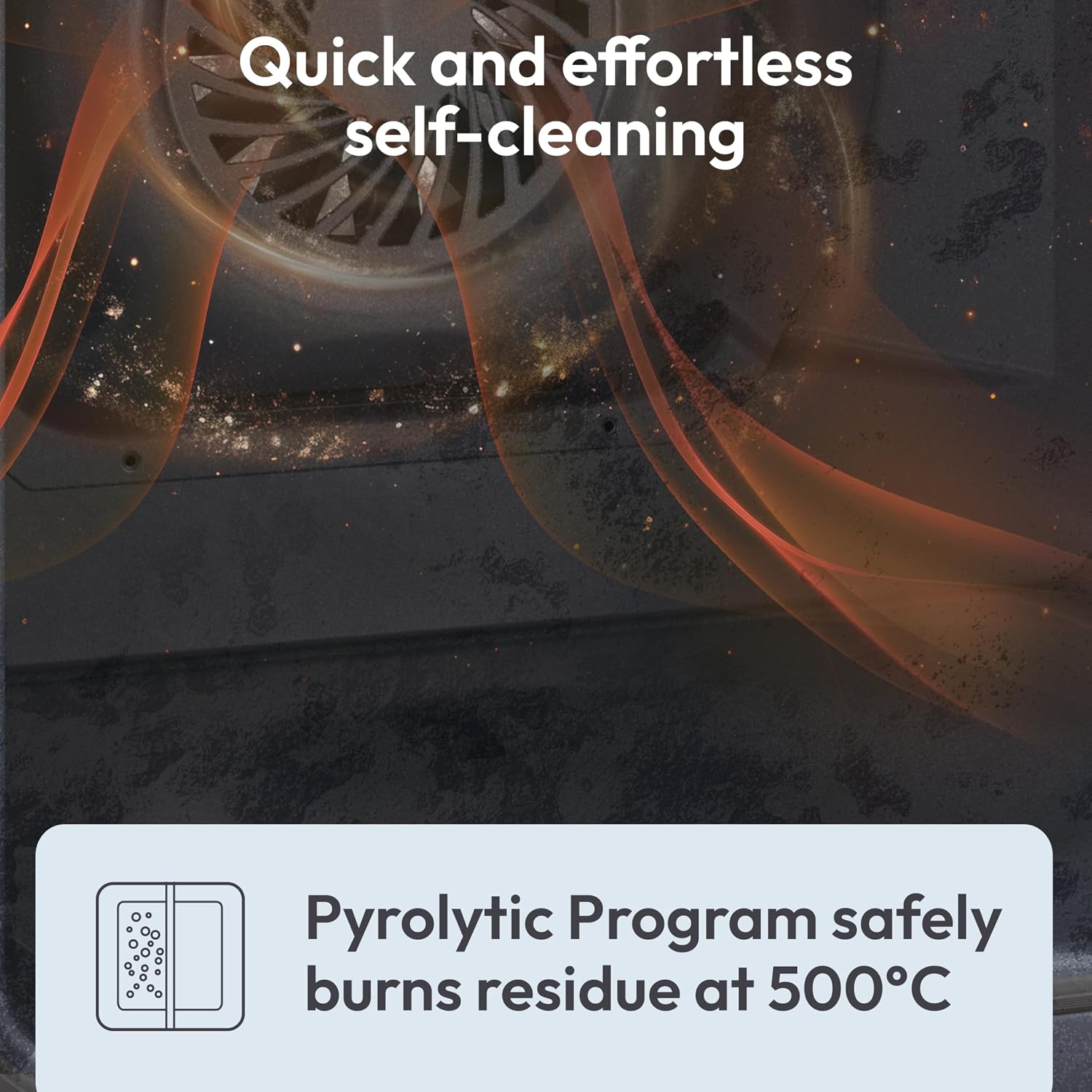
Image: Visual representation of the pyrolytic cleaning process, where high temperatures burn off food residue.
- Remove all accessories (grids, trays) before starting a pyrolytic cycle.
- Ensure the oven door is securely closed.
- Follow the instructions on the LED programmer to initiate the cycle.
- After the cycle, allow the oven to cool completely, then wipe away the ash with a damp cloth.
5.2 Steam Cleaning (Aquactiva System)
The Aquactiva system uses steam to soften food residues, making routine cleaning easier. This is a hydraulic cleaning method for lighter soil.

Image: A split view demonstrating the effectiveness of the Aquactiva system, softening residue for easy cleaning.
- Pour a small amount of water into the designated cavity at the bottom of the oven.
- Select the steam cleaning function.
- Once the cycle is complete and the oven has cooled, wipe the interior surfaces with a sponge or cloth.
5.3 General Cleaning
- Clean the exterior surfaces with a soft, damp cloth and mild detergent.
- Remove and wash grids and trays in warm soapy water.
- Do not use abrasive cleaners, steel wool, or harsh chemicals on any part of the oven.
5.4 Replacing the Oven Light
Ensure the oven is disconnected from the power supply before attempting to replace the oven light bulb. Refer to the specific instructions in the full installation manual for detailed steps on accessing and replacing the bulb.
6. Troubleshooting
Refer to the table below for common issues and their potential solutions.
| Problem | Possible Cause | Solution |
|---|---|---|
| Oven does not heat up. | No power supply; incorrect settings; door not closed properly. | Check power connection and circuit breaker. Verify function and temperature settings. Ensure door is fully closed. |
| Food not cooking evenly. | Incorrect temperature/function; overloaded oven; improper rack position. | Adjust temperature/function. Avoid overcrowding. Use recommended rack positions. |
| Smoke or strong odor during first use. | Manufacturing residues burning off. | This is normal. Ensure good ventilation. It will subside after initial use. |
| Pyrolytic cleaning not starting. | Oven door not fully closed; accessories still inside. | Ensure door is latched. Remove all grids and trays. |
If the problem persists after attempting these solutions, please contact customer support.
7. Specifications
| Feature | Specification |
|---|---|
| Model Number | FCM955NRL-C |
| Brand | CANDY |
| Type | Multifunction Electric Oven |
| Installation Type | Built-in |
| Capacity | 70 Liters |
| Dimensions (D x W x H) | 56.8 cm x 59.5 cm x 59.5 cm |
| Weight | 28.9 kg |
| Power (Wattage) | 2400 Watts |
| Voltage | 220 Volts |
| Energy Rating | A Plus |
| Cleaning System | Pyrolytic, Steam (Aquactiva) |
| Control Type | Rotary Dials, Touch Controls, LED Programmer |
| Material | Stainless Steel, Glass |
| Special Features | Defrost, Interior Lights, Air Frying Mode, LED Display, Timer Function |
8. Warranty and Support
8.1 Warranty Information
Your Candy Idea FCM955NRL-C oven is covered by a manufacturer's warranty. Please refer to the warranty card included in the packaging for specific terms, conditions, and duration of the warranty. Keep your proof of purchase for any warranty claims.
8.2 Customer Support
For technical assistance, spare parts, or service requests, please contact Candy customer support. Contact details can typically be found on the warranty card, the official Candy website, or through your retailer.


